
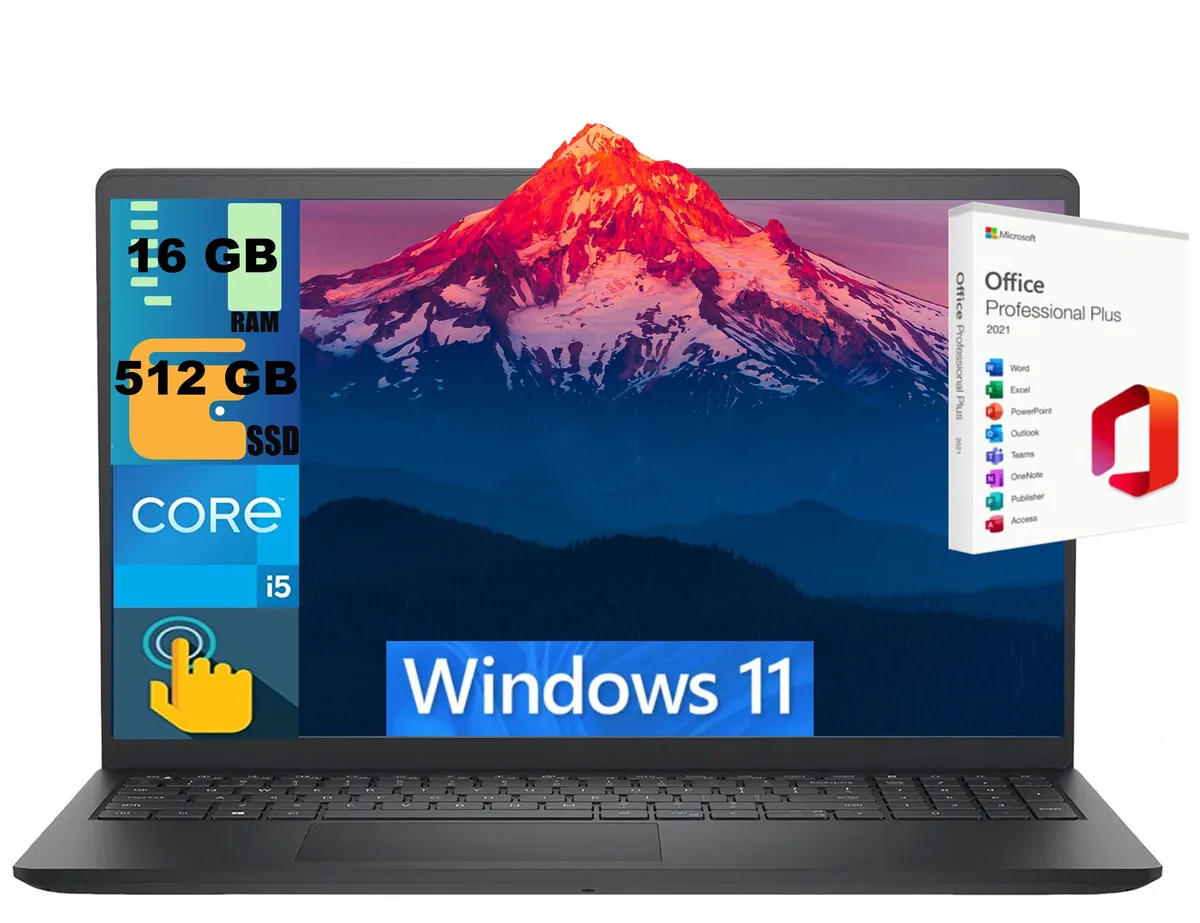
DELL
DELL Inspiron 15 laptop i5-1334U 16GB 512GB 15.6" Touch
- Black
- Windows 11 Home
$724
0.00934845BTC
In stockWe take cryptocurrency — so the coins you hold can buy real hardware.Pay in crypto, spend it on real hardware. Free insured shipping worldwide over $399. Plain, unbranded boxes, sent from Germany.Free insured shipping over $399. Your rate is locked for 30 minutes once checkout opens.Rate locked 30 minutes. Every item sealed, serial-checked and covered by a 24-month warranty.Sealed, 24-month warranty.
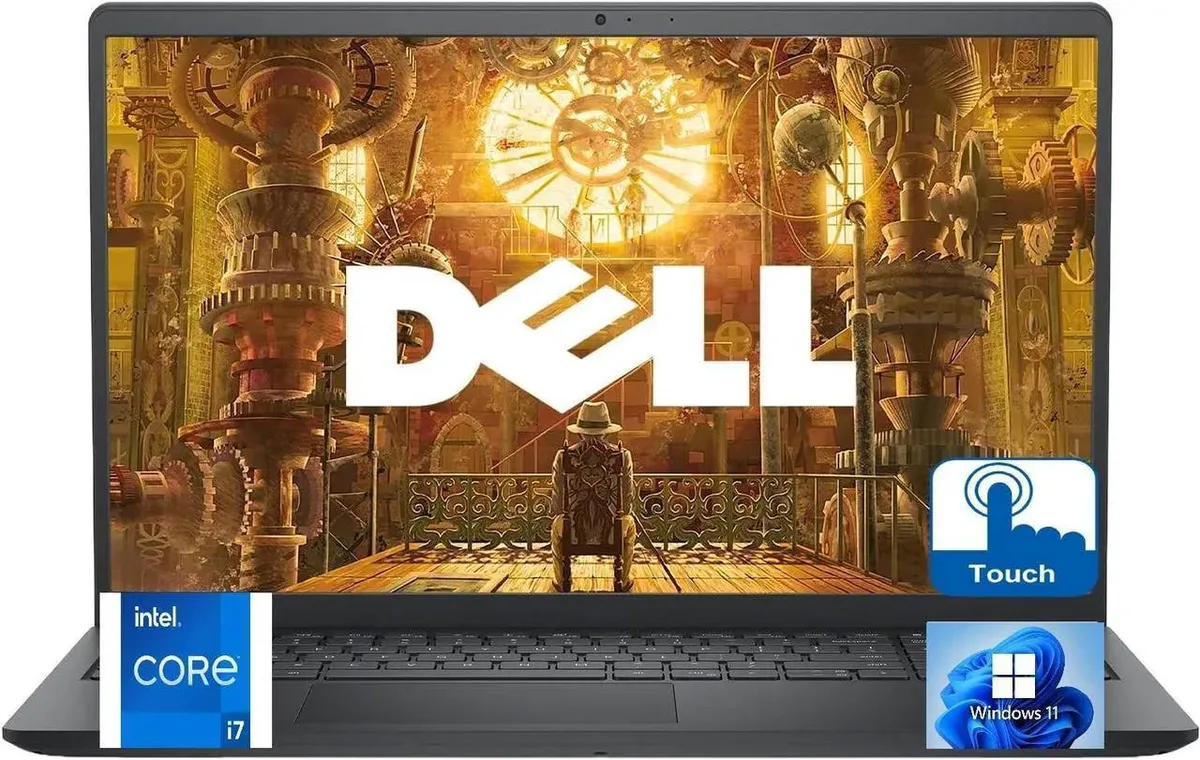


DELL
A 15.6 inch Full HD touchscreen laptop with a 10-core i7-1355U, 64GB DDR4 and 2TB NVMe SSD for demanding multitasking
This Dell 15250 laptop ships new with a 15.6" Full HD anti-glare touchscreen and Windows 11 Pro. An Intel Core i7-1355U processor with 10 cores and 12MB cache handles business applications and everyday multitasking. Integrated Intel UHD Graphics drive the 1920 x 1080 display without a discrete GPU.
The 64GB DDR4 memory and 2TB NVMe SSD suit users running many programs and browser tabs simultaneously. Wi-Fi 6 and Bluetooth 5.2 support modern wireless peripherals and online meetings. Buyers who require dedicated graphics performance or additional USB-A ports should consider other configurations.
This model provides one USB 3.2 Type-A, one USB 2.0 Type-A, one USB-C 3.2, an SD card reader and a combo audio jack. There is no video output listed, so external monitors will need a USB-C adapter or dock. Confirm that your accessories match these ports before ordering.
| Brand | DELL |
|---|---|
| Series | LDC |
| Model | 15250 |
| Color | Black |
| Operating System | Windows 11 Pro |
| CPU Type | Intel Core i7 13th Gen |
| Turbo Frequency | 5.00GHz |
| Number of Cores | 10-core Processor |
| CPU L3 Cache | 12MB |
| Screen Size | 15.6" |
| Touchscreen | Yes |
| Wide Screen Support | Yes |
| Display Type | 15.6" Touchscreen Anti-Glare LED Backlight WVA FHD (1920 x 1080) Display |
| Resolution | 1920 x 1080 |
| GPU/VPU | Intel UHD Graphics |
| Graphic Type | Integrated |
| SSD | 2TB |
| HDD | No |
| Storage Spec | 2TB SSD |
| Memory | 64GB |
| Memory Speed | DDR4 |
| Memory Spec | 64GB DDR4 |
| Optical Drive Type | No |
| LAN | No |
| WLAN | Wifi-6 |
| Bluetooth | 5.2 |
| USB | 1 x USB 3.2, 1 x USB 2.0, 1 x USB Type-C 3.2 |
| Video Port | HDMI |
| HDMI | 1 x HDMI |
| Audio Ports | 1 x Headphone/Microphone Combo Jack |
| Speaker | Integrated Stereo Speakers |
| Touchpad | Yes |
| Keyboard | Full Size Keyboard with Numeric Keypad |
| Backlit Keyboard | No |
| Webcam | Integrated Widescreen HD Webcam with Dual Digital Microphone Array |
| Card Reader | 1x SD Media Card Reader |
| Style | Thin and Light |
| Type | Work / Business |
| Usage | Business |
| Battery | 3-Cell Battery, 41WHr |
| Battery Life | Up to 6 Hours |
| Dimensions (W x D x H) | 14.11 x 9.27 x .70 |
| Weight | 4 |
| Package Content | Laptop, Power Adapter, Power Cord |
No, the laptop includes its own power supply; the 10-core processor reaches 5.00 GHz on the internal adapter without extra hardware.
Yes, the laptop provides one USB 2.0, one USB 3.2 and one USB Type-C 3.2 port, so legacy drives and newer hubs can be used simultaneously.
Open Task Manager’s Performance tab to see 64 GB DDR4 and check File Explorer for a 2 TB NVMe system drive.
Also in this aisle
Same shelf, same checkout — eight coins and a 30-minute rate lock.
What you pay in, and what you read prices in.
Sent from your wallet at checkout
Display only — the catalogue is priced in USD
No currency matches that.
Pick the language the site speaks to you in.
New here?
Already have one?
There is no automatic reset: this shop sends no mail, so there is no one-time link to ask for. Leave the address on the account and it gets picked up by hand.
Request noted
Nothing is on its way to your inbox — this shop sends no mail at all. Someone picks these up by hand.
Remembered it?


