


DELL
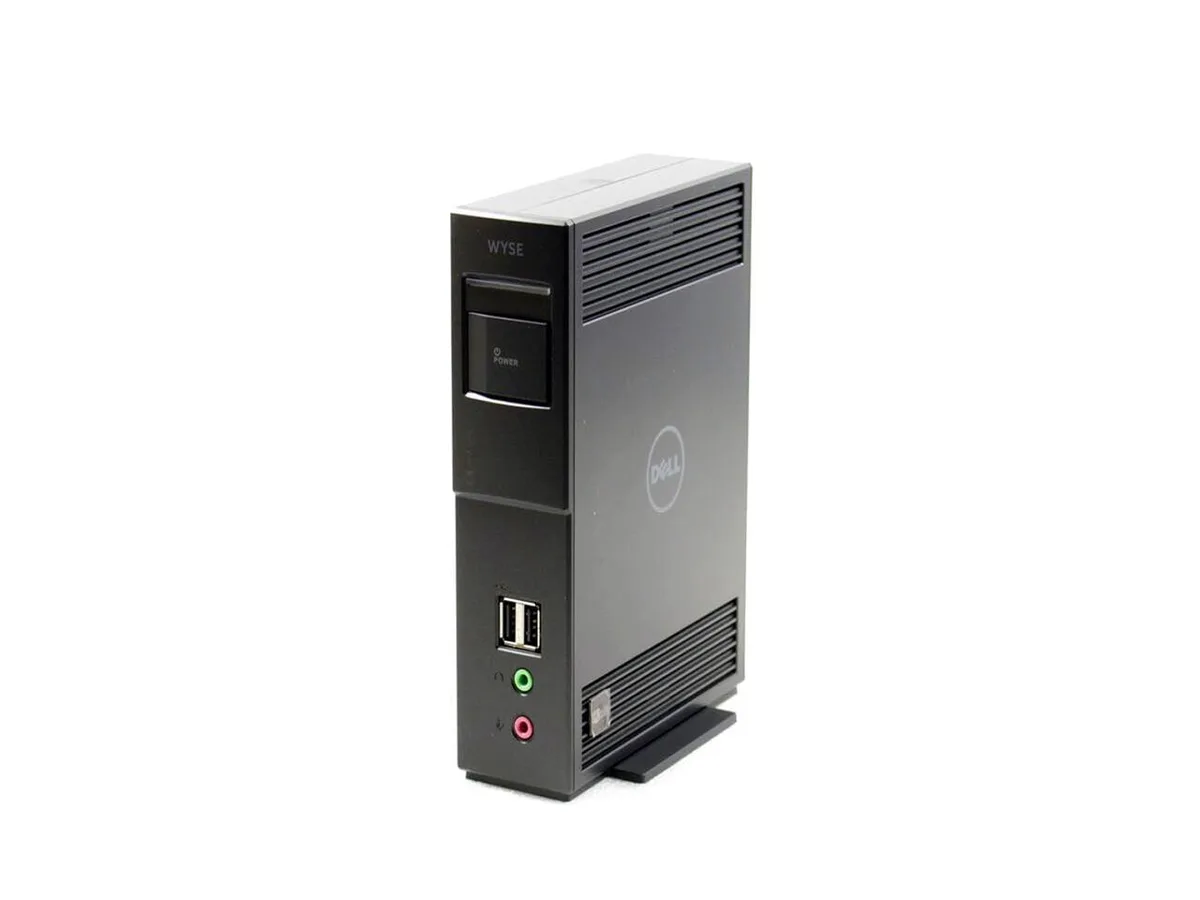
DELL 292E AI edge system Teradici TERA2140 PCoIP VMware Horizon Gigabit Ethernet RJ45 4 USB 4 DisplayPort 3
Zero client with Teradici TERA2140 processor, VMware Horizon, four USB, four DisplayPort and Gigabit Ethernet
- TypeZero Client
- Package ContentsDell Wyse 292E - 7030 Zero Client Power Adapter
- Teradici TERA2140 processor delivers hardware-accelerated PCoIP performance
- VMware Horizon OS provides purpose-built virtual desktop connectivity
- Gigabit Ethernet RJ45 ensures reliable wired network access
- Four USB ports support keyboard, mouse and peripherals
- Four DisplayPort outputs drive multi-monitor workstations
Zero-client architecture
The Dell 292E is a zero client built around the Teradici TERA2140 PCoIP processor and runs VMware Horizon. It contains no local storage or installed memory, so all compute and data remain in the data centre. Four DisplayPort outputs and four USB ports support multi-monitor desk set-ups and peripheral connectivity.
Suited for managed VDI desks.
IT teams that deliver virtual desktops over PCoIP will find the device simple to deploy and manage. Users who need to run applications locally, store files on the endpoint or use an operating system other than the supplied VMware Horizon image should look at a different class of hardware.
Teradici TERA2140 PCoIP processor
The single specification that defines the unit is the Teradici TERA2140 PCoIP processor, which handles the entire PCoIP protocol in hardware. This determines protocol compatibility, display performance and the zero-client form factor.
Highlights
- Teradici TERA2140 processor delivers hardware-accelerated PCoIP performance
- VMware Horizon OS provides purpose-built virtual desktop connectivity
- Gigabit Ethernet RJ45 ensures reliable wired network access
- Four USB ports support keyboard, mouse and peripherals
- Four DisplayPort outputs drive multi-monitor workstations
Specifications
| Brand | DELL |
|---|---|
| Model | 292E - 7030 |
| Type | Zero Client |
| Package Contents | Dell Wyse 292E - 7030 Zero Client Power Adapter |
Questions about this item
How do I install the Dell Wyse 292E zero client and which step is often missed?
Connect the power adapter, plug the RJ45 cable into the Gigabit Ethernet port, attach up to four displays via the DisplayPort outputs, then link USB peripherals; the step most people skip is confirming the VMware Horizon connection broker address in the Teradici TERA2140 firmware before first boot.
What maintenance or replacement will the 292E need over time?
The unit has no internal hard drive or user-replaceable memory; only the external power adapter and any connected USB peripherals may require replacement if they fail.
What limit appears first when the 292E runs a sustained PCoIP session?
The Teradici TERA2140 processor and the single Gigabit Ethernet link set the ceiling for continuous session bandwidth and decode performance.
Also in this aisle
People compared these
Same shelf, same checkout — eight coins and a 30-minute rate lock.


HP
HP Elite t655 Thin Client R2314 2.10GHz 16GB 32GB AI edge system
- AMD Ryzen
- 8GB
$249.99
0.00321733BTC
In stock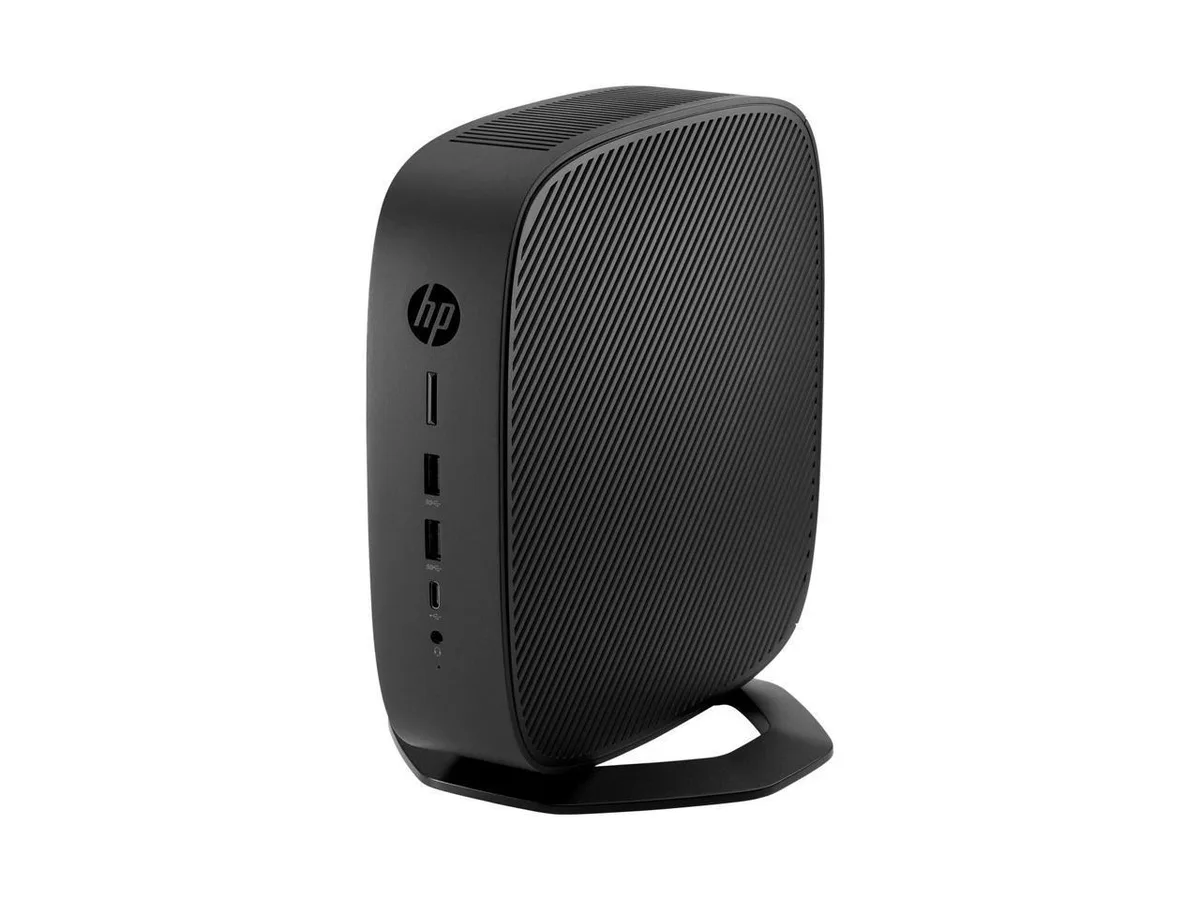
HP
HP t740 Thin Client AMD Ryzen V1756B 3.25GHz 8GB 32GB AI edge system
- AMD Ryzen
- 8GB
$219.99
0.00283124BTC
In stock
Wyse Technology
Wyse Technology 902166-01L AI edge system VIA C7 1.0GHz 1GB DDR2
- Thin Client
- VIA C7 1.0GHz
$459.99
0.00592BTC
In stock