


DELL
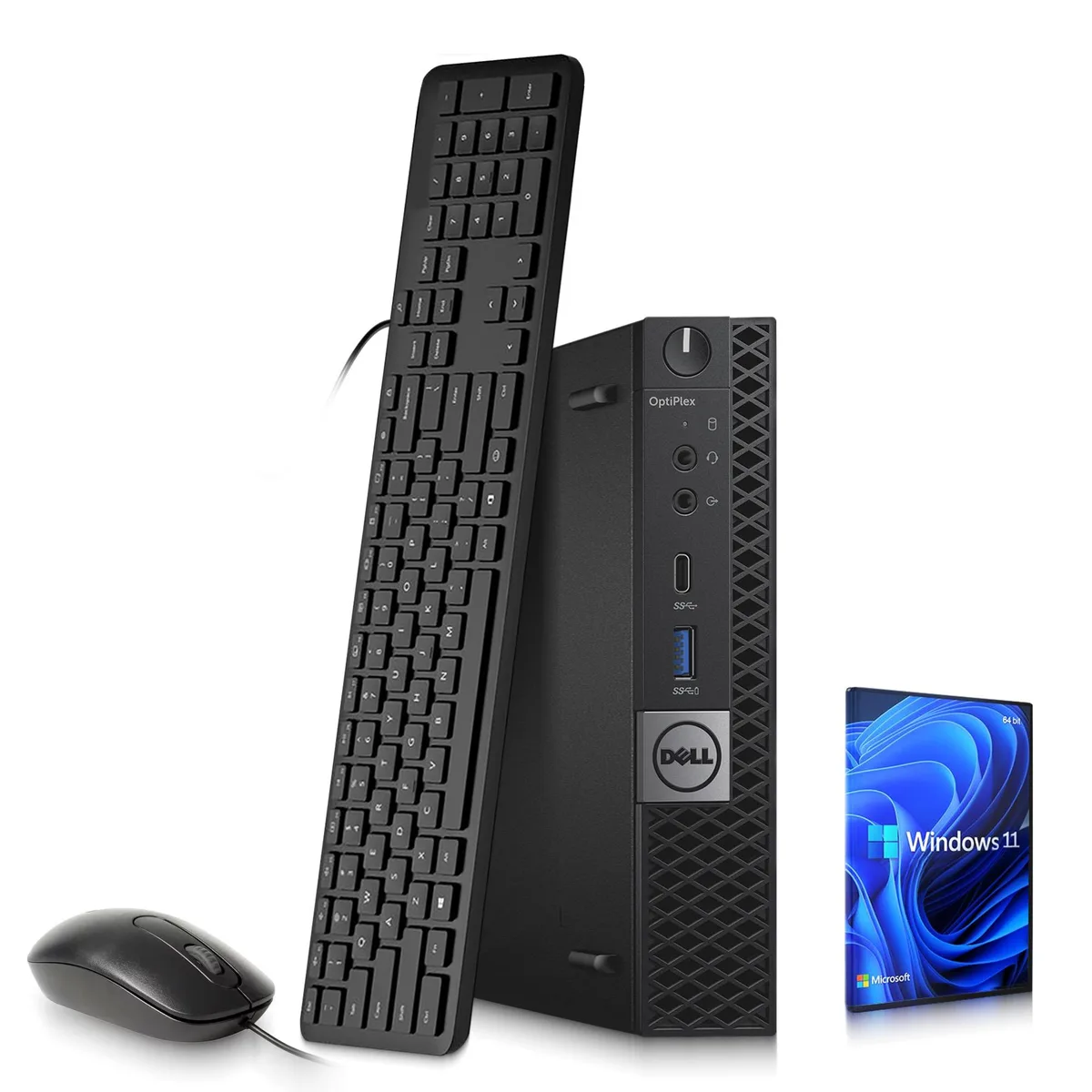
DELL 7050 Tiny Desktop PC i5-7500T 8GB DDR4 1TB HDD
Ultra-compact desktop PC with Intel Core i5-7500T processor, 8GB DDR4 memory, 1TB hard drive and Intel UHD Graphics 630
- Compact Tiny form fits tight workspaces
- Intel Core i5-7500T runs 2.70–3.30 GHz for responsive multitasking
- 8 GB DDR4 memory keeps everyday apps running smoothly
- 1 TB hard drive stores large document libraries
- Intel UHD Graphics 630 drives dual-display productivity
Ultra-Compact Form Factor
The Dell 7050 Tiny fits into the smallest desk spaces while delivering a full Windows 11 Pro desktop experience. It targets office workers, students and home users who need reliable everyday computing without a tower footprint. The system arrives with a keyboard and mouse so it is ready to work immediately.
Mechanical Drive to Solid-State Upgrade
The 1 TB hard drive provides generous capacity for documents and media but limits boot and application launch speed. Replacing it with an SSD is the single change that makes daily use feel responsive. The jump is worth it whenever workflow involves frequent file opens or multi-app switching.
8 GB DDR4 Memory Headroom
Eight gigabytes of DDR4 handles web browsing, office suites and video conferencing comfortably. Heavy multitasking with large spreadsheets or many browser tabs will exhaust the available RAM and trigger paging to the hard drive. Memory expansion is constrained by the tiny chassis design.
Highlights
- Compact Tiny form fits tight workspaces
- Intel Core i5-7500T runs 2.70–3.30 GHz for responsive multitasking
- 8 GB DDR4 memory keeps everyday apps running smoothly
- 1 TB hard drive stores large document libraries
- Intel UHD Graphics 630 drives dual-display productivity
Specifications
No published specifications for this item yet.
Questions about this item
What drive bay does the 7050 Tiny chassis accept for the 1TB HDD?
The 7050 Tiny includes a 1TB hard drive installed in its internal drive bay; the chassis is designed around this compact form factor so the bay size matches the supplied drive.
Which screw or latch secures the 7050 Tiny bottom cover when adding the 8GB DDR4 module?
The 7050 Tiny uses a single captive screw on the bottom panel; remove it, lift the cover, slot the DDR4 module into the SO-DIMM socket until it clicks, then replace the cover and tighten the same screw.
When will the Intel UHD Graphics 630 driver need updating for Windows 11 Pro?
Update the Intel UHD Graphics 630 driver whenever Windows Update offers a newer version or if you experience display issues; the driver is maintained through standard Windows 11 Pro update channels.
Also in this aisle
People compared these
Same shelf, same checkout — eight coins and a 30-minute rate lock.



HPE
HPE P22020B21 2U Cable Management Arm for DL38X Gen10 Plus Rail Kit
$52.99$67.99−22%
0.00067491BTC
In stock
Lenovo
Lenovo ThinkSystem ST250 V3 7DCEA01YNA Tower Server Xeon E-2434 16 GB RAM
$1,267.99
0.01614986BTC
In stock