Lenovo
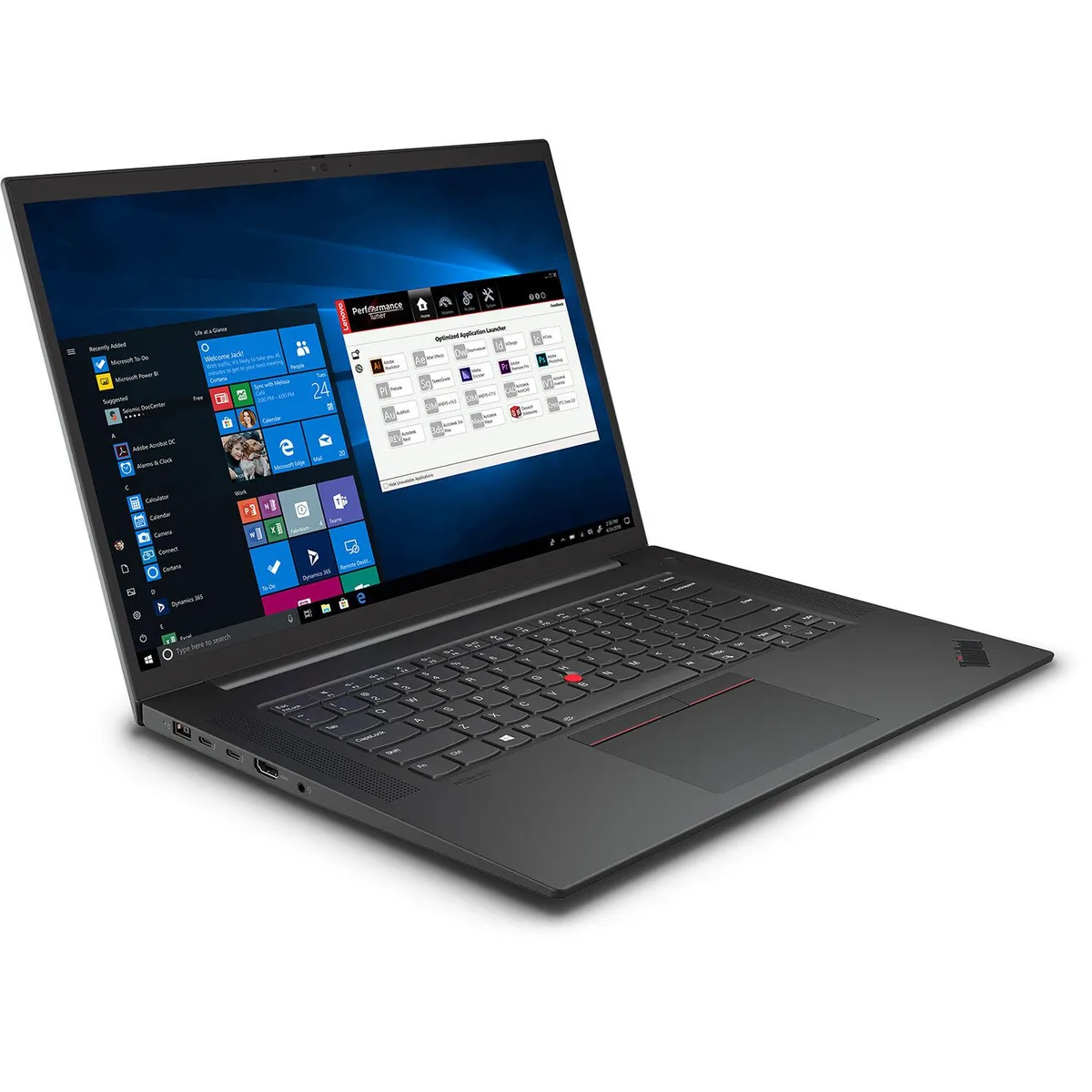
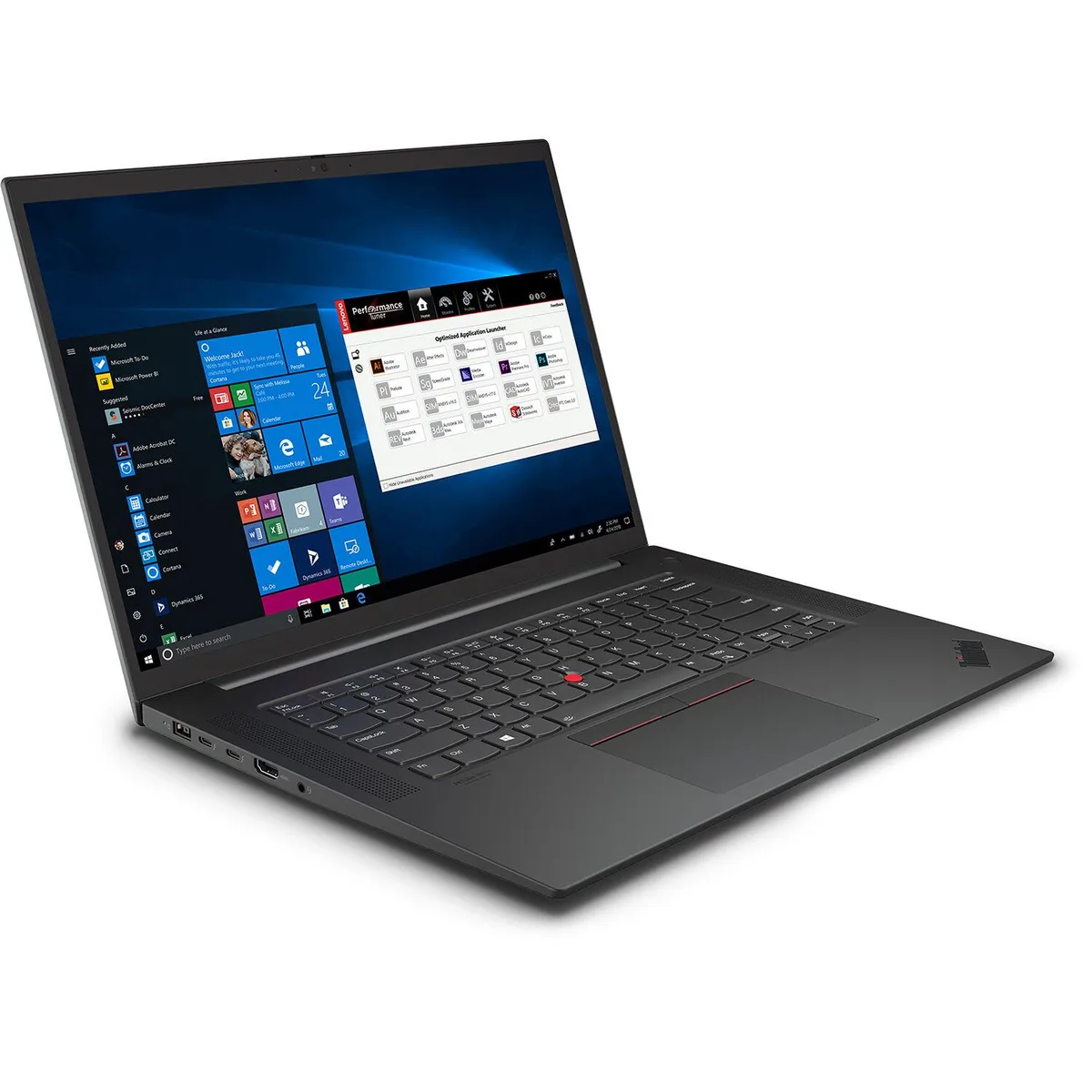
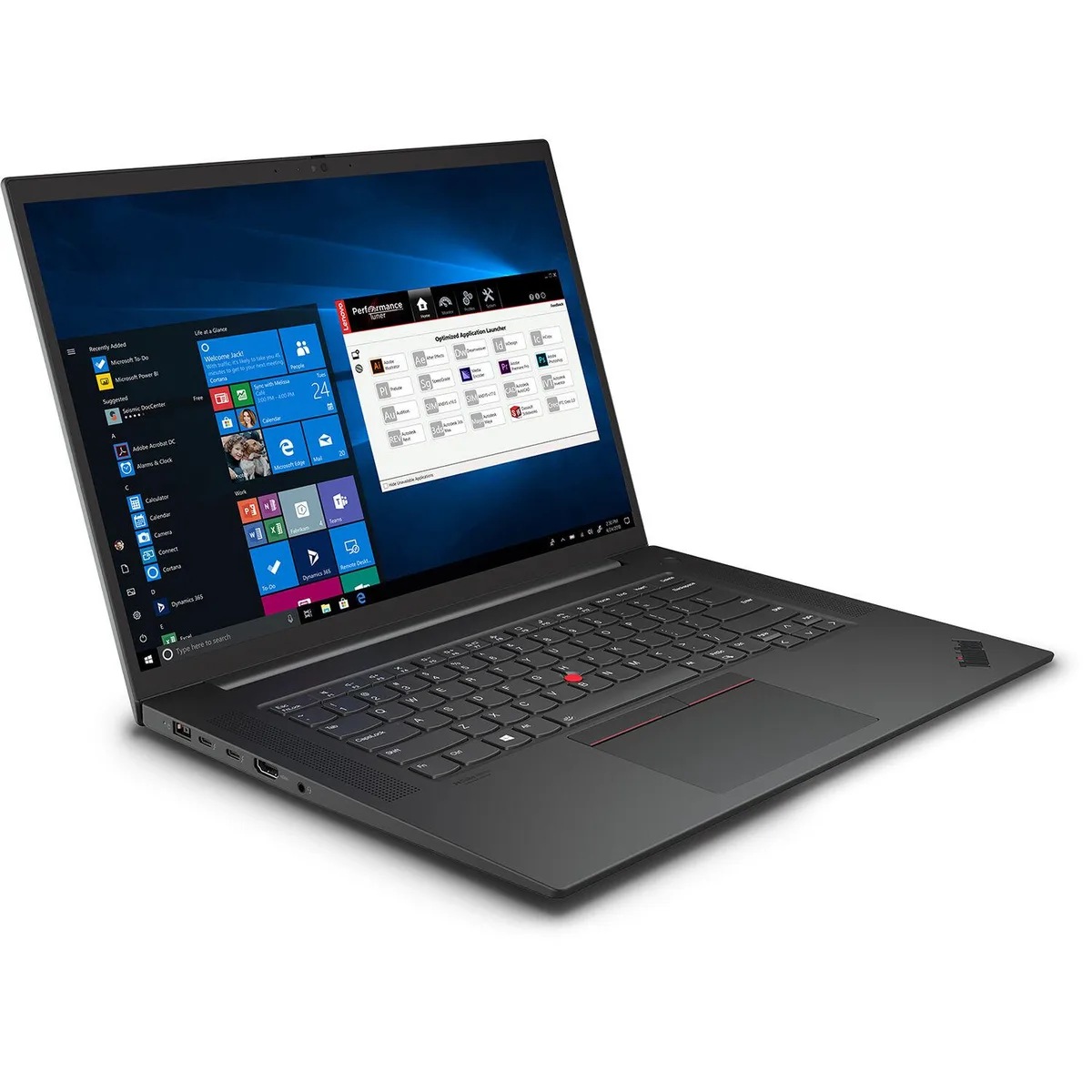
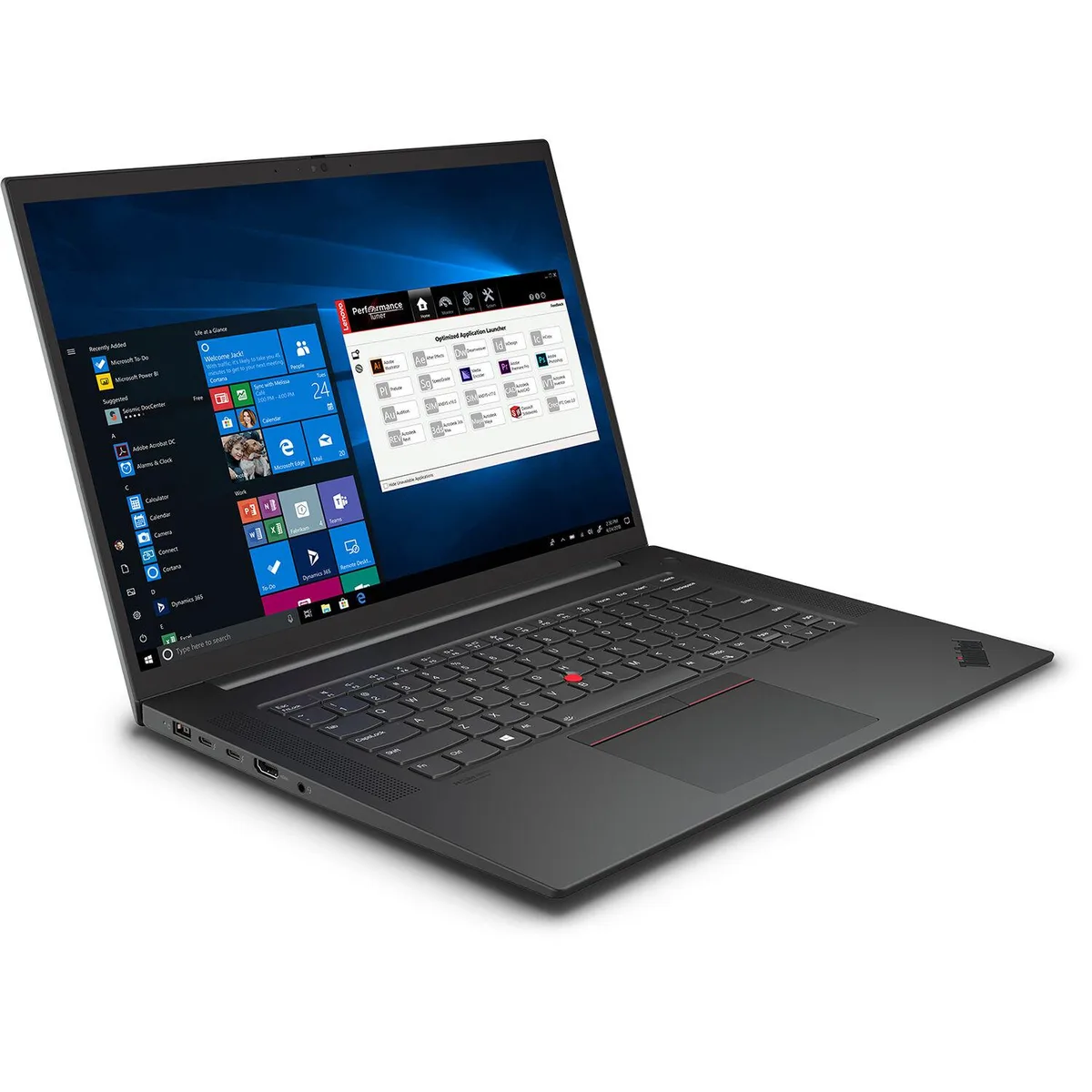
Lenovo ThinkPad P1 Gen 4 business laptop i7-11850H 32GB 1TB RTX 3070 16" WQUXGA IPS
- Black Textured
- Security Chip: Disc…
$2,061.99
0.02620596BTC
In stockWe take cryptocurrency — so the coins you hold can buy real hardware.Pay in crypto, spend it on real hardware. Free insured shipping worldwide over $399. Plain, unbranded boxes, sent from Germany.Free insured shipping over $399. Your rate is locked for 30 minutes once checkout opens.Rate locked 30 minutes. Every item sealed, serial-checked and covered by a 24-month warranty.Sealed, 24-month warranty.

DELL
A 14-inch touchscreen notebook with Core Ultra 7 165U, 16 GB memory and a 256 GB SSD
The Dell Latitude 7450 is a 14-inch touchscreen notebook built for professionals who need a portable device with vPro manageability. It ships new with an Intel Core Ultra 7 165U processor, 16 GB of memory and a 256 GB SSD in a Titan Gray chassis.
The 16 GB memory handles typical office workloads, web browsing and light multitasking without bottlenecking the Core Ultra 7 165U. The 256 GB solid-state drive provides fast boot and application launch times but will fill quickly with large media libraries or local virtual machines, so users with heavier storage needs should plan for external or cloud expansion.
| Screen Size | 14 |
|---|---|
| Type | Everyday Value |
| Shipping weight | 1.50 kg |
| Package size | 406 × 338 × 66 mm |
The system uses standard USB-C video and data protocols, so most docks and external displays that support DisplayPort Alt Mode will function normally with the 7450.
Open Intel vPro Platform Manager in Windows or check BIOS for Intel AMT status; both will show vPro as enabled when the 165U is correctly configured.
Also in this aisle
Same shelf, same checkout — eight coins and a 30-minute rate lock.
What you pay in, and what you read prices in.
Sent from your wallet at checkout
Display only — the catalogue is priced in USD
No currency matches that.
Pick the language the site speaks to you in.
New here?
Already have one?
There is no automatic reset: this shop sends no mail, so there is no one-time link to ask for. Leave the address on the account and it gets picked up by hand.
Request noted
Nothing is on its way to your inbox — this shop sends no mail at all. Someone picks these up by hand.
Remembered it?