
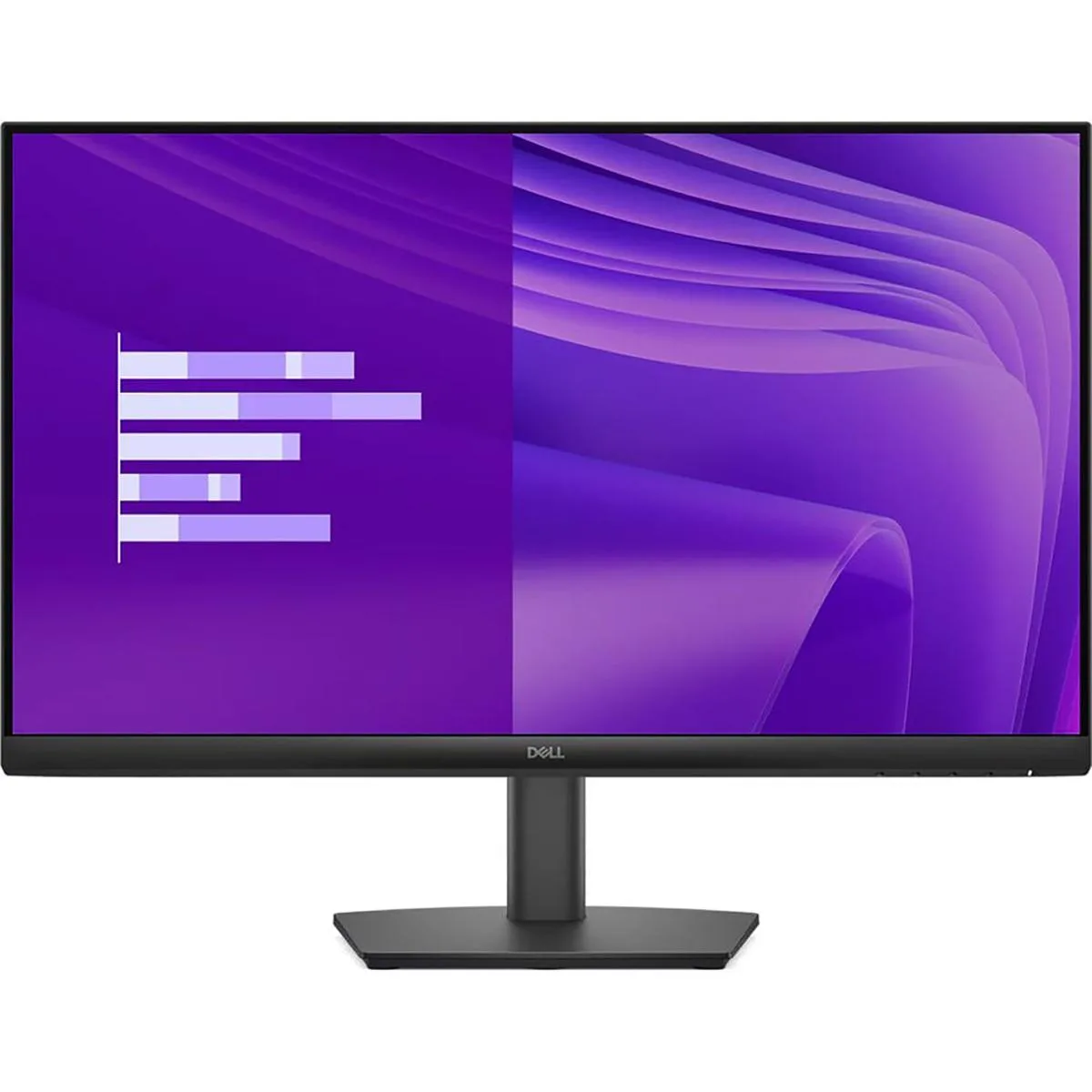


DELL
DELL E2425HM 23.8" 100Hz IPS monitor
A 23.8 inch Full HD IPS display with a 100Hz refresh rate, 178° viewing angles and TÜV Rheinland 3‑star eye comfort certification
- Cabinet ColorBlack
- Screen Size24"
- Glare ScreenAnti-glare
- LED BacklightIPS/LED Edgelight System
- WidescreenYes
- Maximum Resolution1920 x 1080
- 8-inch IPS panel gives wide 178° viewing angles for consistent colour
- 100 Hz refresh rate reduces flicker and smooths motion during everyday tasks
- ComfortView Plus cuts harmful blue light without shifting colour accuracy
- Anti-glare 1920 x 1080 screen with 250 cd/m² brightness suits bright rooms
- HDMI 1.4, DisplayPort 1.2 and VGA ports connect legacy and current devices
Dell E2425HM 23.8" 100Hz IPS monitor
The Dell E2425HM is a 23.8 inch Full HD IPS monitor built for everyday office work and general desktop use. A 100Hz refresh rate reduces flicker and makes scrolling smoother during long sessions. The anti-glare screen and 250 cd/m2 brightness suit typical indoor lighting. It targets users who need a reliable, eye-comfort certified display for productivity tasks.
Connectivity and mounting
The monitor offers one DisplayPort 1.2, one HDMI 1.4 and one VGA port for current and legacy systems. A fixed stand provides tilt adjustment while VESA compatibility allows wall or arm mounting to save desk space. Ultra-thin bezels minimise visual distraction in multi-monitor setups. TÜV Rheinland 3-star eye comfort certification and ComfortView Plus reduce blue light without adding a yellow tint.
100Hz IPS panel at 1920x1080
The defining specification is the 100Hz refresh rate on an IPS panel at 1920 x 1080 resolution. This combination delivers 178° viewing angles, 16.7 million colours and a 1,000:1 contrast ratio with a 5 ms response time. Buyers who need higher resolution, faster gaming response or adjustable height should look elsewhere. The fixed stand only tilts and cannot swivel or pivot.
Highlights
- 8-inch IPS panel gives wide 178° viewing angles for consistent colour
- 100 Hz refresh rate reduces flicker and smooths motion during everyday tasks
- ComfortView Plus cuts harmful blue light without shifting colour accuracy
- Anti-glare 1920 x 1080 screen with 250 cd/m² brightness suits bright rooms
- HDMI 1.4, DisplayPort 1.2 and VGA ports connect legacy and current devices
Specifications
| Brand | Dell |
|---|---|
| Series | E Series |
| Model | E2425HM |
| Part Number | E2425HM |
| Cabinet Color | Black |
| Screen Size | 24" |
| Glare Screen | Anti-glare |
| LED Backlight | IPS/LED Edgelight System |
| Widescreen | Yes |
| Maximum Resolution | 1920 x 1080 |
| Resolution | 1920 x 1080 |
| 3D Ready | No |
| Refresh Rate | 100Hz |
| Viewing Angle | 178° (H) / 178° (V) |
| Monitor Pixel Density | 0.2745 mm x 0.2745 mm |
| Display Colors | 16.7 Million |
| Brightness | 250 cd/m2 |
| Contrast Ratio | 1,000:1 |
| Aspect Ratio | 16:9 |
| Response Time | 5 ms |
| Panel | IPS |
| Display Type | FHD |
| Color Gamut | NTSC 72% |
| Curved Surface Screen | Flat Panel |
| Video Ports | 1 x D-Sub / 1 x DisplayPort 1.2 / 1 x HDMI 1.4 |
| Input Video Compatibility | Analog RGB, Digital |
| Connectors | HDMI, DisplayPort, VGA |
| D-Sub | 1 |
| DVI | No |
| HDMI | 1 x HDMI 1.4 |
| Thunderbolt 2 | HDMI 1.4, DisplayPort 1.2, VGA |
| Thunderbolt 3 | No |
| DisplayPort | 1 x DisplayPort 1.2 |
| Complies with | Energy Star 8.0 |
| Power Supply | 100 - 240 VAC, 50/60Hz |
| Power Consumption | 14.30 W |
| Stand Adjustments | Tilt |
| 3D Glasses Included | No |
| Built-in TV Tuner | No |
| Built-in Speakers | No |
| Built-in Webcam | No |
| HDCP Support | Yes |
| VESA Compatibility - Mountable | 100 x 100mm |
| Dimensions | Height: 12.76"; Width: 21.21"; Depth: 1.88" |
| Humidity Range | 10~80% (non-condensation) |
Questions about this item
What is the DisplayPort version on the E2425HM and what resolution and refresh rate does it support?
The monitor provides a DisplayPort 1.2 input that carries the native 1920 x 1080 resolution at up to 100Hz.
What VESA mounting pattern does the E2425HM use for stands or arms?
It uses a 100 x 100 mm VESA pattern so you can attach compatible mounts or arms.
Which cable should I connect first to get an image on the E2425HM?
Plug either the HDMI 1.4 or DisplayPort 1.2 cable into your graphics output, then select that input in the on-screen menu.
Also in this aisle
People compared these
Same shelf, same checkout — eight coins and a 30-minute rate lock.


Acer America
Acer America UM.HX1AA.103 Nitro XF273 X1 27" 1920x1080 200Hz monitor
- Black
- 27"
$199.99
0.00258365BTC
In stock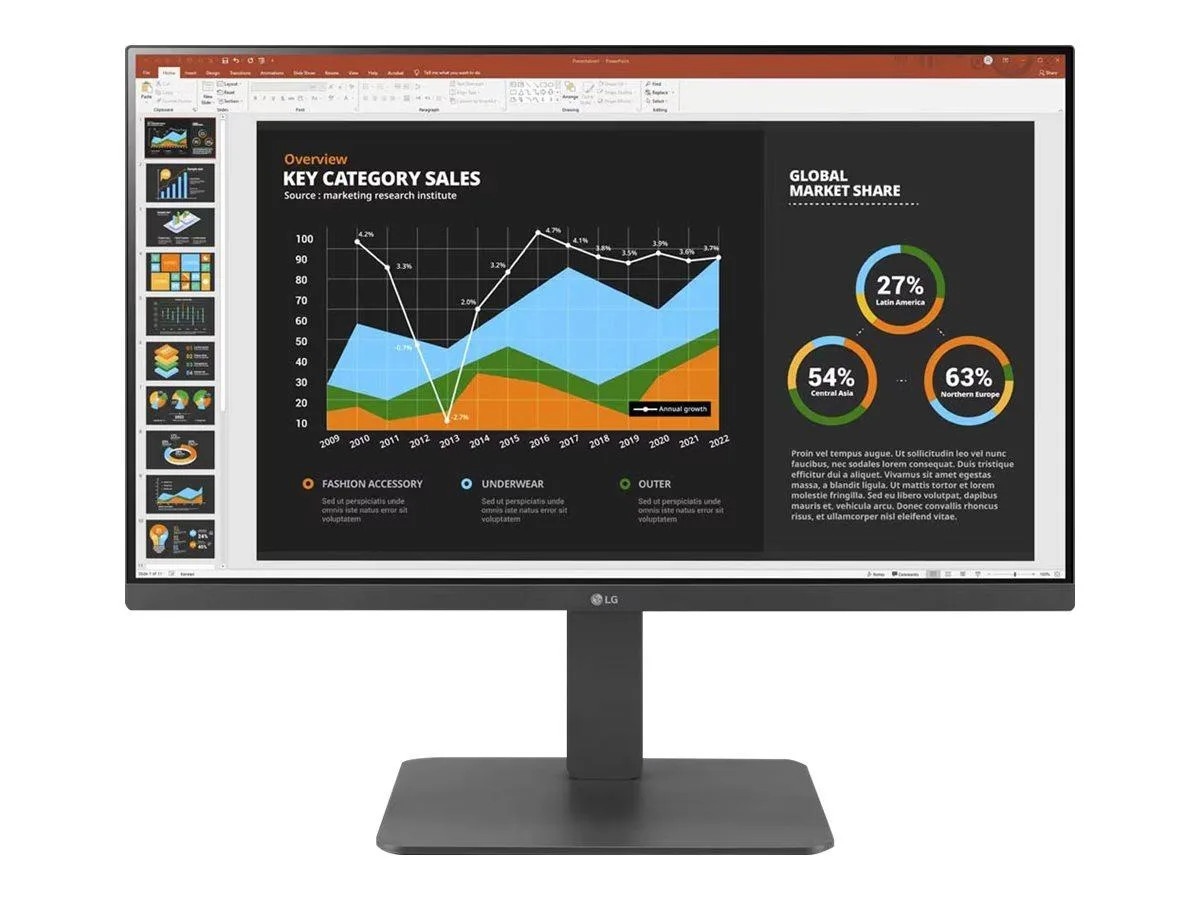
LG Electronics
LG Electronics 24BR650B-C 23.8" 1920x1080 IPS monitor
- Black
- 23.8" (Viewable)
$279.99
0.00361716BTC
In stock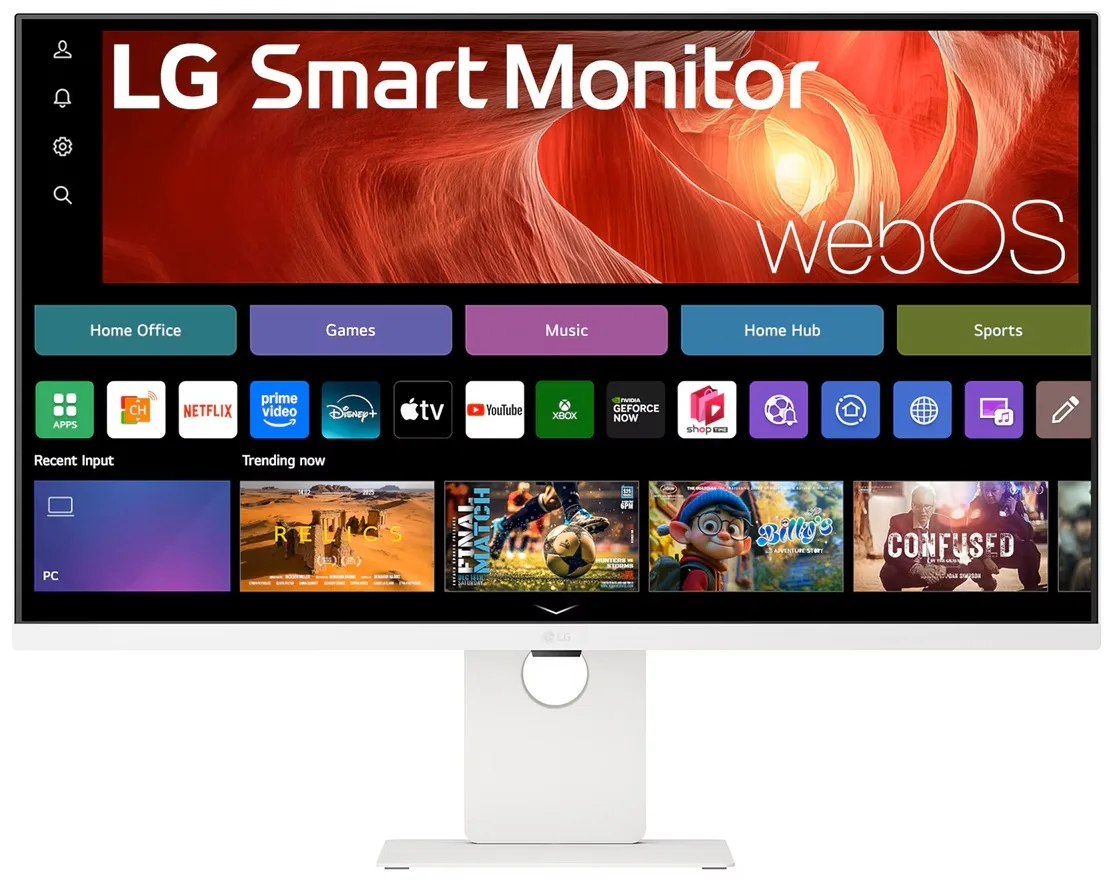
LG Electronics
LG Electronics 37U730SA-W 37" 4K UHD IPS Smart Monitor webOS White
- White
- webOS
$584.99
0.00755742BTC
In stock