
DELL
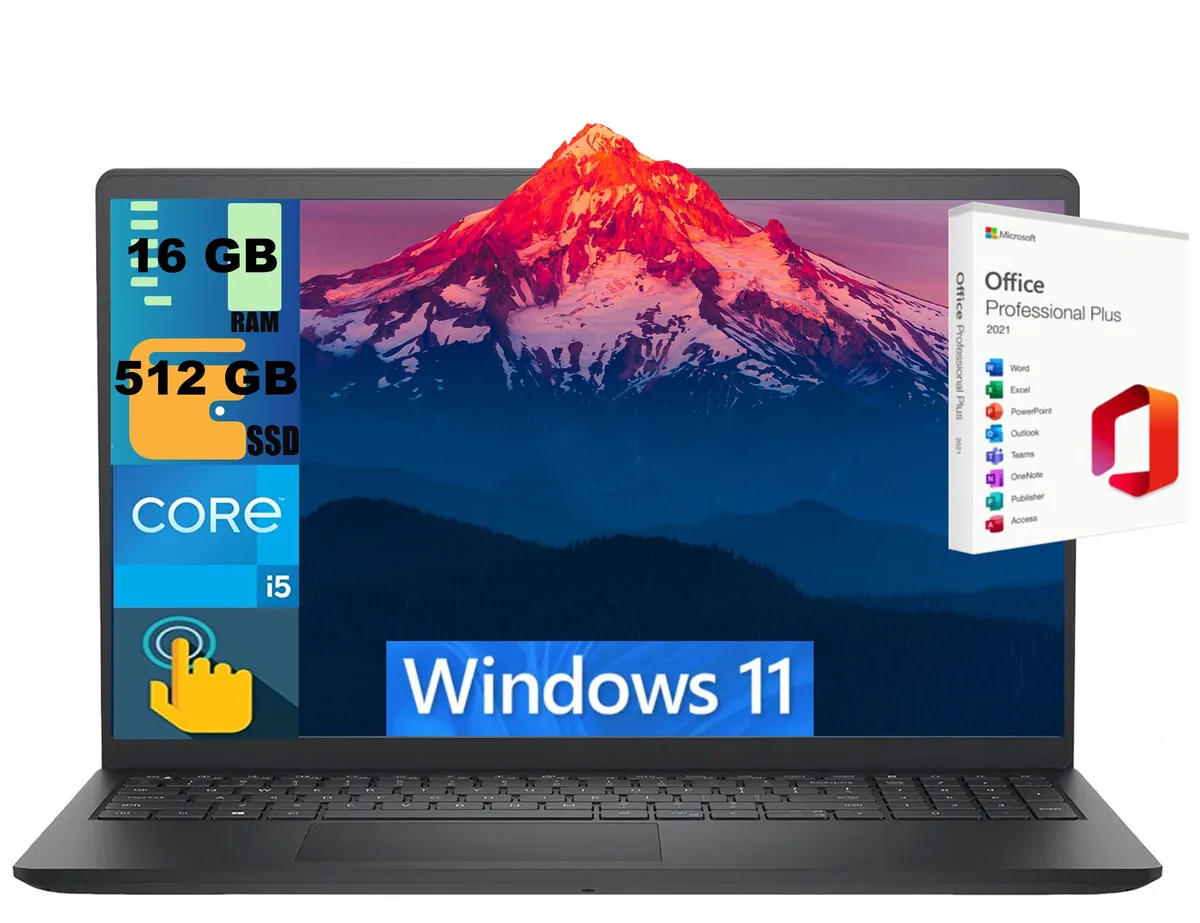
DELL Inspiron 15 laptop i5-1334U 16GB 512GB 15.6" Touch
- Black
- Windows 11 Home
$724
0.00934845BTC
In stockWe take cryptocurrency — so the coins you hold can buy real hardware.Pay in crypto, spend it on real hardware. Free insured shipping worldwide over $399. Plain, unbranded boxes, sent from Germany.Free insured shipping over $399. Your rate is locked for 30 minutes once checkout opens.Rate locked 30 minutes. Every item sealed, serial-checked and covered by a 24-month warranty.Sealed, 24-month warranty.


DELL
A 12.5-inch HD ultrabook with a 2.6 to 3.2 GHz dual-core i7, 16 GB DDR3L memory and a 1 TB SSD, tested to MIL-STD 810G with a spill-proof keyboard
The Dell Latitude E7250 is a 12.5-inch ultrabook built for mobile professionals who value durability. It passes MIL-STD 810G testing and includes a spill-proof keyboard for resilience in transit. An Intel Core i7-5600U dual-core processor runs at 2.6GHz with a 3.2GHz turbo frequency. Integrated Intel HD Graphics 5500 handles the 1366 x 768 HD display.
This configuration suits executives and field staff needing a lightweight 2.76 lb chassis with all-day connectivity including 802.11ac Wi-Fi and Bluetooth 4.0. Buyers who want more storage capacity or discrete graphics for rendering should look elsewhere. The fixed 16GB DDR3L RAM at 1600MHz leaves no room for memory upgrades. Gamers and video editors will find the integrated graphics insufficient.
The upgraded 1TB solid-state drive provides fast boot times and ample space for documents and applications. Sixteen gigabytes of memory allows smooth operation with multiple browser tabs and productivity suites. Performance runs out when driving external monitors beyond the HDMI and Mini DisplayPort outputs or processing heavy 3D workloads. Battery life exceeds five hours on the 4-cell pack.
| Brand | DELL |
|---|---|
| Series | Latitude |
| Model | E7250 |
| Color | Black |
| Operating System | Windows 10 Pro |
| CPU Type | Intel Core i7 5th Gen |
| Processor Name | Intel Core i7-5600U |
| Core Name | Broadwell |
| Turbo Frequency | 3.2GHz |
| Number of Cores | Dual-core Processor |
| CPU L2 Cache | 4MB |
| CPU L3 Cache | 4 MB |
| Screen Size | 12.5" |
| Touchscreen | Non-Touch Screen |
| Wide Screen Support | Yes |
| Display Type | HD |
| Resolution | 1366 x 768 |
| GPU/VPU | Intel HD Graphics 5500 |
| Video Memory | Shared system memory |
| Graphic Type | Integrated Card |
| SSD | 1TB |
| HDD | No |
| Storage Spec | 1TB SSD |
| Memory | 16GB |
| Memory Speed | DDR3L 1600 |
| Memory Spec | 8 GB x 2 |
| Memory Slot (Total) | 2 |
| Memory Slot (Available) | 0 |
| Max Memory Supported | 16 GB |
| LAN | 10/100/1000Mbps |
| WLAN | 802.11ac Wireless LAN |
| Bluetooth | Bluetooth 4.0 |
| USB | 3 x USB 3.0 |
| Video Port | 1 x HDMI, 1 x MiniDP |
| HDMI | 1 x HDMI |
| Docking Connector | Yes |
| Audio Ports | 1 x Headphone/Microphone Combo Jack |
| Audio | High Definition Audio |
| Speaker | Integrated Speakers |
| Touchpad | Yes |
| Backlit Keyboard | Non-backlit |
| Webcam | Yes |
| Card Reader | SD Card |
| Style | Standard |
| Type | Notebook |
| Usage | Business |
| AC Adapter/Charger | 130 Watt |
| Battery | 4-cell Lithium-Ion |
| Battery Life | >5 Hours |
| Dimensions (W x D x H) | 8.3 x 12.2 x 0.8 |
| Weight | 2.76 |
Connect a display with an HDMI input for the HDMI port and a monitor with a Mini DisplayPort input for the MiniDP port. Both support the native 1366 x 768 resolution.
The system uses DDR3L 1600MHz SO-DIMMs and has two slots total. One is occupied by the 16GB module, so a matching DDR3L 1600MHz stick can be added to the free slot.
Open Display Settings in Windows 10 Pro; the resolution dropdown should show 1366 x 768 as the recommended setting and the adapter listed as Intel HD Graphics 5500.
Also in this aisle
Same shelf, same checkout — eight coins and a 30-minute rate lock.
What you pay in, and what you read prices in.
Sent from your wallet at checkout
Display only — the catalogue is priced in USD
No currency matches that.
Pick the language the site speaks to you in.
New here?
Already have one?
There is no automatic reset: this shop sends no mail, so there is no one-time link to ask for. Leave the address on the account and it gets picked up by hand.
Request noted
Nothing is on its way to your inbox — this shop sends no mail at all. Someone picks these up by hand.
Remembered it?


