
DELL
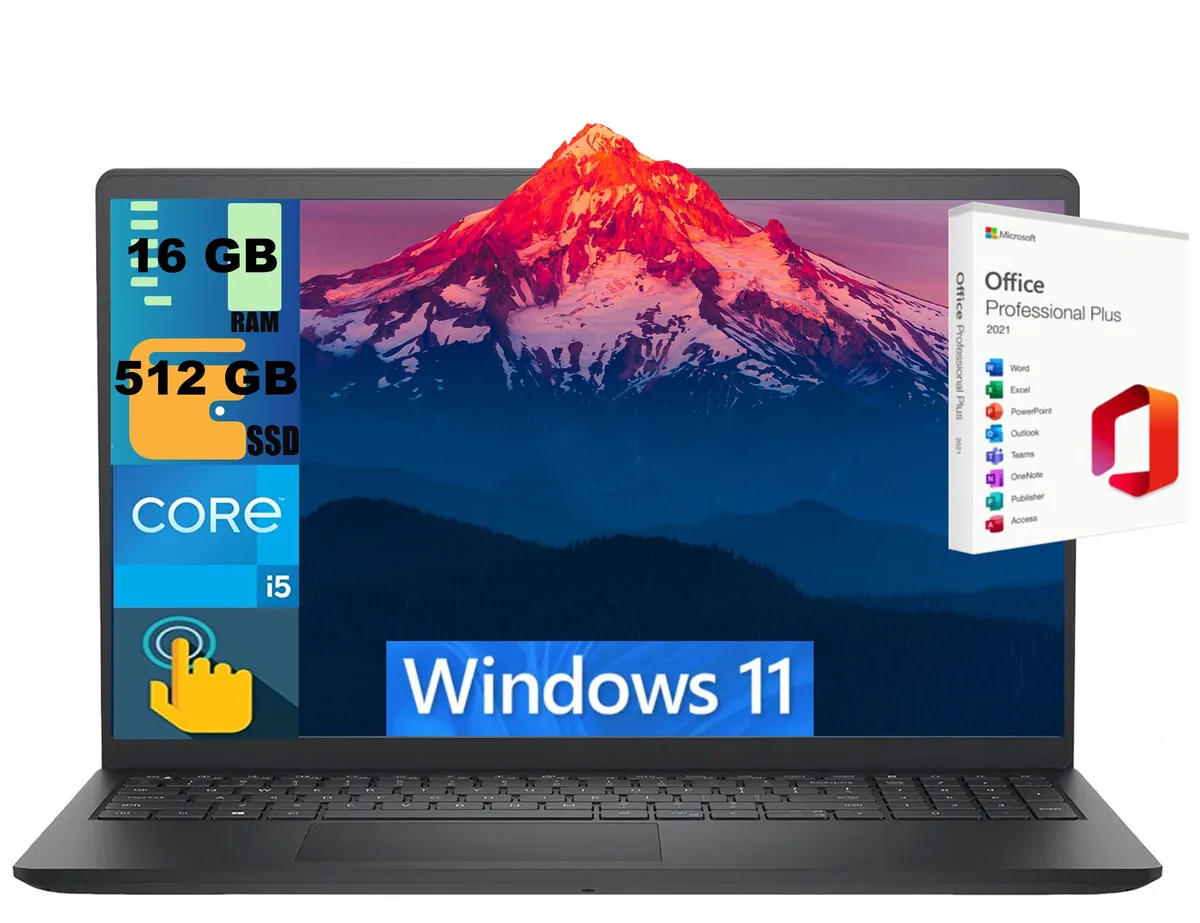
DELL Inspiron 15 laptop i5-1334U 16GB 512GB 15.6" Touch
- Black
- Windows 11 Home
$724
0.00935582BTC
In stockWe take cryptocurrency — so the coins you hold can buy real hardware.Pay in crypto, spend it on real hardware. Free insured shipping worldwide over $399. Plain, unbranded boxes, sent from Germany.Free insured shipping over $399. Your rate is locked for 30 minutes once checkout opens.Rate locked 30 minutes. Every item sealed, serial-checked and covered by a 24-month warranty.Sealed, 24-month warranty.


DELL
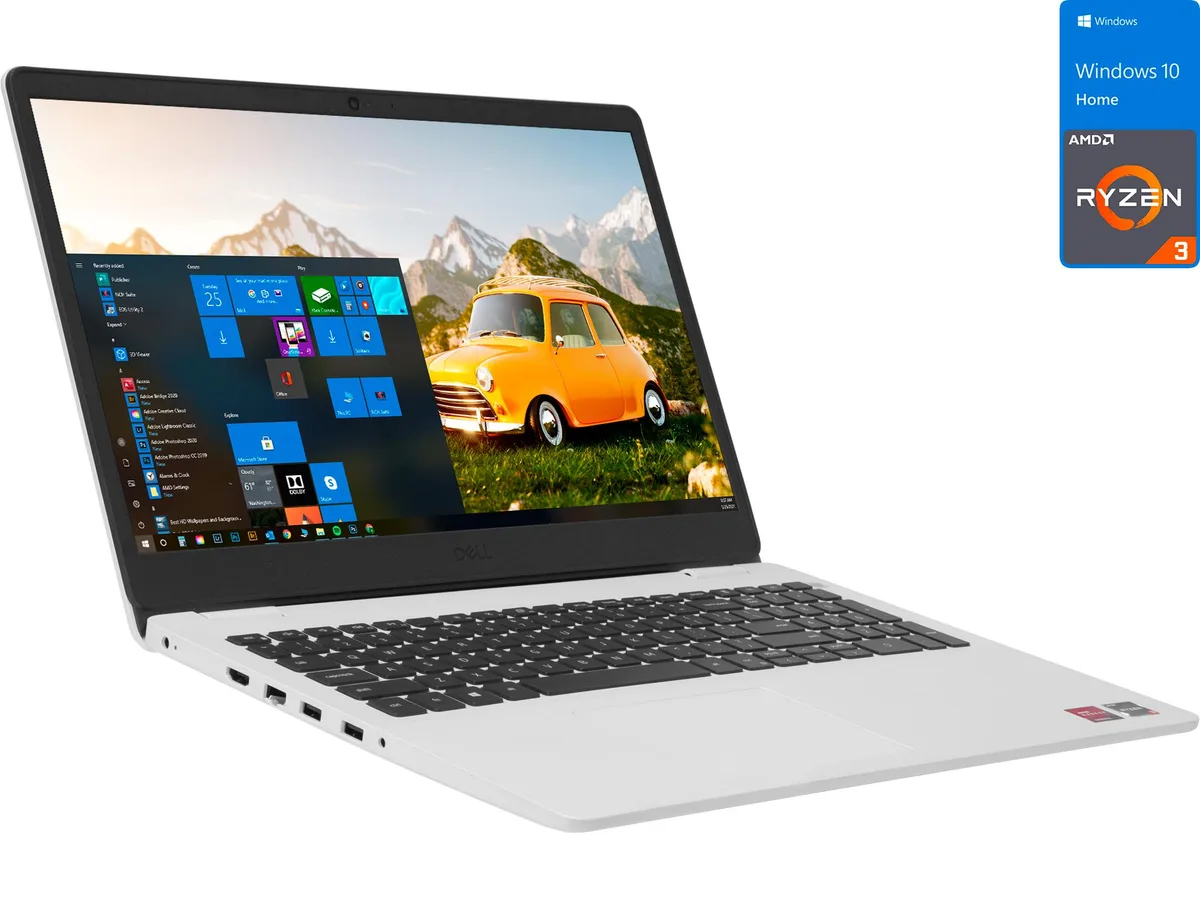
A 15.6-inch FHD laptop with a dual-core Ryzen 3 3250U, 8GB DDR4 memory and a 256GB NVMe SSD
The Dell Inspiron 3505 is a 15.6 inch FHD notebook powered by an AMD Ryzen 3 3250U dual‑core processor that reaches 3.5GHz. It ships with 8GB DDR4 memory and a 256GB NVMe solid‑state drive running Windows 10 Home. Integrated Radeon Vega 3 graphics handle standard desktop tasks and media playback.
The white plastic body is approximately 9.21% lighter than the previous generation and features two‑sided narrow borders around the anti‑glare 1920 x 1080 screen. Daily connectivity covers HDMI output for an external monitor, a built‑in card reader for quick file transfers, Wi‑Fi and Bluetooth. The non‑touch display keeps the design simple and durable.
The NVMe drive runs silently and resists shocks better than a mechanical hard drive. Under normal office or streaming loads the integrated Vega 3 graphics and the 15W‑class processor generate modest heat, so fan noise stays low. The 256GB capacity suits users who keep most files in cloud storage rather than locally.
| Brand | DELL |
|---|---|
| Series | Inspiron |
| Model | 3505 |
| Color | White |
| Operating System | Windows 10 Home 🙋♀️Microsoft Windows 11 Pro Upgrade 👉Check ABS/Helix computers with Windows 11 |
| CPU Type | AMD Ryzen 3 |
| Processor Name | AMD Ryzen 3 3250U |
| Turbo Frequency | 3.5GHz |
| Number of Cores | Dual-core Processor |
| CPU L2 Cache | 1MB |
| CPU L3 Cache | 4MB |
| Screen Size | 15.6" |
| Touchscreen | Non-Touch Screen |
| Wide Screen Support | Yes |
| Display Type | FHD |
| Resolution | 1920 x 1080 |
| GPU/VPU | AMD Radeon Vega 3 |
| Graphic Type | Integrated Card |
| SSD | 256GB |
| HDD | No |
| Storage Spec | 256GB NVMe SSD |
| Memory | 8GB |
| Memory Speed | DDR4 2400 |
| Memory Spec | 8 GB x 1 |
| Memory Slot (Total) | 2 |
| Memory Slot (Available) | 1 |
| Max Memory Supported | 32 GB |
| LAN | 10/100/1000Mbps |
| WLAN | Wi-Fi 5 (802.11ac) |
| Bluetooth | Bluetooth 4.2 |
| USB | 2x USB 3.1 Gen 1, 1x USB 2.0 |
| Video Port | 1x HDMI |
| HDMI | 1 x HDMI |
| Ethernet | 1 x RJ-45 (1Gbps) |
| Audio Ports | 1 x Headphone/Microphone Combo Jack |
| Audio | Integrated Sound card |
| Speaker | Integrated Stereo Speakers |
| Touchpad | Yes |
| Keyboard | Standard |
| Backlit Keyboard | Non-backlit |
| Webcam | Yes |
| Card Reader | 3-in-1 |
| Type | Mainstream |
| AC Adapter/Charger | 45-watt AC Adapter |
| Battery | 3-cell Lithium Ion |
| Battery Life | > 5 hours |
| Dimensions (W x D x H) | 9.8" x 14.33" x 0.78" |
| Weight | 5 - 5.9 lbs. |
The 256GB NVMe drive connects through a PCIe interface; its practical throughput is limited by the Ryzen 3 3250U chipset lanes rather than the drive itself.
The chassis has no 2.5-inch bay or mounting points; storage expansion is limited to the single M.2 slot already occupied by the 256GB NVMe SSD.
Use the Dell OS Recovery Tool to create a bootable USB, boot from it, and after installation run Dell SupportAssist to reinstall the proprietary display, audio and chipset drivers that Windows Update skips.
Also in this aisle
Same shelf, same checkout — eight coins and a 30-minute rate lock.
What you pay in, and what you read prices in.
Sent from your wallet at checkout
Display only — the catalogue is priced in USD
No currency matches that.
Pick the language the site speaks to you in.
New here?
Already have one?
There is no automatic reset: this shop sends no mail, so there is no one-time link to ask for. Leave the address on the account and it gets picked up by hand.
Request noted
Nothing is on its way to your inbox — this shop sends no mail at all. Someone picks these up by hand.
Remembered it?


