


DELL
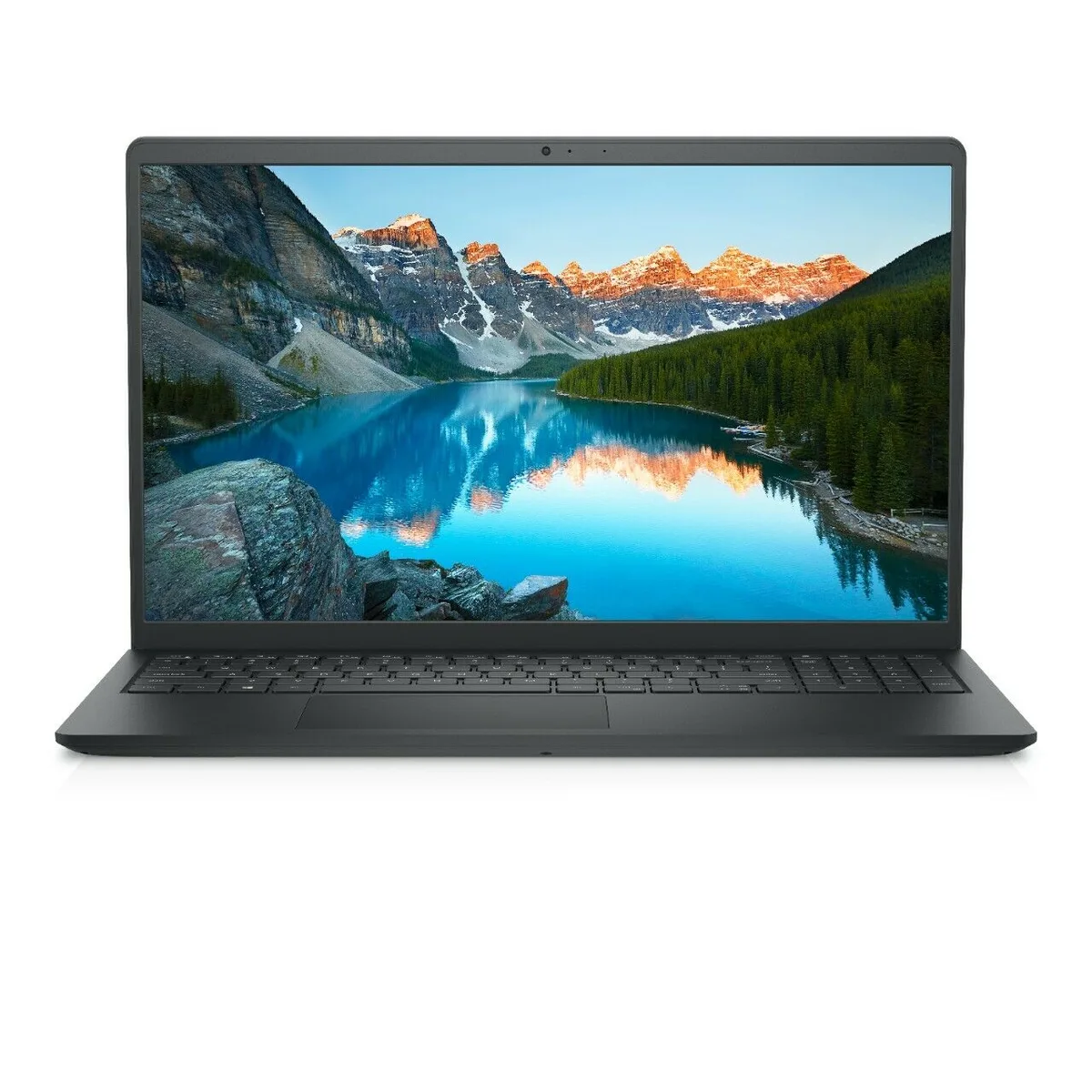
DELL Inspiron 3511 laptop i3-1115G4 16GB 256GB SSD 15.6 FHD
15.6-inch FHD anti-glare laptop with 11th Gen Intel Core i3, 16GB DDR4 RAM and 256GB SSD running Windows 11 Home
- ColorBlack
- Operating SystemWindows 11 Home
- CPU TypeIntel Core i3 11th Gen
- Processor Name3.00GHz
- Number of CoresDual-core Processor
- Screen Size15.6"
Options 16GB/256GB
- 8GB/256GB
- 16GB/256GB
- Responsive multitasking with 16 GB DDR4 memory
- Fast boot and load times from 256 GB SSD
- Everyday performance powered by 11th Gen Intel Core i3-1115G4
- Clear viewing on 15.6" FHD anti-glare display
- Comfortable typing with lift hinge and enlarged keycaps
DELL Inspiron 3511 with Core i3-1115G4
This 15.6 inch laptop ships with Windows 11 Home and an 11th generation Intel Core i3-1115G4 processor running at 3.00 GHz with a dual-core design. It includes 16 GB of DDR4 memory and a 256 GB solid state drive for everyday responsiveness. The anti-glare FHD display offers a 1920 x 1080 resolution in a narrow border frame. Integrated Intel UHD graphics handle basic visual tasks.
Who this suits and who should look elsewhere
The configuration suits students and office workers who need a lightweight machine for documents, web browsing and video calls. The 16 GB of memory helps with multitasking across browser tabs and productivity apps. Buyers who want more storage for large media libraries or who need discrete graphics for gaming or creative rendering should look at other models. The integrated graphics and 256 GB drive limit those workloads.
Ports lift hinge and comfort software
Connectivity includes HDMI 1.4, two USB 3.2 ports, one USB 2.0 port, an SD card reader and an audio jack. Wi-Fi 5 provides wireless access. The lift hinge raises the keyboard to a more ergonomic typing angle. Dell ComfortView software reduces blue light emissions for extended viewing sessions. A numeric keypad with larger keycaps aids data entry.
Highlights
- Responsive multitasking with 16 GB DDR4 memory
- Fast boot and load times from 256 GB SSD
- Everyday performance powered by 11th Gen Intel Core i3-1115G4
- Clear viewing on 15.6" FHD anti-glare display
- Comfortable typing with lift hinge and enlarged keycaps
Specifications
| Brand | DELL |
|---|---|
| Series | Inspiron |
| Model | DELL |
| Part Number | 3511 |
| Color | Black |
| Operating System | Windows 11 Home |
| CPU Type | Intel Core i3 11th Gen |
| Processor Name | 3.00GHz |
| Number of Cores | Dual-core Processor |
| Screen Size | 15.6" |
| Touchscreen | Non-Touch Screen |
| Display Type | FHD |
| Resolution | 1920 x 1080 |
| Display Features | Anti-glare LED Backlight Non-Touch Narrow Border WVA Display |
| GPU/VPU | Intel UHD Graphics |
| Graphic Type | Integrated Card |
| SSD | 256GB |
| HDD | No |
| Storage Spec | 256 GB Solid State Drive |
| Memory | 16GB |
| Memory Speed | DDR4 |
| Memory Spec | 8 GB x 2 |
| Memory Slot (Total) | 2 |
| Memory Slot (Available) | 0 |
| Max Memory Supported | 16 GB |
| Optical Drive Type | No |
| LAN | 10/100/1000Mbps |
| WiFi Generation | Wi-Fi 5 |
| Bluetooth | Yes |
| USB | 2x USB-A 3.2, 1x USB-A 2.0 |
| Video Port | 1 x HDMI |
| HDMI | 1 x HDMI |
| Ethernet | 1 x RJ-45 (1Gbps) |
| Audio Ports | Yes |
| Audio | Integrated Sound card |
| Speaker | Internal Speakers |
| Touchpad | Yes |
| Keyboard | Standard |
| Webcam | Yes |
| Card Reader | Micro SD |
| Style | Ultrabook |
| Type | Home / Personal |
| Usage | Consumer |
| AC Adapter/Charger | 65-watt AC Adapter |
| Battery | 3-cell Lithium Ion |
| Weight | 2 - 2.9 lbs. |
Other versions of this model
5 more in the same range
Same family, different memory, cooler or clock — compare before you commit.

DELL
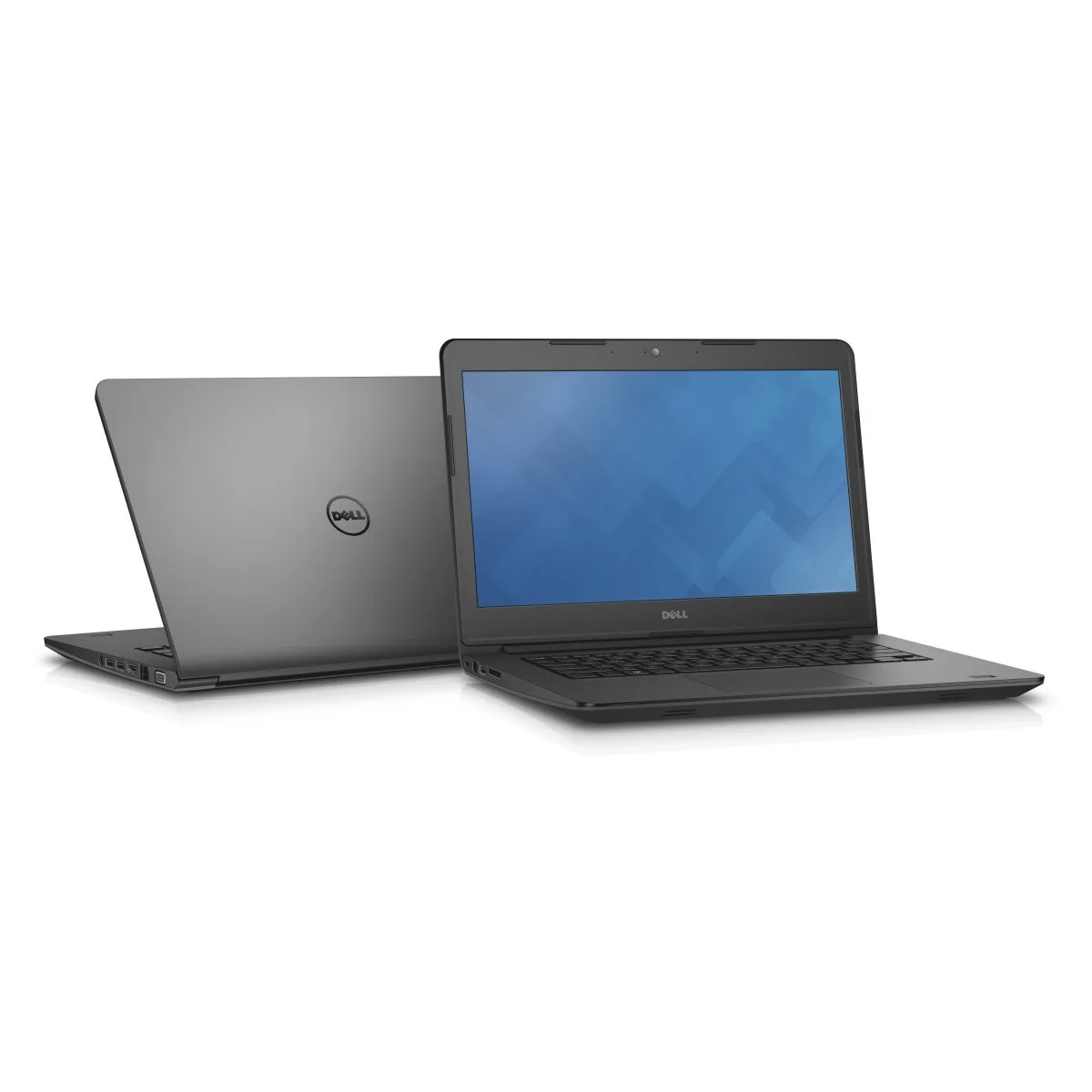
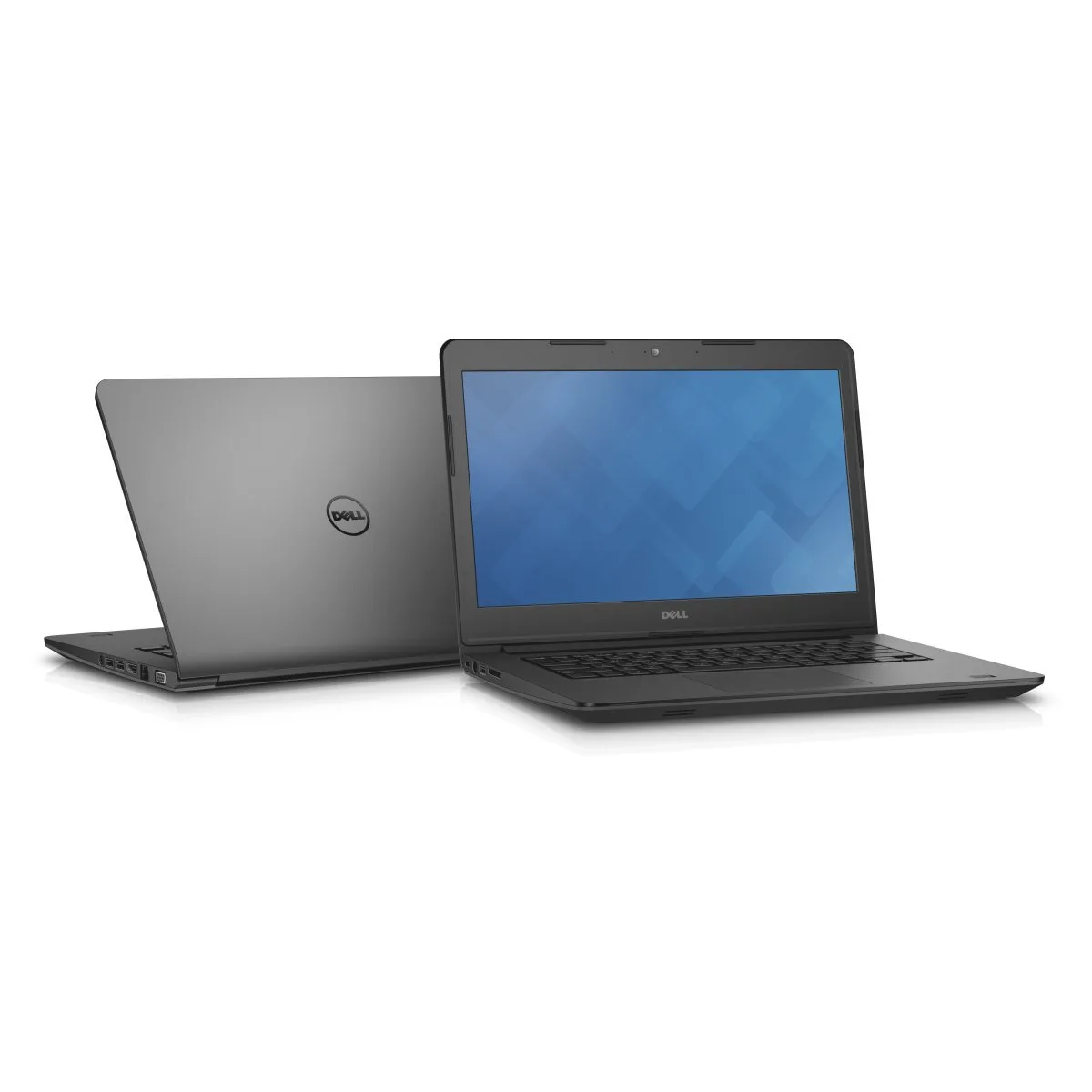
DELL Latitude 3450 14" i3-4005U 8 GB 256 GB SSD Windows 10 Pro
- Gray
- Windows 10 Pro
$474.99
0.00605947BTC
In stock
DELL
DELL Inspiron 15 3000 laptop i3-1115G4 8GB 256GB 15.6 FHD
- Black
- Windows 11 Home
$479.99
0.00612326BTC
In stock
DELL
DELL Inspiron 3511 laptop 15.6" FHD i7-1165G7 16GB 256GB SSD
- Black
- Windows 11 Home
$722.99
0.00922322BTC
In stock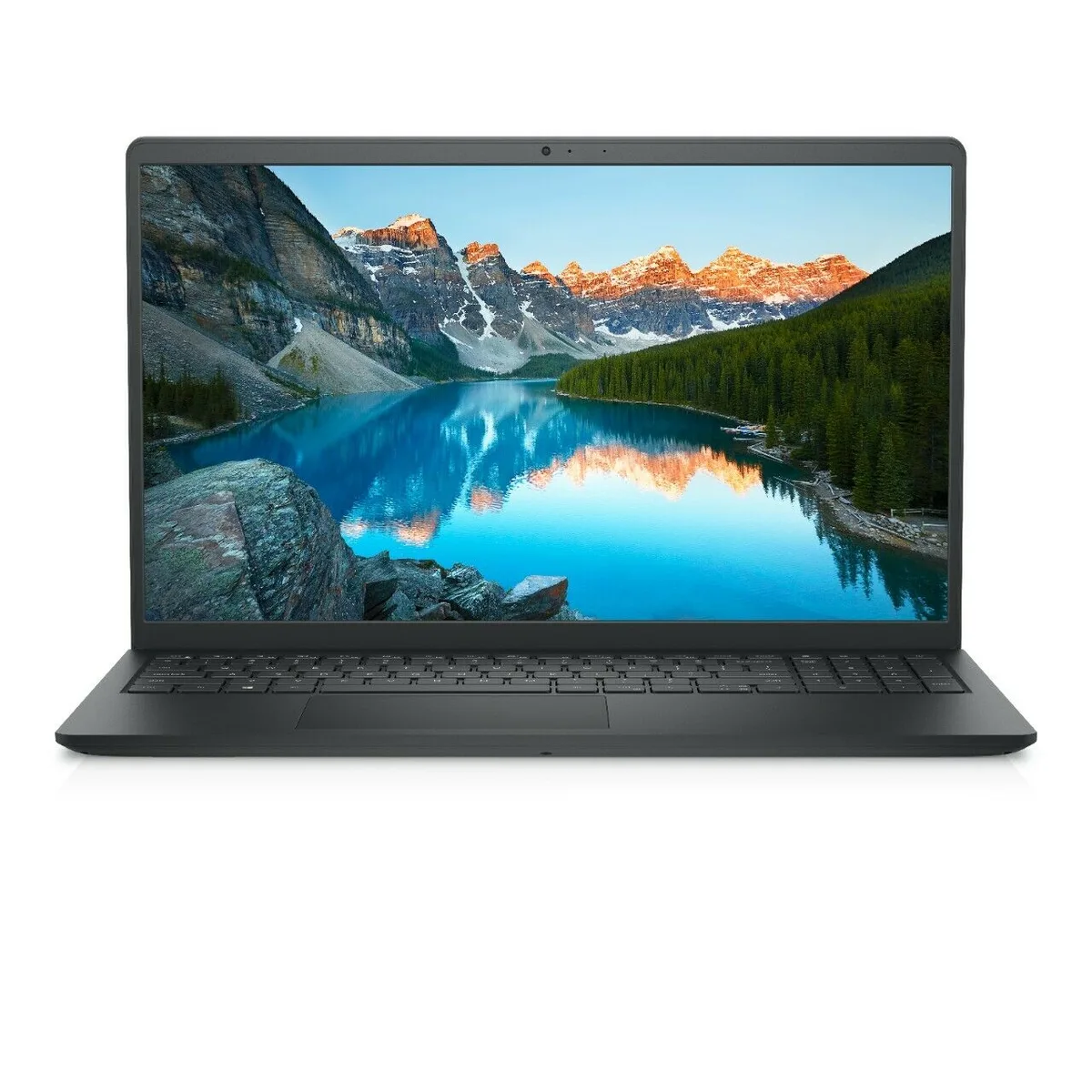
DELL
DELL Inspiron 3511 15.6 laptop i7-1165G7 8GB 256GB
- Black
- Windows 11 Home
$752.99
0.00960593BTC
In stockQuestions about this item
Does the 11th Gen Intel Core i3-1115G4 need a separate graphics card for the 15.6" FHD display?
No, the laptop uses integrated Intel UHD Graphics built into the processor to drive the 1920 x 1080 anti-glare panel.
Can I keep using my older USB 2.0 flash drives with the two USB 3.2 ports?
Yes, the two USB 3.2 Type-A ports are backward compatible with USB 2.0 devices, and there is also a dedicated USB 2.0 port.
How do I confirm the 16 GB DDR4 memory and 256 GB SSD are recognised after first boot?
Open Settings > System > About to see 16 GB installed RAM, then check File Explorer > This PC for a 256 GB solid-state drive.
Also in this aisle
People compared these
Same shelf, same checkout — eight coins and a 30-minute rate lock.
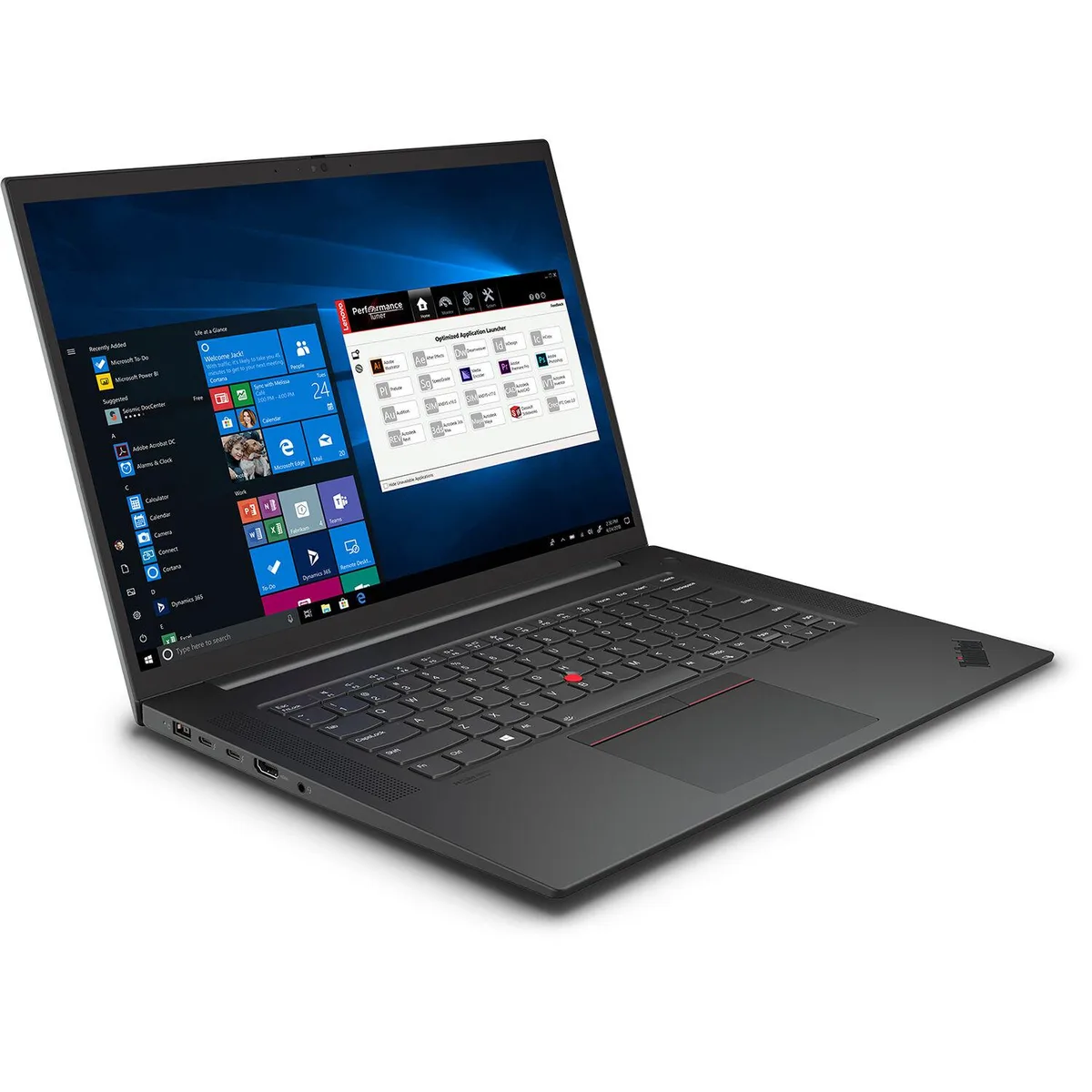
Lenovo
Lenovo ThinkPad P1 Gen 4 business laptop i7-11850H 32GB 1TB RTX 3070 16" WQUXGA IPS
- Black Textured
- Security Chip: Disc…
$2,061.99
0.02630492BTC
In stock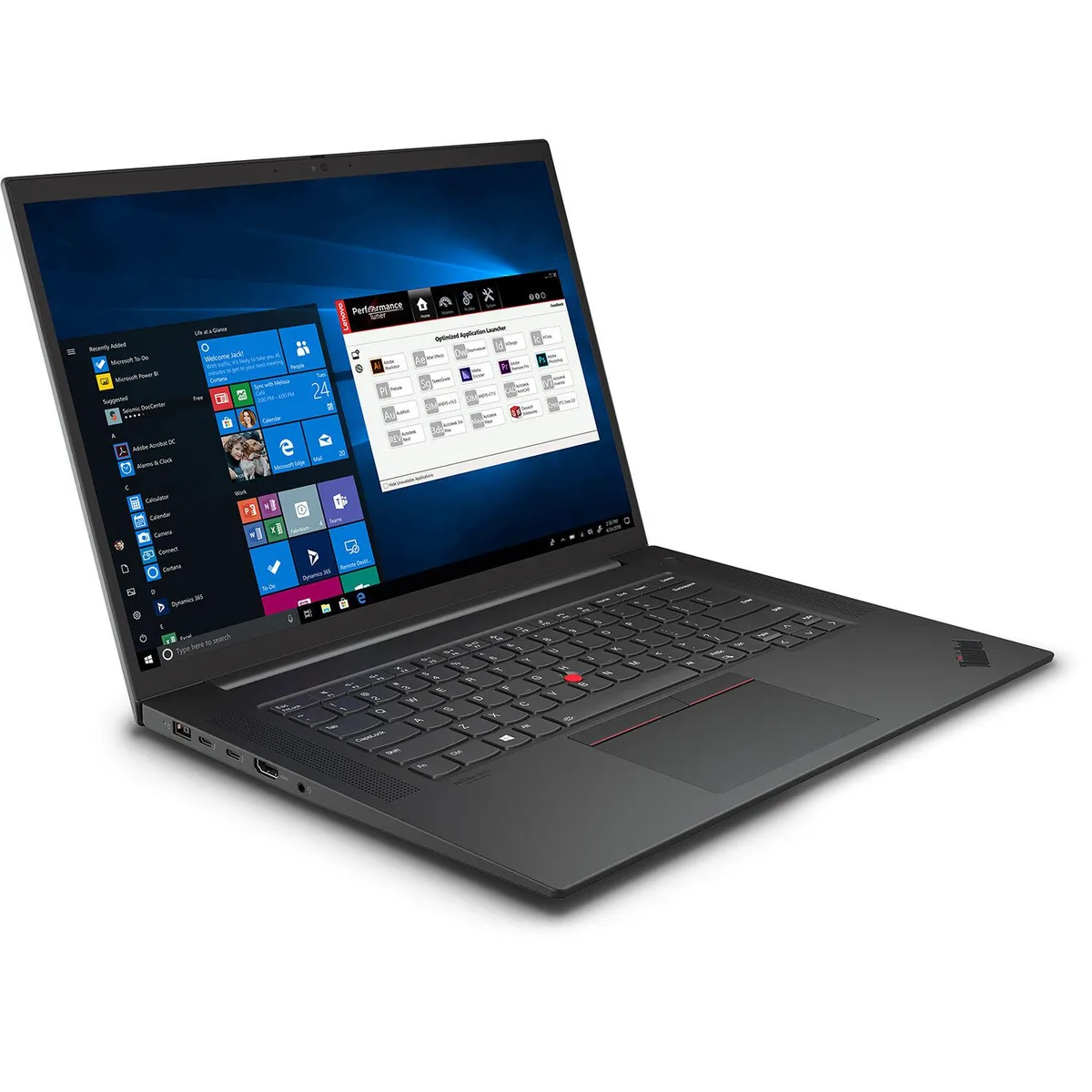
Lenovo
Lenovo ThinkPad P1 Gen 4 business laptop i7-11850H 32GB 1TB RTX 3070 16.0
- Black Textured
- Security Chip: Disc…
$1,938.99
0.0247358BTC
In stock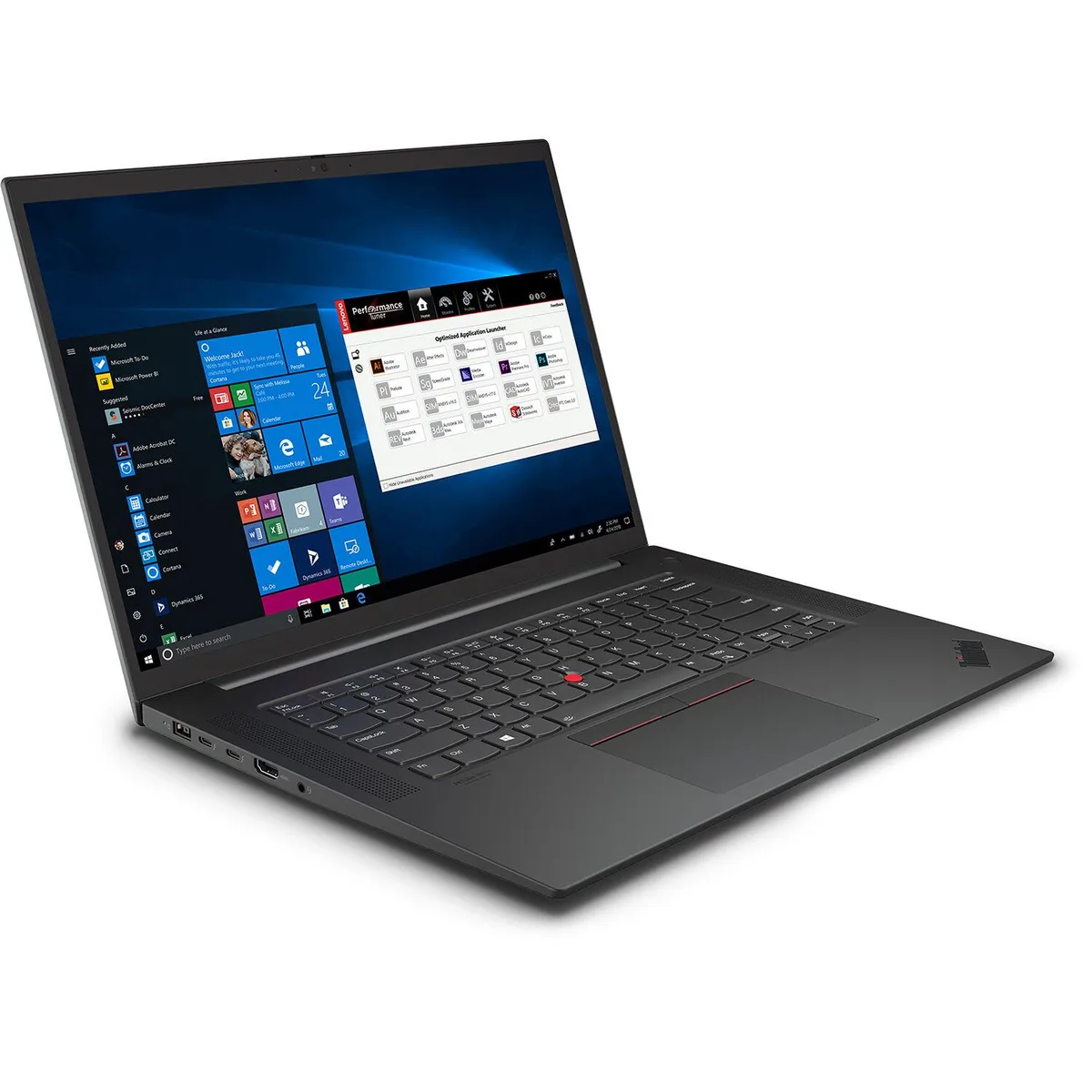
Lenovo
Lenovo ThinkPad P1 Gen 4 i7-11850H 64GB 4TB RTX 3070 16" business laptop
- Black Textured
- Security Chip: Disc…
$2,614.99
0.03335957BTC
In stock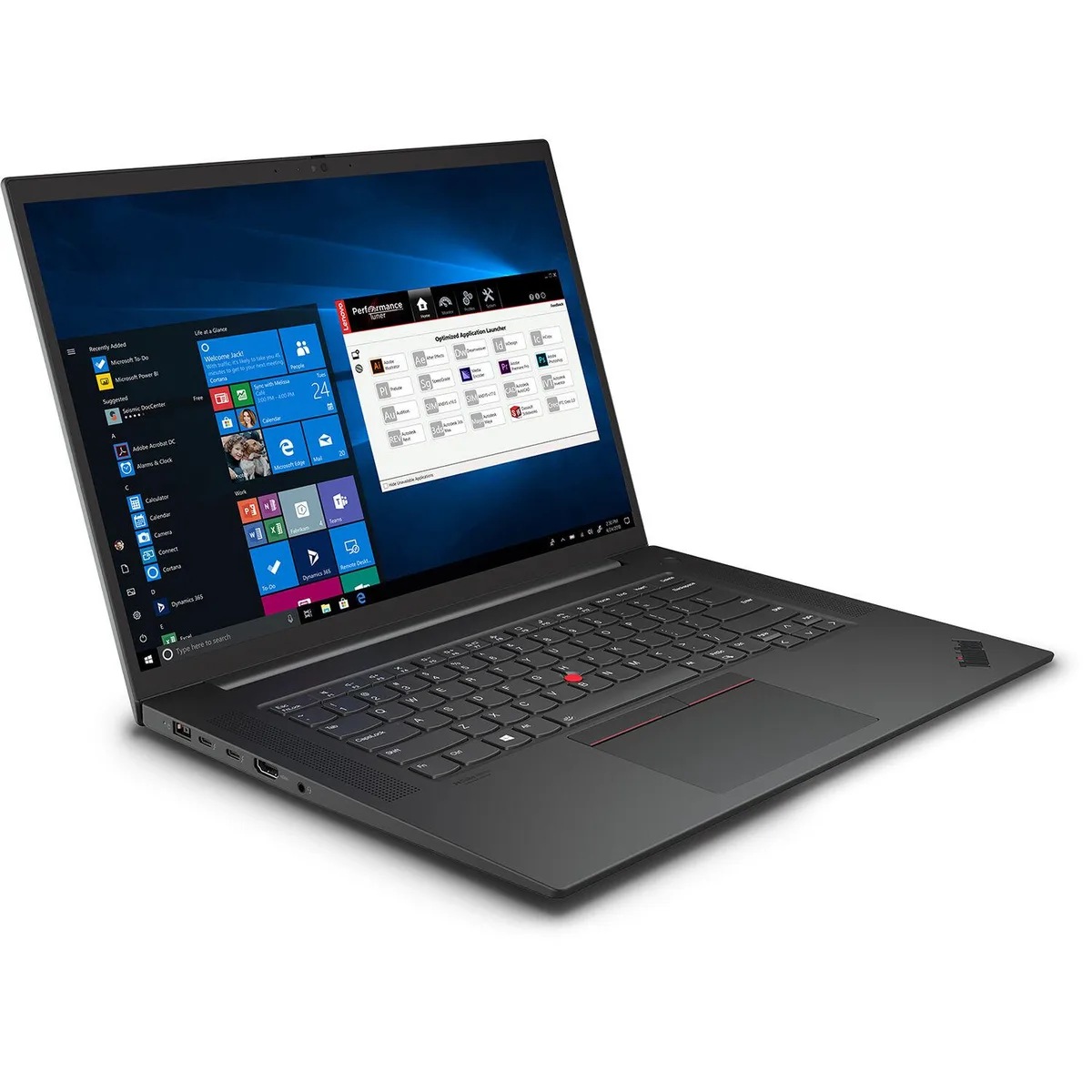
Lenovo
Lenovo ThinkPad P1 Gen 4 i7-11850H 32GB 2TB RTX 3070 16" WQUXGA business laptop
- Black Textured
- Security Chip: Disc…
$2,077.99
0.02650903BTC
In stock