


DELL
DELL Inspiron 3520 15.6" FHD Touch i5-1155G7 16GB 512GB SSD Carbon Black
15.6" FHD 120 Hz touchscreen laptop with Core i5-1155G7, 16 GB DDR4 and 512 GB NVMe SSD
- ColorBlack
- Operating SystemWindows 11 Pro
- CPU TypeIntel Core i5 12th Gen
- Processor Name3.40GHz
- Screen Size15.6"
- TouchscreenTouch Screen
- Touch input on 15.6" 1920 x 1080 120Hz display
- Responsive multitasking with 16GB DDR4 memory
- Fast boot and load times from 512GB NVMe SSD
- Ready for business with Windows 11 Pro installed
- Connect external screens via HDMI 1.4 port
Purpose and buyer
This Dell Inspiron 3520 is a 15.6 inch Full HD touchscreen laptop built for office work and study. It runs Windows 11 Pro on an Intel Core i5-1155G7 processor with 16GB DDR4 memory and a 512GB NVMe SSD. The carbon black chassis includes a 120Hz anti-glare display and Intel UHD Graphics.
Installation and pitfalls
The laptop arrives ready to use with Windows 11 Pro pre-installed. Drivers for the touchscreen, Wi-Fi 5 and Intel UHD Graphics load automatically on first boot. No internal hardware changes are required, though the single M.2 2230/2280 slot limits future storage upgrades to one drive.
Capacity and headroom
The 16GB DDR4 memory and 512GB NVMe SSD handle multitasking, web browsing and document editing comfortably. The 120Hz 1920x1080 touchscreen and HDMI 1.4 port support external 1080p displays at 60Hz. Demanding 3D rendering, video editing or modern gaming exceed the integrated graphics capability.
Highlights
- Touch input on 15.6" 1920 x 1080 120Hz display
- Responsive multitasking with 16GB DDR4 memory
- Fast boot and load times from 512GB NVMe SSD
- Ready for business with Windows 11 Pro installed
- Connect external screens via HDMI 1.4 port
Specifications
| Color | Black |
|---|---|
| Operating System | Windows 11 Pro |
| CPU Type | Intel Core i5 12th Gen |
| Processor Name | 3.40GHz |
| Screen Size | 15.6" |
| Touchscreen | Touch Screen |
| GPU/VPU | Intel UHD Graphics |
| SSD | 512GB |
| HDD | No |
| Memory | 16GB |
| Type | Work / Business |
Questions about this item
How do I confirm the 120 Hz touchscreen is running at its full refresh rate after setup?
Open Windows Display Settings, choose the built-in panel, and verify the refresh-rate dropdown shows 120 Hz; the touch layer is active when taps register instantly.
What ships with the laptop and what must I purchase separately?
The box contains the Inspiron 3520 unit, a 65 W power adapter and documentation; no Office licence, antivirus subscription or external peripherals are included.
Which memory and storage configuration should I select for this model?
This SKU is fixed at 16 GB DDR4 3200 MHz and a 512 GB PCIe NVMe M.2 SSD; other capacities are not offered on this product number.
Also in this aisle
People compared these
Same shelf, same checkout — eight coins and a 30-minute rate lock.

MSI
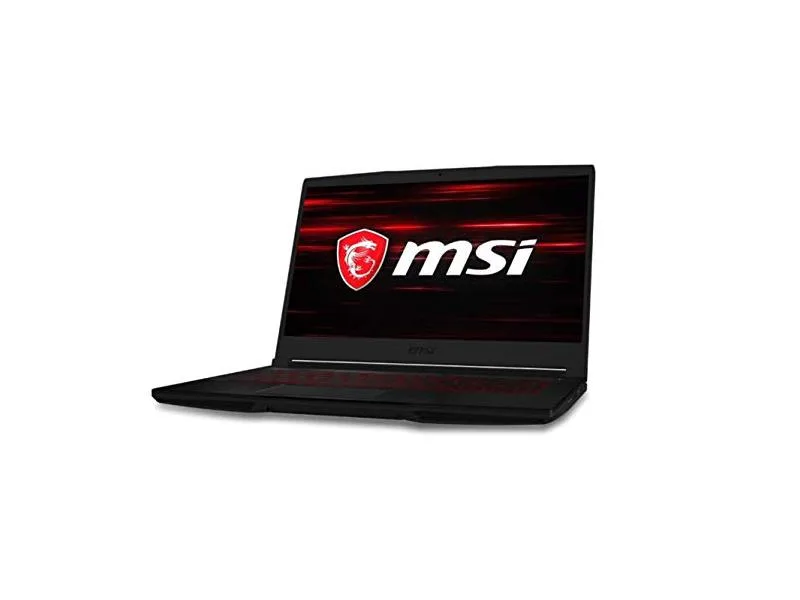
MSI GF63 Thin 10SCXR-222 15.6 laptop i5-10300H 8GB 256GB GTX 1650 4.1GB Black
- 15.6"
- Mainstream
$657.99
0.00836467BTC
In stock