


DELL
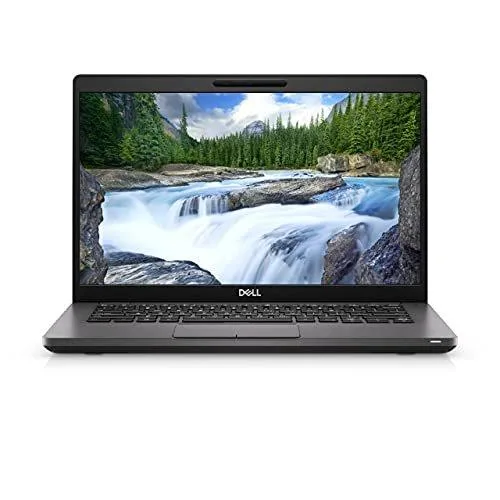
DELL Inspiron 3520 15.6" Touch 120Hz i5-1155G7 32GB 1TB SSD
A 15.6 inch touchscreen laptop with 120 Hz display, 32 GB DDR4 memory and 1 TB NVMe storage running Windows 11 Pro
- ColorBlack
- Operating SystemWindows 11 Pro
- CPU TypeIntel Core i5 11th Gen
- Processor Name3.40GHz
- Screen Size15.6"
- TouchscreenTouch Screen
- Responsive multitasking with 32GB DDR4 memory
- Fast boot and load times from 1TB NVMe storage
- Smooth touch interaction on 120Hz 15.6" display
- Modern security and management via Windows 11 Pro
- Flexible external display options through HDMI 1.4 port
Dell Inspiron 3520 Touch Laptop
This 15.6-inch laptop combines a touch-enabled 120Hz Full HD display with an Intel Core i5-1155G7 processor. It ships with 32GB of DDR4 memory and a 1TB PCIe NVMe SSD. Windows 11 Pro is pre-installed in a carbon-black chassis.
Suits mobile professionals wanting touch input
The 120Hz touchscreen and 1TB NVMe drive support multitasking and quick file access. Buyers needing a discrete GPU for rendering or gaming should look elsewhere. The integrated Intel UHD Graphics and 60Hz panel spec limit 3D performance.
120Hz touchscreen decides fit
The display runs at 120Hz with touch and anti-glare coating at 250 nits. HDMI 1.4 output is capped at 1080p 60Hz. If your workflow needs higher external refresh rates or 4K output, this panel and port combination will not meet that requirement.
Highlights
- Responsive multitasking with 32GB DDR4 memory
- Fast boot and load times from 1TB NVMe storage
- Smooth touch interaction on 120Hz 15.6" display
- Modern security and management via Windows 11 Pro
- Flexible external display options through HDMI 1.4 port
Specifications
| Color | Black |
|---|---|
| Operating System | Windows 11 Pro |
| CPU Type | Intel Core i5 11th Gen |
| Processor Name | 3.40GHz |
| Screen Size | 15.6" |
| Touchscreen | Touch Screen |
| GPU/VPU | Intel UHD Graphics |
| SSD | 1TB |
| HDD | No |
| Memory | 32GB |
| Type | Work / Business |
Questions about this item
How do I install an extra M.2 2280 SSD and what step is often missed?
Insert the drive into the M.2 2230/2280 slot at a shallow angle, secure it with the retention screw, then initialise the new volume in Disk Management before use.
Which parts will need replacement during the laptop's life?
The 65-watt 3-cell lithium-ion battery and the M.2 2230 Wi-Fi 5 card are the only user-replaceable components listed.
What is the first limit reached during a long 120 Hz touch session?
The 65-watt power adapter caps sustained CPU and display draw, so battery drain becomes the limiting factor before thermal throttling.
Also in this aisle
People compared these
Same shelf, same checkout — eight coins and a 30-minute rate lock.

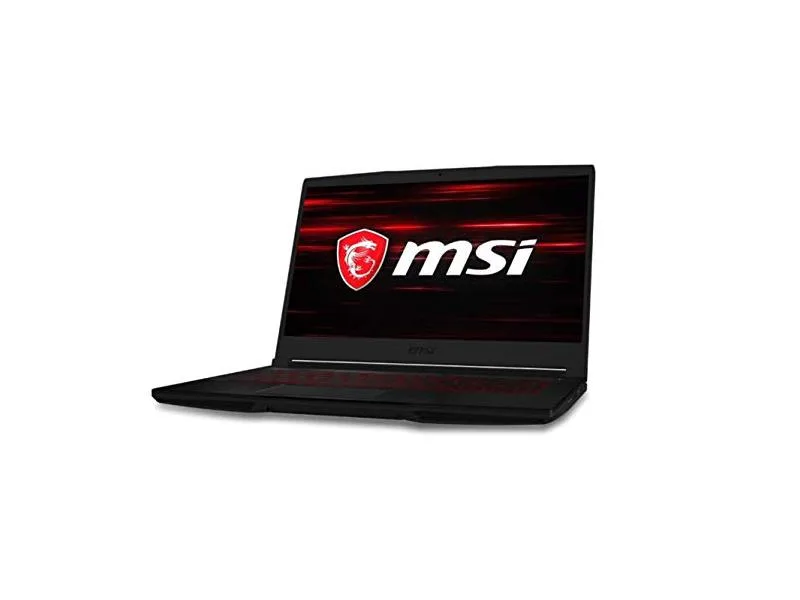
MSI
MSI GF63 Thin 10SCXR-222 15.6 laptop i5-10300H 8GB 256GB GTX 1650 4.1GB Black
- 15.6"
- Mainstream
$657.99
0.00838407BTC
In stock