Lenovo
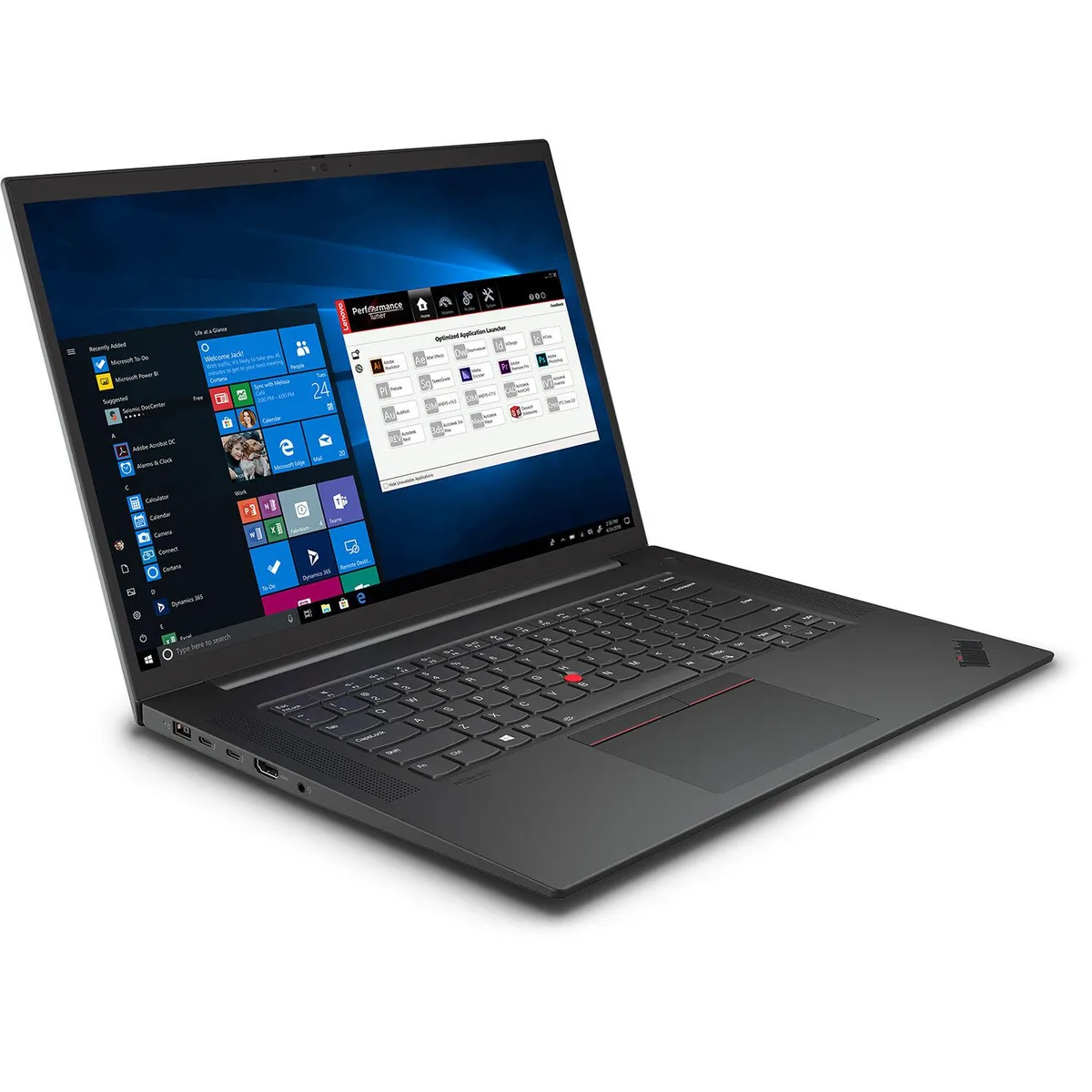
Lenovo ThinkPad P1 Gen 4 business laptop i7-11850H 32GB 1TB RTX 3070 16" WQUXGA IPS
- Black Textured
- Security Chip: Disc…
$2,061.99
0.02620596BTC
In stockWe take cryptocurrency — so the coins you hold can buy real hardware.Pay in crypto, spend it on real hardware. Free insured shipping worldwide over $399. Plain, unbranded boxes, sent from Germany.Free insured shipping over $399. Your rate is locked for 30 minutes once checkout opens.Rate locked 30 minutes. Every item sealed, serial-checked and covered by a 24-month warranty.Sealed, 24-month warranty.

DELL
Rugged 11.6" tablet runs Windows 10 Pro on an Intel M-5Y71 with 8 GB memory and 256 GB storage
The Dell Latitude 12 Extreme Rugged 7202 is a sealed tablet built to survive drops, vibration and extreme temperatures. Its 11.6 inch touchscreen works with gloves or in rain, and the Intel M-5Y71 processor with 8 GB of memory runs Windows 10 Pro for standard business applications. The 256 GB drive holds local data when connectivity is unavailable.
The M-5Y71 operates without a fan, so the tablet runs silently in quiet environments and avoids dust ingestion. Its low thermal design power keeps surface temperatures comfortable during hand-held use and extends battery life on a single charge. Passive cooling also means no moving parts to fail in harsh conditions.
| Screen Size | 11.6" |
|---|
Remove the bottom cover screws, slide the drive into the internal slot, and secure it; the step often missed is re-engaging the waterproof gasket before tightening the cover.
Clean the screen with a non-abrasive cloth and approved solution; the bonded glass digitiser is not user-replaceable, so any deep scratches or delamination require a full display assembly swap.
Also in this aisle
Same shelf, same checkout — eight coins and a 30-minute rate lock.
What you pay in, and what you read prices in.
Sent from your wallet at checkout
Display only — the catalogue is priced in USD
No currency matches that.
Pick the language the site speaks to you in.
New here?
Already have one?
There is no automatic reset: this shop sends no mail, so there is no one-time link to ask for. Leave the address on the account and it gets picked up by hand.
Request noted
Nothing is on its way to your inbox — this shop sends no mail at all. Someone picks these up by hand.
Remembered it?