DELL
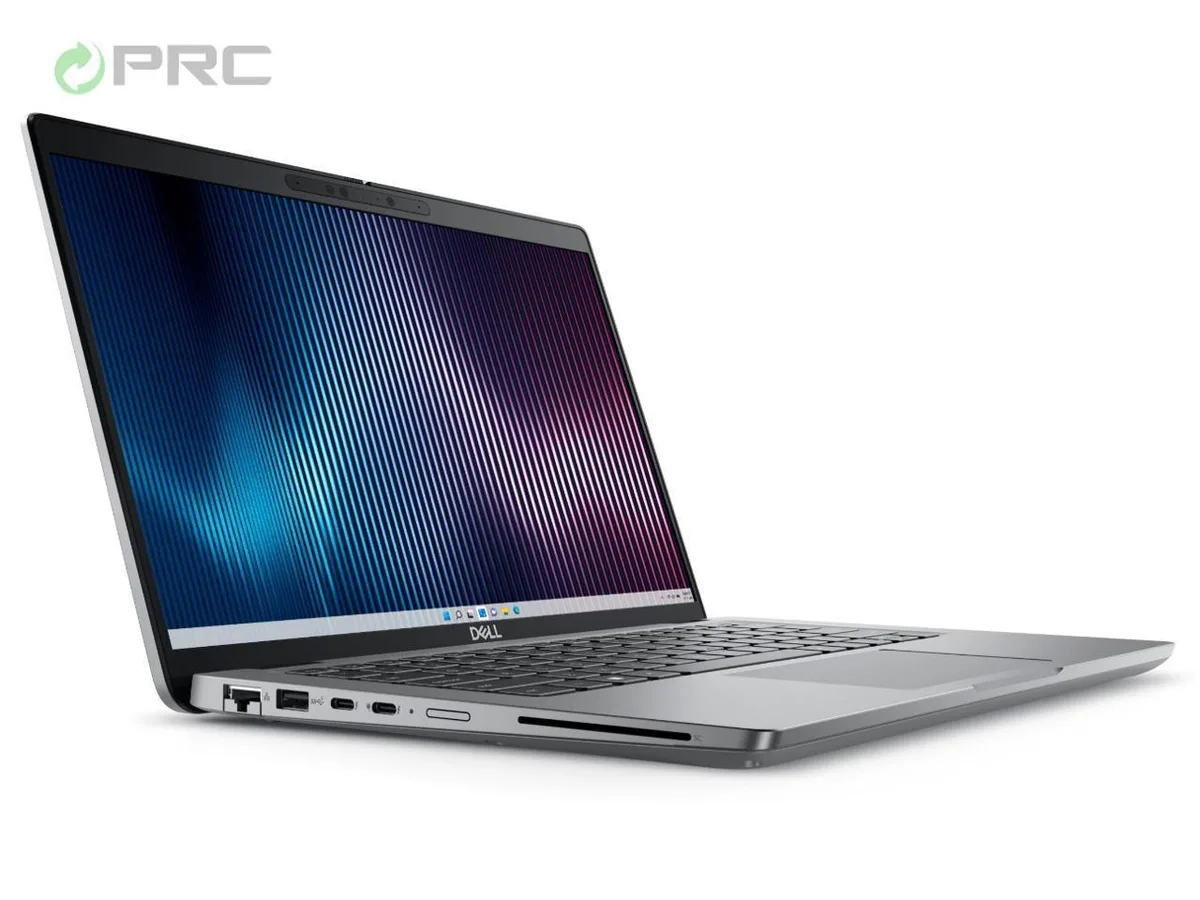
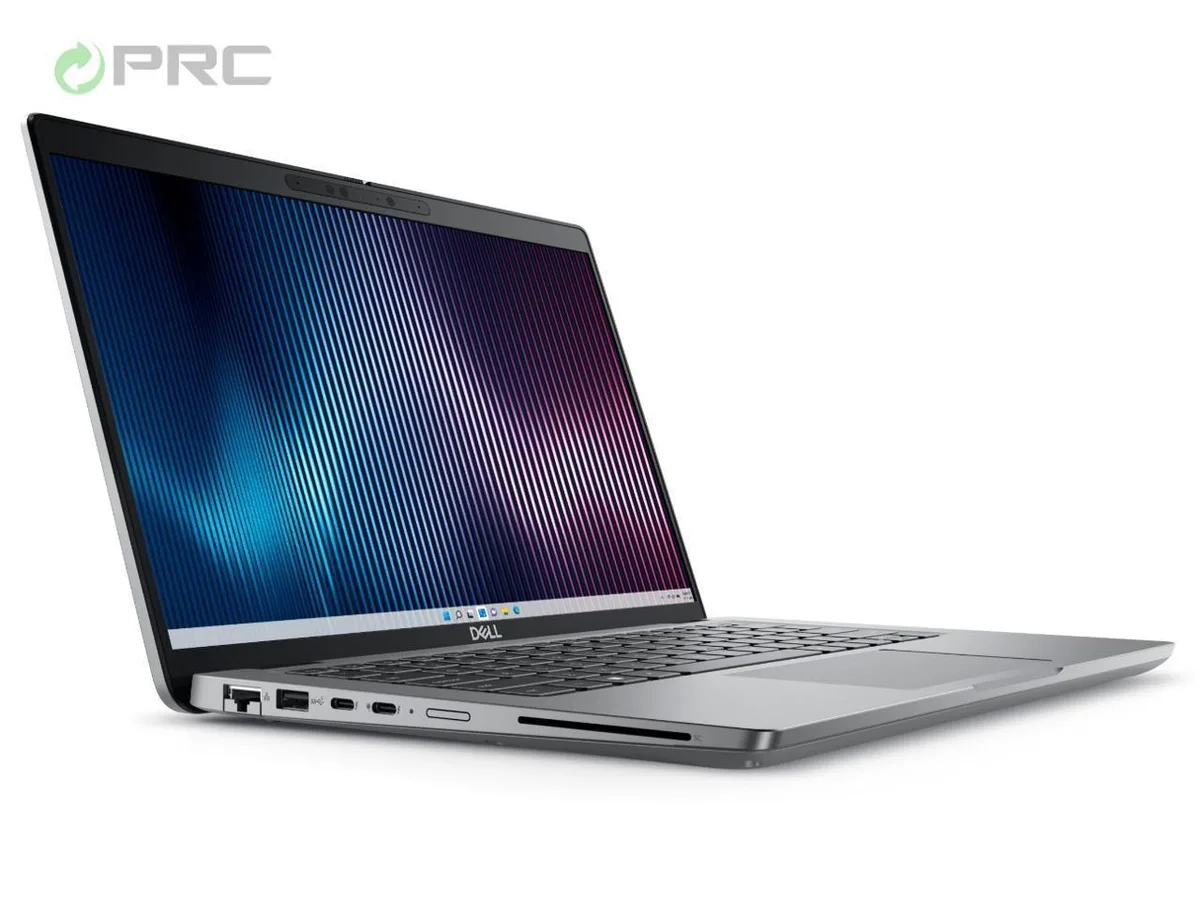
DELL Latitude 5440 laptop, Core i5-1335U, 8GB DDR4, 128GB SSD, 14" FHD, Windows 11 Pro
- Gray
- Windows 11 Pro
$424.99
0.00538944BTC
In stockWe take cryptocurrency — so the coins you hold can buy real hardware.Pay in crypto, spend it on real hardware. Free insured shipping worldwide over $399. Plain, unbranded boxes, sent from Germany.Free insured shipping over $399. Your rate is locked for 30 minutes once checkout opens.Rate locked 30 minutes. Every item sealed, serial-checked and covered by a 24-month warranty.Sealed, 24-month warranty.


DELL
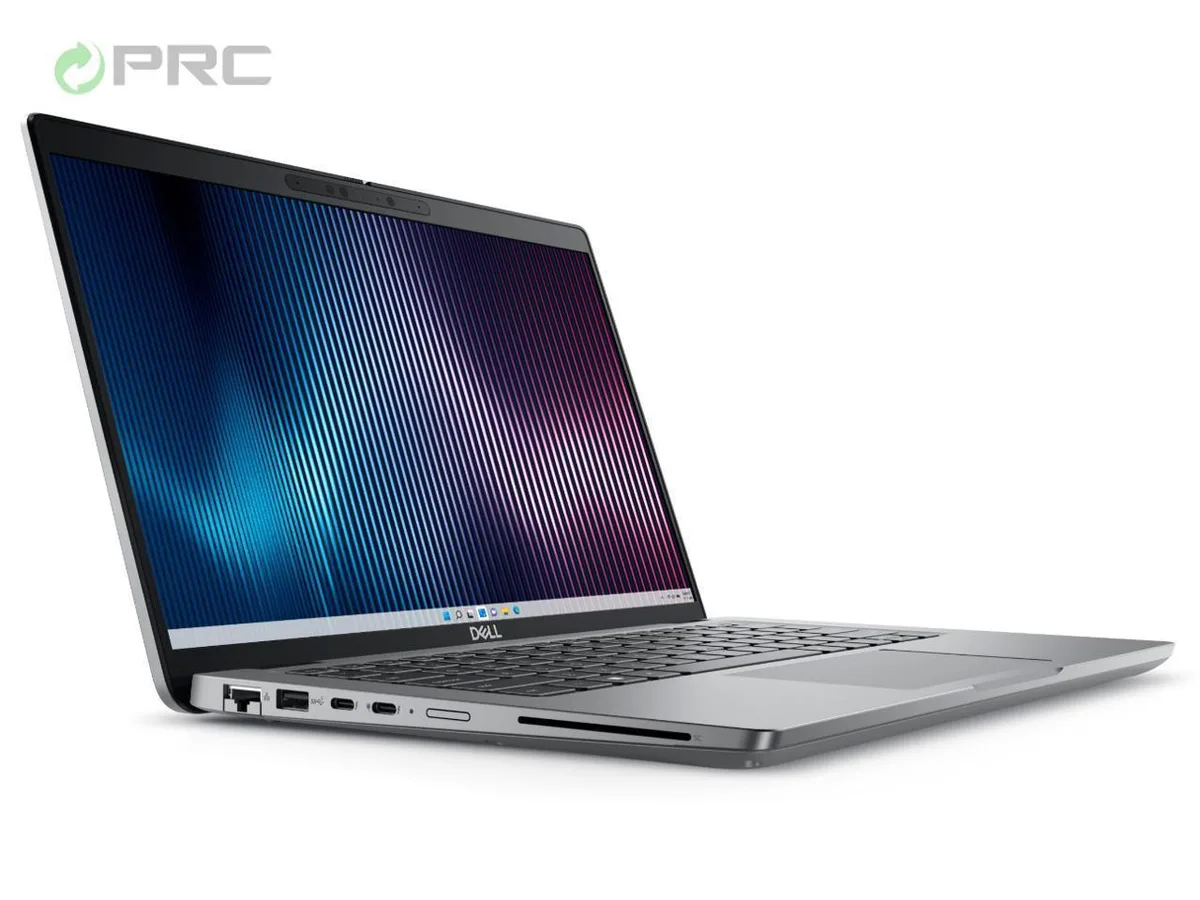
14-inch FHD business laptop with 13th Gen Intel Core i7-1355U, 32 GB DDR4, 128 GB NVMe SSD, Windows 11 Pro
Options i7-1365U 32GB/128GB W11P
The Dell Latitude 5440 is a 14-inch business laptop built for mobile professionals. It runs Windows 11 Pro on a 13th Gen Intel Core i7-1355U processor with 10 cores. The system includes 32 GB of DDR4 memory and a 128 GB NVMe SSD. Integrated Intel Iris Xe graphics drive the 1920 x 1080 non-touch display.
This configuration suits office workers who need strong multitasking performance in a light 1.39 kg chassis. Buyers who want more storage capacity or a dedicated graphics card for creative workloads should look at other models. The 128 GB drive fills quickly with large media libraries or local databases.
The single specification that decides fit is the 128 GB NVMe SSD. It provides fast boot and application load times but offers limited space for large project files. Users who keep most data in the cloud will find it adequate; anyone storing video, CAD files or big datasets locally will need a larger drive.
| Brand | DELL |
|---|---|
| Series | 5000 |
| Model | Latitude |
| Part Number | 5440 |
| Color | Gray |
| Operating System | Windows 11 Pro |
| CPU Type | Intel Core i7 13th Gen |
| Processor Name | Intel Core i7-1355U |
| CPU L2 Cache | 6MB |
| Screen Size | 14.0" |
| Touchscreen | Non-Touch Screen |
| Display Type | FHD |
| Resolution | 1920 x 1080 |
| GPU/VPU | Intel Iris Xe Graphics |
| Graphic Type | Integrated Card |
| SSD | 128GB |
| HDD | No |
| Storage Spec | 128 GB SSD |
| Memory | 32GB |
| Memory Speed | DDR4 |
| Memory Spec | 16 GB x 2 |
| Memory Slot (Total) | 2 |
| Memory Slot (Available) | 0 |
| Max Memory Supported | 64 GB |
| Optical Drive Type | No |
| LAN | 10/100/1000Mbps |
| WiFi Generation | Wi-Fi 6 |
| Bluetooth | Yes |
| USB | 2 x USB 3.2 Gen 1, 1 x USB 3.2 (PowerShare), 1 x USB-C 3.2 Gen 2 |
| Video Port | 1 x HDMI 2.0 |
| HDMI | 1 x HDMI 2.0 |
| Audio Ports | 1 x Microphone Jack, 1 x Headphone Jack |
| Audio | Integrated Sound card |
| Touchpad | Yes |
| Keyboard | Standard |
| Webcam | Yes |
| Style | Ultrabook |
| Type | Mainstream |
| Usage | Consumer |
| AC Adapter/Charger | 65-watt AC Adapter |
| Weight | 3 - 3.9 lbs. |
Other versions of this model
Same family, different memory, cooler or clock — compare before you commit.
The 65 W AC adapter supplies power to the 10-core i7-1355U and integrated Intel Iris Xe graphics. Typical office workloads keep the chassis near the 1.39 kg design weight without audible fan noise; sustained heavy loads will raise fan speed and surface temperature.
The laptop provides one HDMI 2.0 port, one USB-C 3.2 Gen 2 port, two USB 3.2 Gen 1 Type-A ports, one USB 3.2 Gen 1 PowerShare port and one RJ-45 Ethernet jack. Monitors with HDMI or USB-C Alt Mode and a standard Ethernet cable will work directly.
The system uses DDR4 memory and supports configurations up to 64 GB. Any compatible DDR4 SODIMM can be added to the open slot to reach the 64 GB maximum.
Also in this aisle
Same shelf, same checkout — eight coins and a 30-minute rate lock.
What you pay in, and what you read prices in.
Sent from your wallet at checkout
Display only — the catalogue is priced in USD
No currency matches that.
Pick the language the site speaks to you in.
New here?
Already have one?
There is no automatic reset: this shop sends no mail, so there is no one-time link to ask for. Leave the address on the account and it gets picked up by hand.
Request noted
Nothing is on its way to your inbox — this shop sends no mail at all. Someone picks these up by hand.
Remembered it?