DELL
DELL Latitude 5000 5440 14" FHD Core i5-1335U 1TB SSD 8GB DDR4
- Gray
- Windows 11 Pro
$539.99
0.0068478BTC
In stockWe take cryptocurrency — so the coins you hold can buy real hardware.Pay in crypto, spend it on real hardware. Free insured shipping worldwide over $399. Plain, unbranded boxes, sent from Germany.Free insured shipping over $399. Your rate is locked for 30 minutes once checkout opens.Rate locked 30 minutes. Every item sealed, serial-checked and covered by a 24-month warranty.Sealed, 24-month warranty.


DELL
14-inch FHD business laptop with 10-core i7-1355U, 64 GB DDR4, 1 TB NVMe, Wi-Fi 6 and Windows 11 Pro
Options i7-1365U 64GB/1TB W11P
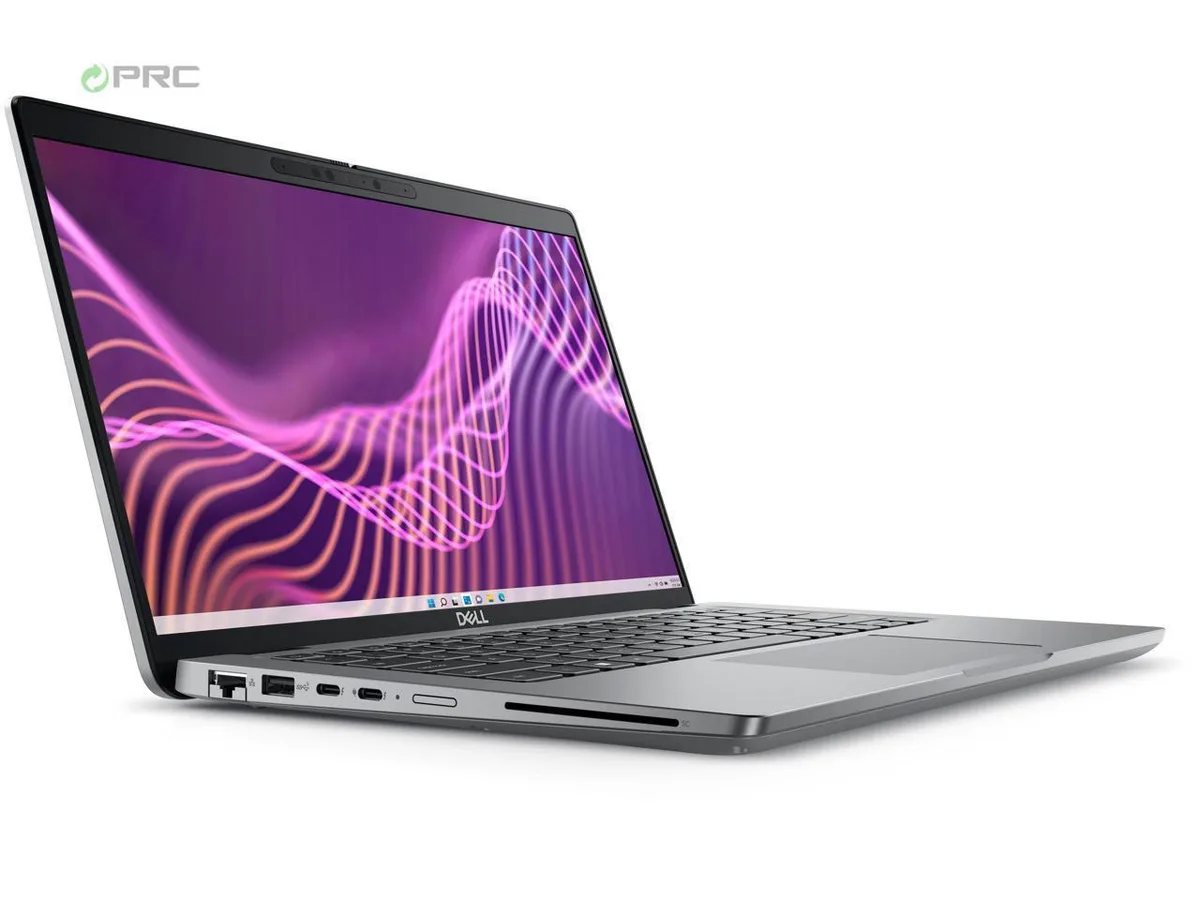
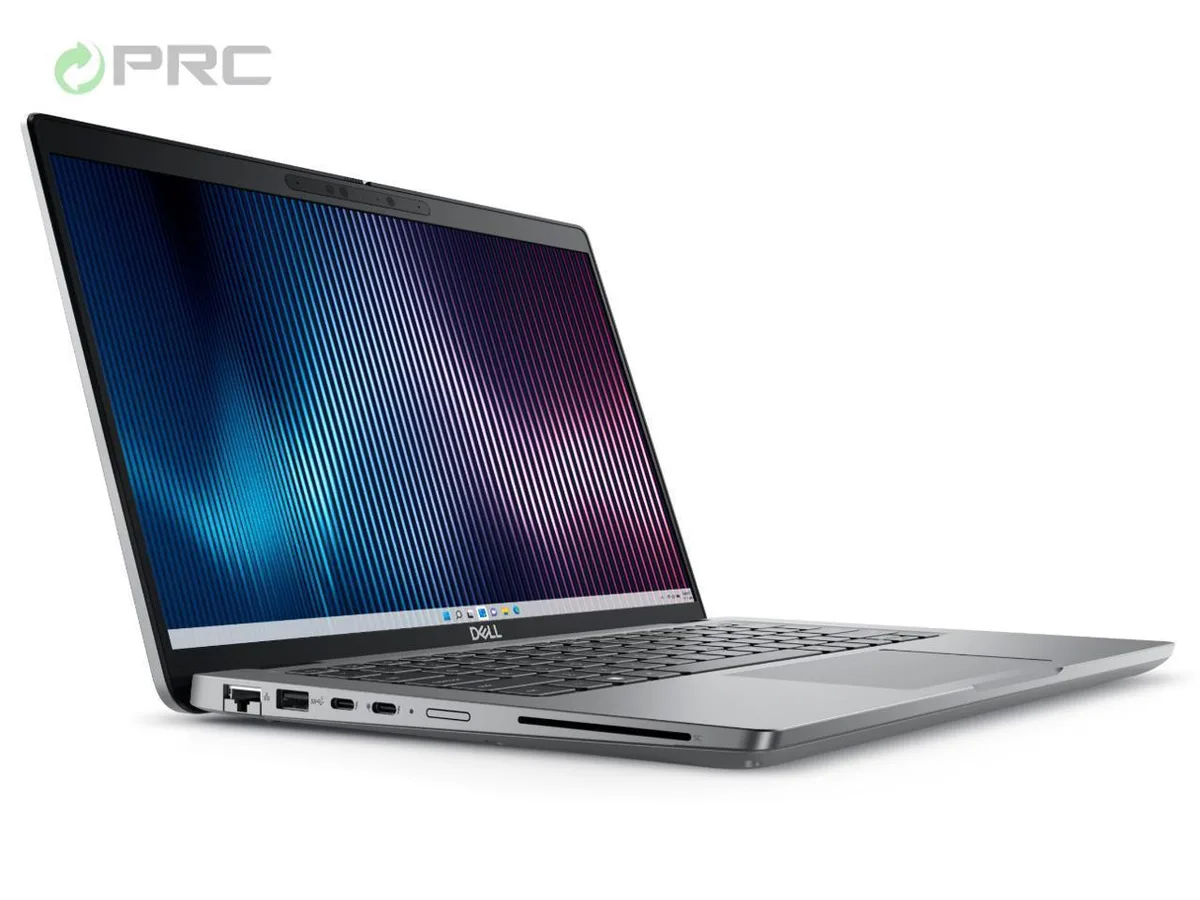
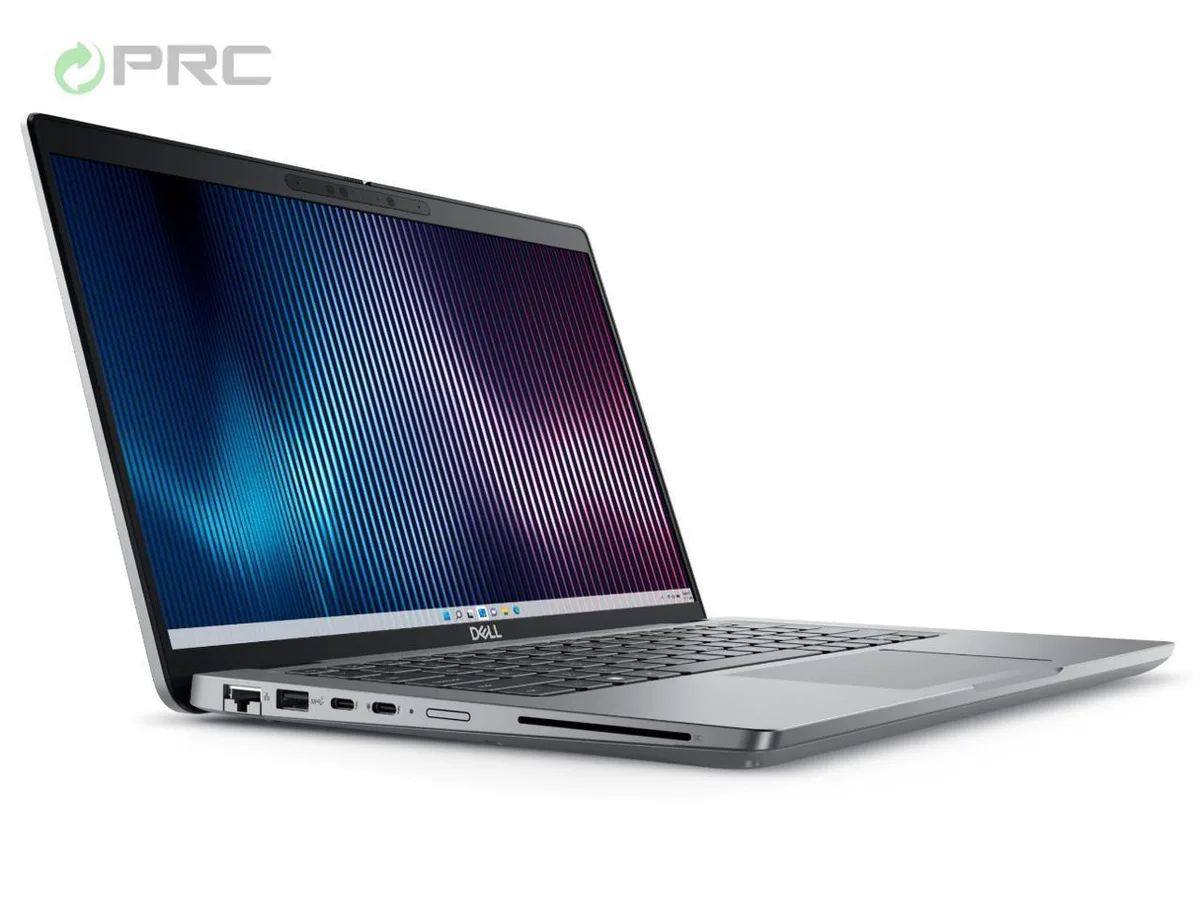
The Dell Latitude 5440 is a 14.0-inch Full HD notebook built around a 13th Gen Intel Core i7-1355U processor with 10 cores and 12 threads. It ships with 64 GB of DDR4 memory and a 1 TB NVMe SSD, providing the capacity and speed required for heavy multitasking, large datasets and virtualisation. Windows 11 Pro comes pre-installed for immediate deployment in managed environments.
The grey chassis measures 321.4 mm wide, 212 mm deep and 19.1 mm high at the rear, weighing 1.39 kg for comfortable mobility. The anti-glare WVA panel delivers 250 nits brightness without touch input. Physical ports include one RJ-45 Ethernet jack, two USB 3.2 Gen 1 Type-A connectors, one USB 3.2 Gen 2 Type-C port, one USB 3.2 Gen 1 Type-A port with PowerShare, one HDMI 2.0 output and a universal audio jack, covering legacy and modern peripherals alike.
An OEM 65 W AC adapter is included so the system can be powered straight from the box. The unit carries a manufacturer warranty valid until 2025, giving organisations a protected asset lifecycle without additional procurement steps. Wi-Fi 6 and Bluetooth 5.2 provide current wireless standards for office and remote work scenarios.
| Brand | DELL |
|---|---|
| Series | 5000 |
| Model | Latitude |
| Part Number | 5440 |
| Color | Gray |
| Operating System | Windows 11 Pro |
| CPU Type | Intel Core i7 13th Gen |
| Processor Name | Intel Core i7-1355U |
| CPU L2 Cache | 6MB |
| Screen Size | 14.0" |
| Touchscreen | Non-Touch Screen |
| Display Type | FHD |
| Resolution | 1920 x 1080 |
| GPU/VPU | Intel Iris Xe Graphics |
| Graphic Type | Integrated Card |
| SSD | 1TB |
| HDD | No |
| Storage Spec | 1 TB |
| Memory | 64GB |
| Memory Speed | DDR4 |
| Memory Spec | 32 GB x 2 |
| Memory Slot (Total) | 2 |
| Memory Slot (Available) | 0 |
| Max Memory Supported | 64 GB |
| Optical Drive Type | No |
| LAN | 10/100/1000Mbps |
| WiFi Generation | Wi-Fi 6 |
| Bluetooth | Yes |
| USB | 2 x USB 3.2 Gen 1, 1 x USB 3.2 (PowerShare), 1 x USB-C 3.2 Gen 2 |
| Video Port | 1 x HDMI 2.0 |
| HDMI | 1 x HDMI 2.0 |
| Audio Ports | 1 x Microphone Jack, 1 x Headphone Jack |
| Audio | Integrated Sound card |
| Touchpad | Yes |
| Keyboard | Standard |
| Webcam | Yes |
| Style | Ultrabook |
| Type | Mainstream |
| Usage | Consumer |
| AC Adapter/Charger | 65-watt AC Adapter |
| Weight | 3 - 3.9 lbs. |
Other versions of this model
Same family, different memory, cooler or clock — compare before you commit.
The laptop has one USB Type-C 3.2 Gen2 port supporting up to 10 Gbps data transfer.
It measures 321.4 mm wide, 212 mm deep, 19.1 mm high and weighs 1.39 kg.
Use the Dell OS Recovery Tool to create a bootable USB, boot from it, and remember to install the Dell driver pack after Windows setup finishes.
Also in this aisle
Same shelf, same checkout — eight coins and a 30-minute rate lock.
What you pay in, and what you read prices in.
Sent from your wallet at checkout
Display only — the catalogue is priced in USD
No currency matches that.
Pick the language the site speaks to you in.
New here?
Already have one?
There is no automatic reset: this shop sends no mail, so there is no one-time link to ask for. Leave the address on the account and it gets picked up by hand.
Request noted
Nothing is on its way to your inbox — this shop sends no mail at all. Someone picks these up by hand.
Remembered it?