DELL
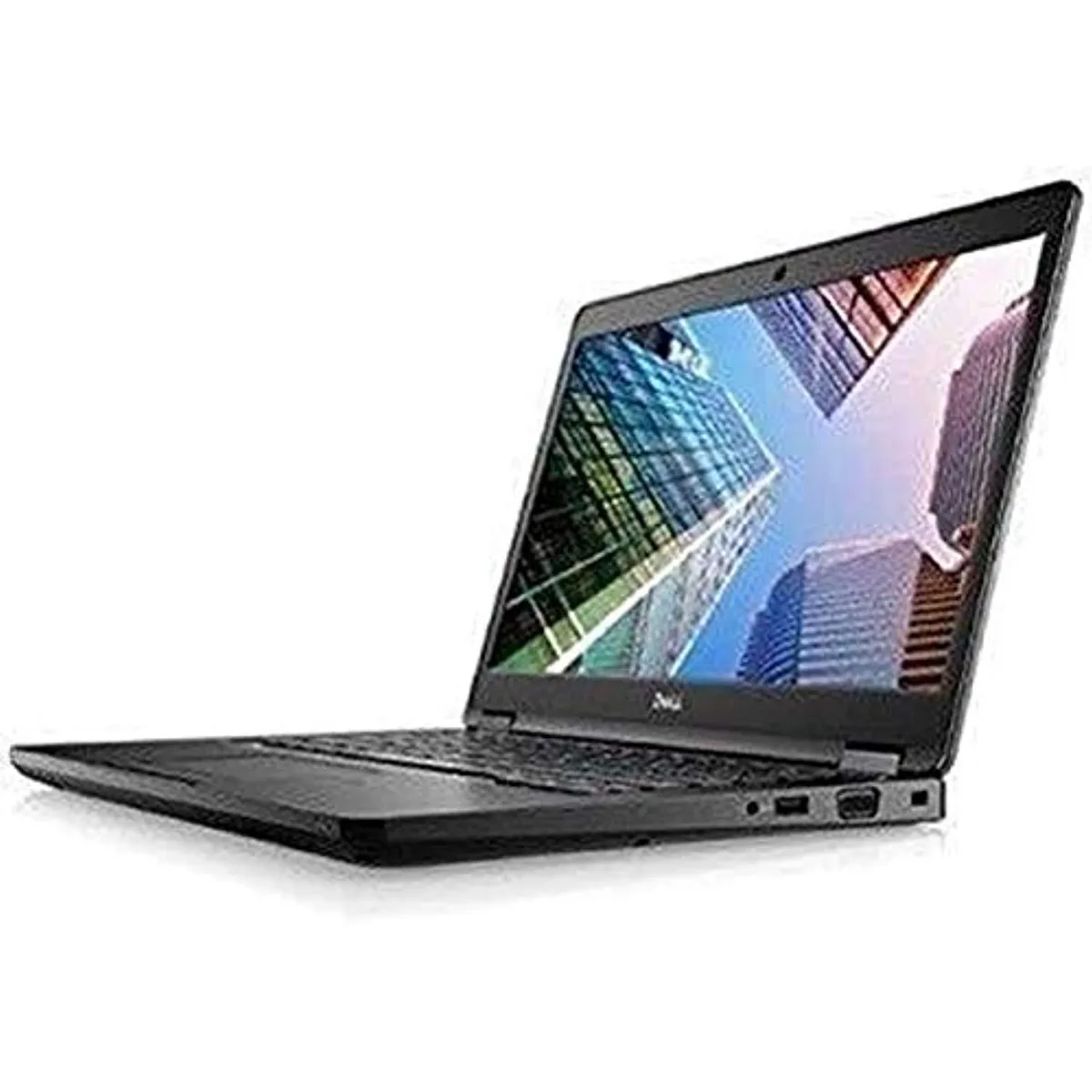
DELL Latitude 7490 -9718 laptop 14" i5-8250U 8GB 256GB
- 14.0"
- Home / Personal
$195.99
0.00249618BTC
In stockWe take cryptocurrency — so the coins you hold can buy real hardware.Pay in crypto, spend it on real hardware. Free insured shipping worldwide over $399. Plain, unbranded boxes, sent from Germany.Free insured shipping over $399. Your rate is locked for 30 minutes once checkout opens.Rate locked 30 minutes. Every item sealed, serial-checked and covered by a 24-month warranty.Sealed, 24-month warranty.

DELL
A 15.6 inch ultrabook with a Core i7-1255U at 3.3GHz, 16GB memory and a 256GB NVME drive running Windows 11 Pro
This Dell Latitude 5530 Ultrabook runs on an Intel Core i7-1255U processor at 3.3GHz with 16GB of memory and a 256GB NVME drive. The 15.6-inch screen provides a practical workspace for daily tasks. It ships with Windows 11 Pro installed and includes HDMI and USB-C connectivity for external displays and peripherals. The unit is supplied in new condition.
Moving from a dual-core chip or a hard-disk-based laptop to this 1255U and NVME combination cuts application load times and improves multitasking headroom. The jump is worth it when your current machine stalls on spreadsheets, video calls or large browser sessions. Buyers who need more than 256GB of internal storage or a dedicated graphics chip for rendering should look elsewhere.
| Screen Size | 15.6" |
|---|
Yes, the unit provides an HDMI output so you can connect a 15.6" or larger display without an adapter.
Remove the bottom cover, insert the NVME stick into the M.2 slot at a 30-degree angle, then secure it with the single retention screw before reassembling.
Also in this aisle
Same shelf, same checkout — eight coins and a 30-minute rate lock.
What you pay in, and what you read prices in.
Sent from your wallet at checkout
Display only — the catalogue is priced in USD
No currency matches that.
Pick the language the site speaks to you in.
New here?
Already have one?
There is no automatic reset: this shop sends no mail, so there is no one-time link to ask for. Leave the address on the account and it gets picked up by hand.
Request noted
Nothing is on its way to your inbox — this shop sends no mail at all. Someone picks these up by hand.
Remembered it?