DELL
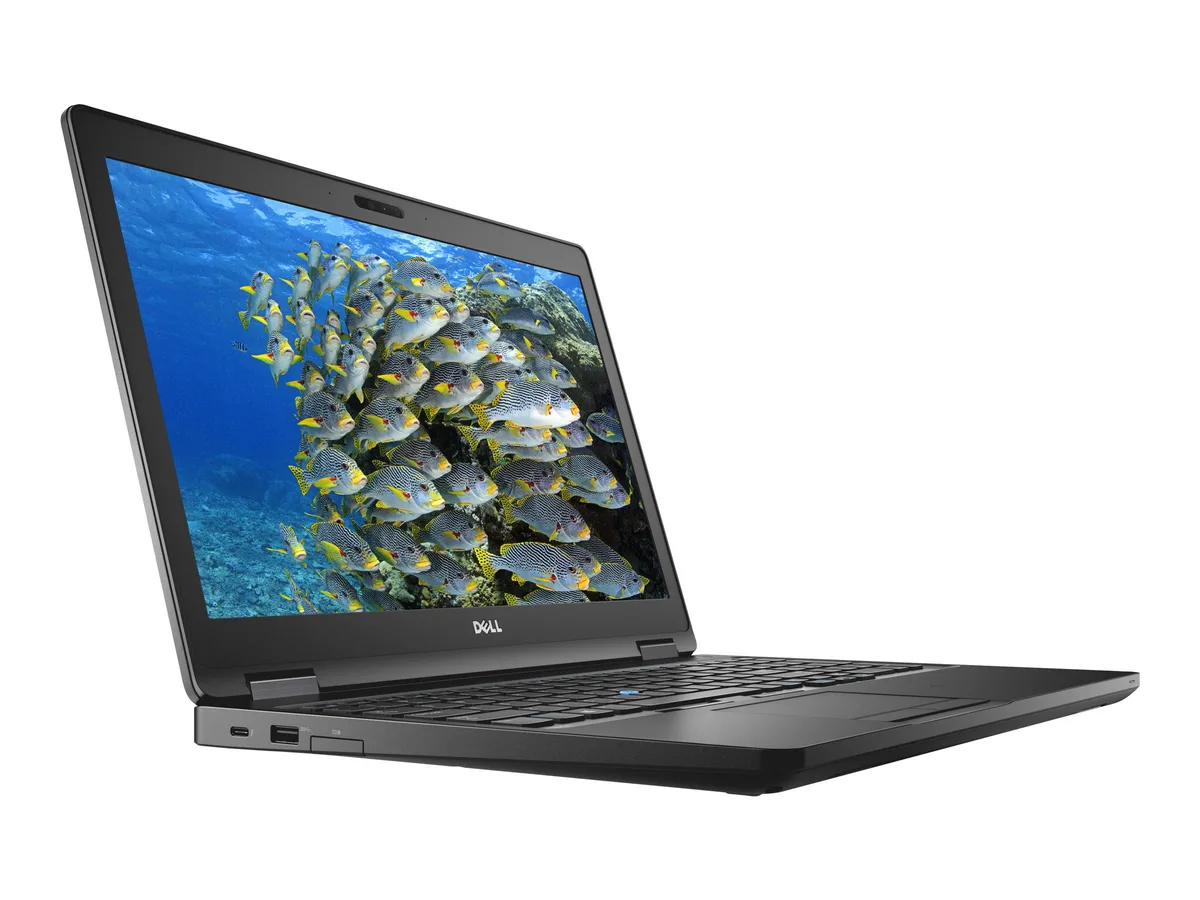
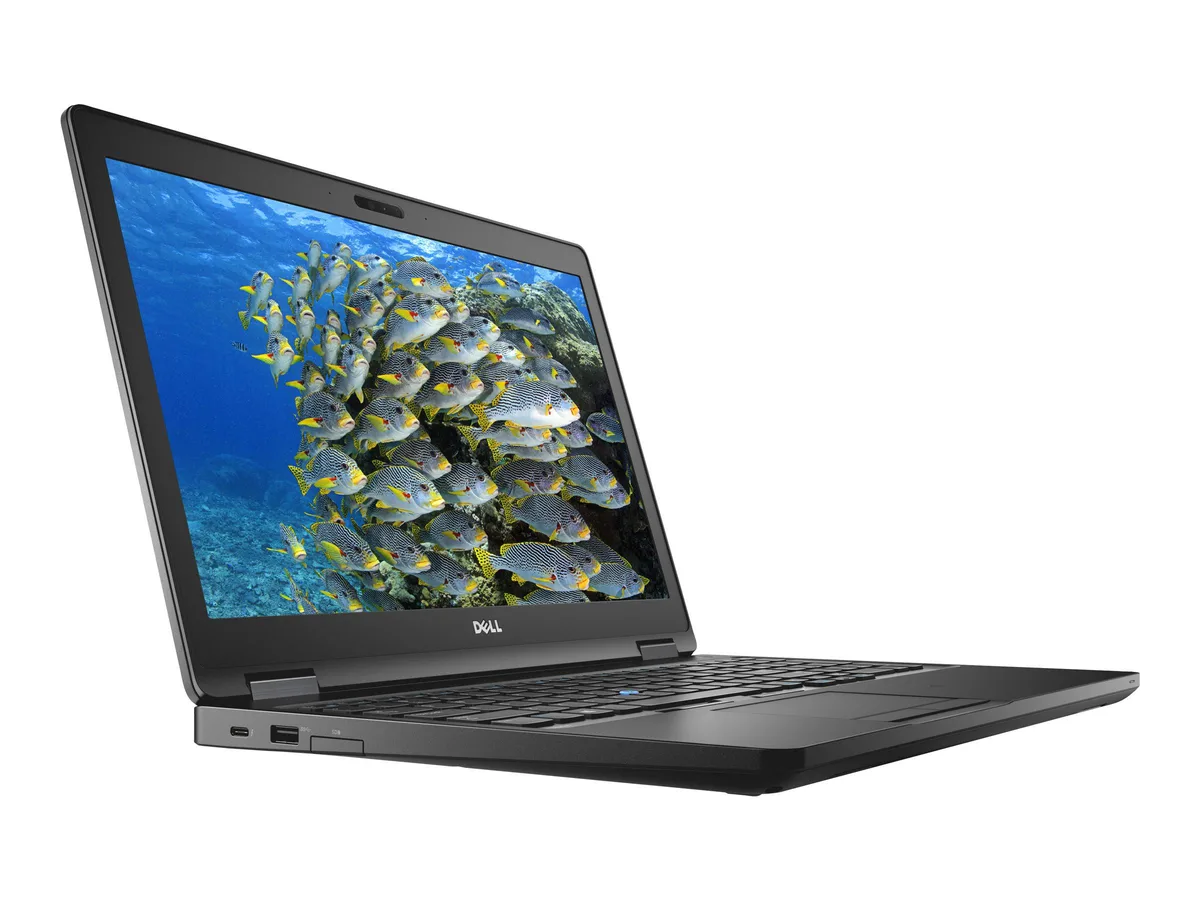
DELL Latitude 5590 14.0" Touchscreen i5-8350U 8GB 128GB SSD
- Black
- Windows 11 Pro
$388.99
0.00492361BTC
In stockWe take cryptocurrency — so the coins you hold can buy real hardware.Pay in crypto, spend it on real hardware. Free insured shipping worldwide over $399. Plain, unbranded boxes, sent from Germany.Free insured shipping over $399. Your rate is locked for 30 minutes once checkout opens.Rate locked 30 minutes. Every item sealed, serial-checked and covered by a 24-month warranty.Sealed, 24-month warranty.


DELL
A 15.6-inch FHD IPS touchscreen ultrabook with an 8th Gen Intel Core i5-8350U, 16 GB DDR4, 128 GB SSD and Windows 11 Pro
Options 16GB/128GB W11P Touch
The Dell Latitude 5590 is a 15.6 inch Full HD IPS touchscreen ultrabook running Windows 11 Pro. It uses an 8th Gen Intel Core i5-8350U quad-core processor with 16 GB DDR4 RAM and a 128 GB SSD. Integrated Intel UHD Graphics 620 handles the display output.
This configuration suits users who want a responsive touchscreen for annotation or presentation work on a 1920 x 1080 panel. The 128 GB SSD limits local storage for large media libraries or virtual machines. Buyers who want more storage or discrete graphics should look at other configurations.
Verify that your external monitors connect via HDMI, VGA or the USB Type-C DisplayPort alternate mode. The chassis provides three USB 3.1 Gen 1 Type-A ports, one with PowerShare, plus an SD card slot and RJ45. Confirm the optional Thunderbolt 3 over Type-C is present if you require it.
| Brand | DELL |
|---|---|
| Series | 5000 |
| Model | Latitude |
| Part Number | 5590 |
| Color | Black |
| Operating System | Windows 11 Pro |
| CPU Type | Intel Core i5 8th Gen |
| Processor Name | Intel Core i5-8350U |
| Number of Cores | Quad-core Processor |
| CPU L2 Cache | 6MB |
| Screen Size | 14.0" |
| Touchscreen | Touch Screen |
| Display Type | FHD |
| Resolution | 1920 x 1080 |
| Panel | IPS |
| GPU/VPU | Intel UHD Graphics 620 |
| Graphic Type | Integrated Card |
| SSD | 128GB |
| HDD | No |
| Storage Spec | 128 GB SSD |
| Memory | 16GB |
| Memory Speed | DDR4 |
| Memory Spec | 8 GB x 2 |
| Memory Slot (Total) | 2 |
| Memory Slot (Available) | 0 |
| Max Memory Supported | 32 GB |
| Optical Drive Type | No |
| LAN | 10/100/1000Mbps |
| WiFi Generation | Wi-Fi 4 and earlier generation |
| Bluetooth | Yes |
| USB | 3x USB 3.1 Gen1 (one with PowerShare) , 1 x USB Type-C (DisplayPort) |
| Thunderbolt | 1 x Thunderbolt |
| Video Port | 1 x HDMI 1.4 - DisplayPort over USB Type-C(optional Thunderbolt 3(1) |
| HDMI | 1 x HDMI |
| Ethernet | 1 x RJ-45 (1Gbps) |
| Audio Ports | 1 x Microphone Jack, 1 x Headphone Jack |
| Audio | Integrated Sound card |
| Touchpad | Yes |
| Keyboard | Standard |
| Webcam | Yes |
| Style | Ultrabook |
| Type | Mainstream |
| Usage | Consumer |
| AC Adapter/Charger | 65-watt AC Adapter |
| Weight | 3 - 3.9 lbs. |
Other versions of this model
Same family, different memory, cooler or clock — compare before you commit.
The system ships with 16 GB of DDR4 RAM already fitted, so no extra modules are required for the listed capacity.
Yes, the built-in VGA port handles the analogue monitor while the USB 3.1 Gen 1 ports and the USB Type-C DisplayPort remain free for other peripherals or digital displays.
Open Device Manager, expand Display adapters, and confirm Intel UHD Graphics 620 appears without a warning icon.
Also in this aisle
Same shelf, same checkout — eight coins and a 30-minute rate lock.
What you pay in, and what you read prices in.
Sent from your wallet at checkout
Display only — the catalogue is priced in USD
No currency matches that.
Pick the language the site speaks to you in.
New here?
Already have one?
There is no automatic reset: this shop sends no mail, so there is no one-time link to ask for. Leave the address on the account and it gets picked up by hand.
Request noted
Nothing is on its way to your inbox — this shop sends no mail at all. Someone picks these up by hand.
Remembered it?