


DELL
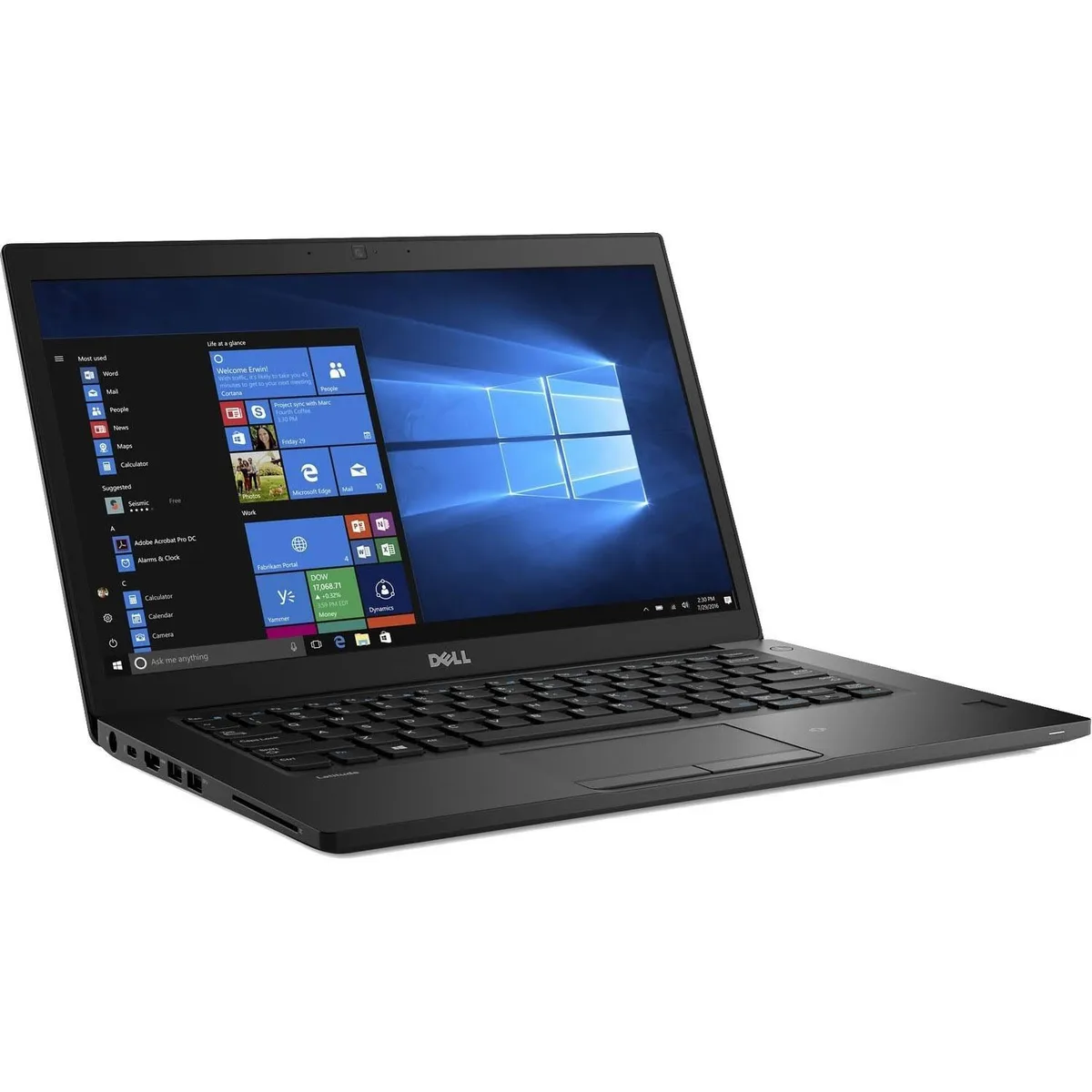
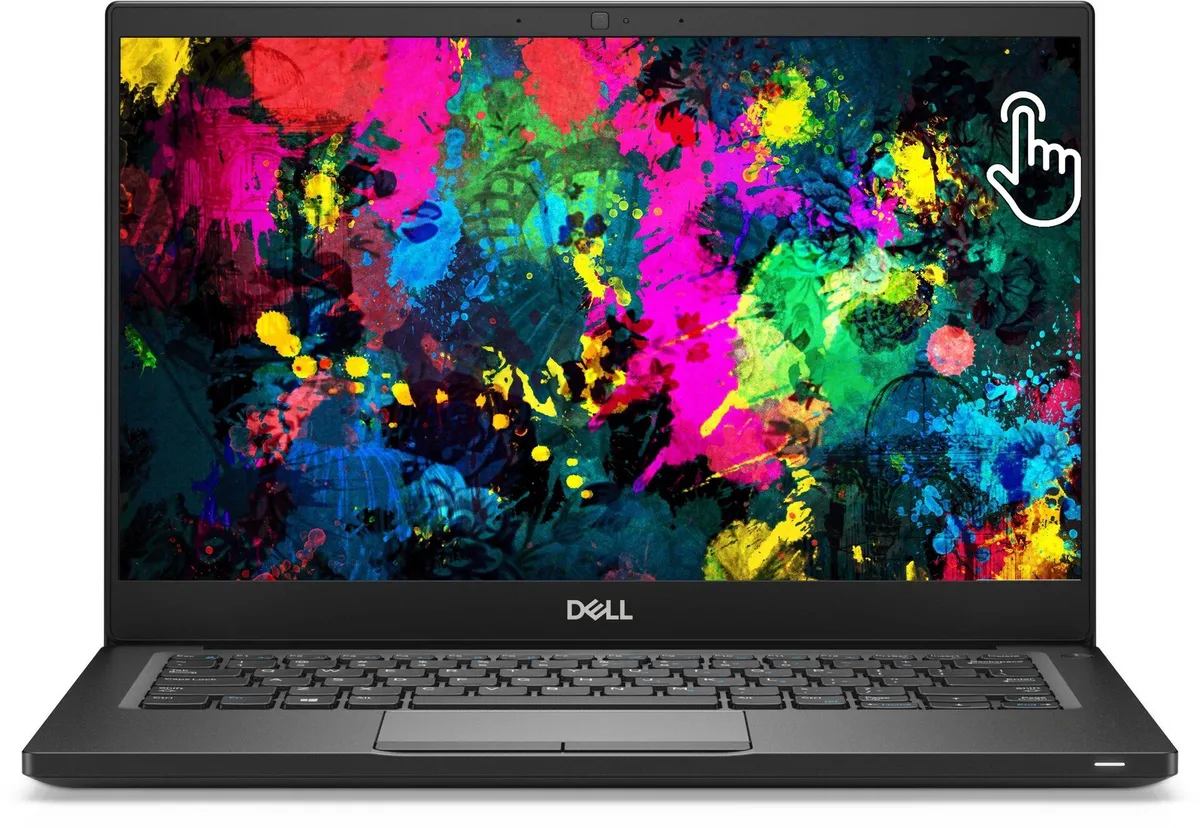
DELL Latitude 7390 laptop i5-8350U 16GB DDR4 1TB NVMe 13.3" FHD Touchscreen Windows 11 Pro
13.3-inch FHD touchscreen ultrabook with quad-core i5-8350U, 16GB DDR4 and 1TB NVMe storage
- ColorBlack
- Operating SystemWindows 11 Pro
- CPU TypeIntel Core i5 8th Gen
- Processor NameIntel Core i5-8350U
- Number of CoresQuad-core Processor
- Screen Size13.3"
Options 16GB/1TB W11P
- 8GB/1TB W11P
- 8GB/1TB W10P
- 32GB/1TB W11P
- 32GB/1TB W10P
- 16GB/1TB W11P
- 16GB/1TB W10P
- 3" FHD touchscreen for direct interaction
- Quad-core i5-8350U up to 3.6 GHz for responsive performance
- 16 GB DDR4 memory keeps multiple apps running smoothly
- 1 TB NVMe SSD stores large projects and boots quickly
- Windows 11 Pro pre-installed for modern security and management
Professional ultrabook with 13.3" touchscreen
The Dell Latitude 7390 is a 13.3-inch ultrabook built for professionals who need a portable Windows 11 Pro device with touchscreen input. It runs on an 8th Gen Intel Core i5-8350U quad-core processor with Intel UHD Graphics 620. The system includes 16 GB DDR4 memory and a 1 TB PCIe NVMe M.2 SSD for fast storage.
Spill-resistant keyboard and versatile ports
The chassis features a spill-resistant keyboard and a BrightView touchscreen finished with Corning Gorilla Glass 4. Connectivity covers USB 3.1 Gen 1, USB 3.1 Gen 1 PowerShare, USB-C 3.1 Gen 1 with DisplayPort, HDMI, and a headphone/microphone combo jack. Wireless uses Wi-Fi and Bluetooth 4.2.
Verify memory limits and pen needs before ordering
The platform supports up to 32 GB DDR4, so buyers planning future upgrades should confirm the current 16 GB configuration meets their workload. Touchscreen users should note the optional active pen is sold separately. Ensure your peripherals match the available USB-A, USB-C and HDMI outputs.
Highlights
- 3" FHD touchscreen for direct interaction
- Quad-core i5-8350U up to 3.6 GHz for responsive performance
- 16 GB DDR4 memory keeps multiple apps running smoothly
- 1 TB NVMe SSD stores large projects and boots quickly
- Windows 11 Pro pre-installed for modern security and management
Specifications
| Brand | DELL |
|---|---|
| Series | Latitude |
| Model | DELL |
| Part Number | 7390 |
| Color | Black |
| Operating System | Windows 11 Pro |
| CPU Type | Intel Core i5 8th Gen |
| Processor Name | Intel Core i5-8350U |
| Number of Cores | Quad-core Processor |
| Screen Size | 13.3" |
| Touchscreen | Touch Screen |
| Display Type | FHD |
| Resolution | 1920 x 1080 |
| GPU/VPU | Intel UHD Graphics 620 |
| Graphic Type | Integrated Card |
| SSD | 1TB |
| HDD | No |
| Storage Spec | M.2 1TB NVMe SSD |
| Memory | 16GB |
| Memory Speed | DDR4 |
| Memory Spec | 8 GB x 2 |
| Memory Slot (Total) | 2 |
| Memory Slot (Available) | 0 |
| Max Memory Supported | 32 GB |
| Optical Drive Type | No |
| LAN | 10/100/1000Mbps |
| WLAN | 802.11ac Wireless LAN |
| WiFi Generation | Wi-Fi 4 and earlier generation |
| Bluetooth | Yes |
| USB | USB 3.1 Gen 1, USB 3.1 Gen 1 (PowerShare), USB-C 3.1 Gen 1/DisplayPort |
| Video Port | 1 x HDMI |
| HDMI | 1 x HDMI |
| Ethernet | 1 x RJ-45 (1Gbps) |
| Audio Ports | Yes |
| Touchpad | Yes |
| Keyboard | Standard |
| Webcam | Yes |
| Style | Ultrabook |
| Type | Mainstream |
| Usage | Business |
| AC Adapter/Charger | 65-watt AC Adapter |
| Dimensions (W x D x H) | 12 x 8.3 x 0.7 |
| Weight | < 4lbs |
| Software Included | NONE |
Other versions of this model
5 more in the same range
Same family, different memory, cooler or clock — compare before you commit.

DELL
DELL Latitude 7390 13.3" FHD Touchscreen i7-8650U 16GB 1TB NVMe
- Black
- Windows 10 Pro
$256.99
0.00324024BTC
In stock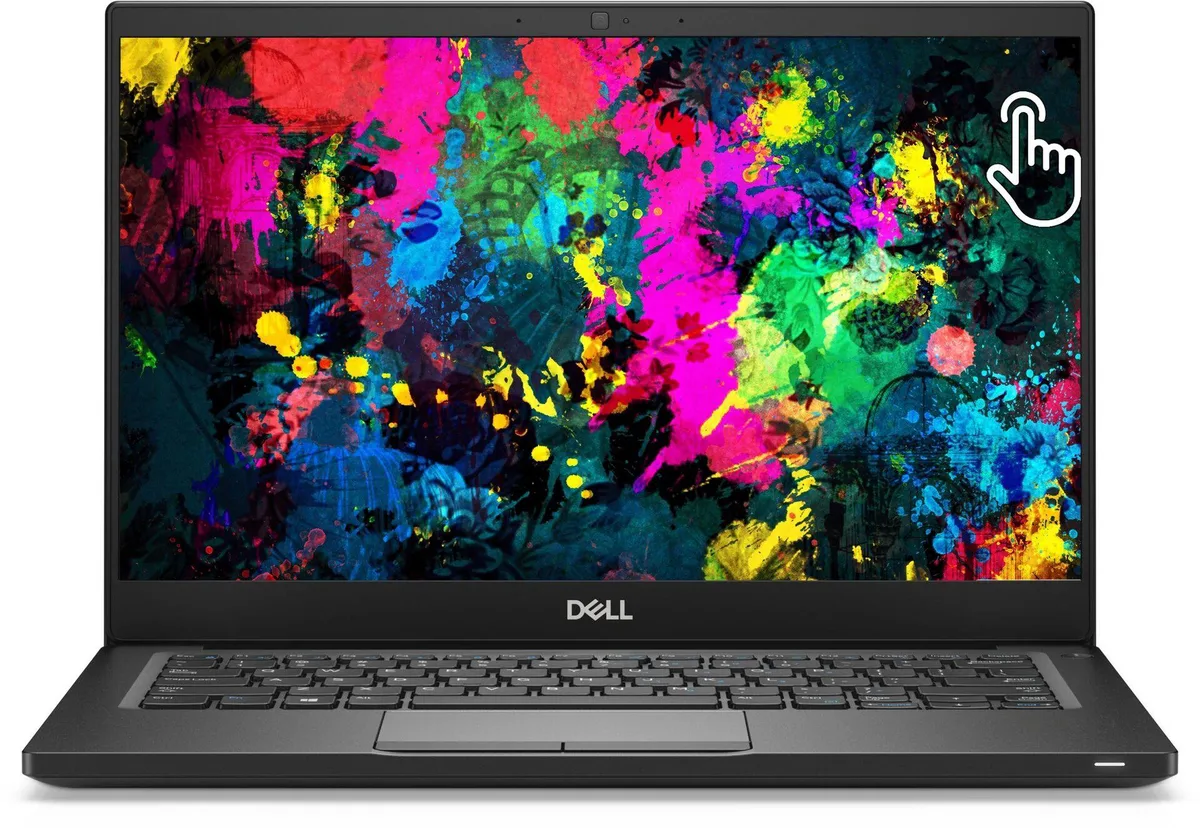
DELL
DELL Latitude 7390 13.3" Touchscreen i7-8650U 1TB SSD 8GB DDR4
- Black
- Windows 11 Pro
$267.99
0.00337893BTC
In stock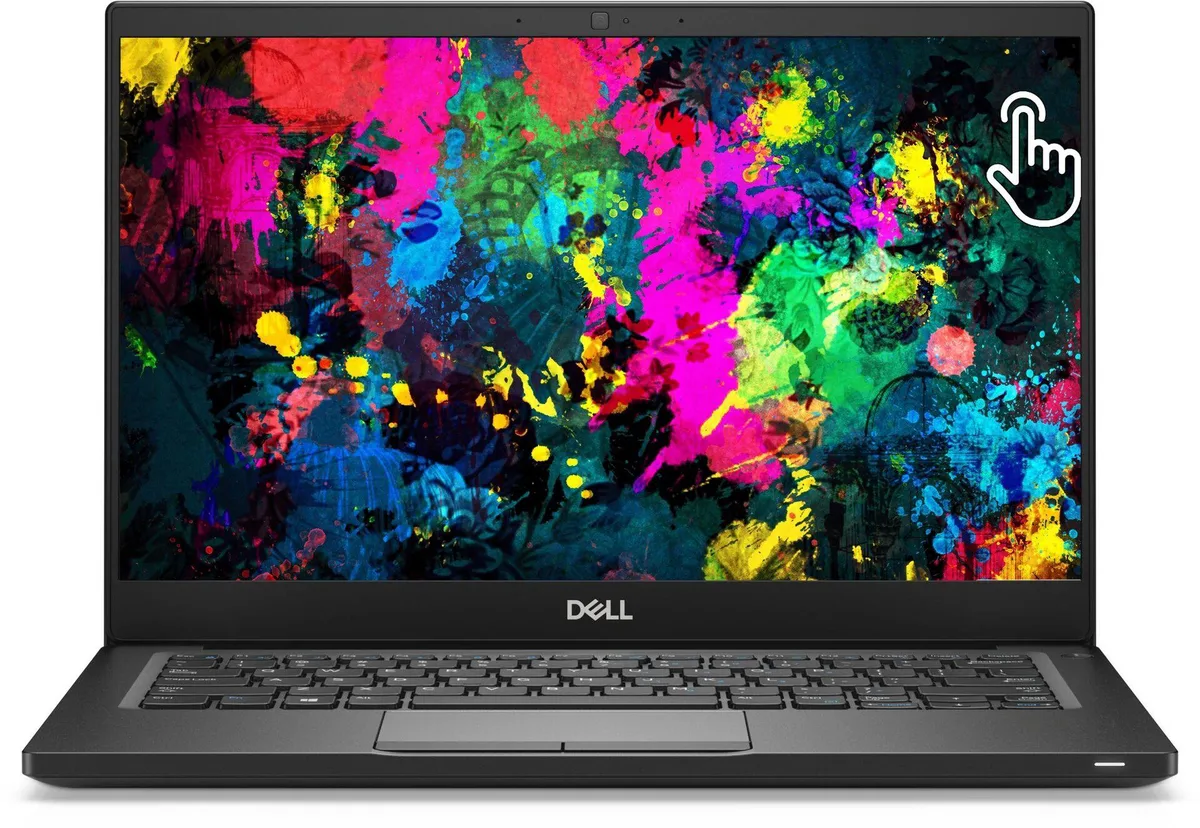
DELL
DELL Latitude 7390 13.3" Touchscreen i7-8650U 16GB DDR4 1TB NVMe Windows 11 Pro
- Black
- Windows 11 Pro
$285.99
0.00360589BTC
In stock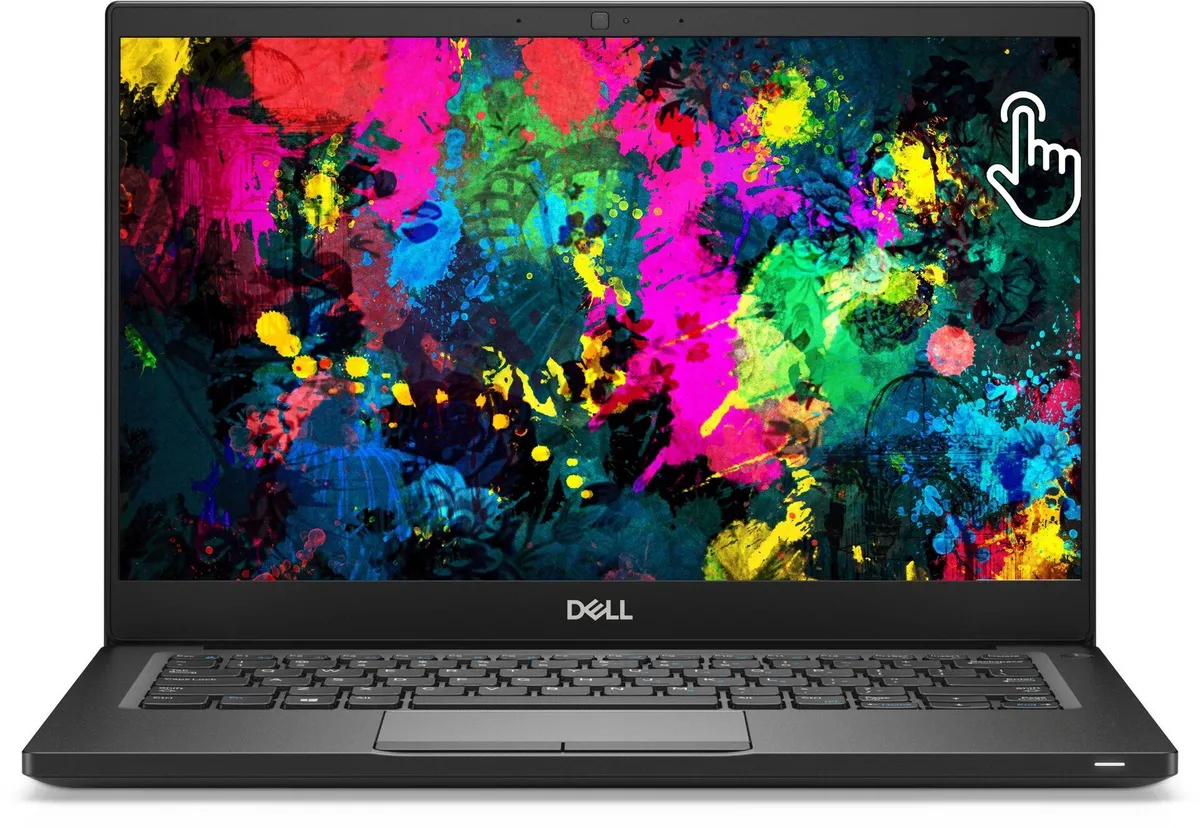
DELL
DELL Latitude 7390 13.3" Touchscreen i5-8350U 1TB SSD 8GB DDR4
- Black
- Windows 10 Pro
$314.99
0.00397153BTC
In stockQuestions about this item
What practical speed limit does the USB 3.1 Gen 1 Type-C port with DisplayPort impose on external storage?
The USB 3.1 Gen 1 Type-C port caps external drives at 5 Gbit/s and carries DisplayPort video on the same connector.
Which screw size and drive pattern secure the M.2 2280 NVMe module in this chassis?
A single M2 × 3 mm Phillips-head screw holds the M.2 2280 NVMe module in place.
What BIOS setting must be enabled before Windows 11 Pro will recognise the 1 TB NVMe drive during a clean install?
Enable UEFI boot mode and disable Secure Boot in the BIOS so the NVMe drive appears as a boot target.
Also in this aisle
People compared these
Same shelf, same checkout — eight coins and a 30-minute rate lock.
ASUS
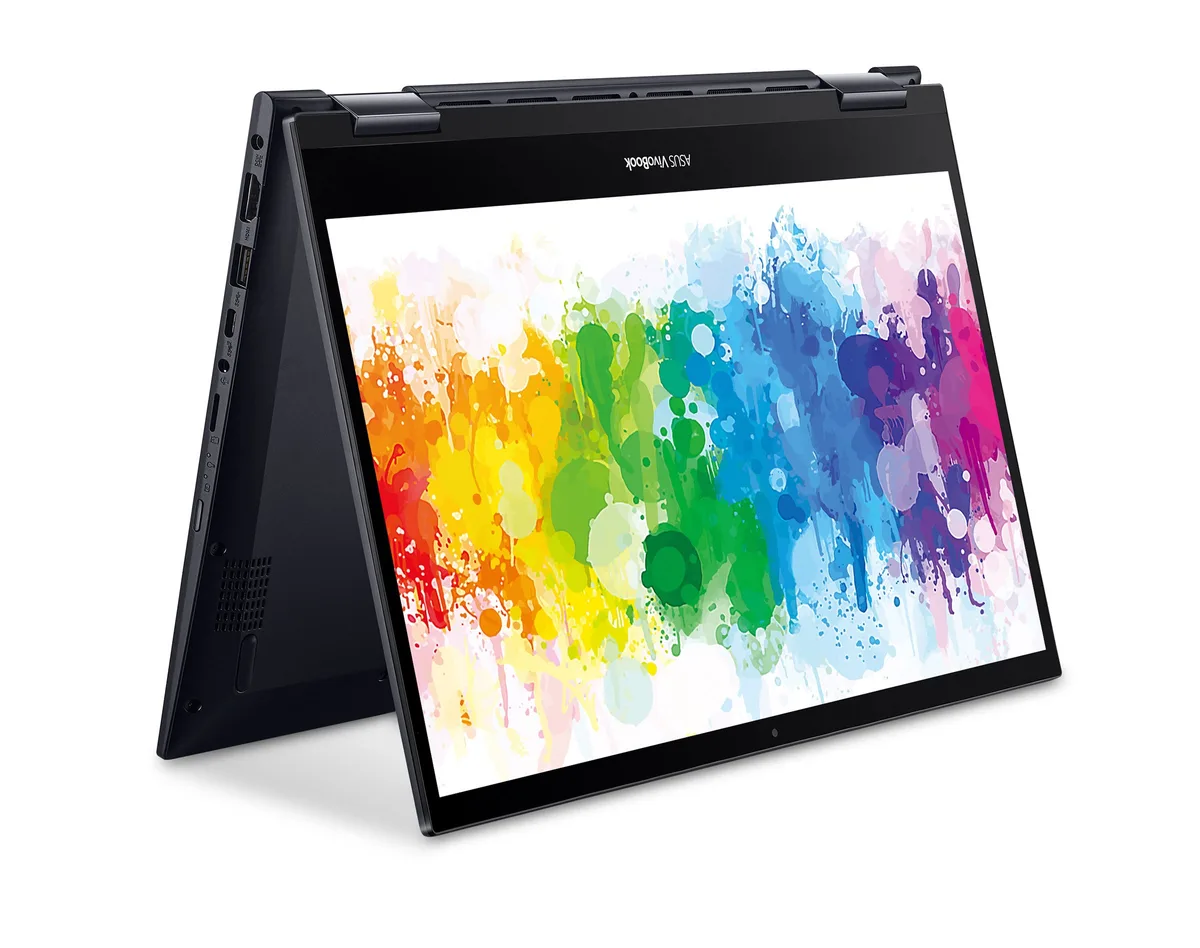
ASUS VivoBook Flip 14 TM420IA-DB71T laptop Ryzen 7 4700U 12GB 1TB SATA SSD 14.0" Touch Full HD
- Black
- Windows 10 Home 🙋♀…
$736.99
0.00929229BTC
In stock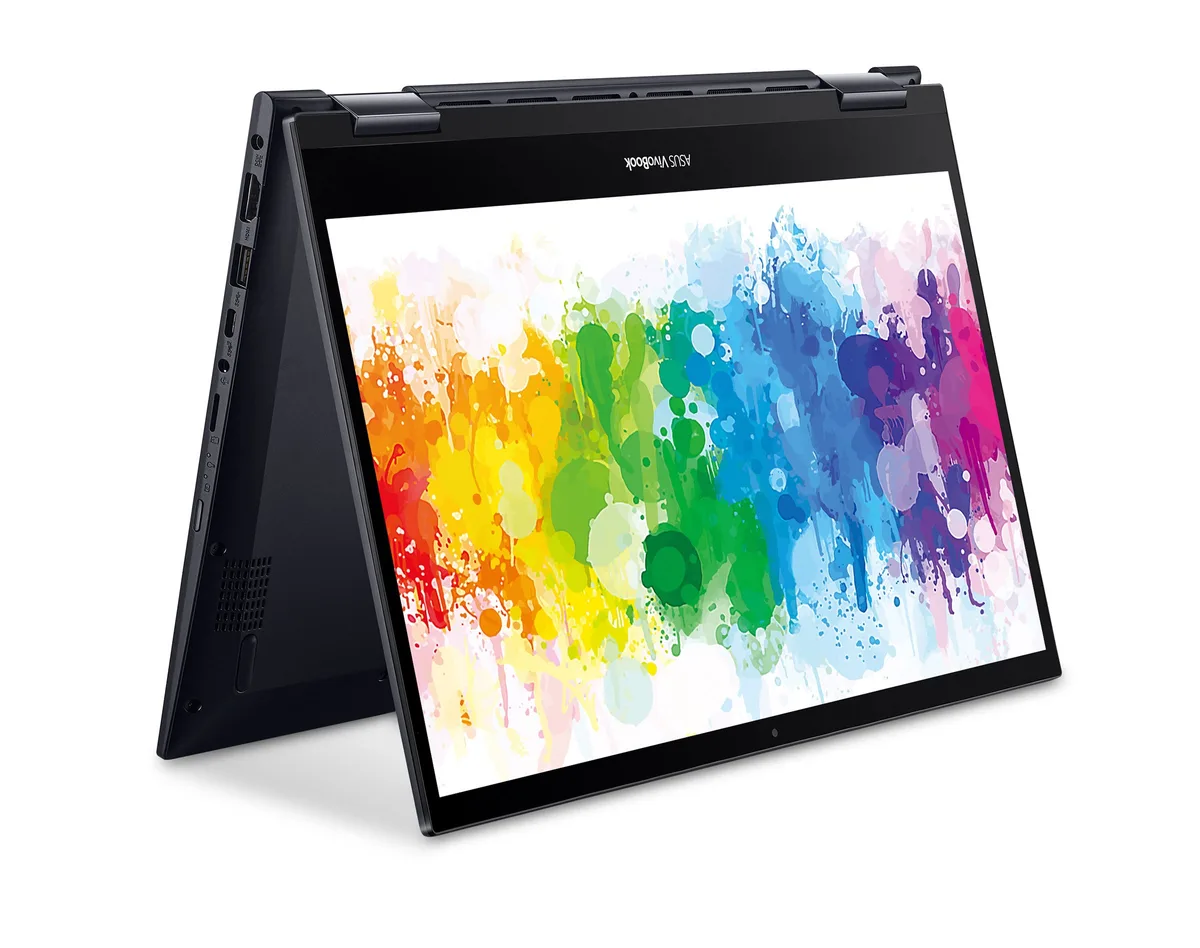
ASUS
ASUS VivoBook Flip 14 TM420IA-DB71T laptop Ryzen 7 4700U 12GB 512GB SATA SSD 14.0" Touch FHD Windows 10 Pro
- Black
- Windows 10 Pro
$675.99
0.00852317BTC
In stock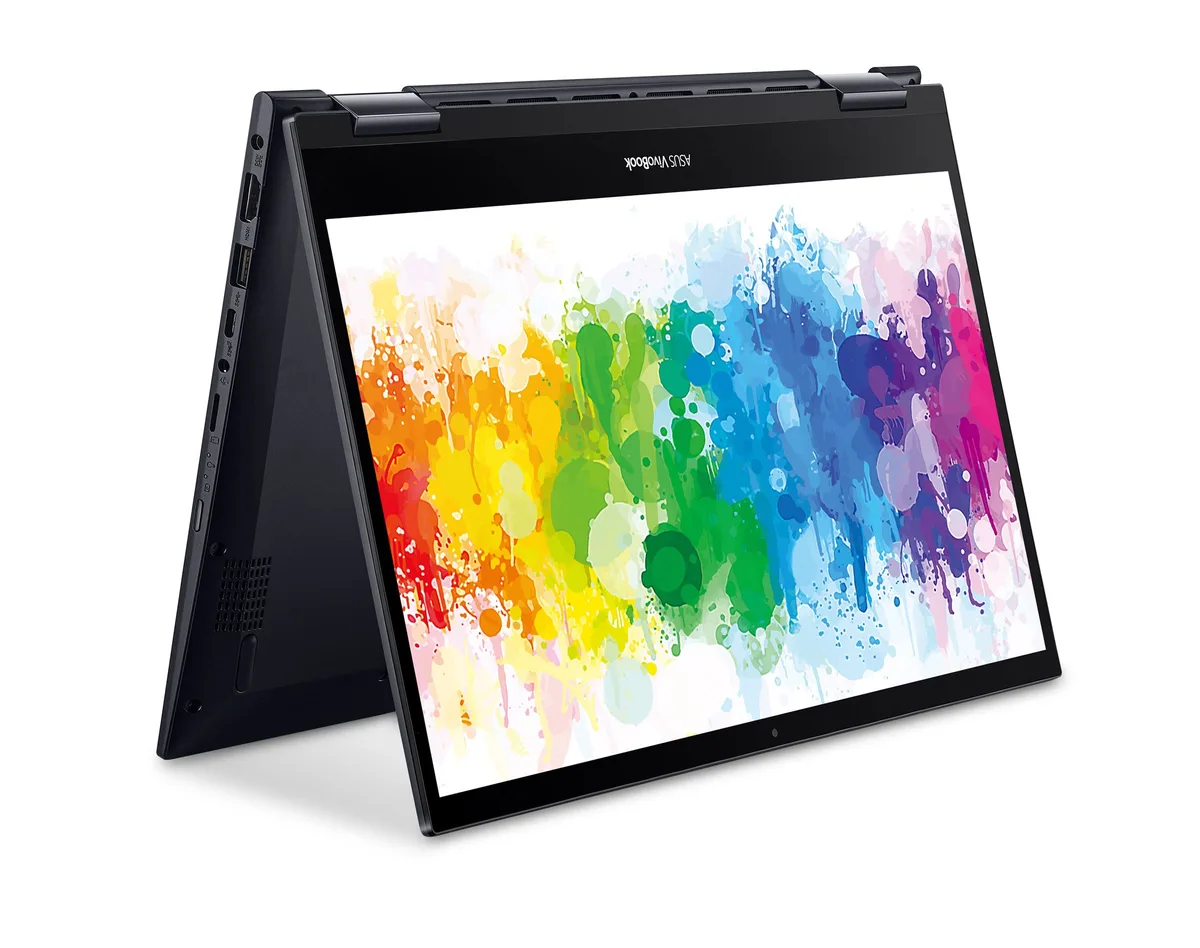
ASUS
ASUS VivoBook Flip 14 TM420IA-DB71T laptop Ryzen 7 4700U 8GB 2TB SATA SSD 14.0" Touch Full HD
- Black
- Windows 10 Home 🙋♀…
$788.99
0.00994793BTC
In stock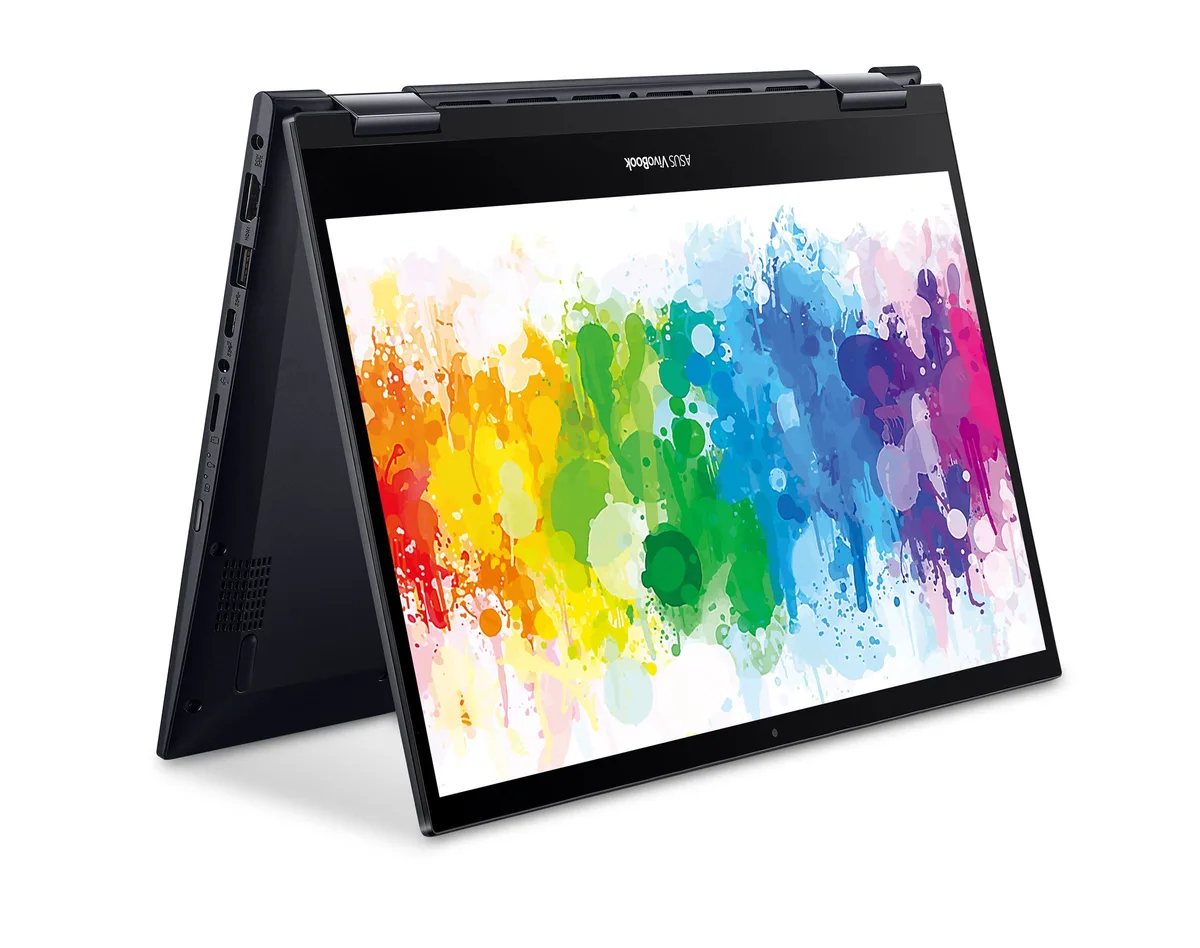
ASUS
ASUS VivoBook Flip 14 TM420IA-DB71T laptop Ryzen 7 4700U 8GB 2TB PCIe SSD 14.0" Touch FHD
- Black
- Windows 10 Home 🙋♀…
$710.99
0.00896447BTC
In stock