DELL
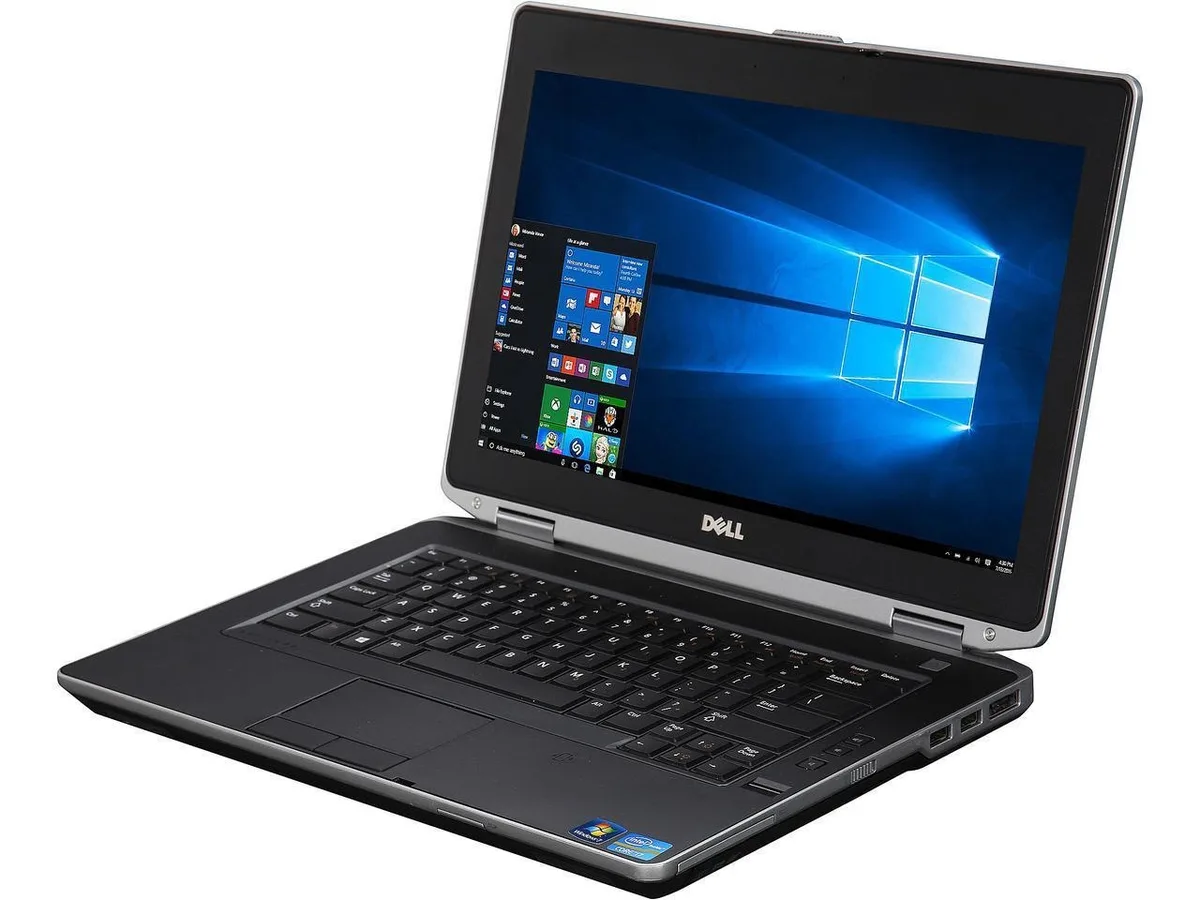
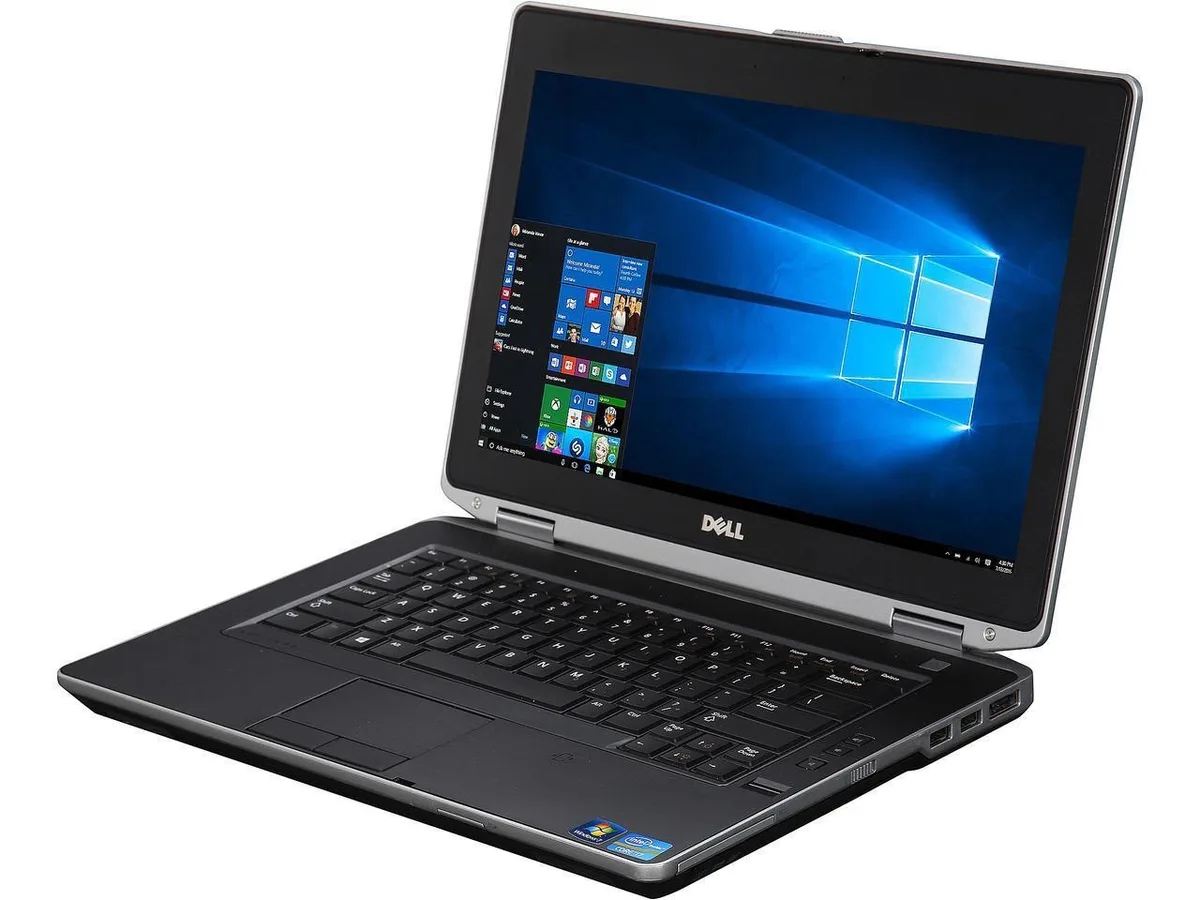
DELL Latitude E6430s laptop i7-3520M 2.90 GHz 8 GB DDR3 128 GB SSD 14.0" HD
- Black / Silver
- Windows 10 Pro
$120.99
0.00153154BTC
In stockWe take cryptocurrency — so the coins you hold can buy real hardware.Pay in crypto, spend it on real hardware. Free insured shipping worldwide over $399. Plain, unbranded boxes, sent from Germany.Free insured shipping over $399. Your rate is locked for 30 minutes once checkout opens.Rate locked 30 minutes. Every item sealed, serial-checked and covered by a 24-month warranty.Sealed, 24-month warranty.


DELL
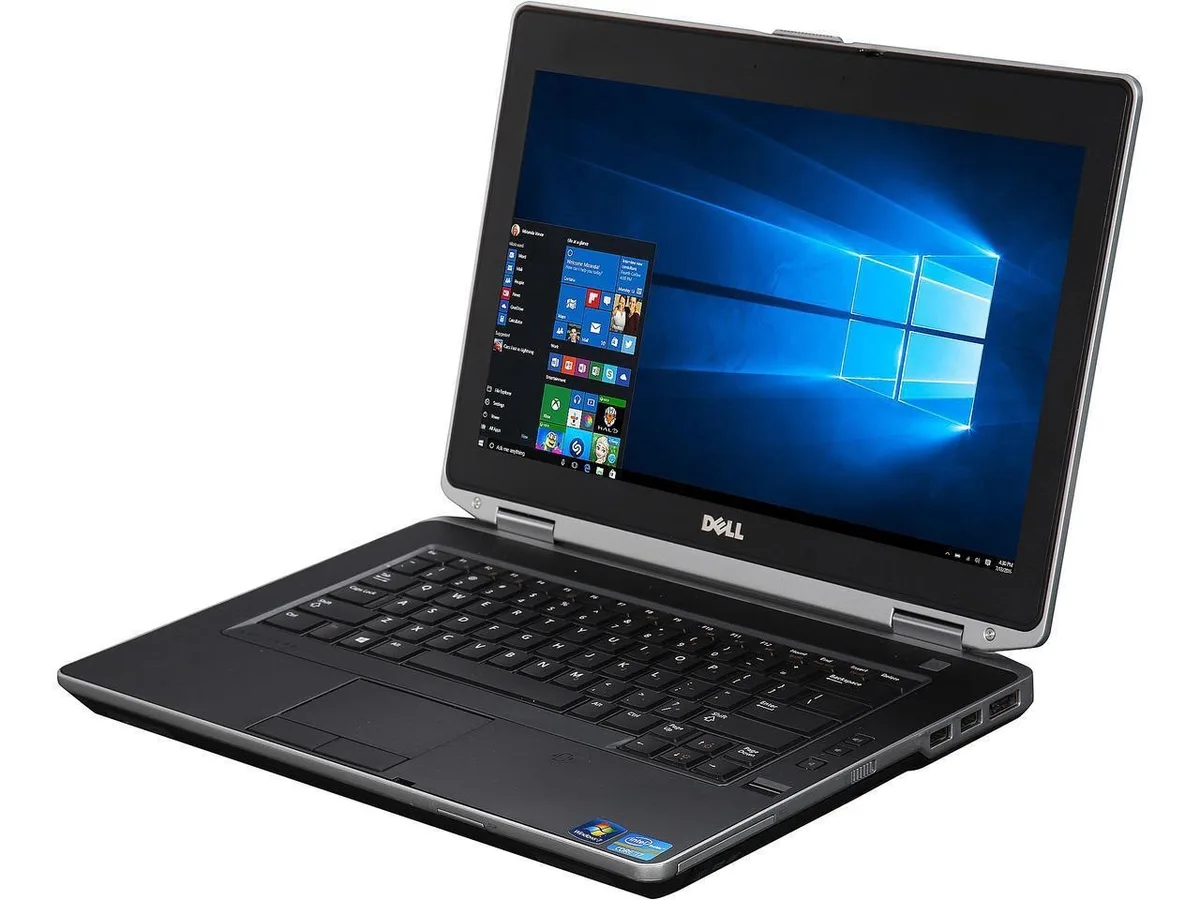
14-inch business laptop with quad-core i7, 8 GB DDR3 and 128 GB SSD running Windows 10 Pro
Options 8GB/128GB
The Dell Latitude E6430 is a 14.0" laptop powered by a quad-core Intel Core i7-3720QM processor running at 2.90 GHz. It includes 8 GB of DDR3 memory, a 128 GB 2.5" SSD, and Windows 10 Pro 64-bit. Integrated Intel HD Graphics 4000 drive the 1366 x 768 anti-glare LED display. A DVD-RW drive, HDMI, VGA, webcam, and Trusted Platform Module complete the configuration.
This unit suits professionals needing a durable, managed Windows 10 machine for office applications, web browsing, and legacy software compatibility. The quad-core CPU and SSD provide responsive everyday performance. Buyers who want more storage, a touchscreen, a higher-resolution panel, discrete graphics, or a lighter ultrabook form factor should look at something else.
The 128 GB 2.5" SSD capacity is the single specification that decides fit. It determines whether the operating system, applications, and active files will reside on fast solid-state storage or if additional drives or cloud storage are required for larger workloads.
| Brand | DELL |
|---|---|
| Series | Latitude |
| Model | E6430 |
| Part Number | E6430 |
| Color | Black / Silver |
| Operating System | Windows 10 Pro |
| CPU Type | Intel Core i7 3rd Gen |
| Processor Name | Intel Core i7-3720QM |
| Number of Cores | Quad-core Processor |
| Screen Size | 14.0" |
| Touchscreen | Non-Touch Screen |
| Wide Screen Support | Yes |
| Display Type | HD LED |
| Resolution | 1366 x 768 Resolution |
| Display Features | Anti-Glare / WLED backlight |
| GPU/VPU | Intel HD Graphics 4000 |
| Graphic Type | Integrated Card |
| SSD | 128GB |
| HDD | No |
| Storage Spec | 2.5" 128 GB Solid State Hard Drive (SSD) |
| Memory | 8GB |
| Memory Speed | DDR3 |
| Memory Spec | 4 GB x 2 |
| Memory Slot (Total) | 2 |
| Memory Slot (Available) | 0 |
| Max Memory Supported | 16 GB |
| Optical Drive Type | DVD |
| WLAN | 802.11g Wireless LAN |
| Bluetooth | Yes |
| USB | 2 x USB 3.0 and USB 2.0/eSATA |
| Video Port | 1 x VGA |
| HDMI | 1 x HDMI |
| Docking Connector | 1 |
| Audio Ports | 1 x Headphone/Microphone Combo Jack |
| Audio | Integrated Sound card |
| Speaker | Integrated Stereo Speakers |
| Touchpad | Yes |
| Keyboard | Standard |
| Backlit Keyboard | Non-backlit |
| Webcam | Yes |
| Card Reader | 8-in-1 |
| Style | Standard |
| Type | Everyday Value |
| Usage | Consumer |
| AC Adapter/Charger | 90-watt AC Adapter |
| Battery | 6-cell Lithium Ion |
| Weight | 4 - 4.9 lbs. |
| Software Included | Windows 10 |
| Consumer Alert | Please note that stock images are used |
Other versions of this model
Same family, different memory, cooler or clock — compare before you commit.
The laptop ships with an OEM AC adapter included, so no separate purchase is needed for standard operation.
Yes, the notebook provides a VGA output alongside HDMI, allowing direct connection to older VGA displays without an adapter.
Open the TPM management console (tpm.msc) in Windows 10 Pro; it will report the TPM as ready and show the specification version.
Also in this aisle
Same shelf, same checkout — eight coins and a 30-minute rate lock.
What you pay in, and what you read prices in.
Sent from your wallet at checkout
Display only — the catalogue is priced in USD
No currency matches that.
Pick the language the site speaks to you in.
New here?
Already have one?
There is no automatic reset: this shop sends no mail, so there is no one-time link to ask for. Leave the address on the account and it gets picked up by hand.
Request noted
Nothing is on its way to your inbox — this shop sends no mail at all. Someone picks these up by hand.
Remembered it?