


DELL
DELL Latitude Rugged 5414 laptop i7-6600U 16 GB 256 GB SSD 14.0" FHD non-touch
A military-grade 14.0-inch FHD rugged laptop with an Intel Core i7-6600U processor, 16 GB DDR4 memory, 256 GB SSD, and Windows 10 Pro
- ColorBlack
- Operating SystemWindows 10
- CPU TypeIntel Core i7 6th Gen
- Processor NameIntel Core i7-6600U
- Turbo Frequency3.40 Ghz
- Number of CoresDual-core Processor
Options 16GB/256GB FHD
- Military-grade chassis tested for harsh environments
- 0 inch FHD display readable in direct sunlight
- Intel Core i7-6600U dual-core up to 3.40 GHz
- 16 GB DDR4 memory with 256 GB SSD storage
- 11ac Wi-Fi plus Bluetooth for field connectivity
Rugged 14-inch laptop for field work
The DELL Latitude Rugged 5414 is a military-grade notebook built for harsh environments. It uses a 6th generation Intel Core i7-6600U dual-core processor with a 3.40 GHz turbo frequency and 16 GB DDR4 memory. The 14.0-inch FHD display delivers 1920 x 1080 resolution without touch input. A 256 GB SSD provides the primary storage.
Replaces standard business laptops in tough
This unit is designed for users who need a computer that survives drops, vibration, and extreme temperatures where a conventional office laptop would fail. The jump is worth it when work takes you outdoors in direct sunlight or into industrial settings that demand MIL-STD durability. It is not for buyers who want a thin ultrabook for desk-only use.
Simple deployment with standard connectivity
Windows 10 Pro is pre-installed so the system is ready to join a domain or managed fleet immediately. Four USB ports (three 3.0, one 2.0), HDMI, VGA, RJ-45 and an SD card reader cover most legacy and current peripherals without adapters. The non-touch screen avoids digitiser failures common in gloved-hand use, and the sealed chassis reduces dust ingress that can kill standard cooling fans.
Highlights
- Military-grade chassis tested for harsh environments
- 0 inch FHD display readable in direct sunlight
- Intel Core i7-6600U dual-core up to 3.40 GHz
- 16 GB DDR4 memory with 256 GB SSD storage
- 11ac Wi-Fi plus Bluetooth for field connectivity
Specifications
| Brand | DELL |
|---|---|
| Series | Rugged 14 |
| Model | Latitude |
| Part Number | 5414 |
| Color | Black |
| Operating System | Windows 10 |
| CPU Type | Intel Core i7 6th Gen |
| Processor Name | Intel Core i7-6600U |
| Turbo Frequency | 3.40 Ghz |
| Number of Cores | Dual-core Processor |
| CPU L2 Cache | 4MB |
| Screen Size | 14.0" |
| Touchscreen | Non-Touch Screen |
| Display Type | FHD |
| Resolution | 1920 x 1080 |
| GPU/VPU | Intel HD Graphics 520 |
| Graphic Type | Integrated Card |
| SSD | 256GB |
| HDD | No |
| Storage Spec | 256 GB SSD |
| Memory | 16GB |
| Memory Speed | DDR4 |
| Memory Spec | 8 GB x 2 |
| Memory Slot (Total) | 2 |
| Memory Slot (Available) | 0 |
| Max Memory Supported | 32 GB |
| Optical Drive Type | DVD-ROM |
| LAN | 10/100/1000Mbps |
| WiFi Generation | Wi-Fi 4 and earlier generation |
| Bluetooth | Yes |
| USB | 2 x USB 3.0, USB 3.0 (PowerShare). 2 x USB 2.0 |
| Video Port | 1 x VGA, 1 x HDMI |
| HDMI | 1 x HDMI |
| Audio Ports | 1 x Microphone Jack, 1 x Headphone Jack |
| Audio | Integrated Sound card |
| Speaker | Internal Speakers |
| Touchpad | Yes |
| Keyboard | Standard |
| Backlit Keyboard | OPTION |
| Webcam | Yes |
| Card Reader | Micro SD |
| Style | Standard |
| Type | Work / Business |
| Usage | Business |
| AC Adapter/Charger | 65-watt AC Adapter |
| Dimensions (W x D x H) | 13.7 x 9.6 x 1.7 |
| Weight | 6 - 6.9 lbs. |
Other versions of this model
5 more in the same range
Same family, different memory, cooler or clock — compare before you commit.


DELL
DELL Latitude 5414 Rugged 14 laptop i5-6300U 16GB DDR4 256GB SSD
- Black
- Windows 10
$394
0.00509143BTC
In stock
DELL
DELL Latitude 5414 Rugged 14 i7-6600U 8 GB DDR4 256 GB SSD
- Black
- Windows 10
$399.99
0.00516883BTC
In stock
DELL
DELL Latitude 5414 Rugged laptop Core i5-6300U 16 GB DDR4 256 GB SSD 14.0 FHD touchscreen
- Black
- Windows 10
$426
0.00550494BTC
In stock
DELL
DELL Latitude Rugged 5414 14.0 FHD i5-6300U 8 GB DDR4 256 GB SSD
- Black
- Windows 10
$440
0.00568586BTC
In stockQuestions about this item
What mounting holes or brackets does the Latitude 5414 chassis provide for vehicle or desk mounting?
The Latitude 5414 rugged chassis includes integrated mounting points compatible with Dell vehicle docks and desk stands; no separate brackets are required.
Which step do users often miss when installing the optional hot-swap bridge battery?
Users often forget to enable the hot-swap function in the BIOS before inserting the bridge battery, so the system will not recognise it without a reboot.
How often should the SSD be checked or replaced under heavy field use?
The 256 GB SSD has no moving parts; Dell recommends running the built-in diagnostics annually and replacing only if SMART alerts appear.
Also in this aisle
People compared these
Same shelf, same checkout — eight coins and a 30-minute rate lock.
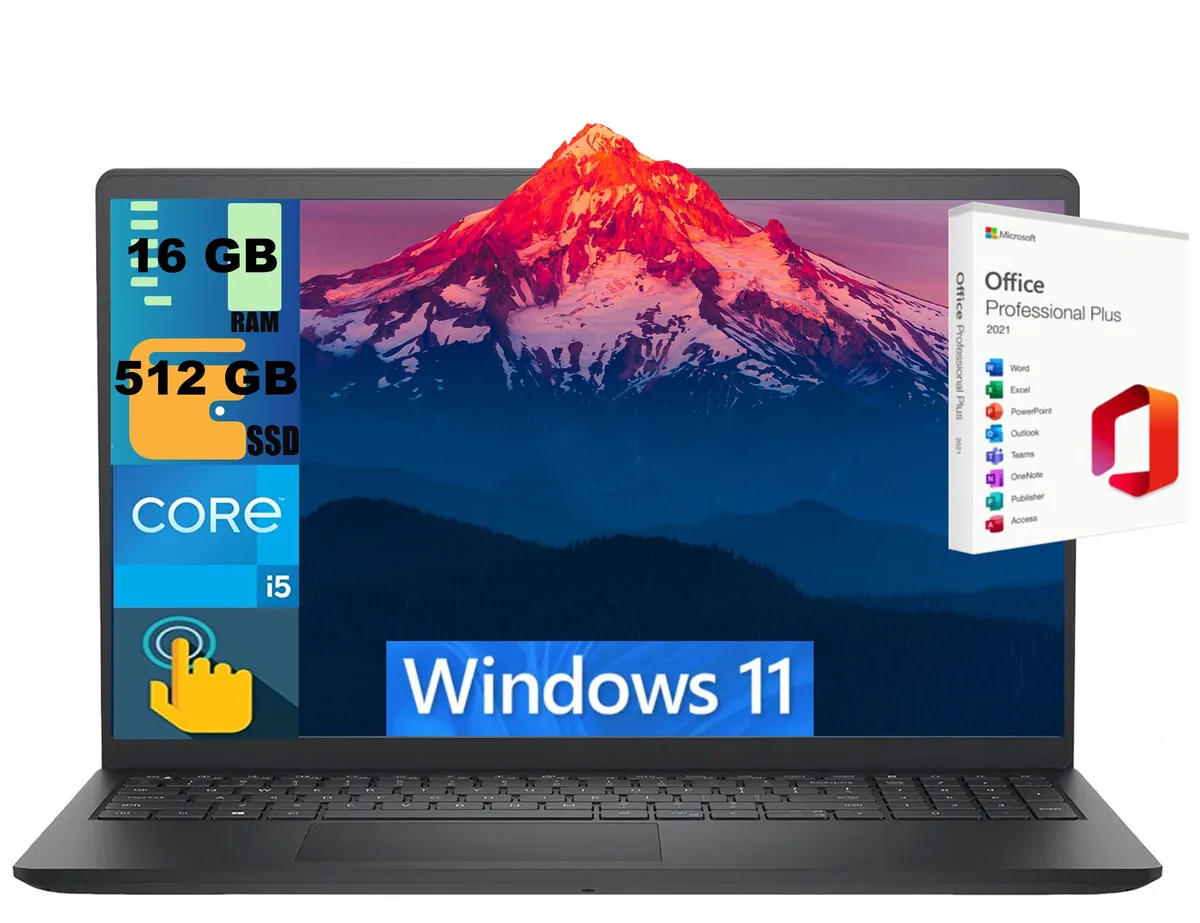
DELL
DELL Inspiron 15 laptop i5-1334U 16GB 512GB 15.6" Touch
- Black
- Windows 11 Home
$724
0.00935582BTC
In stock
DELL
DELL DC15255 laptop 15.6" FHD Touch Ryzen 7 7730U 16GB 1TB
- Black
- Windows 11 Home
$869.79
0.01123978BTC
In stock
DELL
DELL DC15255 laptop Ryzen 7 7730U 32GB 512GB 15.6" FHD Touch Home LED Mouse
- Black
- Windows 11 Home
$869.79
0.01123978BTC
In stock
DELL
DELL DC15255 15.6" FHD Touch laptop Ryzen 7 7730U 32GB 512GB
- Black
- Windows 11 Pro
$869.79
0.01123978BTC
In stock