


DELL
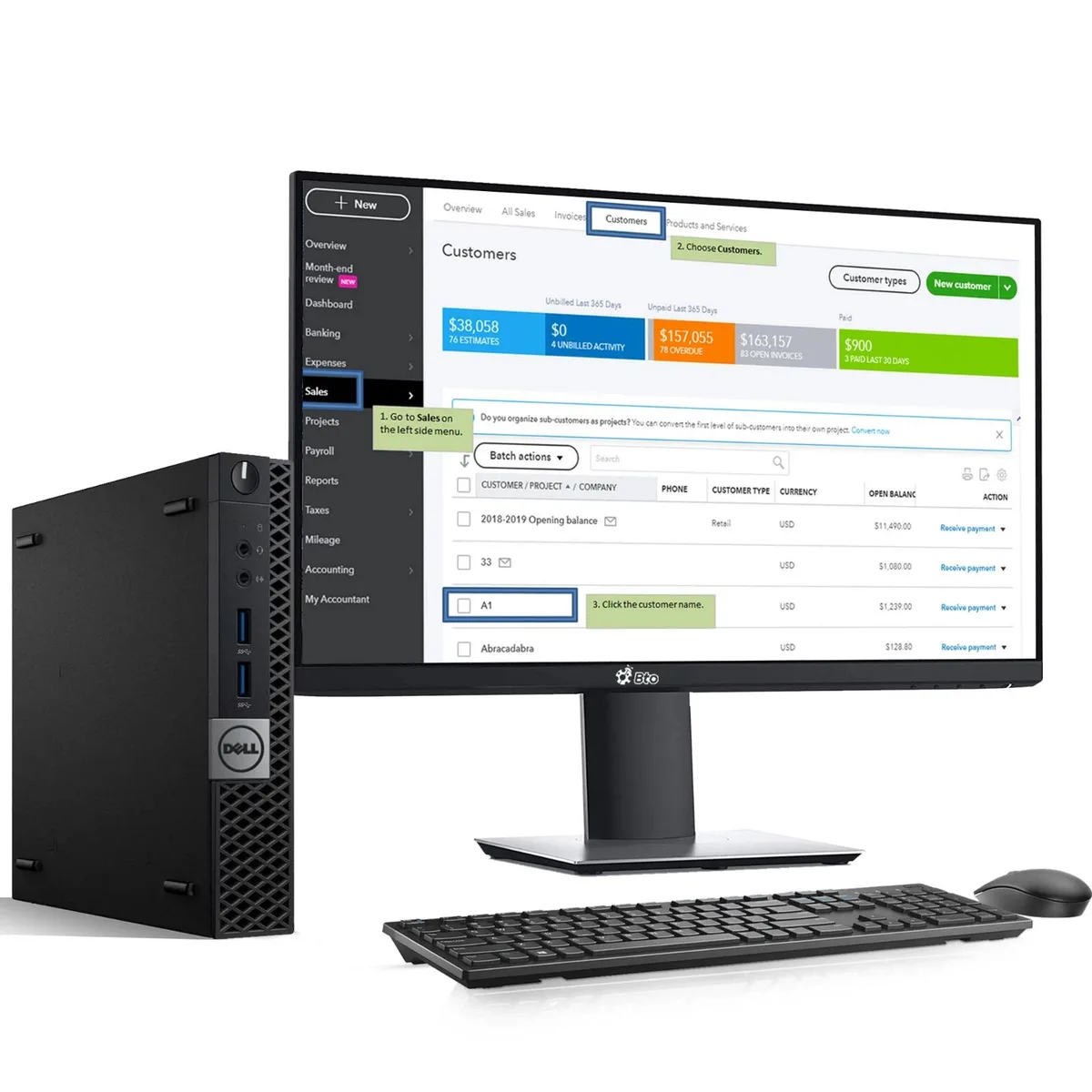
DELL OptiPlex 7050 Tiny desktop PC i5-6500 8GB DDR4 128GB SSD 22" monitor Windows 11 Pro
Tiny desktop with 22" monitor, Core i5-6500, 8GB DDR4 and 128GB SSD runs Windows 11 Pro
- Compact 7050 Tiny form saves desk space
- Intel Core i5-6500 up to 3.60GHz handles multitasking
- 8GB DDR4 memory keeps apps responsive
- 128GB SSD boots Windows 11 Pro quickly
- 22" LED monitor with Intel UHD 530 graphics completes the setup
Dell OptiPlex 7050 Tiny desktop PC
The Dell OptiPlex 7050 Tiny is a compact desktop computer built for everyday productivity. It pairs an Intel Core i5-6500 quad-core processor with 8GB of DDR4 memory and a 128GB SSD. A 22-inch LED monitor, keyboard and mouse are included, delivering a complete Windows 11 Pro workstation ready for office or home use.
Suits office workers and students.
This system handles multitasking, web applications and standard business software with ease. Buyers who need more storage capacity or higher graphics performance for demanding creative tasks should look at alternative configurations. The integrated Intel UHD Graphics 530 supports general display output but is not designed for intensive rendering or gaming requirements.
128GB SSD storage capacity
The 128GB solid-state drive provides the primary storage for the operating system, applications and user files. Its capacity determines how much data can be kept locally before external drives or cloud services become necessary. Verify that this volume meets your workflow needs before purchase.
Highlights
- Compact 7050 Tiny form saves desk space
- Intel Core i5-6500 up to 3.60GHz handles multitasking
- 8GB DDR4 memory keeps apps responsive
- 128GB SSD boots Windows 11 Pro quickly
- 22" LED monitor with Intel UHD 530 graphics completes the setup
Specifications
No published specifications for this item yet.
Questions about this item
How do I mount the 7050 Tiny behind the 22" monitor, and what step is often missed?
Attach the VESA bracket to the monitor first, then slide the Tiny onto it; the step often missed is tightening the security screw that locks the chassis to the bracket.
Which component in this bundle will need replacement first as the SSD fills up?
The 128GB SSD will need replacement or an external drive added once the operating system, updates and applications consume the available space.
At what processor frequency does the i5-6500 settle during a long compile job?
The i5-6500 drops from its 3.60GHz turbo to the 3.20GHz base clock once the thermal limit is reached under sustained load.
Also in this aisle
People compared these
Same shelf, same checkout — eight coins and a 30-minute rate lock.



HPE
HPE P22020B21 2U Cable Management Arm for DL38X Gen10 Plus Rail Kit
$52.99$67.99−22%
0.00067832BTC
In stock
Lenovo
Lenovo ThinkSystem ST250 V3 7DCEA01YNA Tower Server Xeon E-2434 16 GB RAM
$1,267.99
0.01623152BTC
In stock