


DELL
DELL OptiPlex 7070 Tiny Desktop PC i7-9700T 16GB DDR4 512GB
Ultra-compact desktop with 9th-generation Intel Core i7-9700T, 16GB DDR4 RAM and 512GB SSD for space-constrained offices
Ram 16GB
- 16GB
- 32GB
- 9th gen Intel Core i7 up to 4.30 GHz for responsive multitasking
- 16 GB DDR4 memory keeps everyday workloads running smoothly
- 512 GB SSD storage gives fast boot and app loads
- Tiny form factor fits tight desks and VESA mounts
- Windows 11 Pro 64-bit with front and rear USB 3.0 ports
Ultra-Compact Workstation
The Dell OptiPlex 7070 Tiny is a space-saving desktop built for office professionals and home users who need reliable performance in a minimal footprint. Its small form factor fits easily behind a monitor or on a crowded desk. The system ships with Windows 11 Pro 64-bit and includes a keyboard and mouse for immediate setup.
Step Up From Entry-Level Units
This configuration moves up from the i5-9500 model to an Intel Core i7-9700T processor reaching 4.30 GHz, providing stronger multi-threaded throughput for heavier workloads. The jump is worthwhile when daily tasks involve large spreadsheets, multiple browser tabs or concurrent business applications. The 16GB DDR4 memory and 512GB SSD are already generous for standard productivity.
Integrated Graphics And Port Limits
The Intel HD Graphics 630 drives two DisplayPort outputs for dual-monitor setups but lacks the 3D performance required for CAD, rendering or modern gaming. Four rear USB 3.0 ports and one front USB 3.0 port handle peripherals, while a single RJ-45 jack and combo audio jack cover wired networking and headsets. Buyers needing discrete GPU power, additional video outputs or legacy serial ports should look elsewhere.
Highlights
- 9th gen Intel Core i7 up to 4.30 GHz for responsive multitasking
- 16 GB DDR4 memory keeps everyday workloads running smoothly
- 512 GB SSD storage gives fast boot and app loads
- Tiny form factor fits tight desks and VESA mounts
- Windows 11 Pro 64-bit with front and rear USB 3.0 ports
Specifications
No published specifications for this item yet.
Other versions of this model
5 more in the same range
Same family, different memory, cooler or clock — compare before you commit.


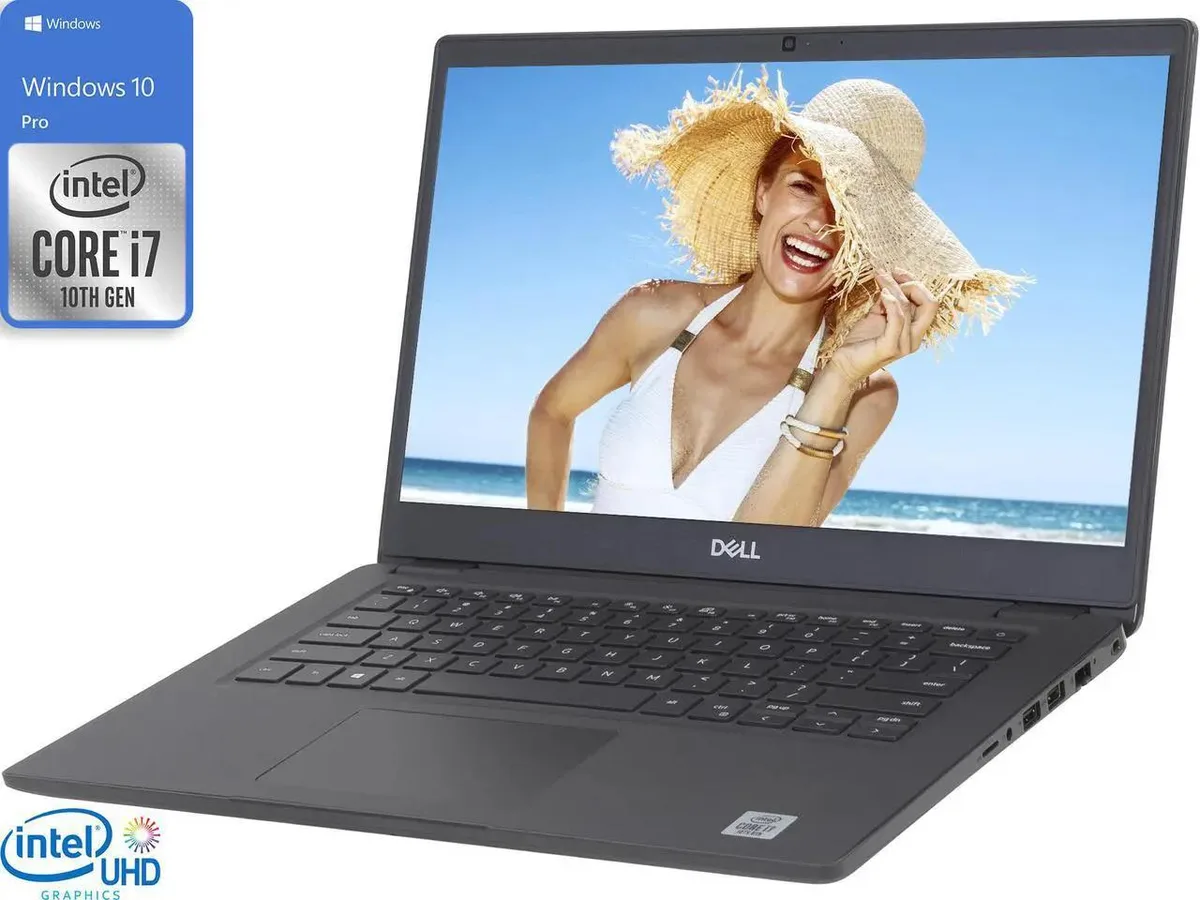
DELL
DELL 3410 laptop 14" FHD i7-10510U 16GB 256GB NVMe Windows 11 Pro
- Windows 11 Pro
- Intel Core i7-10510U
$234.99
0.00298962BTC
In stock


Questions about this item
What mounting hardware is required for the 7070 Tiny chassis?
The Tiny form factor supports VESA mounting behind a monitor or an optional Dell micro mount; no tools are needed beyond the four VESA screws.
How is the 16GB DDR4 memory installed and what step is often missed?
Open the chassis latch, align the notch on the SO-DIMM with the slot key, press firmly until the side clips click, then reseat if the system does not show 16GB on boot.
Which component in the 7070 Tiny will likely need replacement first?
The CMOS coin-cell battery on the motherboard typically lasts several years; replace it when the system loses date and time settings after power loss.
Also in this aisle
People compared these
Same shelf, same checkout — eight coins and a 30-minute rate lock.


HPE
HPE P22020B21 2U Cable Management Arm for DL38X Gen10 Plus Rail Kit
$52.99$67.99−22%
0.00067416BTC
In stock
Lenovo
Lenovo ThinkSystem ST250 V3 7DCEA01YNA Tower Server Xeon E-2434 16 GB RAM
$1,267.99
0.01613178BTC
In stock