
DELL
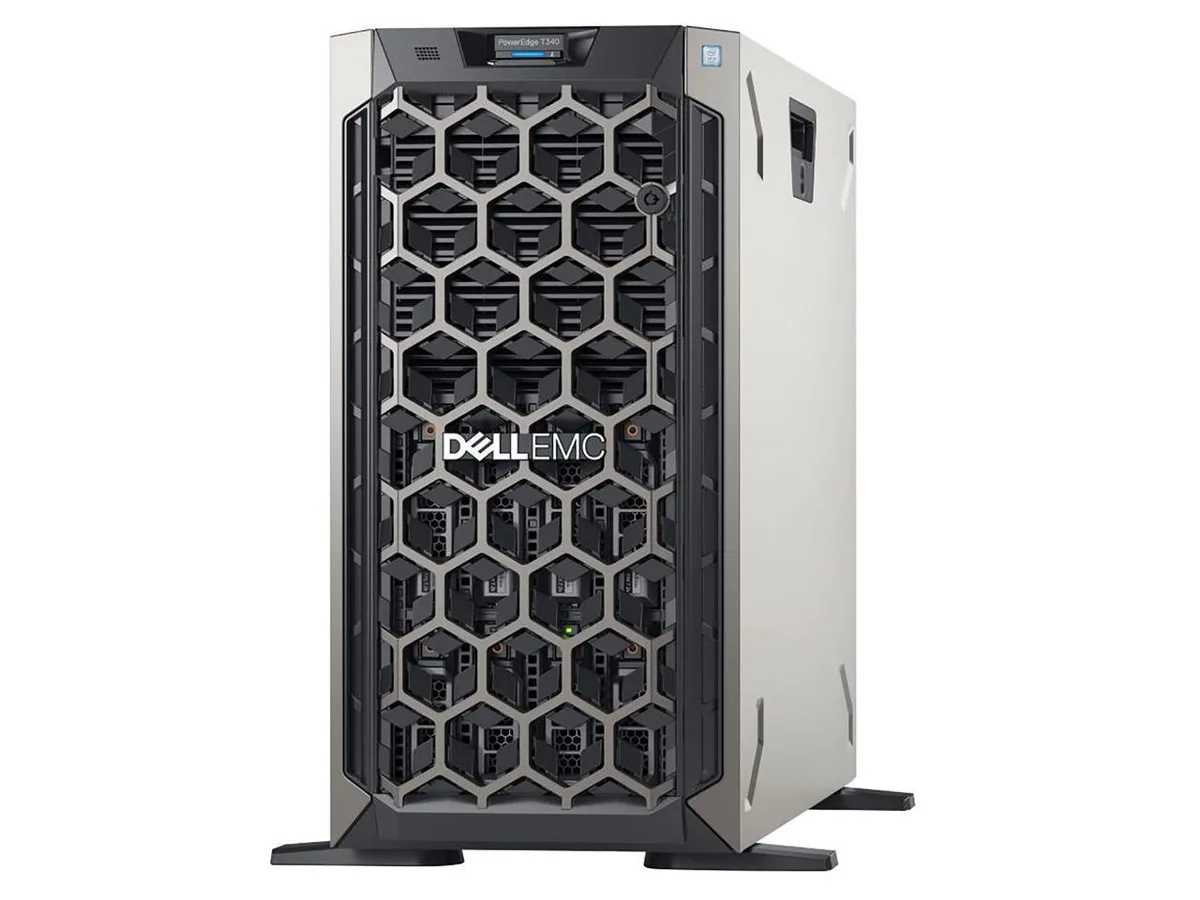
DELL PowerEdge T340 tower server Xeon E-2124 3.3GHz 32GB DDR4 24TB RAID
Tower server with a 3.3 GHz Xeon E-2124, 32 GB DDR4 and 24 TB RAID storage for continuous operation
- TypeDesktop
- Quad-core Xeon at 3.3 GHz drives multi-thread workloads
- 32 GB DDR4 memory handles virtualisation and databases
- 24 TB RAID storage protects critical business data
- Tower form factor fits office space without a rack
- Expansion-ready design scales with growing compute needs
Dell PowerEdge T340 tower server
The Dell PowerEdge T340 is a tower server built around an Intel Xeon E-2124 quad-core processor running at 3.3GHz with 8MB cache. It ships with 32GB of DDR4 memory and 24TB of storage configured with RAID support. A single power supply unit provides power for continuous operation.
Small businesses needing expandable on-premise
This system suits organisations that want a tower form factor with room to grow and remote management capabilities. Buyers who require redundant power supplies or a rackmount chassis should look at alternative configurations.
Straightforward tower deployment
The tower design fits on a desk or shelf without specialised rack infrastructure. Expansion slots and drive bays are accessible after removing the side panel. Installers should verify RAID controller configuration before loading the operating system to avoid array initialisation delays.
Highlights
- Quad-core Xeon at 3.3 GHz drives multi-thread workloads
- 32 GB DDR4 memory handles virtualisation and databases
- 24 TB RAID storage protects critical business data
- Tower form factor fits office space without a rack
- Expansion-ready design scales with growing compute needs
Specifications
| Type | Desktop |
|---|
Questions about this item
What power connection does the PowerEdge T340 need to run?
The server ships with a single internal power supply that plugs into a standard mains outlet.
Will my existing DDR4 ECC modules work with the 32GB already installed?
Yes, the system uses DDR4 memory so compatible ECC sticks can be added to the four DIMM slots.
How can I confirm the 24TB RAID array is healthy after first boot?
Open the RAID controller utility during POST or use the remote management interface to verify all drives show optimal status.
Also in this aisle
People compared these
Same shelf, same checkout — eight coins and a 30-minute rate lock.



HPE
HPE P22020B21 2U Cable Management Arm for DL38X Gen10 Plus Rail Kit
$52.99$67.99−22%
0.00067524BTC
In stock
Lenovo
Lenovo ThinkSystem ST250 V3 7DCEA01YNA Tower Server Xeon E-2434 16 GB RAM
$1,267.99
0.01615768BTC
In stock