
DELL
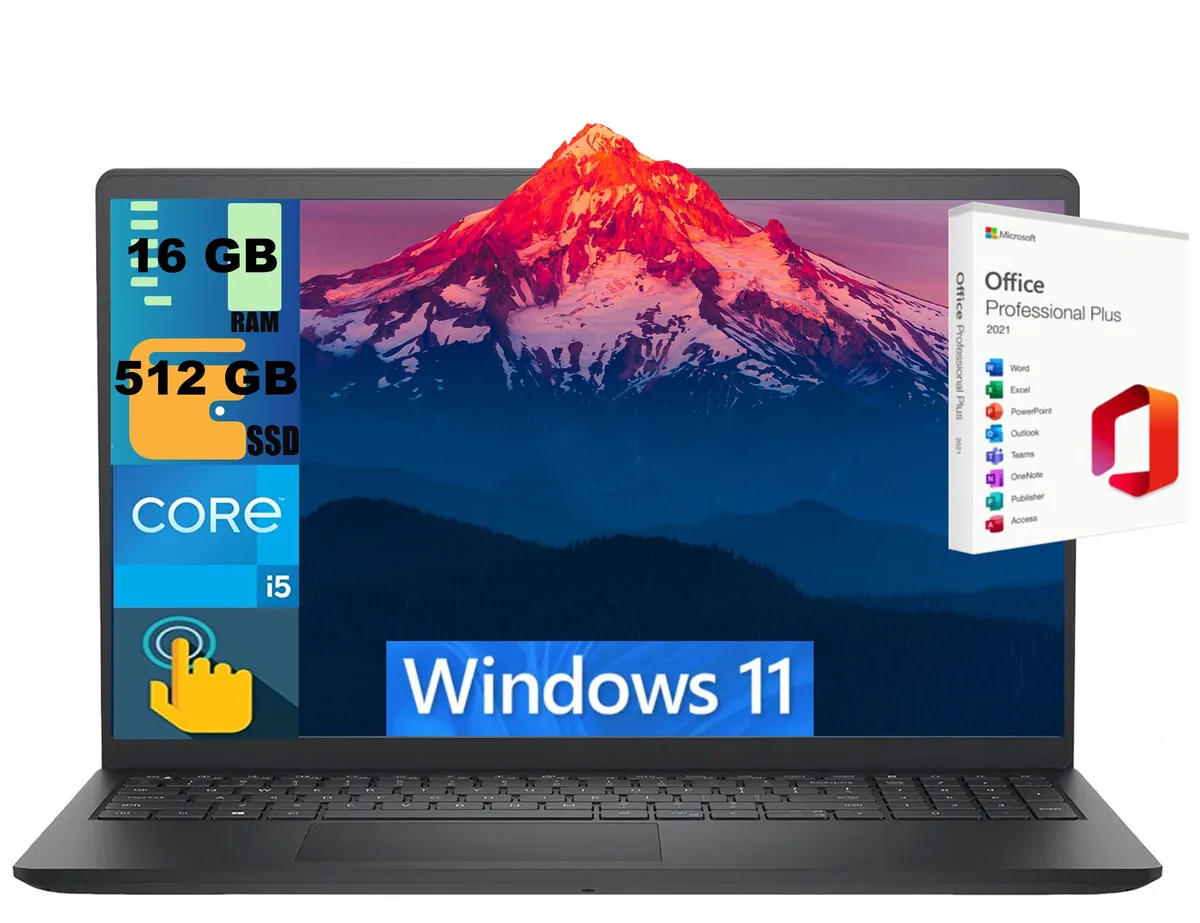
DELL Inspiron 15 laptop i5-1334U 16GB 512GB 15.6" Touch
- Black
- Windows 11 Home
$724
0.00935582BTC
In stockWe take cryptocurrency — so the coins you hold can buy real hardware.Pay in crypto, spend it on real hardware. Free insured shipping worldwide over $399. Plain, unbranded boxes, sent from Germany.Free insured shipping over $399. Your rate is locked for 30 minutes once checkout opens.Rate locked 30 minutes. Every item sealed, serial-checked and covered by a 24-month warranty.Sealed, 24-month warranty.


DELL
A 15.6-inch FHD mobile workstation with a quad-core i7-6820HQ, 16 GB DDR4, 1 TB SATA drive and a dedicated 2 GB Quadro M1000M for professional graphics workloads
The Dell Precision 7510 is a 15.6-inch mobile workstation built around a quad-core Intel Core i7-6820HQ processor running at 2.70 GHz. It comes with 16 GB of DDR4 memory and a 1 TB SATA hard drive. The NVIDIA Quadro M1000M graphics card provides 2 GB of dedicated video memory for professional applications. Windows 10 Pro 64-bit is pre-installed.
The chassis provides four memory slots supporting up to 64 GB of DDR4 in total. Storage can be expanded via one M.2 PCIe slot and one combined M.2 PCIe or 2.5-inch SATA bay. The bottom cover must be removed to reach these slots, which requires a Torx screwdriver. Reassembly demands care to align the battery connector and avoid pinching the antenna cables.
The 15.6-inch FHD anti-glare panel has a 1920 x 1080 resolution and does not support touch input. External displays connect through HDMI and mini DisplayPort. Wireless connectivity uses Wi-Fi and Bluetooth 4.0. The SD card reader accepts SD, SDHC and SDXC cards up to 64 GB. Four USB 3.0 ports with Power Share handle peripherals and charging.
| Brand | DELL |
|---|---|
| Series | Precision |
| Model | 7510 |
| Color | Black |
| Operating System | Windows 10 Pro |
| CPU Type | Intel Core i7 6th Gen |
| Processor Name | Intel Core i7-6820HQ |
| Number of Cores | Quad-core Processor |
| Screen Size | 15.6" |
| Touchscreen | Non-Touch Screen |
| Wide Screen Support | Yes |
| Display Type | FHD |
| Resolution | 1920 x 1080 |
| GPU/VPU | NVIDIA Quadro M1000M |
| Video Memory | 2GB |
| Graphic Type | Dedicated Card |
| SSD | No |
| HDD | 1TB |
| Memory | 16GB |
| Memory Slot (Total) | 4 |
| Max Memory Supported | 64 GB |
| LAN | 10/100/1000Mbps |
| Bluetooth | Bluetooth 4.1 |
| USB | 4x USB 3.0 with Power Share |
| Video Port | 1 x HDMI |
| HDMI | 1 x HDMI |
| Docking Connector | 1 |
| Audio Ports | 1 x Headphone/Microphone Combo Jack |
| Audio | Integrated Sound card |
| Speaker | Integrated Stereo Speakers |
| Touchpad | Yes |
| Keyboard | Standard |
| Backlit Keyboard | Non-backlit |
| Other Input Devices | Yes |
| Webcam | Yes |
| Style | Standard |
| Type | Content Creation |
| Usage | Business |
| Weight | 6 - 6.9 lbs. |
| Software Included | Windows 10 Pro 64Bit |
| Package Content | Dell Precision 7510 and ac adapter |
Open Task Manager, select the Performance tab and watch the CPU frequency readout while the system is idle; it should sit at or near 2.70 GHz.
The unit ships with 16 GB DDR4 installed across four slots; to reach 64 GB you must purchase four 16 GB DDR4 modules separately.
Keep the 1 TB SATA drive for bulk storage and add an M.2 PCIe drive as the boot device; the chassis supports both simultaneously.
Also in this aisle
Same shelf, same checkout — eight coins and a 30-minute rate lock.
What you pay in, and what you read prices in.
Sent from your wallet at checkout
Display only — the catalogue is priced in USD
No currency matches that.
Pick the language the site speaks to you in.
New here?
Already have one?
There is no automatic reset: this shop sends no mail, so there is no one-time link to ask for. Leave the address on the account and it gets picked up by hand.
Request noted
Nothing is on its way to your inbox — this shop sends no mail at all. Someone picks these up by hand.
Remembered it?


