BFKK
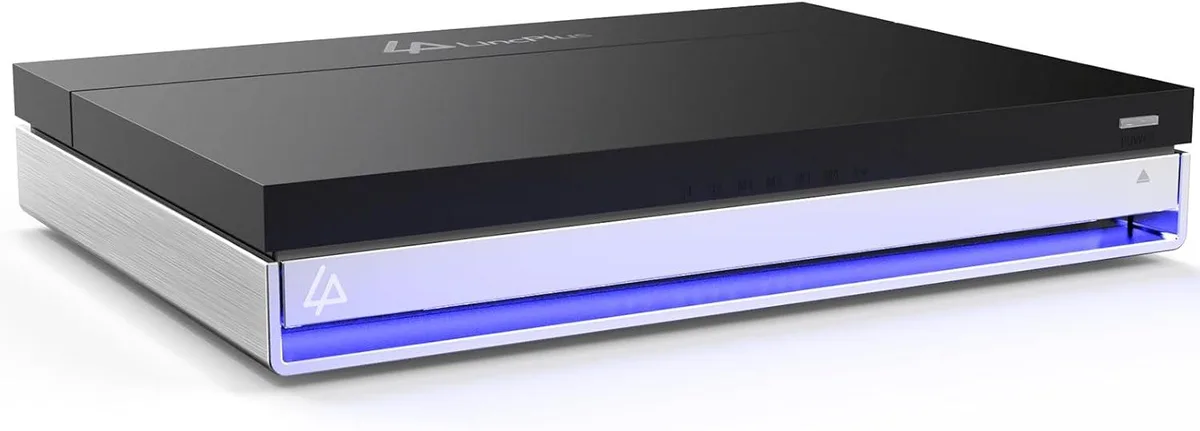
BFKK WDBUZG0010BBK-WESN NAS Intel Celeron N5105 16GB RAM 128GB eMMC 6-Bay
$449.99
0.00571677BTC
In stockWe take cryptocurrency — so the coins you hold can buy real hardware.Pay in crypto, spend it on real hardware. Free insured shipping worldwide over $399. Plain, unbranded boxes, sent from Germany.Free insured shipping over $399. Your rate is locked for 30 minutes once checkout opens.Rate locked 30 minutes. Every item sealed, serial-checked and covered by a 24-month warranty.Sealed, 24-month warranty.


DELL
960 GB enterprise SAS SSD with 12 Gb/s interface and hot-swap 2.5-inch tray for Dell PowerEdge servers
This drive is a 960 GB SAS 12 Gb/s solid-state device with a Gen14 hot-swap tray. It uses MLC flash and arrives with zero power-on hours. The 2.5 inch form factor fits Dell PowerEdge servers from the R240 through the R960 families and matching tower models.
It suits administrators who need a direct-replacement SAS drive with the correct carrier for listed PowerEdge chassis. Buyers whose servers require a different interface or a larger capacity should look at something else.
The single specification that decides fit is the 12 Gb/s SAS interface paired with the Gen14 hot-swap tray. Only systems that accept this exact combination can use the drive without an adapter or bracket change.
No published specifications for this item yet.
Yes, the drive ships with the Gen14 tray so it fits directly into the 2.5 inch hot-swap bay of the R740 and other listed Dell servers.
Slide the tray into the bay until the latch clicks, letting the backplane engage the 12Gb/s SAS connector; forcing it before the latch seats can bend pins.
Monitor the SSD wear indicator in the RAID controller; replace the drive once the remaining endurance drops near zero to avoid unexpected failure.
Also in this aisle
Same shelf, same checkout — eight coins and a 30-minute rate lock.
What you pay in, and what you read prices in.
Sent from your wallet at checkout
Display only — the catalogue is priced in USD
No currency matches that.
Pick the language the site speaks to you in.
New here?
Already have one?
There is no automatic reset: this shop sends no mail, so there is no one-time link to ask for. Leave the address on the account and it gets picked up by hand.
Request noted
Nothing is on its way to your inbox — this shop sends no mail at all. Someone picks these up by hand.
Remembered it?