G.SKILL
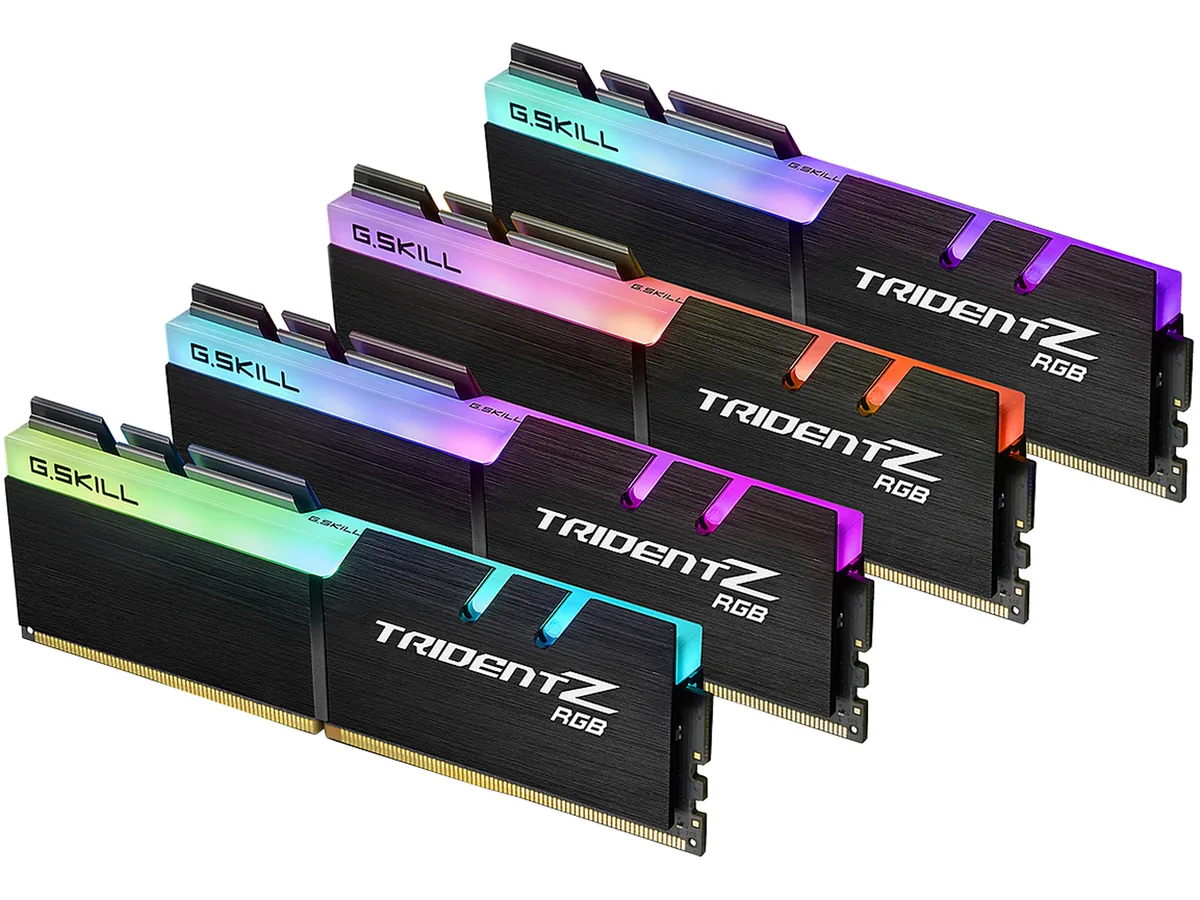
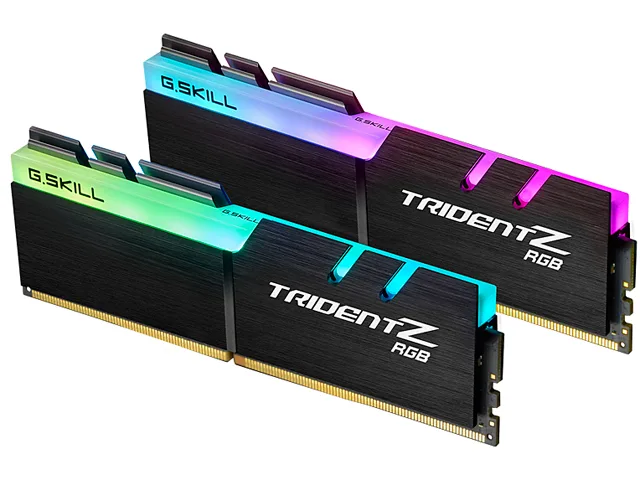
G.SKILL F4-3200C14D-16GTZR 16GB (2 x 8GB) DDR4 3200 CL14 desktop RAM
- 16GB (2 x 8GB)
- 288-Pin PC RAM
$89.99
0.00116257BTC
In stockWe take cryptocurrency — so the coins you hold can buy real hardware.Pay in crypto, spend it on real hardware. Free insured shipping worldwide over $399. Plain, unbranded boxes, sent from Germany.Free insured shipping over $399. Your rate is locked for 30 minutes once checkout opens.Rate locked 30 minutes. Every item sealed, serial-checked and covered by a 24-month warranty.Sealed, 24-month warranty.


G.SKILL
16 GB dual-channel DDR4 kit with CL16 timing, 3000 MT/s speed and customizable RGB lighting on aluminum heatspreaders
Capacity 16GB (2 x 8GB)
Speed DDR4 3000 (PC4 24000)
This 16GB dual-channel kit delivers DDR4 3000 speed with CL16 16-18-18-38 timings at 1.35V. The exposed RGB light bar and aluminum heatspreader combine visual flair with efficient thermal management. Intel XMP 2.0 support enables one-click configuration on compatible platforms.
Builders who want matched 8GB modules with synchronized lighting and guaranteed XMP stability will appreciate the factory-tuned kit. Users needing ECC, registered DIMMs, or speeds beyond the rated 3000 MT/s should select a different specification.
The rated frequency, latency, and voltage determine whether the kit runs at its advertised profile without manual tuning. Confirm the motherboard QVL supports this exact speed and timing combination before purchase.
| Brand | G.SKILL |
|---|---|
| Series | TridentZ RGB Series |
| Model | F4-3000C16D-16GTZR |
| Capacity | 16GB (2 x 8GB) |
| Type | 288-Pin PC RAM |
| Speed | DDR4 3000 (PC4 24000) |
| CAS Latency | CL16 |
| Timing | 16-18-18-38 |
| Voltage | 1.35V |
| ECC | No |
| Buffered/Registered | Unbuffered |
| Multi-channel Kit | Dual Channel Kit |
| BIOS/Performance Profile | Intel XMP 2.0 |
| Color | Black |
| Heat Spreader | Yes |
| Features | Sleek aluminum heatspreader design. Customizable RGB lighting support. Intel XMP 2.0 Support. Do not mix memory kits. Memory kits are sold in matched kits that are designed to run together as a set. Mixing memory kits will result in stability issues or system failure. Memory kits will boot at the SPD speed at default BIOS settings with compatible hardware. For memory kits with XMP, enable XMP/DOCP/A-XMP in BIOS to reach the rated potential XMP overclock speed of the memory kit, subject to the use of compatible hardware. Reaching the rated XMP overclock speed and system stability will |
| Recommend Use | AMD X570 Intel Z790 DDR4 / Z690 DDR4 / Z590 / Z490 / Z390 / Z370 / Z270 |
| LED Color | RGB |
| Shipping weight | 0.23 kg |
| Package size | 160 × 140 × 18 mm |
Other versions of this model
Same family, different memory, cooler or clock — compare before you commit.
The modules use a standard 288-pin DDR4 form factor with an aluminum heatspreader; verify your cooler's clearance spec against the module height before installing.
Enable the Intel XMP 2.0 profile in BIOS after seating both modules in the correct dual-channel slots; the common miss is leaving the board on auto defaults.
Use compressed air to clear dust from the light bar and fin array every few months; avoid liquids on the exposed LEDs and PCB contacts.
Also in this aisle
Same shelf, same checkout — eight coins and a 30-minute rate lock.
What you pay in, and what you read prices in.
Sent from your wallet at checkout
Display only — the catalogue is priced in USD
No currency matches that.
Pick the language the site speaks to you in.
New here?
Already have one?
There is no automatic reset: this shop sends no mail, so there is no one-time link to ask for. Leave the address on the account and it gets picked up by hand.
Request noted
Nothing is on its way to your inbox — this shop sends no mail at all. Someone picks these up by hand.
Remembered it?