


GIGABYTE
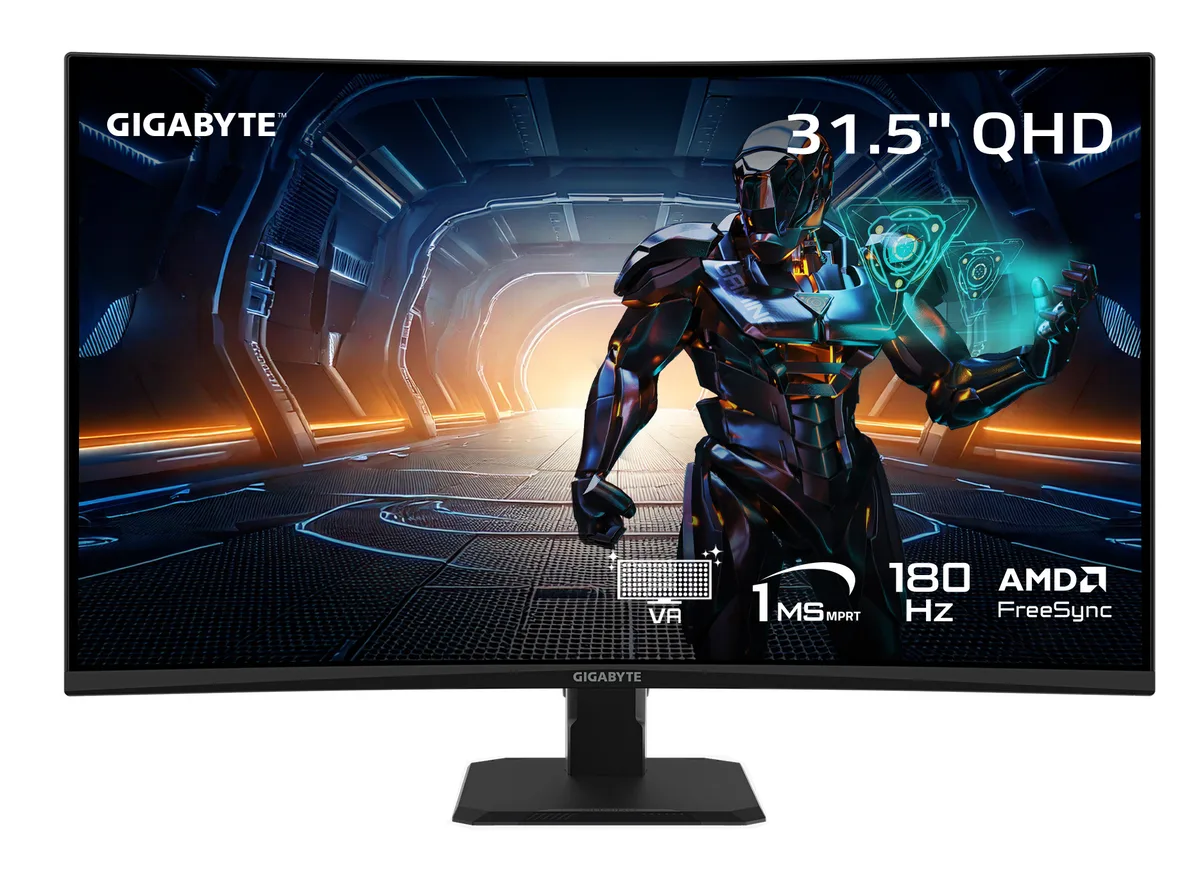
GIGABYTE GS32QCA SA1 31.5" QHD 180Hz curved gaming monitor
31.5-inch curved VA panel delivers QHD resolution at 180 Hz with AMD FreeSync, 1 ms response, 3500:1 contrast and 120 % sRGB coverage
- Cabinet ColorBlack
- Screen Size31.5"
- WidescreenYes
- Glare ScreenNon-glare
- LED BacklightYes
- PanelVA
- Wide colour volume with 120% sRGB coverage
- Deep blacks from 3500:1 contrast ratio
- Smooth motion at 180Hz refresh rate
- Tear-free gaming via FreeSync Adaptive Sync
- Immersive curve with 1500R radius
31.5 inch VA QHD gaming monitor
The GIGABYTE GS32QCA SA1 is a 31.5 inch curved display built on a VA panel with a 2560 x 1440 resolution and a 180Hz refresh rate. It targets gamers who want high contrast and smooth motion in a single upgrade.
Replaces standard 60Hz or 144Hz panels
Moving from a typical 60Hz office screen or an earlier 144Hz model gives a clear jump in fluidity at 180Hz with 1ms response time and FreeSync adaptive sync. The 3500:1 contrast ratio and 120% sRGB coverage also lift colour depth over basic IPS alternatives.
Curved 1500R panel with VESA mount
The 1500R curvature wraps the 16:9 image around the viewer while the stand offers tilt adjustment from -5° to +20°. A 100 x 100mm VESA pattern allows monitor-arm mounting, and the single DisplayPort 1.4 plus two HDMI 2.0 ports handle PC and console sources without extra adapters.
Highlights
- Wide colour volume with 120% sRGB coverage
- Deep blacks from 3500:1 contrast ratio
- Smooth motion at 180Hz refresh rate
- Tear-free gaming via FreeSync Adaptive Sync
- Immersive curve with 1500R radius
Specifications
| Brand | GIGABYTE |
|---|---|
| Series | GS |
| Model | GS32QCA |
| Part Number | GS32QCA |
| Cabinet Color | Black |
| Screen Size | 31.5" |
| Widescreen | Yes |
| Glare Screen | Non-glare |
| LED Backlight | Yes |
| Panel | VA |
| Display Type | QHD |
| Adaptive Sync Technology | FreeSync (AMD Adaptive Sync) |
| Resolution | 2560 x 1440 (2K) |
| Viewing Angle | 178° (H) / 178° (V) |
| Aspect Ratio | 16:9 |
| Brightness | 250 cd/m2 |
| Contrast Ratio | 3500:1 |
| Response Time | 1 ms |
| Color Gamut | 120% sRGB |
| Display Colors | 1.07 Billion |
| Monitor Pixel Density | 0.2724mm x 0.2724mm |
| Refresh Rate | 180Hz |
| HDR Standard | HDR10 |
| Curved Surface Screen | Curved |
| Curvature Radius | 1500R |
| HDMI | 2 x HDMI 2.0 |
| DisplayPort | 1 x DisplayPort 1.4 |
| Video Ports | 1 x DisplayPort 1.4 / 2 x HDMI 2.0 |
| Headphone | 3.5mm headphone jack |
| Power Supply | 100 - 240 VAC, 50/60Hz |
| Power Consumption | Power Consumption: 26W Power Saving Mode: <0.5W Power Off Mode: <0.3W |
| Stand Adjustments | Tilt |
| Built-in Speakers | No |
| Built-in Webcam | No |
| VESA Compatibility - Mountable | 100 x 100mm |
| Dimensions | 27.91'' x 19.57'' x 9.37'' with Stand 27.91'' x 16.50'' x 3.71'' without Stand |
| Weight | 12.92 lbs. with Stand 10.19 lbs. without Stand |
| Package Contents | Power cable/DP cable/QSG/Warranty card |
| Shipping weight | 8.53 kg |
| Package size | 790 × 512 × 163 mm |
Questions about this item
What VESA pattern and curvature radius does the 31.5" GS32QCA SA1 use for wall mounting?
The monitor has a 100 x 100 mm VESA mount and a 1500R curved surface, so any bracket matching that pattern and rated for the curve will fit.
How do you enable the 180 Hz refresh rate over DisplayPort 1.4, and what step is often missed?
Connect the included DP 1.4 cable, set the OSD to 180 Hz, then change the Windows advanced display setting to 180 Hz — many users forget the OSD step.
When should the 3.5 mm headphone jack be checked or the cable replaced?
Test the jack if audio cuts out or static appears; replace the cable if the connector is loose or the insulation is damaged.
Also in this aisle
People compared these
Same shelf, same checkout — eight coins and a 30-minute rate lock.


Lenovo
Lenovo Legion Pro 32UD-10 31.5 inch 144 Hz gaming monitor
- 31.5 inch"
- 144 Hz
$819.99
0.01059336BTC
In stock