HP
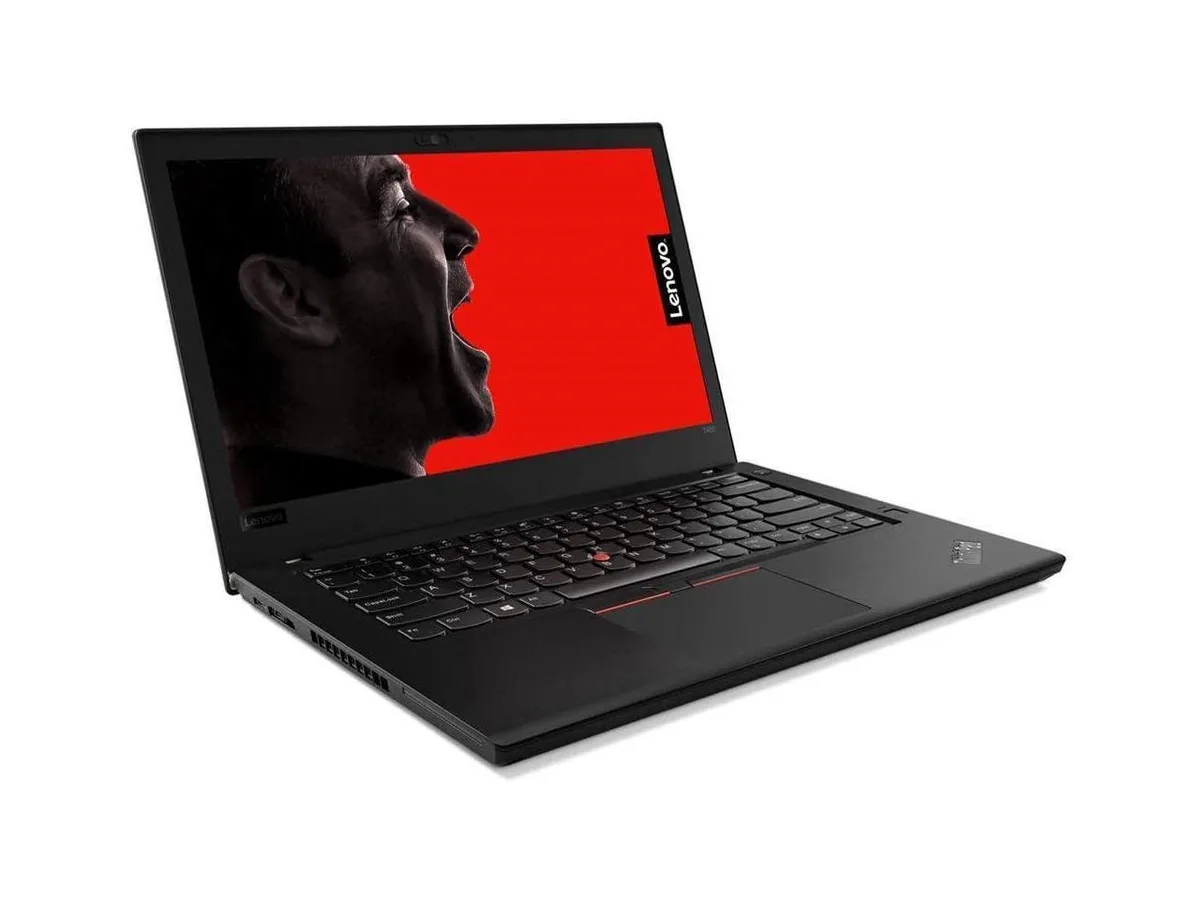
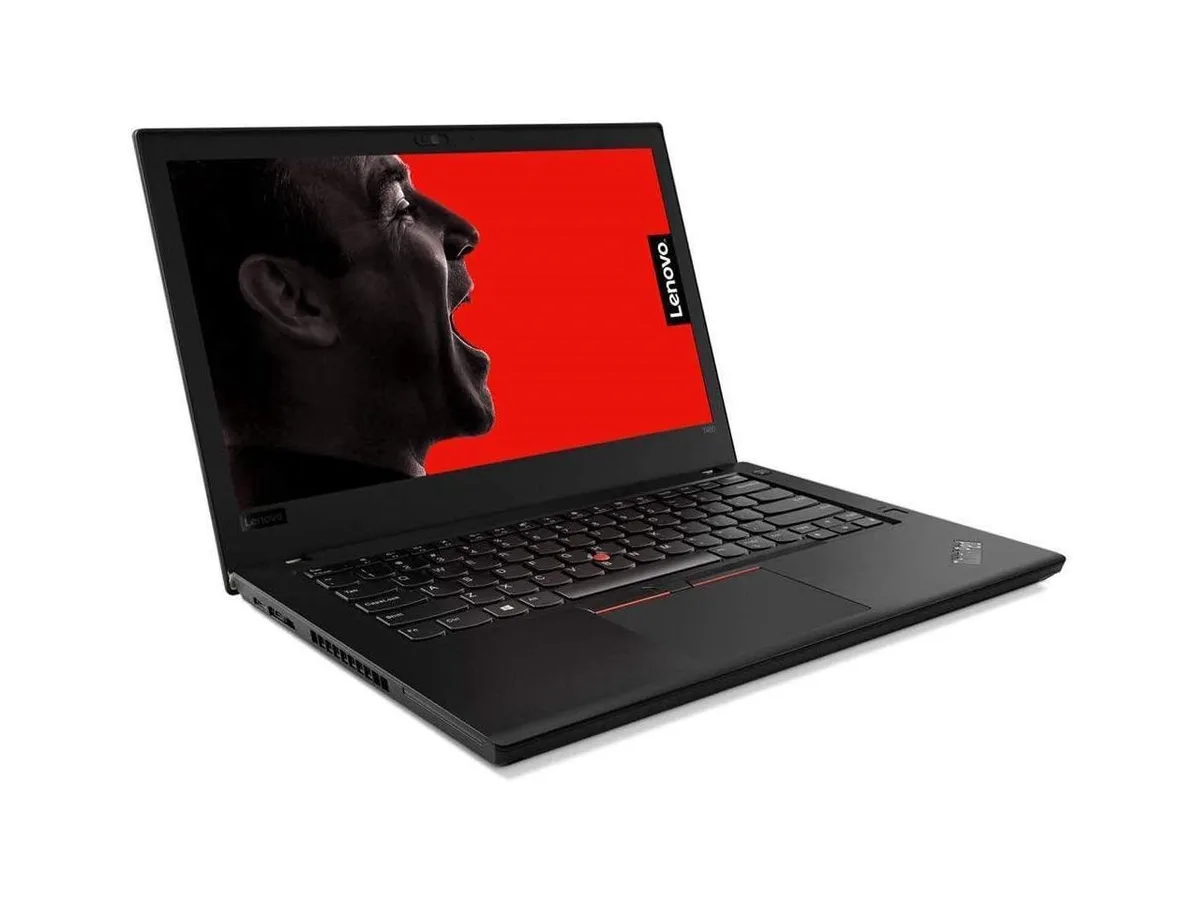
HP ProBook 630 G8 13.2" FHD Touchscreen i5-1145G7 16GB 512GB
- Black
- AI Ready
$369
0.00477472BTC
In stockWe take cryptocurrency — so the coins you hold can buy real hardware.Pay in crypto, spend it on real hardware. Free insured shipping worldwide over $399. Plain, unbranded boxes, sent from Germany.Free insured shipping over $399. Your rate is locked for 30 minutes once checkout opens.Rate locked 30 minutes. Every item sealed, serial-checked and covered by a 24-month warranty.Sealed, 24-month warranty.


HP
15.6-inch HD laptop with Intel Core i5-1135G7 up to 4.2 GHz, 8 GB DDR4 2400 memory and 256 GB NVMe SSD running Windows 10 Pro
The HP 15 laptop pairs a 15.6 inch HD display with an Intel Core i5-1135G7 processor that reaches 4.2 GHz turbo frequency. Eight gigabytes of DDR4 2400 memory and a 256 GB NVMe SSD provide responsive everyday performance. Windows 10 Pro is pre-installed on the silver chassis. Integrated Intel Iris Xe graphics handle visual output on the 1366 by 768 panel.
The quad-core processor and fast NVMe storage handle document editing, web browsing and video streaming without delay. Buyers who want more storage or a higher resolution screen should look elsewhere. The non-touch HD panel limits detail for creative work. Users requiring discrete graphics for gaming or rendering will need a different system.
The integrated graphics share system memory, so extended sessions rely on the 8 GB DDR4 pool and the cooling solution built into the thin chassis. Clock speeds settle at sustainable levels during long compiles or video exports. The 6.5 mm micro-edge bezel design does not change thermal behaviour. Battery life supports all-day use away from a power outlet.
| Brand | HP |
|---|---|
| Model | 15 |
| Color | Silver |
| Operating System | Windows 10 Pro |
| CPU Type | Intel Core i5 11th Gen |
| Processor Name | Intel Core i5-1135G7 |
| Turbo Frequency | 4.2GHz |
| Number of Cores | Quad-core Processor |
| Screen Size | 15.6" |
| Touchscreen | Non-Touch Screen |
| Wide Screen Support | Yes |
| Display Type | HD |
| Resolution | 1366 x 768 |
| GPU/VPU | Intel Iris Xe Graphics |
| Graphic Type | Integrated Card |
| SSD | 256GB |
| HDD | No |
| Storage Spec | 256GB NVMe SSD |
| Memory | 8GB |
| Memory Speed | DDR4 2400 |
| Memory Spec | 8 GB x 1 |
| Memory Slot (Total) | 2 |
| Memory Slot (Available) | 1 |
| Max Memory Supported | 32 GB |
| WLAN | Wi-Fi 5 (802.11ac) |
| Bluetooth | Bluetooth 4.2 |
| USB | 1x USB-C 3.1 Gen 1, 2x USB 3.1 Gen 1 |
| Video Port | 1x HDMI |
| HDMI | 1 x HDMI |
| Audio Ports | 1 x Headphone/Microphone Combo Jack |
| Audio | Integrated Sound card |
| Speaker | Integrated Stereo Speakers |
| Touchpad | Yes |
| Keyboard | Standard |
| Backlit Keyboard | Non-backlit |
| Webcam | Yes |
| Card Reader | 3-in-1 |
| Type | Everyday Value |
| AC Adapter/Charger | 45-watt AC Adapter |
| Battery | 3-cell Lithium Ion |
| Battery Life | > 5 hours |
| Dimensions (W x D x H) | 9.5" x 14.1" x 0.7" |
| Weight | 3 - 3.9 lbs. |
The installed memory runs at DDR4 2400, so any additional modules should match that speed for compatibility.
You will need an active HDMI-to-VGA adapter because the laptop's HDMI output does not carry an analogue VGA signal.
Open Task Manager, select the Performance tab, choose the 256 GB NVMe drive, and confirm the reported link speed matches the drive's rated PCIe generation.
Also in this aisle
Same shelf, same checkout — eight coins and a 30-minute rate lock.
What you pay in, and what you read prices in.
Sent from your wallet at checkout
Display only — the catalogue is priced in USD
No currency matches that.
Pick the language the site speaks to you in.
New here?
Already have one?
There is no automatic reset: this shop sends no mail, so there is no one-time link to ask for. Leave the address on the account and it gets picked up by hand.
Request noted
Nothing is on its way to your inbox — this shop sends no mail at all. Someone picks these up by hand.
Remembered it?