DELL
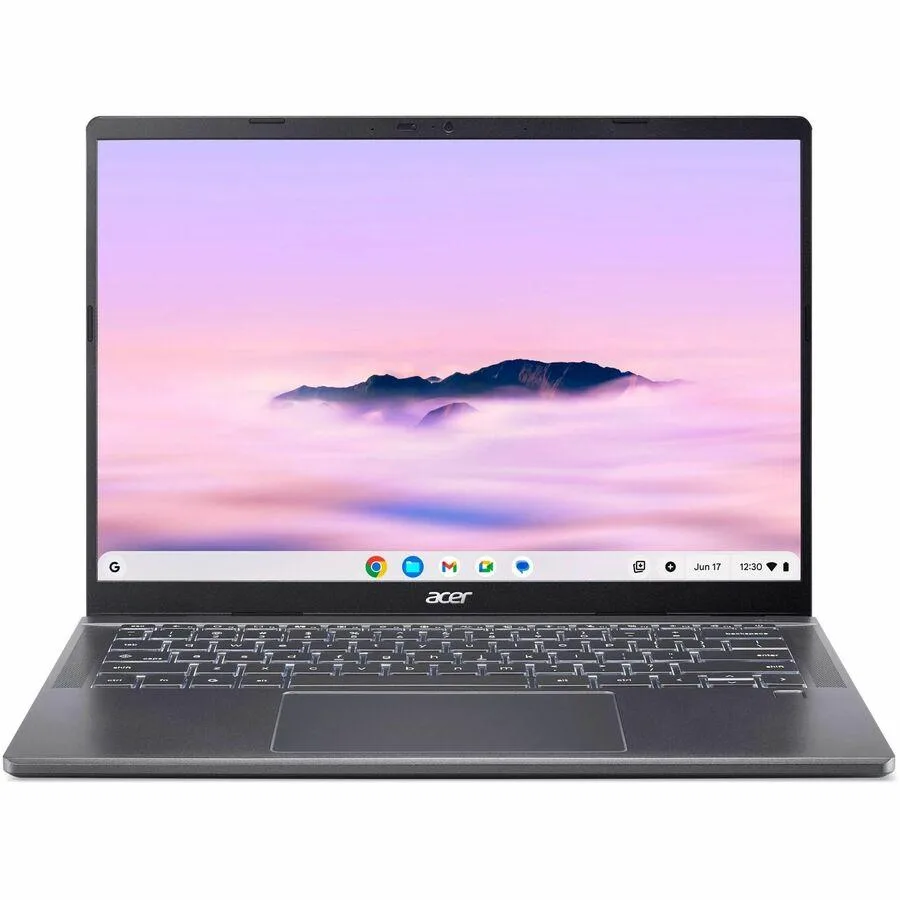
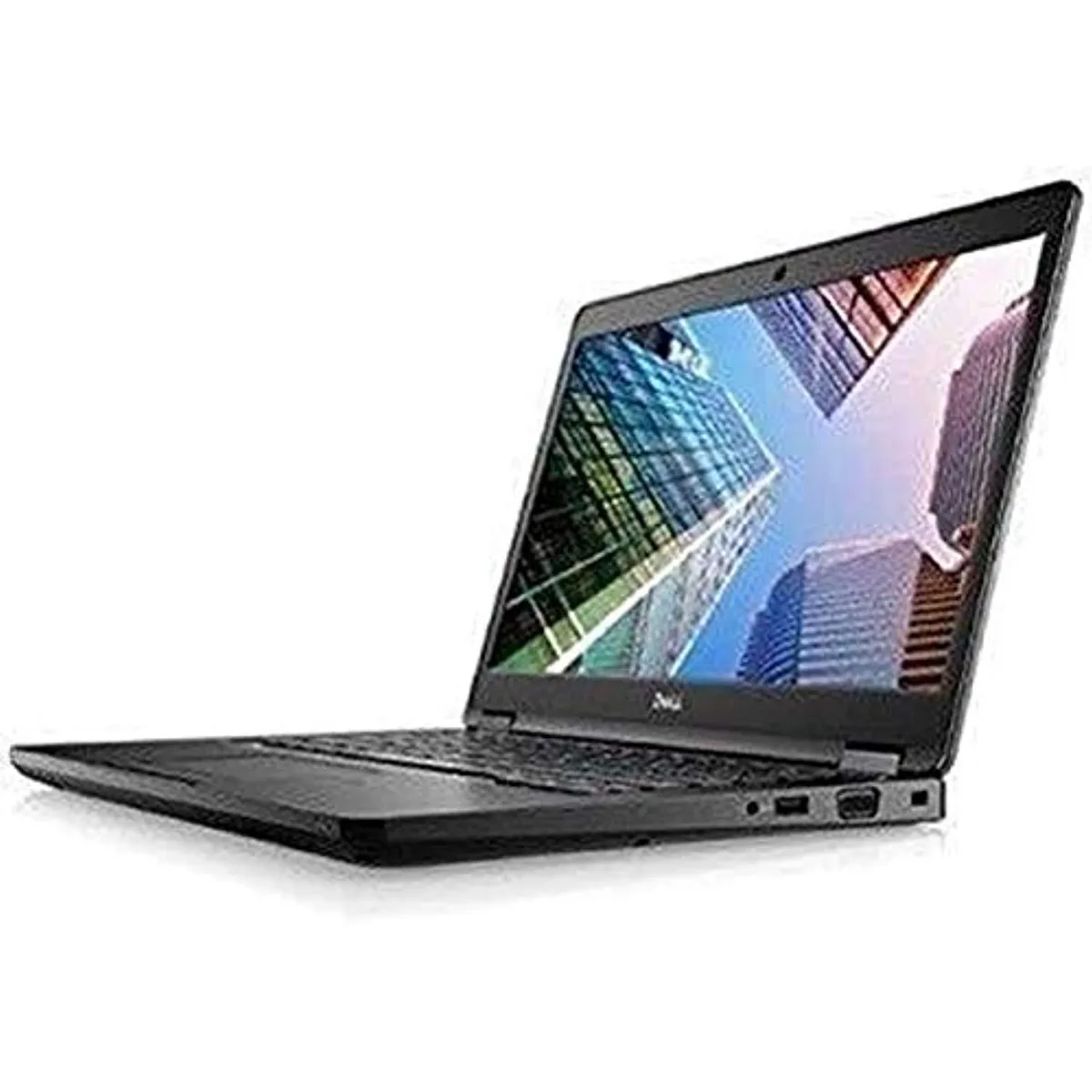
DELL Latitude 7490 -9718 laptop 14" i5-8250U 8GB 256GB
- 14.0"
- Home / Personal
$195.99
0.00249618BTC
In stockWe take cryptocurrency — so the coins you hold can buy real hardware.Pay in crypto, spend it on real hardware. Free insured shipping worldwide over $399. Plain, unbranded boxes, sent from Germany.Free insured shipping over $399. Your rate is locked for 30 minutes once checkout opens.Rate locked 30 minutes. Every item sealed, serial-checked and covered by a 24-month warranty.Sealed, 24-month warranty.


HP
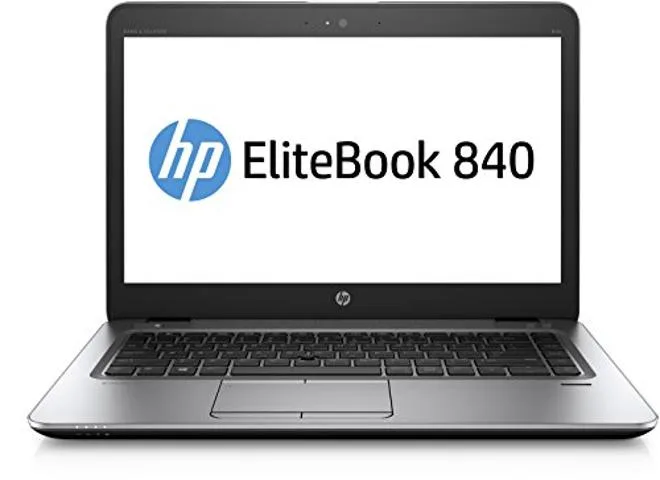
A 14-inch laptop with a 2.6 GHz Core i7-6600U processor, 8 GB of memory and a 256 GB solid-state drive, running Windows 10 Pro 64-bit
The HP EliteBook 840 G3 is a 14-inch laptop built for professionals who need a reliable Windows 10 Pro machine for daily office tasks. Its 2.6 GHz processor and 8 GB of memory support smooth multitasking across standard productivity applications.
The 256 GB drive provides fast boot times and responsive access to the operating system and frequently used documents. Users who work with large media libraries or extensive local databases will need supplementary external or cloud storage.
| Screen Size | No |
|---|---|
| Type | Home / Personal |
The laptop includes standard USB ports that operate with USB 2.0 devices at their rated speed.
Open Task Manager in Windows 10 Pro and watch the CPU frequency column while the system is idle.
Also in this aisle
Same shelf, same checkout — eight coins and a 30-minute rate lock.
What you pay in, and what you read prices in.
Sent from your wallet at checkout
Display only — the catalogue is priced in USD
No currency matches that.
Pick the language the site speaks to you in.
New here?
Already have one?
There is no automatic reset: this shop sends no mail, so there is no one-time link to ask for. Leave the address on the account and it gets picked up by hand.
Request noted
Nothing is on its way to your inbox — this shop sends no mail at all. Someone picks these up by hand.
Remembered it?