


HP
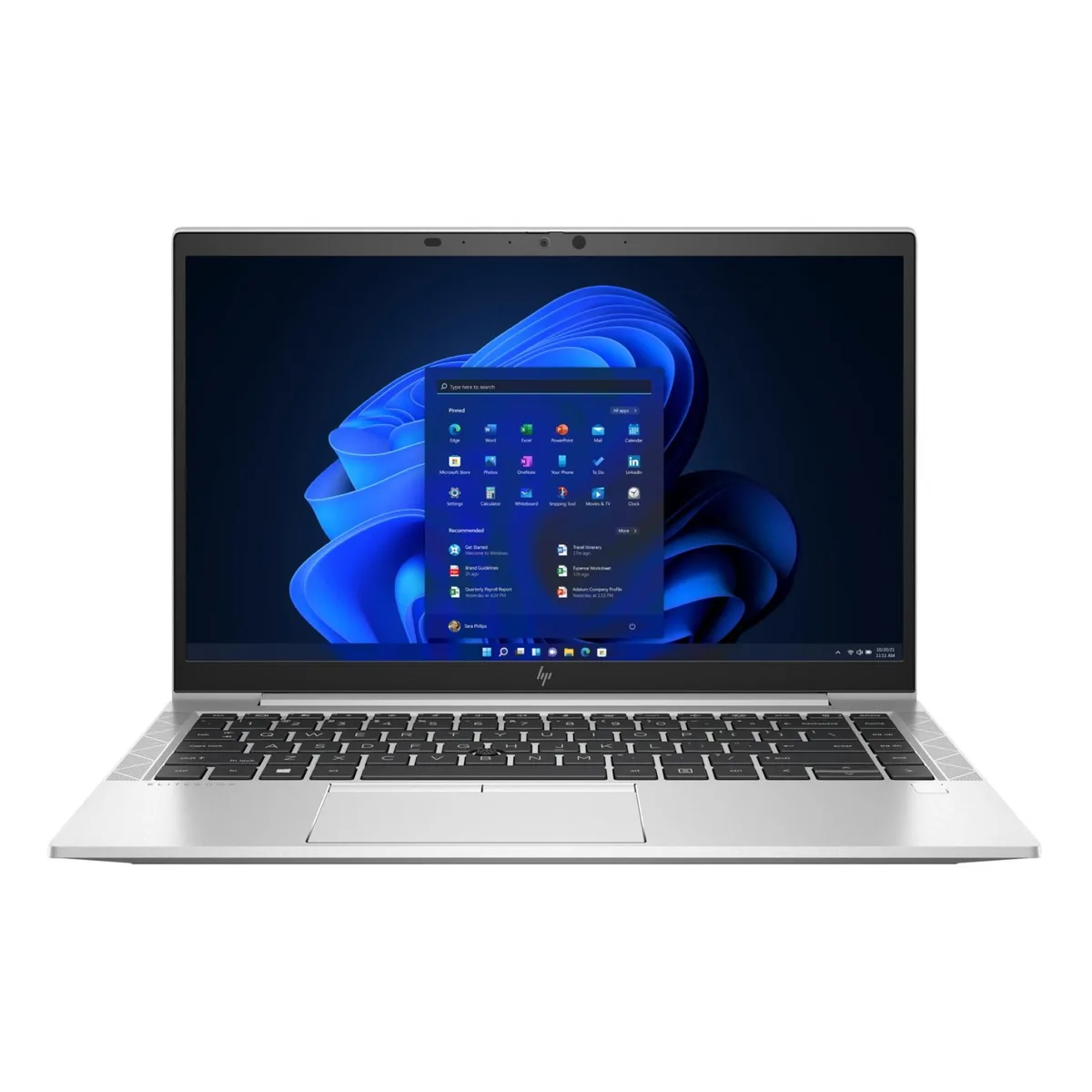
HP EliteBook 840 G8 laptop i5-1145G7 2.6GHz 32GB DDR4 512GB 14" 1920x1080
A 14-inch business laptop with an Intel Core i5-1145G7 processor, 32GB DDR4 memory and a 512GB solid-state drive
- Screen Size14.0"
- TypeWork / Business
- Intel Core i5-1145G7 at 2.6GHz powers demanding workloads
- 32GB DDR4 memory keeps many apps responsive
- 512GB M.2 SSD stores large project files quickly
- 0 inch 1920x1080 FHD display shows crisp detail
- 36 kg weight and 17.9 mm profile ease daily mobility
Business Laptop 14.0 Inch FHD
The HP EliteBook 840 G8 is a 14.0 inch business laptop powered by an Intel i5-1145G7 processor running at 2.6 GHz. It comes with 32 GB of DDR4 memory and a 512 GB M.2 solid-state drive. The system ships with Windows 11 Pro pre-installed for professional environments.
Professionals Needing Portability and Security
This configuration suits mobile professionals who need a lightweight 1.36 kg chassis with a fingerprint reader and webcam for secure video calls. The 1920 x 1080 display and integrated Iris Xe graphics handle office applications and streaming well. Buyers requiring discrete graphics for heavy rendering or dedicated gaming performance should look at other models.
Standard Notebook Setup Process
As a complete laptop, it requires no internal hardware installation; users simply power on and follow the Windows 11 Pro setup wizard. The 17.9 mm thin profile limits internal upgrade access, so memory and storage changes are not straightforward. Proprietary charging port means the supplied adapter must be used for power.
Highlights
- Intel Core i5-1145G7 at 2.6GHz powers demanding workloads
- 32GB DDR4 memory keeps many apps responsive
- 512GB M.2 SSD stores large project files quickly
- 0 inch 1920x1080 FHD display shows crisp detail
- 36 kg weight and 17.9 mm profile ease daily mobility
Specifications
| Brand | HP |
|---|---|
| Series | EliteBook |
| Model | 840 G8 |
| Screen Size | 14.0" |
| Type | Work / Business |
Questions about this item
What cables do I need to connect an external monitor to the HDMI 2.0b port on this 840 G8?
Use an HDMI cable that supports the 2.0b specification to match the port on the laptop.
Will my older USB-A 3.0 flash drives work with the two USB-A 3.2 Gen 1 ports on this EliteBook?
Yes, the USB-A 3.2 Gen 1 ports are backward compatible with USB 3.0 and 2.0 devices.
How can I verify the integrated Iris Xe Graphics are active after setting up Windows 11 Pro?
Open Device Manager, expand Display adapters, and confirm Intel Iris Xe Graphics appears without a warning icon.
Also in this aisle
People compared these
Same shelf, same checkout — eight coins and a 30-minute rate lock.

MSI
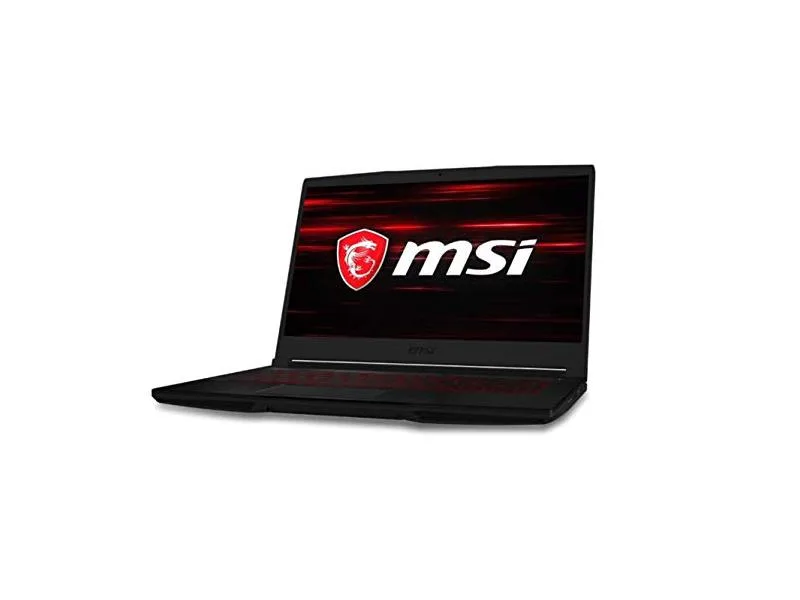
MSI GF63 Thin 10SCXR-222 15.6 laptop i5-10300H 8GB 256GB GTX 1650 4.1GB Black
- 15.6"
- Mainstream
$657.99
0.00836467BTC
In stock