DELL
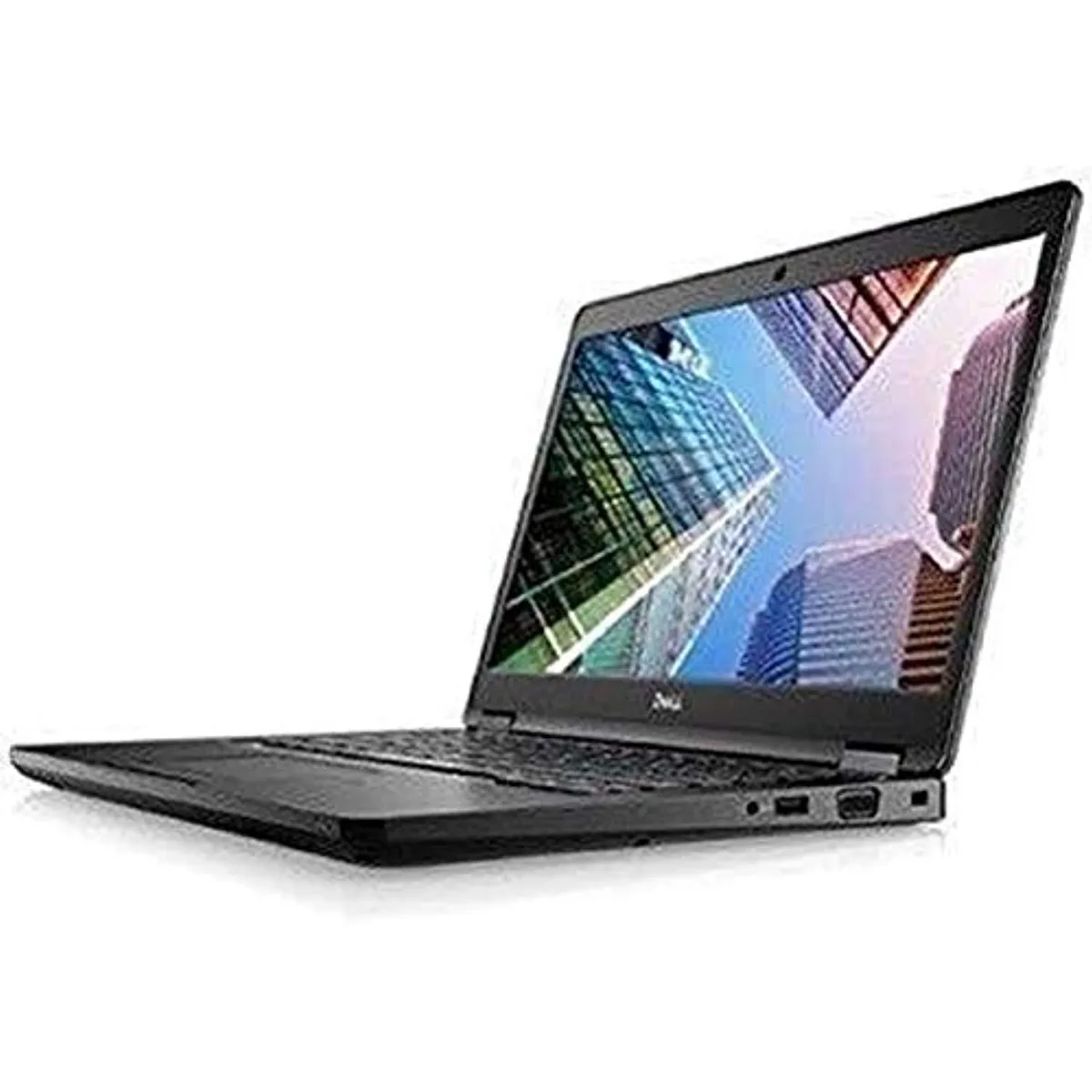
DELL Latitude 7490 -9718 laptop 14" i5-8250U 8GB 256GB
- 14.0"
- Home / Personal
$195.99
0.00251324BTC
In stockWe take cryptocurrency — so the coins you hold can buy real hardware.Pay in crypto, spend it on real hardware. Free insured shipping worldwide over $399. Plain, unbranded boxes, sent from Germany.Free insured shipping over $399. Your rate is locked for 30 minutes once checkout opens.Rate locked 30 minutes. Every item sealed, serial-checked and covered by a 24-month warranty.Sealed, 24-month warranty.


HP
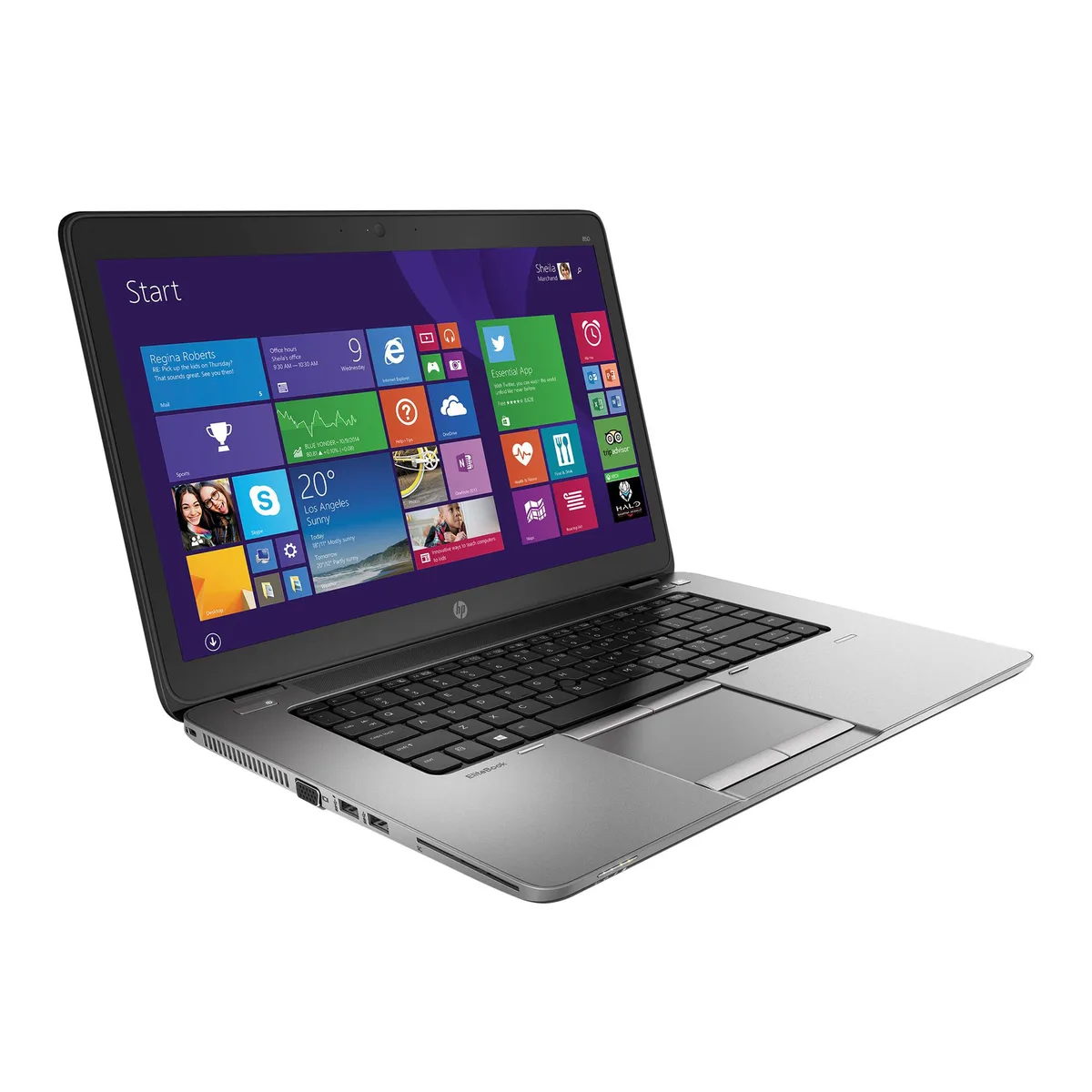
15.6-inch FHD laptop with Intel Core i5-5300U, 8GB DDR3 and a new 2TB SSD
The HP EliteBook 850 G2 is a 15.6-inch full-HD laptop powered by an Intel Core i5-5300U dual-core processor running at 2.30 GHz with a 2.90 GHz turbo frequency. It ships with 8GB of DDR3 memory and a new 2TB 2.5-inch SATA SSD, running Windows 10 Home 64-bit. The system supports up to 16 GB of memory across two slots. It suits professionals needing a reliable business machine for office applications, web browsing and video conferencing with the integrated webcam.
The silver chassis houses a non-touch 1920 x 1080 display driven by Intel HD Graphics 5500. The 2.5-inch SATA SSD provides ample internal storage without a secondary hard drive. Bluetooth is included for wireless peripherals, and the webcam supports remote meetings. The two memory slots allow future upgrades to the 16 GB maximum. Windows 10 Home is pre-installed, with a Windows 11 Pro upgrade path noted by the supplier.
Verify that the dual-core i5-5300U and integrated Intel HD Graphics 5500 meet the performance needs of your workload, as this is not a workstation-class GPU. Confirm that 8GB of DDR3 memory is sufficient out of the box, noting the 16 GB ceiling if you plan to expand. Ensure Windows 10 Home covers your software licensing requirements, and that the 15.6-inch form factor fits your mobility expectations. The 365-day parts and labour warranty is provided by the supplier.
| Brand | HP |
|---|---|
| Series | EliteBook |
| Model | EliteBook 850 G2 |
| Color | Silver |
| Operating System | Windows 10 Home 🙋♀️Microsoft Windows 11 Pro Upgrade 👉Check ABS/Helix computers with Windows 11 |
| CPU Type | Intel Core i5 5th Gen |
| Processor Name | Intel Core i5-5300U |
| Turbo Frequency | 2.90 GHz |
| Number of Cores | Dual-core Processor |
| Screen Size | 15.6" |
| Touchscreen | Non-Touch Screen |
| Display Type | FHD |
| Resolution | 1920 x 1080 |
| GPU/VPU | Intel HD Graphics 5500 |
| SSD | 2TB |
| HDD | No |
| Storage Spec | 2TB SSD 2.5" SATA |
| Memory | 8GB |
| Memory Slot (Total) | 2 |
| Max Memory Supported | 16 GB |
| Optical Drive Type | No |
| Audio | Integrated Sound card |
| Style | Standard |
| Type | Mainstream |
| Dimensions (W x D x H) | 9.98" x 14.78" x .84" |
| Weight | 4 - 4.9 lbs. |
The 2.5" SSD uses a SATA interface limited to 6 Gbit/s, so sequential reads and writes top out around 550 MB/s in practice.
The bay accepts a standard 2.5" 7 mm SATA drive secured by the laptop's internal caddy screws; no adapter or spacer is needed.
Remove the bottom cover, slide the drive into the caddy, connect the SATA connector, then re-seat the caddy screws — many forget to lock the connector latch fully.
Also in this aisle
Same shelf, same checkout — eight coins and a 30-minute rate lock.
What you pay in, and what you read prices in.
Sent from your wallet at checkout
Display only — the catalogue is priced in USD
No currency matches that.
Pick the language the site speaks to you in.
New here?
Already have one?
There is no automatic reset: this shop sends no mail, so there is no one-time link to ask for. Leave the address on the account and it gets picked up by hand.
Request noted
Nothing is on its way to your inbox — this shop sends no mail at all. Someone picks these up by hand.
Remembered it?