

ASUS
ASUS TUF Gaming FX505DT-EB73 gaming laptop 15.6 120Hz Ryzen 7 3750H GTX 1650 8GB 512GB
$999.99
0.01293213BTC
In stockWe take cryptocurrency — so the coins you hold can buy real hardware.Pay in crypto, spend it on real hardware. Free insured shipping worldwide over $399. Plain, unbranded boxes, sent from Germany.Free insured shipping over $399. Your rate is locked for 30 minutes once checkout opens.Rate locked 30 minutes. Every item sealed, serial-checked and covered by a 24-month warranty.Sealed, 24-month warranty.
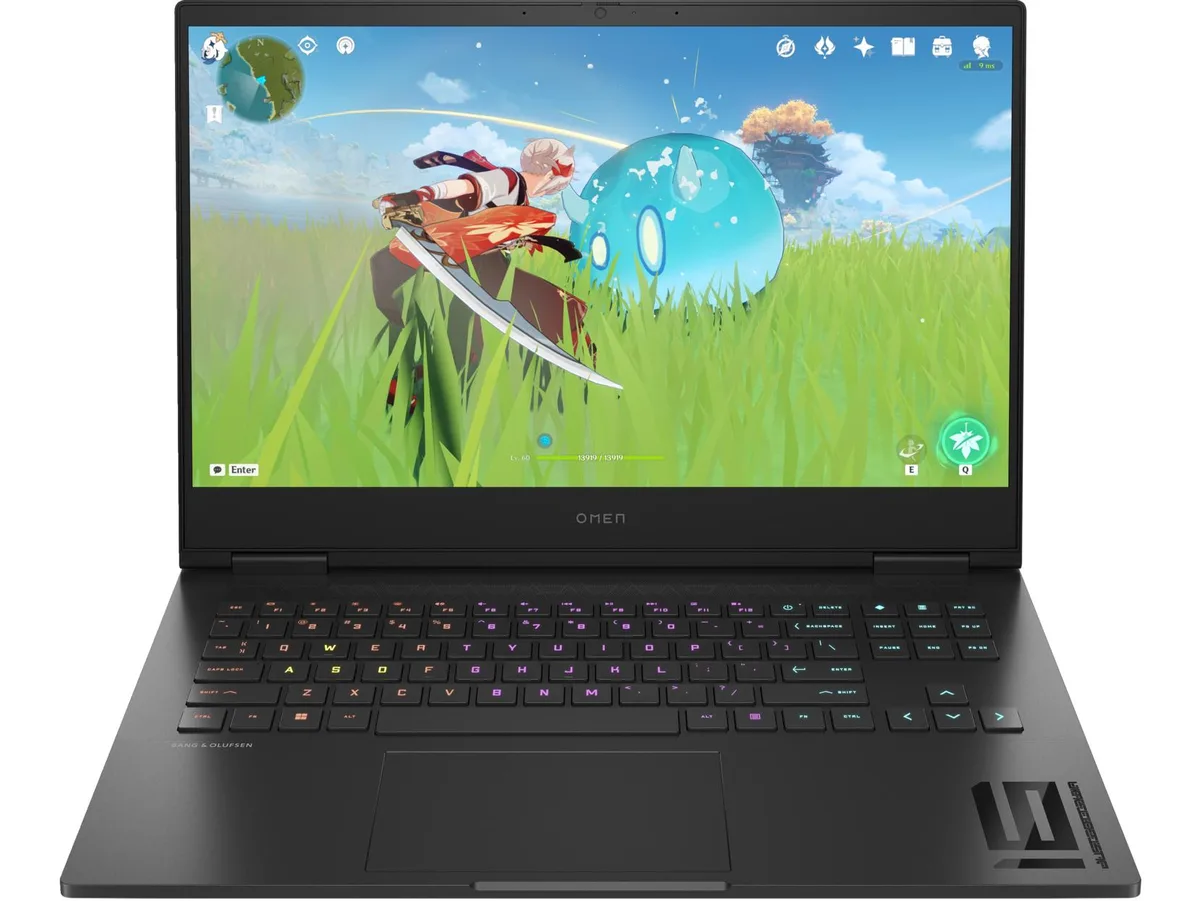


HP
16.1-inch FHD 165 Hz IPS display driven by a Ryzen 7 7840HS and RTX 4060 with 8 GB GDDR6, 16 GB DDR5-5600 and 1 TB NVMe
This HP OMEN laptop pairs an AMD Ryzen 7 7840HS processor with an NVIDIA GeForce RTX 4060 Laptop GPU. The 16.1 inch display runs at 1920 x 1080 resolution with a 165 Hz refresh rate and 100 percent sRGB coverage. It targets gamers and creators who need a portable machine for high-frame-rate play and colour-accurate work.
The RTX 4060 with 8 GB GDDR6 dedicated memory replaces integrated Radeon Graphics or older mid-range mobile GPUs. The jump is worth it when you want consistent 165 Hz performance in competitive titles or hardware-accelerated rendering in creative apps. Buyers who need more storage or a second GPU should look at desktop alternatives.
The 1 TB PCIe Gen4 NVMe SSD and 16 GB DDR5-5600 RAM (two 8 GB modules) sit behind a service panel secured by standard screws. Most owners can swap the drive or add memory in minutes. The only common snag is forgetting to re-seat the battery connector after the panel comes off.
| Screen Size | 16.1" |
|---|---|
| GPU/VPU | GeForce RTX 4060 Laptop GPU |
The display is a 16.1" diagonal FHD panel with 165 Hz refresh and 300 nits brightness; HP does not publish bezel dimensions or mounting-hole patterns for this chassis.
Remove all base screws, pry the bottom cover off with a plastic tool, disconnect the 83 Wh battery cable first, then swap the 2 x 8 GB modules; skipping the battery disconnect risks a short.
Order the HP 6-cell 83 Wh Li-ion polymer pack (same part used in this model), remove the base cover, unplug the old pack, fit the new one, and reconnect before closing the chassis.
Also in this aisle
Same shelf, same checkout — eight coins and a 30-minute rate lock.
What you pay in, and what you read prices in.
Sent from your wallet at checkout
Display only — the catalogue is priced in USD
No currency matches that.
Pick the language the site speaks to you in.
New here?
Already have one?
There is no automatic reset: this shop sends no mail, so there is no one-time link to ask for. Leave the address on the account and it gets picked up by hand.
Request noted
Nothing is on its way to your inbox — this shop sends no mail at all. Someone picks these up by hand.
Remembered it?


