HP
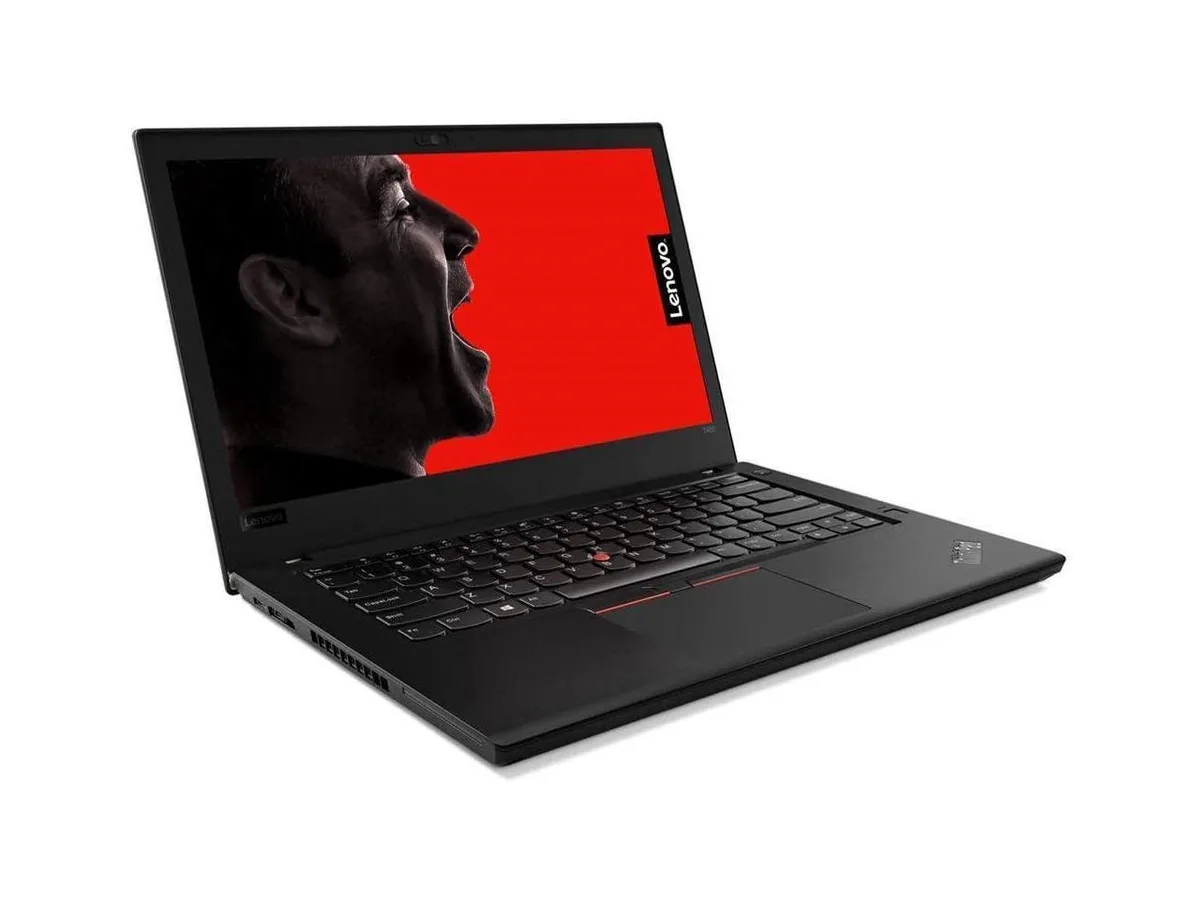
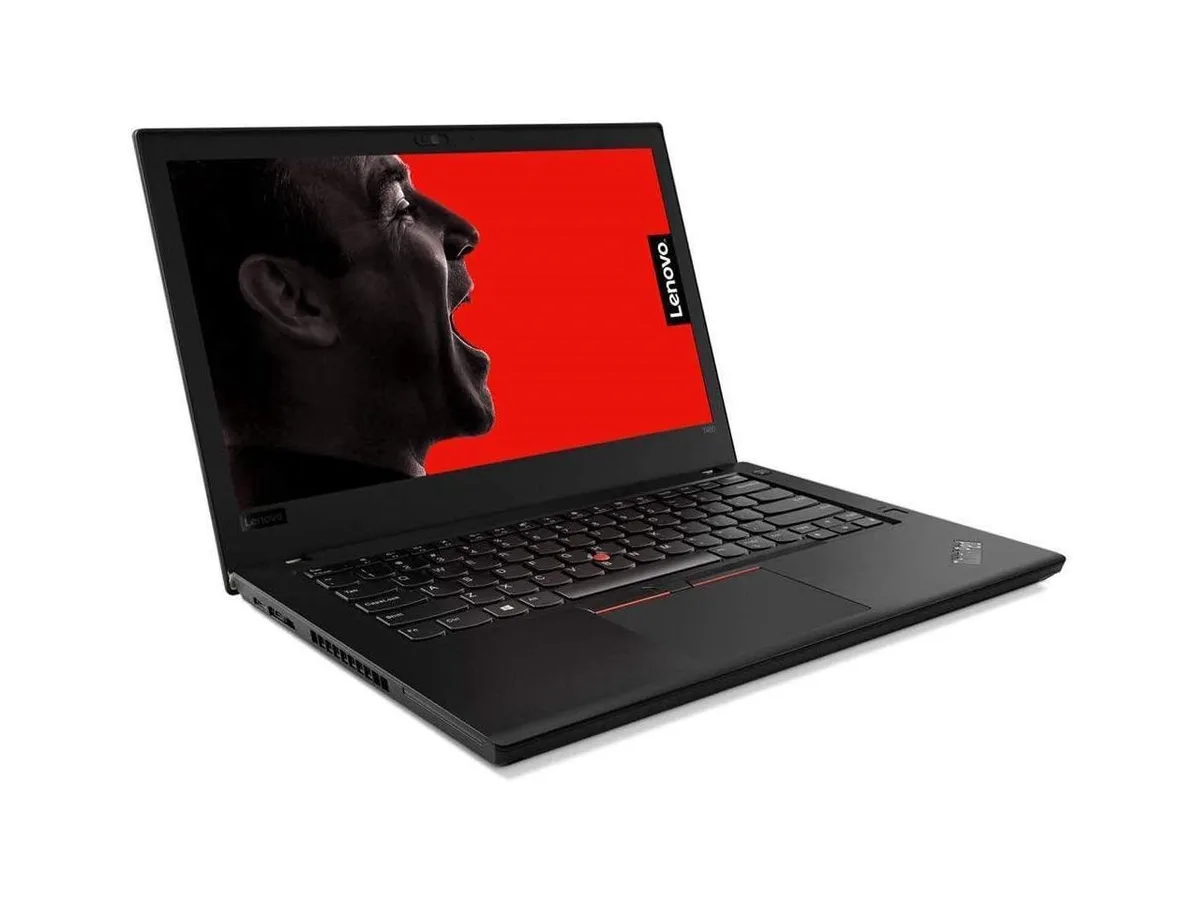
HP ProBook 630 G8 13.2" FHD Touchscreen i5-1145G7 16GB 512GB
- Black
- AI Ready
$369
0.00476917BTC
In stockWe take cryptocurrency — so the coins you hold can buy real hardware.Pay in crypto, spend it on real hardware. Free insured shipping worldwide over $399. Plain, unbranded boxes, sent from Germany.Free insured shipping over $399. Your rate is locked for 30 minutes once checkout opens.Rate locked 30 minutes. Every item sealed, serial-checked and covered by a 24-month warranty.Sealed, 24-month warranty.


HP
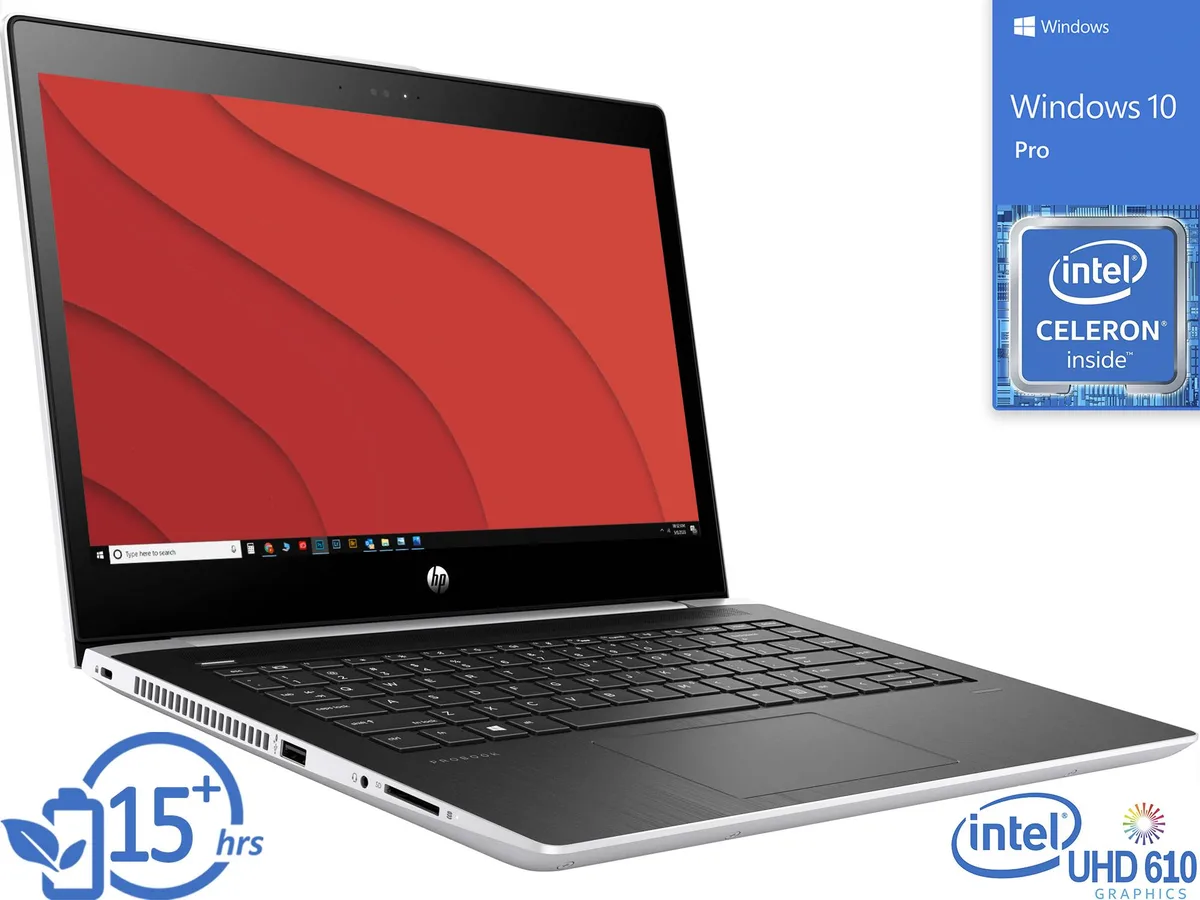
A 14 inch thin-client laptop with a dual-core Celeron 3865U at 1.80GHz, 8GB DDR4 2400 memory, 512GB NVMe SSD plus 1TB HDD, HD 1366 x 768 display and Windows 10 Pro
The HP Thin Client MT21 is a 14 inch notebook built for organisations that run virtual desktops or cloud applications. Its Intel Celeron 3865U dual‑core processor at 1.80 GHz and 8 GB of DDR4 2400 memory handle session connectivity and light local tasks. Windows 10 Pro provides familiar management tools for IT departments.
Verify that your deployment image fits within the 512 GB NVMe boot drive while the 1 TB HDD stores user profiles or cached data. Confirm that your docking station or monitor supports HDMI, VGA or DisplayPort via USB‑C for video output. Ensure your network infrastructure provides Wi‑Fi or wired LAN access for the thin‑client protocol.
This unit upgrades from earlier thin‑client laptops that used slower processors, less memory or only a single hard drive. The jump is worthwhile when you need faster boot times from NVMe storage, dual‑display capability and Windows 10 Pro manageability for virtualised workloads.
| Brand | HP |
|---|---|
| Series | Thin Client |
| Model | MT21 |
| Color | Silver |
| Operating System | Windows 10 Pro |
| CPU Type | Intel Celeron |
| Number of Cores | Dual-core Processor |
| Screen Size | 14.0" |
| Touchscreen | Non-Touch Screen |
| Wide Screen Support | Yes |
| Display Type | HD |
| Resolution | 1366 x 768 |
| GPU/VPU | Intel HD Graphics 610 |
| Graphic Type | Integrated Card |
| SSD | 512GB |
| HDD | 1TB |
| Storage Spec | 512GB NVMe SSD |
| Memory | 8GB |
| Memory Speed | DDR4 2400 |
| Memory Spec | 4 GB x 2 |
| Memory Slot (Total) | 2 |
| Memory Slot (Available) | 0 |
| Max Memory Supported | 32 GB |
| LAN | 10/100/1000Mbps |
| WLAN | Wi-Fi 5 (802.11ac) |
| Bluetooth | Bluetooth 4.0 |
| USB | 2x USB 3.1 Gen 1, 1x USB-C 3.1 Gen 1 |
| Video Port | 1x HDMI, 1x VGA, 1x DisplayPort via USB-C |
| HDMI | 1 x HDMI |
| Audio Ports | 1 x Headphone/Microphone Combo Jack |
| Audio | Integrated Sound card |
| Speaker | Integrated Stereo Speakers |
| Touchpad | Yes |
| Keyboard | Standard |
| Backlit Keyboard | Non-backlit |
| Webcam | Yes |
| Card Reader | 3-in-1 |
| Type | Mainstream |
| AC Adapter/Charger | 45-watt AC Adapter |
| Battery | 3-cell Lithium Ion |
| Battery Life | > 5 hours |
| Dimensions (W x D x H) | 9.4" x 13.2" x 0.8" |
| Weight | 3 - 3.9 lbs. |
The notebook ships with the 14" HD display, Intel Celeron 3865U 1.80GHz processor, 8GB DDR4 2400 memory as 4 GB x 2, 512GB NVMe SSD plus 1TB HDD, 720p webcam, HDMI, VGA and DisplayPort via USB-C, card reader, Wi-Fi, Bluetooth and Windows 10 Pro. A power adapter is included.
Use the 512GB NVMe SSD for the operating system and applications — it provides faster boot and load times. Keep the 1TB HDD for large files, backups and archives where capacity matters more than speed.
The HD panel shows 1366 x 768 pixels, giving clear text for office apps, web browsing and remote desktop sessions. It is not Full HD, so fine detail in photos or video will be softer than on higher-resolution displays.
Also in this aisle
Same shelf, same checkout — eight coins and a 30-minute rate lock.
What you pay in, and what you read prices in.
Sent from your wallet at checkout
Display only — the catalogue is priced in USD
No currency matches that.
Pick the language the site speaks to you in.
New here?
Already have one?
There is no automatic reset: this shop sends no mail, so there is no one-time link to ask for. Leave the address on the account and it gets picked up by hand.
Request noted
Nothing is on its way to your inbox — this shop sends no mail at all. Someone picks these up by hand.
Remembered it?