
HP
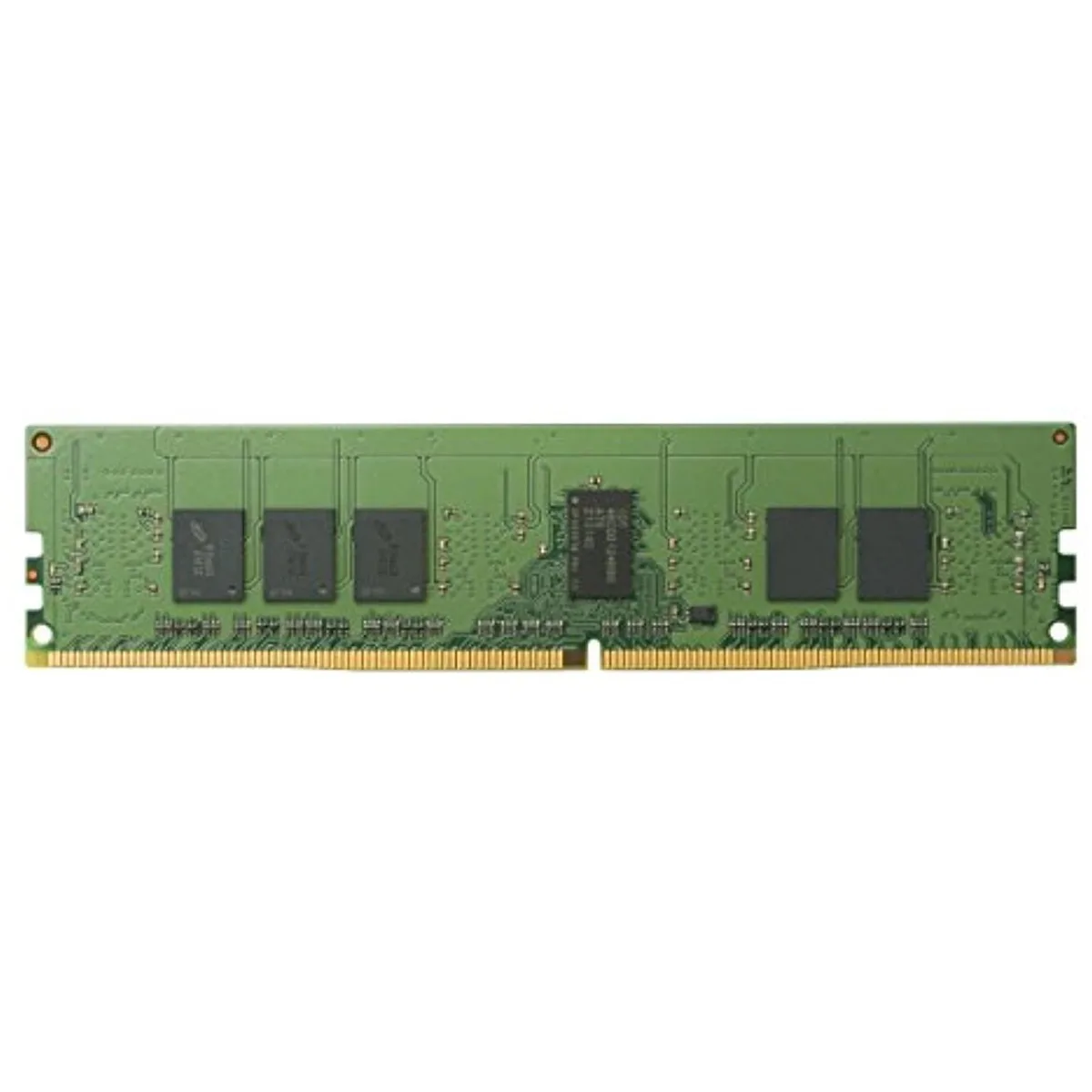
HP Z4Y84AA#ABA 4 GB DDR4 2400 MHz SO-DIMM desktop RAM
A 4 GB DDR4 SO-DIMM module running at 2400 MHz to expand desktop memory capacity
- Boost system responsiveness with 4 GB DDR4 2400 MHz memory
- Reduce start-up delays using low-power high-speed modules
- Run more applications simultaneously with 4 GB capacity
- Ensure seamless integration with HP-tested SO-DIMM design
- Lightweight 3.2 ounce module simplifies notebook upgrades
4 GB DDR4 2400 MHz SO-DIMM desktop RAM
This HP-branded module provides 4 GB of DDR4 memory at 2400 MHz in a SO-DIMM form factor. It is designed for seamless system-level integration with business notebook PCs. The low-power, high-speed memory improves start-up times and allows more programs to run simultaneously. Users can easily toggle between applications with better responsiveness.
Who this suits and who should look elsewhere
This module suits owners of compatible business notebooks that accept DDR4 SO-DIMMs and need a 4 GB upgrade for daily workloads. Buyers who want more storage capacity per module or require a different form factor such as standard DIMM should look at other options. Systems that do not support DDR4 SO-DIMM memory cannot use this part.
The specification that decides fit
The 2400 MHz DDR4 SO-DIMM interface is the single specification that determines compatibility. Your notebook must accept DDR4 SO-DIMM modules at this speed for the upgrade to work. Verify the memory slot type and supported speed before purchase.
Highlights
- Boost system responsiveness with 4 GB DDR4 2400 MHz memory
- Reduce start-up delays using low-power high-speed modules
- Run more applications simultaneously with 4 GB capacity
- Ensure seamless integration with HP-tested SO-DIMM design
- Lightweight 3.2 ounce module simplifies notebook upgrades
Specifications
No published specifications for this item yet.
Questions about this item
Does the SO-DIMM form factor fit a 260-pin DDR4 slot?
Yes, the module uses the standard 260-pin SO-DIMM layout for DDR4 memory.
What is the correct way to seat the module so the clips lock?
Align the notch with the slot key, insert at a slight angle, then press down firmly until both side clips click into place.
Will this 4 GB stick need replacement if I later add a second module?
No, you can add a matching DDR4 SO-DIMM later without removing the original stick.
Also in this aisle
People compared these
Same shelf, same checkout — eight coins and a 30-minute rate lock.


Silverstone Technology
SilverStone Technology Strider 1200W 80 Plus Platinum Modular Power Supply
- ATX Mid Tower
- 1200W
$324.03
0.00418449BTC
In stock