


IHDAPP
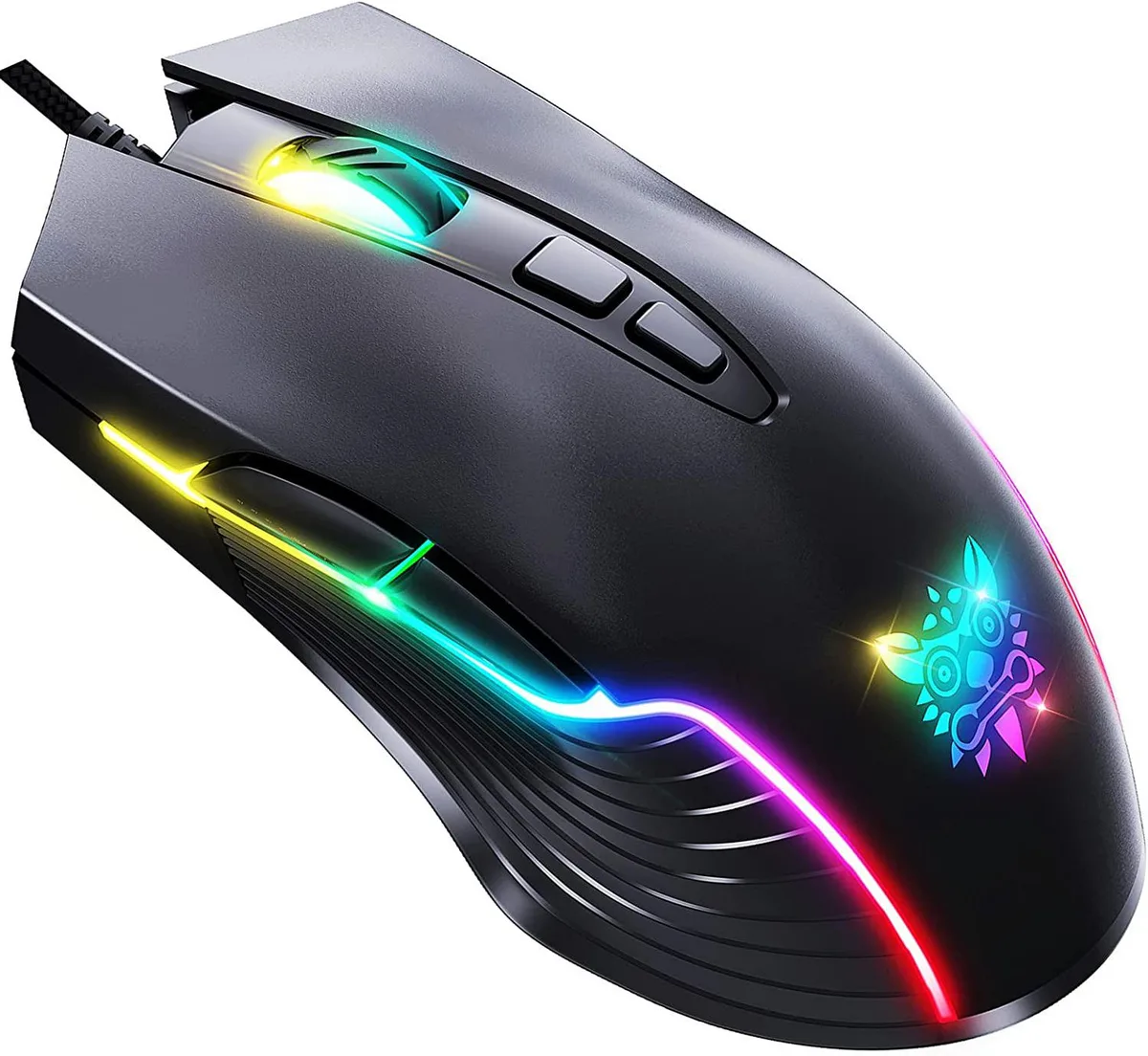
IHDAPP USB Gaming Mouse 6400 DPI 7 Buttons Black
Wired optical gaming mouse with six adjustable DPI levels up to 6400, seven programmable buttons, RGB lighting tied to each sensitivity tier, and a 21-million-click switch rating
- InterfaceUSB
- Tracking MethodOptical
- Resolution (DPI)6400 dpi
- Buttons7
- ColorBlack
- Adjustable 6400 DPI optical sensor for precise tracking
- Six-level DPI switch with colour-coded RGB feedback
- Ergonomic rubber-frosted shape rated for 21 million clicks
- Seven programmable buttons with macro support via driver
- Plug-and-play USB compatibility across Windows, Linux and Mac
Wired USB Gaming Mouse for PC and Linux
The IHDAPP mouse connects through a standard USB cable and uses an optical sensor that reaches 6400 DPI. It offers seven programmable buttons including forward, backward and two DPI toggles. The 1.5 m cable and 135 g weight suit desktop setups running Windows XP through 10 or Linux.
Suits players who want adjustable sensitivity
The six preset DPI steps from 800 to 6400 cover most shooters and MOBA titles. RGB lighting changes colour with each DPI level. Users who prefer wireless freedom, lighter shells or additional side buttons should consider other models.
Driver software unlocks macros and light control
The bundled utility lets you remap all seven buttons, record macros and set the six RGB colours linked to each DPI tier. A printed user manual is included for quick reference. No extra accessories such as weights or replacement feet are supplied.
Highlights
- Adjustable 6400 DPI optical sensor for precise tracking
- Six-level DPI switch with colour-coded RGB feedback
- Ergonomic rubber-frosted shape rated for 21 million clicks
- Seven programmable buttons with macro support via driver
- Plug-and-play USB compatibility across Windows, Linux and Mac
Specifications
| Interface | USB |
|---|---|
| Tracking Method | Optical |
| Resolution (DPI) | 6400 dpi |
| Buttons | 7 |
| Color | Black |
Questions about this item
Does the mouse need any extra power adapter or battery to work?
No, it draws under 100 mA at 5 V straight from the USB port.
Can I keep using my existing USB 2.0 port with this mouse?
Yes, the USB interface works with standard USB 2.0 ports on Windows, Linux or Mac.
How do I confirm the 6400 DPI setting is active after I install the driver?
The RGB backlight turns yellow when the sixth DPI level is selected.
Also in this aisle
People compared these
Same shelf, same checkout — eight coins and a 30-minute rate lock.



BFKK
BFKK Wireless Gaming Mouse PAW 3950Max 42000 DPI 8KHz 38g Black & Sticker
- Black
$106.99
0.00136458BTC
In stock
