


IHDAPP
IHDAPP Wired Optical Gaming Mouse 2400 DPI 6 Buttons Black
Wired optical gaming mouse with six programmable buttons and adjustable sensitivity from 800 to 2400 dpi for PC and laptop use
- TypeWired
- Tracking MethodOptical
- Resolution (DPI)2400 dpi
- Buttons6
- ColorBlack
- Ergonomic shape reduces hand fatigue during long sessions
- 2400 DPI optical sensor delivers precise cursor control
- Six programmable buttons enable custom macro assignments
- Adjustable sensitivity from 800 to 2400 DPI suits varied tasks
- Wired USB connection works with Windows 98 through Windows 10
Wired Optical Gaming Mouse 2400 DPI
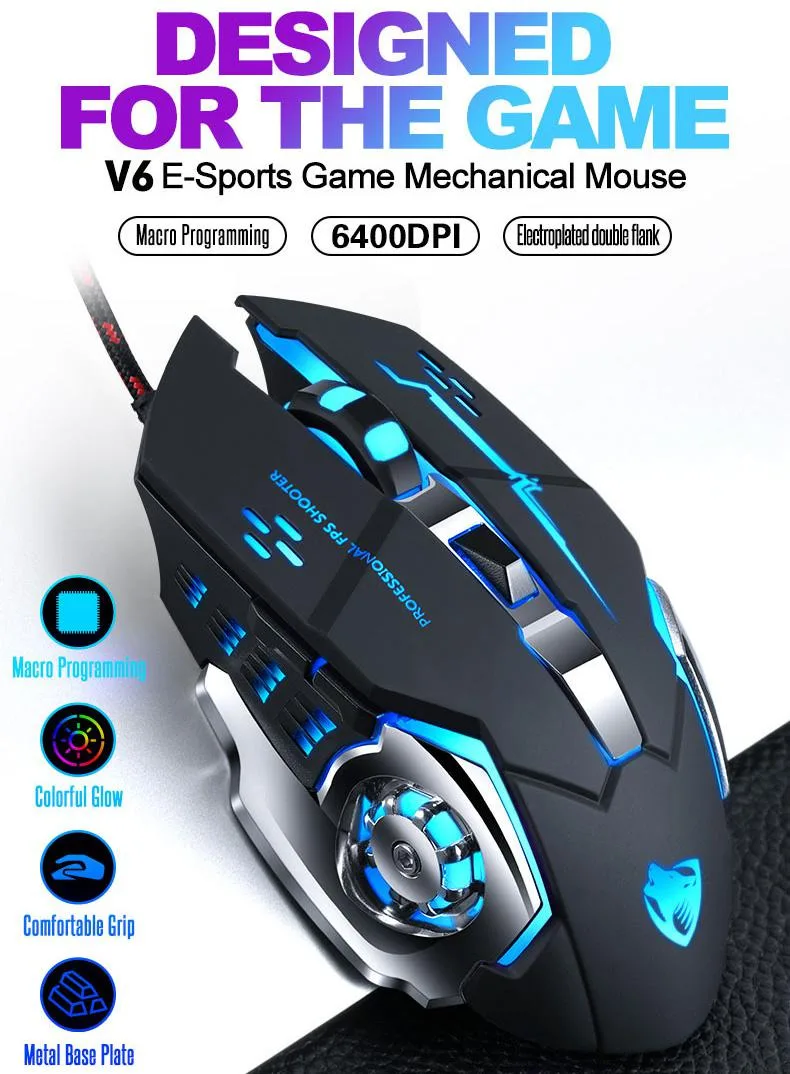
The IHDAPP wired optical gaming mouse delivers 2400 DPI sensitivity through a USB connection. It features six buttons including left, right, forward, backward, a DPI switch and a scroll wheel. The black ergonomic shape fits the palm with a rubber matte texture for comfort during extended sessions.
Suits FPS and office users needing adjustable
Players who need on-the-fly DPI changes between 800 and 2400 will benefit from the dedicated button. The wired link removes battery concerns for long matches. Buyers who want wireless freedom or more than six programmable inputs should look at something else.
2400 DPI optical sensor with six buttons
The optical sensor tops out at 2400 DPI and steps down to 800 DPI for precise control. Six physical buttons cover navigation, DPI cycling and standard clicks. Compatibility spans Windows 98 through Windows 10 and Mac OS via standard USB.
Highlights
- Ergonomic shape reduces hand fatigue during long sessions
- 2400 DPI optical sensor delivers precise cursor control
- Six programmable buttons enable custom macro assignments
- Adjustable sensitivity from 800 to 2400 DPI suits varied tasks
- Wired USB connection works with Windows 98 through Windows 10
Specifications
| Type | Wired |
|---|---|
| Tracking Method | Optical |
| Resolution (DPI) | 2400 dpi |
| Buttons | 6 |
| Color | Black |
Questions about this item
How can I confirm the mouse is tracking correctly after plugging it in?
Move the mouse on a flat surface and verify the cursor moves smoothly at the default 800 dpi setting; press the DPI button to cycle through 800, 2400 dpi and watch the pointer speed change.
What comes in the box and do I need to buy a cable or software separately?
The package contains 1 wired gaming mouse with an attached USB cable; no extra cable is required and the six programmable buttons work without additional software.
Which DPI setting should I pick for fast‑twitch gaming versus office work?
Use the 2400 dpi setting for quicker cursor response in fast‑twitch games and the 800 dpi setting for finer control during office tasks.
Also in this aisle
People compared these
Same shelf, same checkout — eight coins and a 30-minute rate lock.



BFKK
BFKK Wireless Gaming Mouse PAW 3950Max 42000 DPI 8KHz 38g Black & Sticker
- Black
$106.99
0.00136416BTC
In stock