

Intel
Intel DC S3610 SSDSC2BX016T401 1.6TB 2.5" SATA enterprise SSD
- 2.5"
- 1.6TB
$1,299
0.01678555BTC
In stockWe take cryptocurrency — so the coins you hold can buy real hardware.Pay in crypto, spend it on real hardware. Free insured shipping worldwide over $399. Plain, unbranded boxes, sent from Germany.Free insured shipping over $399. Your rate is locked for 30 minutes once checkout opens.Rate locked 30 minutes. Every item sealed, serial-checked and covered by a 24-month warranty.Sealed, 24-month warranty.
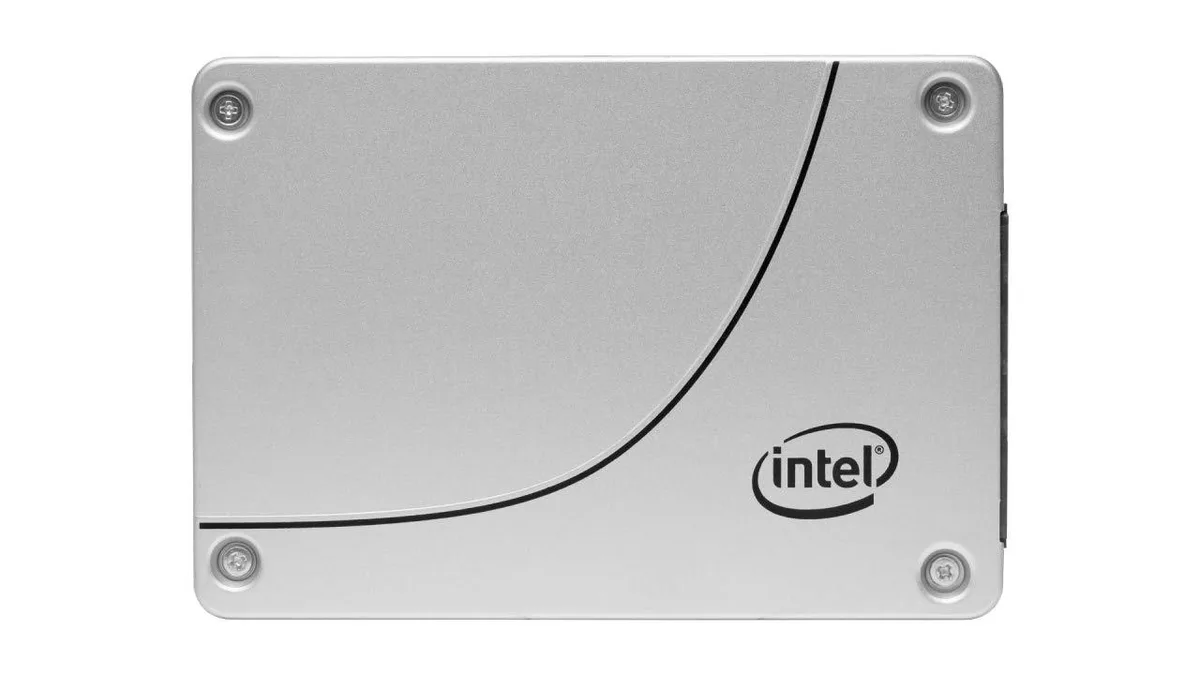


Intel
A 960 GB 2.5 inch SATA internal SSD for storage upgrades
The Intel D3-S4610 is a 2.5 inch internal solid state drive offering 960GB of storage over a SATA 6Gb/s interface. It uses 3D NAND technology in a standard drive form factor for straightforward installation in compatible bays. The SSDSC2KG960G801 model is designed for read-intensive workloads in client and entry server environments.
This drive fits systems with a 2.5 inch SATA bay that need reliable capacity for operating systems, applications or data archives. It is not for platforms that require a PCIe interface or an M.2 form factor. Buyers needing higher write endurance or different physical dimensions should consider other options.
| Device Type | Internal Solid State Drive (SSD) |
|---|
The drive uses the standard 2.5 inch form factor, so it fits any 2.5 inch drive bay or mounting bracket with SATA connectors.
Connect the SATA data and power cables, then secure the drive with screws; the step often missed is enabling AHCI mode in the BIOS before installing the operating system.
Also in this aisle
Same shelf, same checkout — eight coins and a 30-minute rate lock.
What you pay in, and what you read prices in.
Sent from your wallet at checkout
Display only — the catalogue is priced in USD
No currency matches that.
Pick the language the site speaks to you in.
New here?
Already have one?
There is no automatic reset: this shop sends no mail, so there is no one-time link to ask for. Leave the address on the account and it gets picked up by hand.
Request noted
Nothing is on its way to your inbox — this shop sends no mail at all. Someone picks these up by hand.
Remembered it?


