KHACHIMO
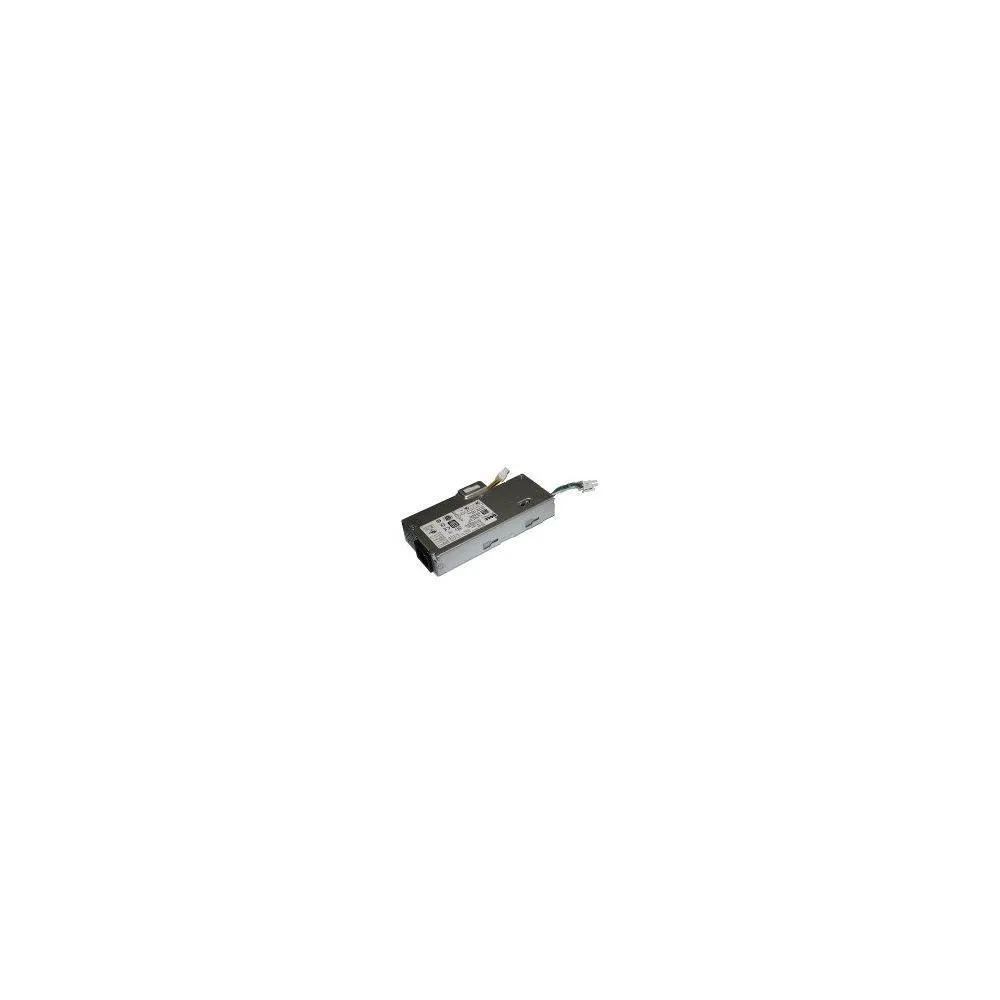
KHACHIMO 150W ATX power supply 14Pin 80 PLUS Gold
150 W ATX power supply with 14-pin connector, 80 PLUS Gold efficiency and zero-RPM fan mode for silent low-load operation
- TypeATX
- Fast wake from sleep with Modern Standby support
- High efficiency cuts power use with 80 PLUS Gold
- Silent operation via Zero RPM fan at low load
- Clean, stable power from LLC resonant with DC-to-DC
- Compatible with listed Dell S-series and OptiPlex models
Ready for compatible desktops
This 150W ATX power supply fits a range of KHACHIMO desktops including the 510, 560, 590, 710, 720, 770, 7100 and 7101 models. It uses a 14-pin connector and matches part references such as APA005, HKF1502-3B, FSP150-20AI and HKF1802-3A.
Gold efficiency with quiet fan control
80 PLUS Gold certification means high efficiency, which reduces waste heat and keeps the unit running cooler. A Zero RPM fan mode stops the fan completely at low and medium loads for near-silent operation, while resonant LLC topology with DC-to-DC conversion delivers clean power and cuts coil whine.
Modern Standby support for fast wake
Modern Standby compatibility enables extremely fast wake-from-sleep times and better low-load efficiency. The efficient topology and fan behaviour keep temperatures and noise down during everyday desktop use, and the 150W rating suits the power needs of the listed systems.
Highlights
- Fast wake from sleep with Modern Standby support
- High efficiency cuts power use with 80 PLUS Gold
- Silent operation via Zero RPM fan at low load
- Clean, stable power from LLC resonant with DC-to-DC
- Compatible with listed Dell S-series and OptiPlex models
Specifications
| Type | ATX |
|---|
Questions about this item
What does the 14-pin ATX interface on the KHACHIMO 150W supply cap in practice?
The 14-pin ATX connector limits the unit to 150 W total output, so it cannot support high-wattage CPUs or discrete graphics cards that need supplementary power connectors.
What physical space and mounting does the 150W KHACHIMO PSU need to fit?
It uses a standard ATX form factor and a 14-pin main connector; verify your chassis accepts ATX supplies and that the motherboard provides a matching 14-pin socket.
How is the KHACHIMO 150W PSU installed and what step do people get wrong?
Mount the unit with four screws, plug the 14-pin cable firmly into the board, and enable Modern Standby in BIOS so the zero-RPM fan mode and fast wake work correctly.
Also in this aisle
People compared these
Same shelf, same checkout — eight coins and a 30-minute rate lock.

PNY Technologies, Inc.
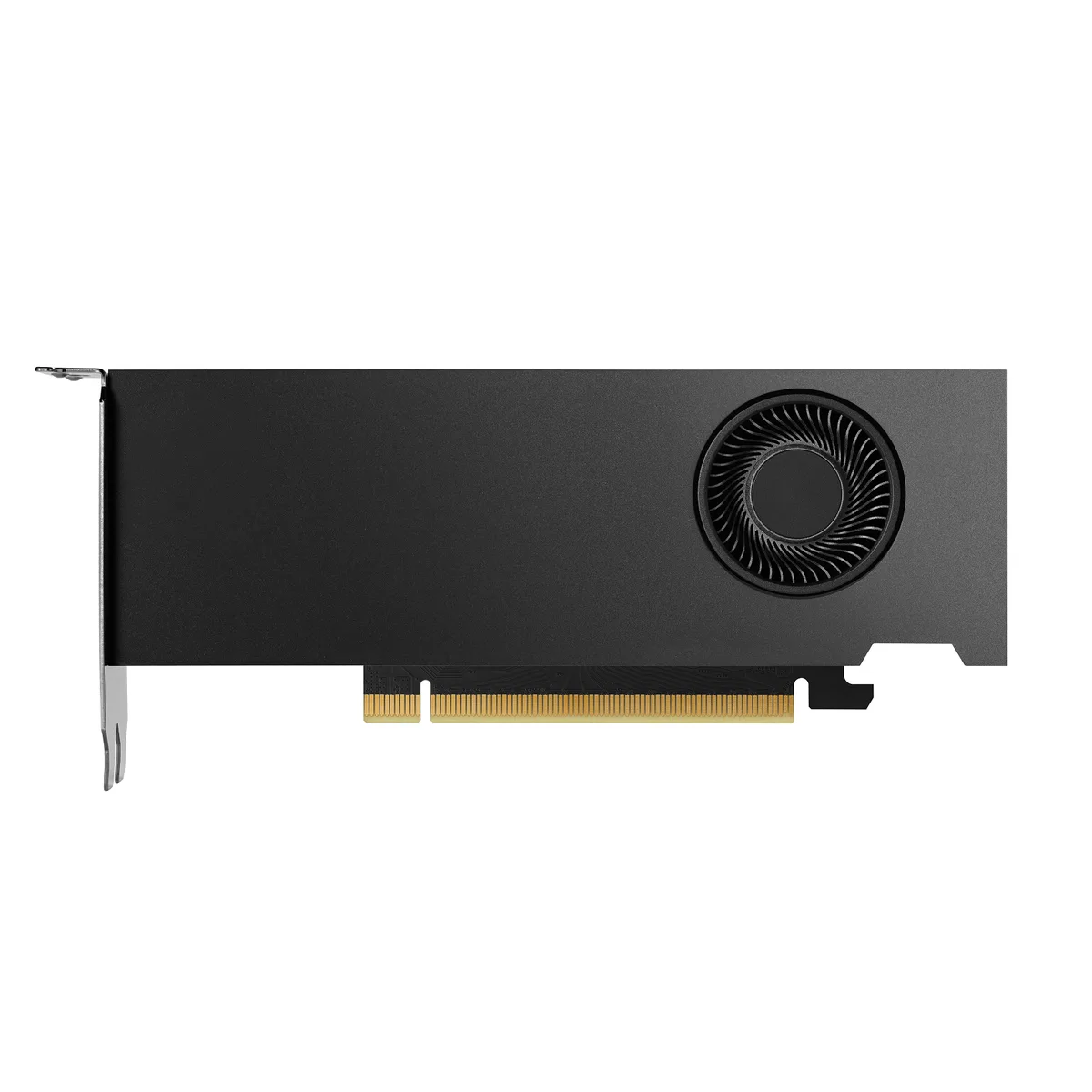
PNY Technologies, Inc. VCNRTX4000ADALP-PB RTX 4000 Ada 20GB GDDR6 workstation graphics card
- PCI Express 4.0 x16
- NVIDIA
$1,638.99
0.02068753BTC
In stock