


KTC
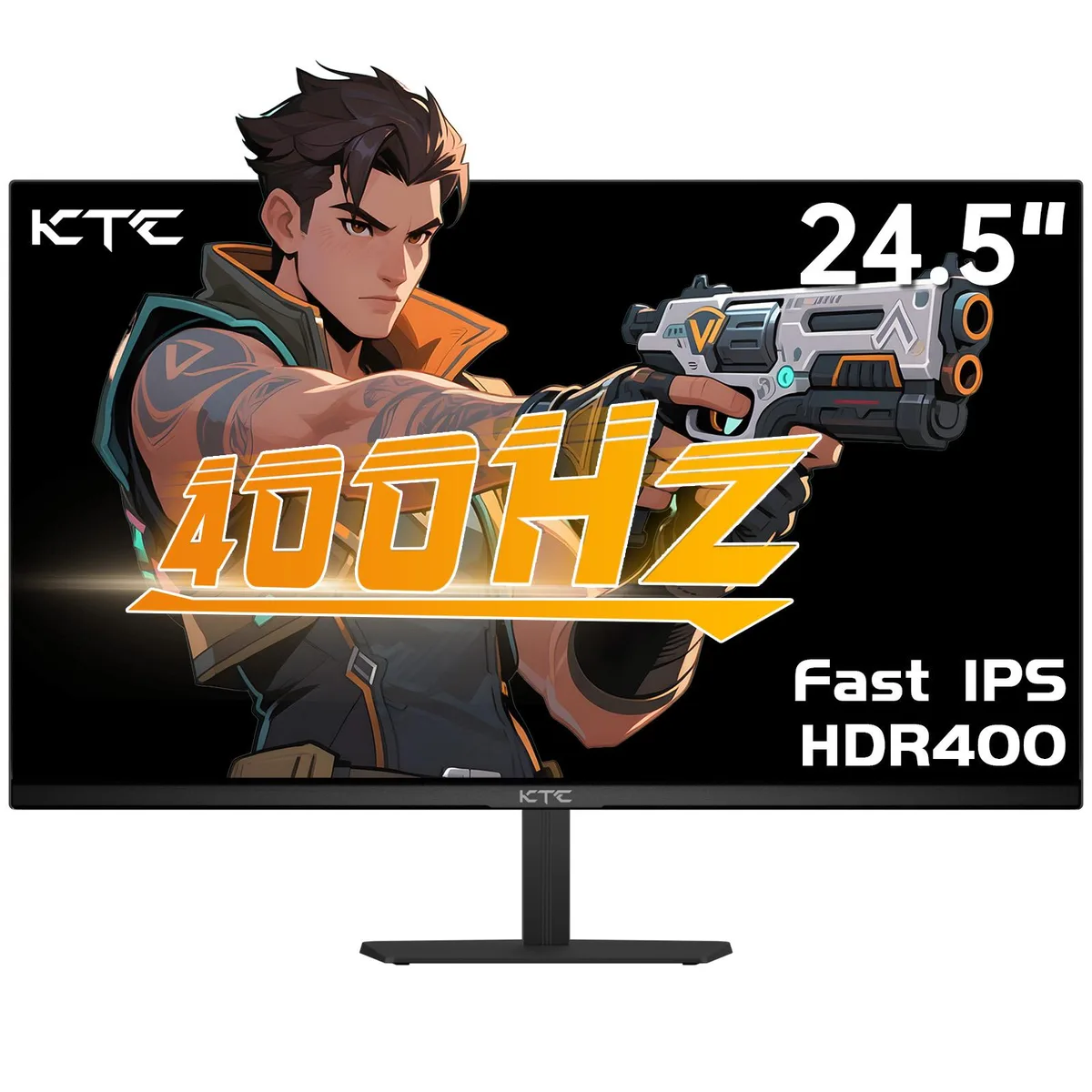
KTC 24.5" 400Hz Gaming Monitor H25X7
A 24.5-inch Fast IPS display reaches 400 Hz at 1080p with 1 ms response and HDR 400 colour
- Screen Size24.5"
- 400 Hz refresh rate with 1 ms response for ultra-smooth competitive gaming
- HDR 400 plus 128 % sRGB coverage delivers vivid, accurate colours
- Fast IPS panel gives deep blacks and reduced eye fatigue during long sessions
- 1920 x 1080 FHD resolution on a 24.5 inch screen for sharp detail
- Two DP 1.4 ports enable 400 Hz and two HDMI 2.0 ports support 240 Hz
Ultra-Fast 400 Hz Gaming Panel
The KTC H25X7 is a 24.5 inch Fast IPS monitor built for competitive players who value motion clarity above all else. Its 400 Hz refresh rate and 1 ms response time minimise blur during rapid camera sweeps. HDR 400 support and 128 % sRGB coverage deliver vivid, accurate colour for both games and creative work.
Simple Stand And Cable Setup
The monitor tilts on its included stand and supports VESA mounting for arm or wall installation. Two HDMI 2.0 ports accept consoles or secondary PCs at up to 240 Hz. Two DisplayPort 1.4 connections unlock the full 400 Hz at 1080p. Using HDMI for high-refresh gaming caps the rate at 240 Hz, so choose the cable that matches your target frame rate.
1080p Resolution With High Refresh Headroom
The 1920 x 1080 panel keeps GPU load light, letting mid-range cards push frame rates toward the 400 Hz ceiling in esports titles. Demanding AAA games at maximum settings may fall short of the peak refresh rate. The fixed 1080p pixel count limits desktop workspace and detail density for productivity tasks.
Highlights
- 400 Hz refresh rate with 1 ms response for ultra-smooth competitive gaming
- HDR 400 plus 128 % sRGB coverage delivers vivid, accurate colours
- Fast IPS panel gives deep blacks and reduced eye fatigue during long sessions
- 1920 x 1080 FHD resolution on a 24.5 inch screen for sharp detail
- Two DP 1.4 ports enable 400 Hz and two HDMI 2.0 ports support 240 Hz
Specifications
| Screen Size | 24.5" |
|---|
Questions about this item
How can I confirm the monitor is running at 400 Hz after connecting it?
Use a DisplayPort 1.4 cable to a DP 1.4 port and check the on-screen display or Windows advanced display settings to verify the 400 Hz refresh rate is active.
What cables and accessories come in the box, and what must I supply myself?
The monitor includes the panel and stand; you must provide a DisplayPort 1.4 cable for 400 Hz or an HDMI 2.0 cable for 240 Hz operation.
Which port should I choose to get the 400 Hz refresh rate at 1080p?
Connect via one of the two DP 1.4 ports; the two HDMI 2.0 ports are limited to 240 Hz at the same 1920 x 1080 resolution.
Also in this aisle
People compared these
Same shelf, same checkout — eight coins and a 30-minute rate lock.




