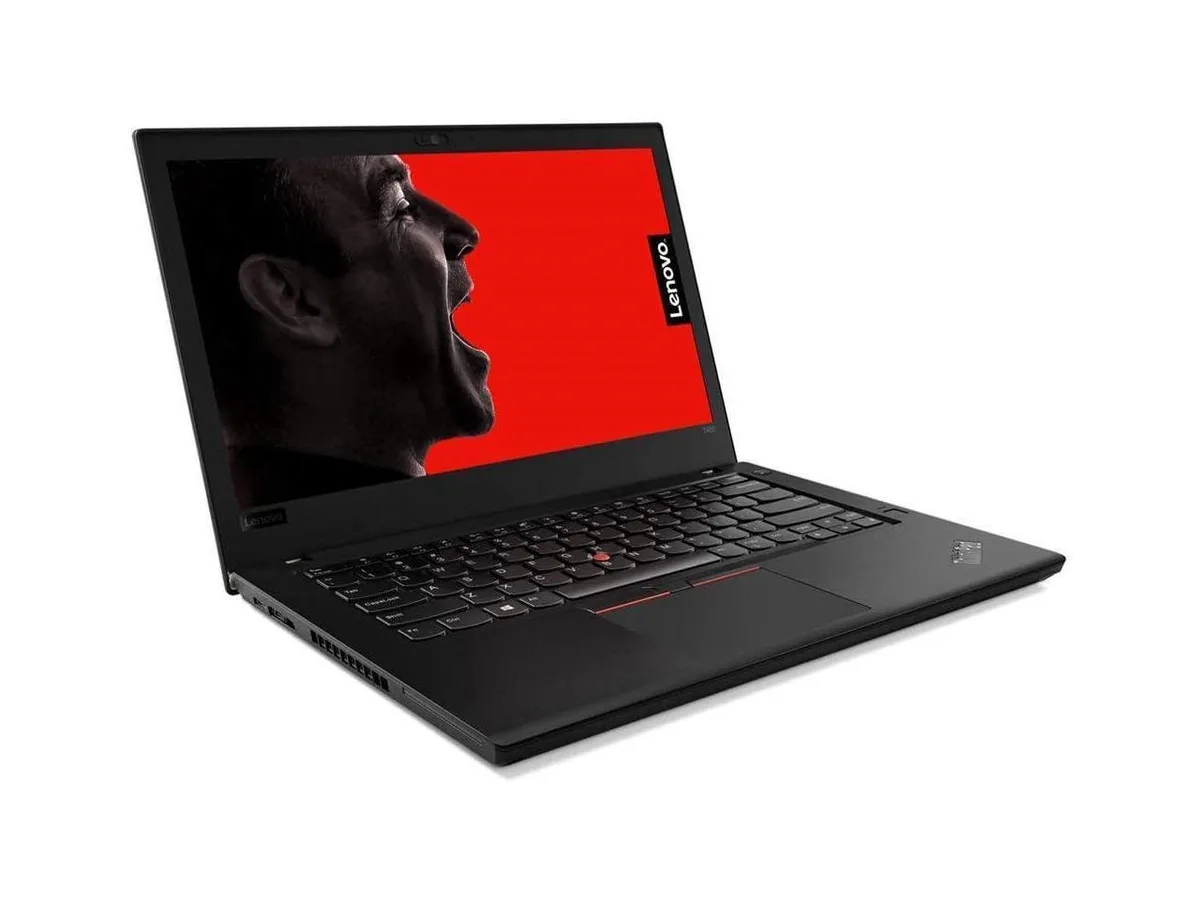
HP
HP ProBook 630 G8 13.2" FHD Touchscreen i5-1145G7 16GB 512GB
- Black
- AI Ready
$369
0.00476744BTC
In stockWe take cryptocurrency — so the coins you hold can buy real hardware.Pay in crypto, spend it on real hardware. Free insured shipping worldwide over $399. Plain, unbranded boxes, sent from Germany.Free insured shipping over $399. Your rate is locked for 30 minutes once checkout opens.Rate locked 30 minutes. Every item sealed, serial-checked and covered by a 24-month warranty.Sealed, 24-month warranty.


Lenovo
A 16 inch mobile workstation with an Intel Core Ultra 7 356H processor, 16 GB memory, 512 GB SSD, WUXGA display at 60 Hz and Wi-Fi 7 connectivity
The ThinkPad P16s Gen 5 21XE0047US is a 16-inch mobile workstation certified by independent software vendors for major professional applications. It runs Windows 11 Pro on an Intel Core Ultra 7 Series 3 356H processor with integrated graphics. The system includes 16 GB of memory and a 512 GB SSD in a black chassis. A 60 Hz WUXGA panel and Wi-Fi 7 complete the core specification.
This unit suits engineers, designers and analysts who need ISV-certified stability for CPU-bound workflows such as CAD modelling, simulation pre-processing or code compilation on the move. Buyers who require discrete graphics acceleration for rendering, deep-learning training or large-assembly visualization should look elsewhere. The integrated graphics and fixed 16 GB memory also limit users who need expansive frame buffers or upgradeable RAM.
The 512 GB drive comfortably holds the operating system, professional toolchains and active project files for typical single-user workflows. Users working with massive datasets, multiple virtual machines or extensive local asset libraries will reach capacity quickly. The 16 GB memory handles standard multitasking and moderate model sizes, but large simulations or high-resolution texture work will exhaust available RAM and force paging.
| Brand | Lenovo |
|---|---|
| Series | ThinkPad P16s Gen 5 |
| Part Number | 21XE0047US |
| Color | Black |
| AI Features | Copilot+ PC |
| Cosmetic Condition | New |
| Operating System | Windows 11 Pro |
| CPU Type | Intel Core Ultra 7 |
| Processor Name | Intel Core Ultra 7 Series 3 356H |
| Screen Size | 16" |
| Touchscreen | No |
| Resolution | 1920 x 1200 (WUXGA) |
| GPU/VPU | Intel Integrated Graphics |
| Graphic Type | Integrated Card |
| SSD | 512 GB |
| HDD | None |
| Memory | 16 GB |
| Optical Drive Type | None |
| WLAN | Wi-Fi 7 (802.11be) |
| WiFi Generation | Wi-Fi 7 |
| Bluetooth | Yes |
| HDMI | 1 x HDMI |
| Webcam | Yes |
| Style | Mobile Workstation |
| Type | Mobile Workstation |
| Weight | 6.8 lbs |
| Shipping weight | 3.06 kg |
| Package size | 503 × 318 × 76 mm |
You need a Microsoft account and an internet connection to activate the Copilot+ PC AI features that are built into the Windows 11 Pro operating system on this device.
The Intel Core Ultra 7 356H processor runs the Windows 11 Pro operating system which maintains broad backward compatibility with older USB peripherals and external displays you may continue to use.
Open the Windows 11 Pro display settings and verify the resolution is set to 1920 x 1200 with the refresh rate showing 60 Hz for the internal screen.
Also in this aisle
Same shelf, same checkout — eight coins and a 30-minute rate lock.
What you pay in, and what you read prices in.
Sent from your wallet at checkout
Display only — the catalogue is priced in USD
No currency matches that.
Pick the language the site speaks to you in.
New here?
Already have one?
There is no automatic reset: this shop sends no mail, so there is no one-time link to ask for. Leave the address on the account and it gets picked up by hand.
Request noted
Nothing is on its way to your inbox — this shop sends no mail at all. Someone picks these up by hand.
Remembered it?