LG Electronics
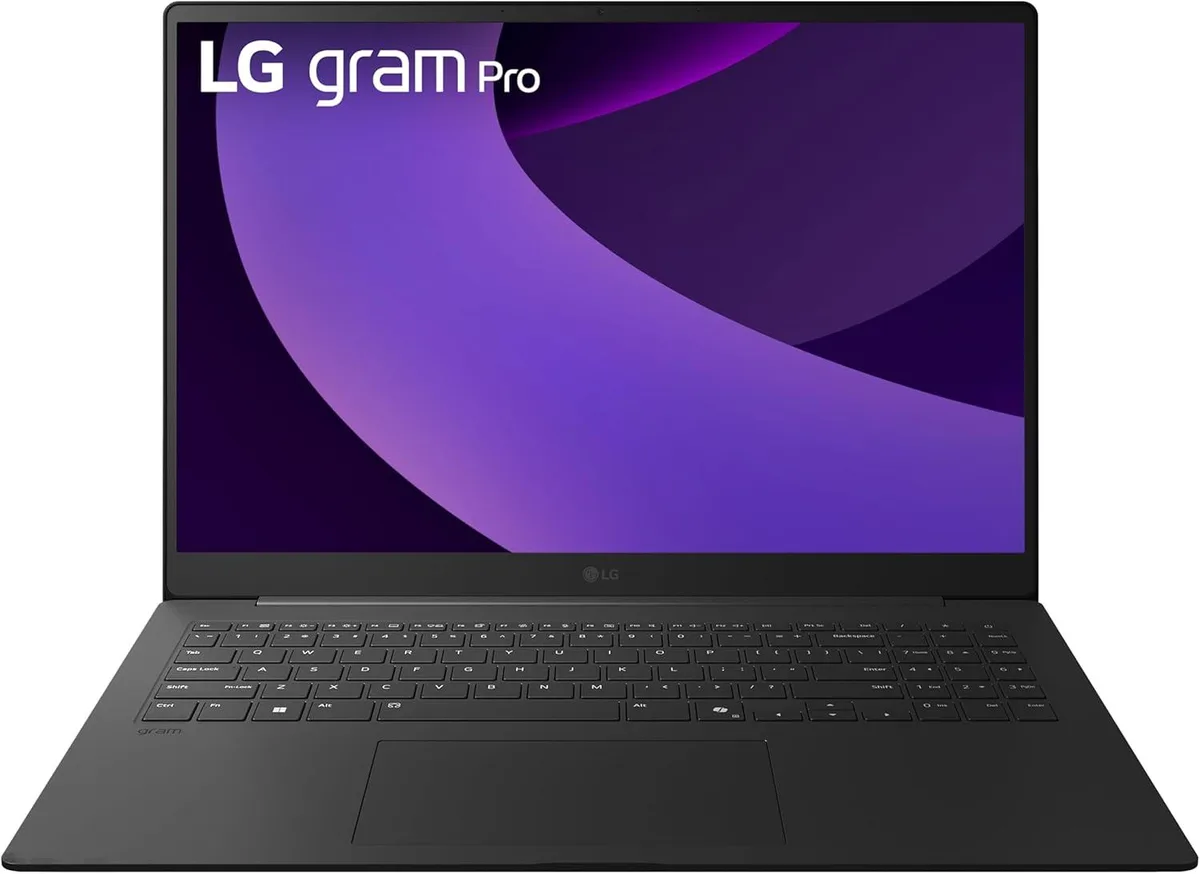
LG gram Pro 17-inch Laptop Intel Core Ultra 9 285H RTX 5050 32GB 2TB Black
- Black
- Windows 11 Home
$2,489.99
0.03135652BTC
In stockWe take cryptocurrency — so the coins you hold can buy real hardware.Pay in crypto, spend it on real hardware. Free insured shipping worldwide over $399. Plain, unbranded boxes, sent from Germany.Free insured shipping over $399. Your rate is locked for 30 minutes once checkout opens.Rate locked 30 minutes. Every item sealed, serial-checked and covered by a 24-month warranty.Sealed, 24-month warranty.


Lenovo
Mobile workstation with Xeon E3-1505M v6, 32GB DDR4, 1TB NVMe SSD plus 1TB HDD, Quadro P3000 6GB and 4G LTE
The Lenovo ThinkPad P71 is a 17.3-inch mobile workstation built around an Intel Xeon E3-1505M v6 processor with a 4.00 GHz turbo frequency. It targets engineers and designers who need ISV-certified stability for 3D rendering and heavy multitasking on the move. A fingerprint reader and 4G LTE WWAN add security and connectivity for field work.
This unit replaces standard business notebooks that lack error-correcting memory support and professional graphics drivers. The Quadro P3000 6GB GPU and Xeon CPU justify the upgrade when workloads demand certified application compatibility and sustained compute performance. Buyers who only need office productivity or web browsing will not use this headroom.
The 1TB PCIe NVMe SSD plus 1TB HDD combination provides fast boot and project loading alongside bulk local storage for large datasets. 32GB of DDR4 2400 memory handles complex assemblies and multi-application workflows without paging. Memory is not user-expandable beyond this configuration, so buyers anticipating larger simulation jobs should verify requirements before purchase.
| Brand | Lenovo |
|---|---|
| Series | P71 |
| Model | Thinkpad |
| Part Number | 20HK |
| Color | Black |
| Other Features | Fingerprint reader, Secure Chip |
| Operating System | Windows 10 Pro |
| CPU Type | Intel Xeon |
| Processor Name | Intel Xeon E3-1505M v6 |
| Core Name | Kaby Lake |
| Turbo Frequency | 4.00 GHz |
| Number of Cores | Quad-core Processor |
| CPU L2 Cache | 8 MB |
| CPU L3 Cache | 8 MB |
| Screen Size | 17.3" |
| Touchscreen | Non-Touch Screen |
| Display Type | FHD |
| Resolution | 1920 x 1080 |
| Display Features | In-plane Switching (IPS) Technology |
| GPU/VPU | NVIDIA Quadro P3000 |
| Video Memory | Dedicated 6 GB |
| Graphic Type | Dedicated Card |
| SSD | 1TB |
| HDD | 1TB |
| Memory | 32GB |
| Memory Speed | DDR4 2400 |
| LAN | 10/100/1000Mbps |
| WLAN | 802.11ac Wireless LAN |
| Bluetooth | Bluetooth 4.1 |
| USB | 4 |
| Video Port | 2 x Thunderbolts |
| Docking Connector | 1 |
| Audio Ports | 1 x Headphone/Microphone Combo Jack |
| Audio | Integrated Sound card |
| Speaker | Integrated Stereo Speakers |
| Touchpad | ThinkPad UltraNav |
| Keyboard | Full size with Keyboard light |
| Backlit Keyboard | Backlit |
| Other Input Devices | Yes |
| Webcam | Yes |
| Card Reader | 4-in-1 |
| Style | Standard |
| Type | Workstation |
| Usage | Business |
| AC Adapter/Charger | 230-watt AC Adapter |
| Battery | 8-cell Lithium Ion |
| Dimensions (W x D x H) | 16.38 x 10.85 x 1.3 |
| Weight | 7 - 7.9 lbs. |
The panel is a 17.3 inch FHD IPS unit with 1920 x 1080 resolution and anti-glare coating; match those specs and the 40-pin eDP connector when sourcing a replacement.
Remove the bottom cover, insert modules into the two primary slots first — aligned with the notch at 2400 MT/s — then add the remaining pair; the system will not boot if primary slots are empty.
The 1TB PCIe NVMe SSD and 1TB HDD are on separate interfaces; the NVMe drive typically outlasts the mechanical HDD, so plan to replace the HDD first.
Also in this aisle
Same shelf, same checkout — eight coins and a 30-minute rate lock.
What you pay in, and what you read prices in.
Sent from your wallet at checkout
Display only — the catalogue is priced in USD
No currency matches that.
Pick the language the site speaks to you in.
New here?
Already have one?
There is no automatic reset: this shop sends no mail, so there is no one-time link to ask for. Leave the address on the account and it gets picked up by hand.
Request noted
Nothing is on its way to your inbox — this shop sends no mail at all. Someone picks these up by hand.
Remembered it?