HP
HP ProBook 630 G8 13.2" FHD Touchscreen i5-1145G7 16GB 512GB
- Black
- AI Ready
$369
0.00478736BTC
In stockWe take cryptocurrency — so the coins you hold can buy real hardware.Pay in crypto, spend it on real hardware. Free insured shipping worldwide over $399. Plain, unbranded boxes, sent from Germany.Free insured shipping over $399. Your rate is locked for 30 minutes once checkout opens.Rate locked 30 minutes. Every item sealed, serial-checked and covered by a 24-month warranty.Sealed, 24-month warranty.


Lenovo
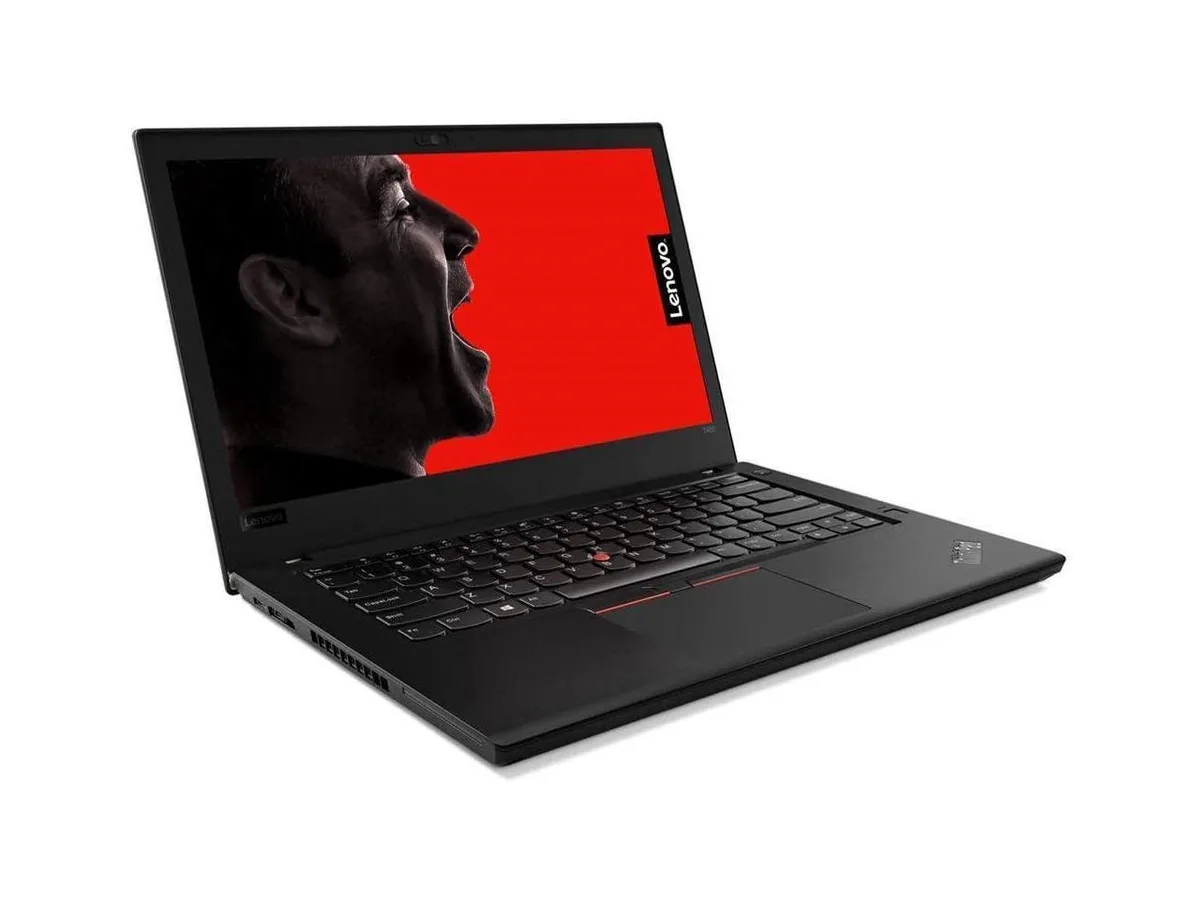
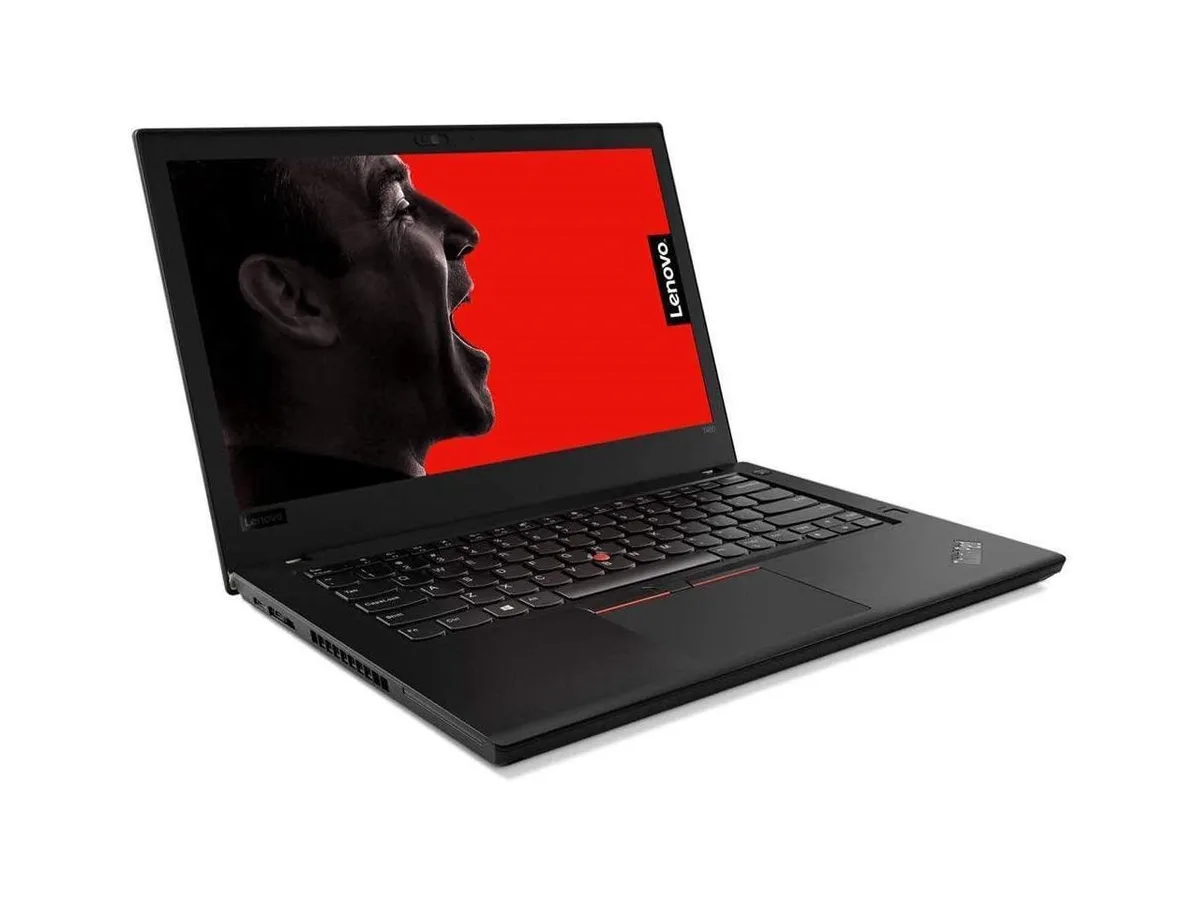
17.3-inch 4K UHD IPS mobile workstation with Xeon E3-1535M v6 up to 4.2 GHz, 16 GB DDR4, 512 GB NVMe and Quadro P4000 8 GB graphics
The Lenovo ThinkPad P71 pairs a quad-core Intel Xeon E3-1535M v6 processor that reaches 4.2GHz with 16GB of DDR4 memory and a 512GB NVMe solid-state drive. An NVIDIA Quadro P4000 graphics card with 8GB of video memory drives the 17.3-inch IPS panel at 3840 x 2160 resolution. The system ships with Windows 10 Pro and includes HDMI and micro DisplayPort outputs plus Thunderbolt connectivity for external displays and data devices.
The Xeon processor operates between 3.1GHz and its 4.2GHz turbo frequency while the Quadro P4000 handles certified professional applications. Fan activity rises during extended render or compute sessions but remains consistent with a mobile workstation chassis. Power draw scales with CPU and GPU utilisation, and the included adapter supports the combined load without throttling in typical office or field conditions.
A built-in colour sensor enables hardware-level display calibration for accurate colour matching across projects. Dolby Home Theater processing drives the stereo speakers for clearer dialogue and wider dynamic range during media review. The redesigned touchpad and traditional ThinkPad keyboard layout support precise navigation in CAD and creative suites without requiring external peripherals.
| Brand | Lenovo |
|---|---|
| Series | ThinkPad |
| Part Number | 20HK003FUS-3 |
| Color | Black |
| Operating System | Windows 10 Pro |
| CPU Type | Intel Xeon |
| Processor Name | Intel Xeon E3-1535M v6 |
| Turbo Frequency | 4.2GHz |
| Number of Cores | Quad-core Processor |
| Screen Size | 17.3" |
| Touchscreen | Non-Touch Screen |
| Display Type | UHD |
| Resolution | 3820 x 2160 |
| Display Features | In-plane Switching (IPS) Technology |
| GPU/VPU | NVIDIA Quadro P4000 |
| Video Memory | 8GB |
| SSD | 512GB |
| HDD | No |
| Storage Spec | PCIe-NVMe SSD |
| Memory | 16GB |
| Memory Speed | DDR4 2400 |
| Memory Spec | 8 GB x 2 |
| Memory Slot (Total) | 4 |
| Memory Slot (Available) | 2 |
| Max Memory Supported | 64 GB |
| Optical Drive Type | No |
| LAN | 10/100/1000Mbps |
| WLAN | Wi-Fi 5 (802.11ac) |
| Bluetooth | Bluetooth 4.1 |
| USB | 4 |
| Video Port | 1x HDMI, 1x Micro DisplayPort, 2x Thunderbolt 3 |
| HDMI | 1 x HDMI |
| Docking Connector | 1 |
| Audio Ports | 1 x Headphone/Microphone Combo Jack |
| Audio | Integrated Sound card |
| Touchpad | ThinkPad UltraNav |
| Keyboard | Full size with Keyboard light |
| Backlit Keyboard | Backlit |
| Other Input Devices | Yes |
| Webcam | Yes |
| Card Reader | 3-in-1 |
| Style | Standard |
| Type | Workstation |
| Usage | Business |
| AC Adapter/Charger | 230-watt AC Adapter |
| Battery | 8-cell Lithium Ion |
| Dimensions (W x D x H) | 10.8" x 16.4" x 1.4" |
| Weight | 7 - 7.9 lbs. |
Remove the bottom cover, insert the SO-DIMM at an angle until the clips click, then reseat the cover; the step often missed is pressing firmly on both ends until the retention arms lock audibly.
Clean the heatsink fins and fan intake with compressed air every six months and replace the thermal paste on the GPU die if temperatures climb under sustained loads.
The processor reaches its thermal ceiling first, triggering firmware throttling that reduces clock speeds below the 3.1 GHz base frequency.
Also in this aisle
Same shelf, same checkout — eight coins and a 30-minute rate lock.
What you pay in, and what you read prices in.
Sent from your wallet at checkout
Display only — the catalogue is priced in USD
No currency matches that.
Pick the language the site speaks to you in.
New here?
Already have one?
There is no automatic reset: this shop sends no mail, so there is no one-time link to ask for. Leave the address on the account and it gets picked up by hand.
Request noted
Nothing is on its way to your inbox — this shop sends no mail at all. Someone picks these up by hand.
Remembered it?