Lenovo
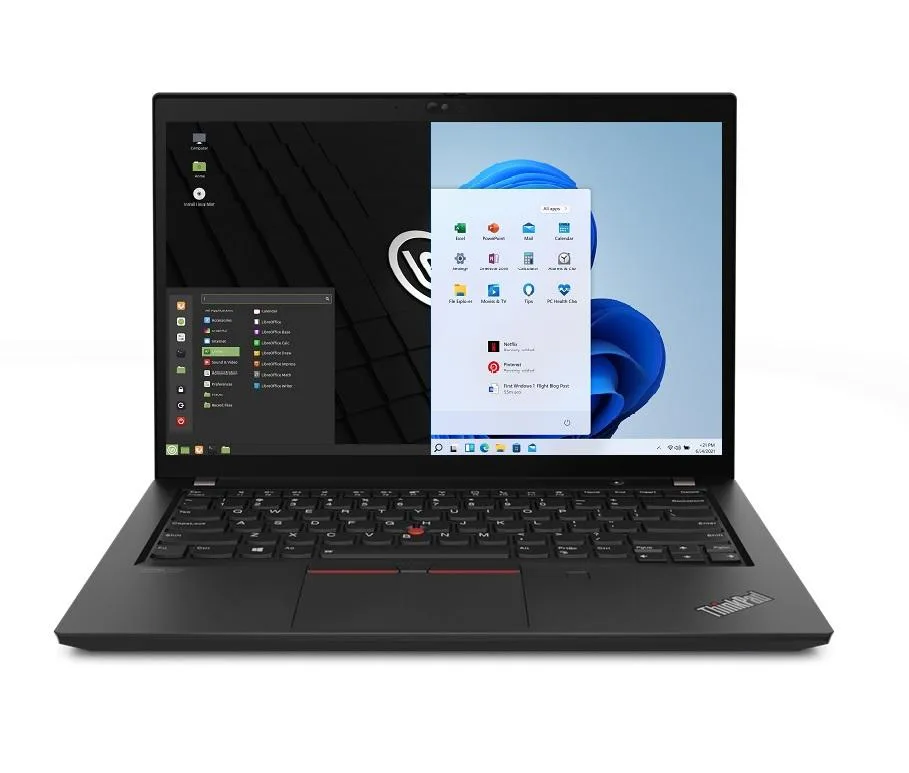
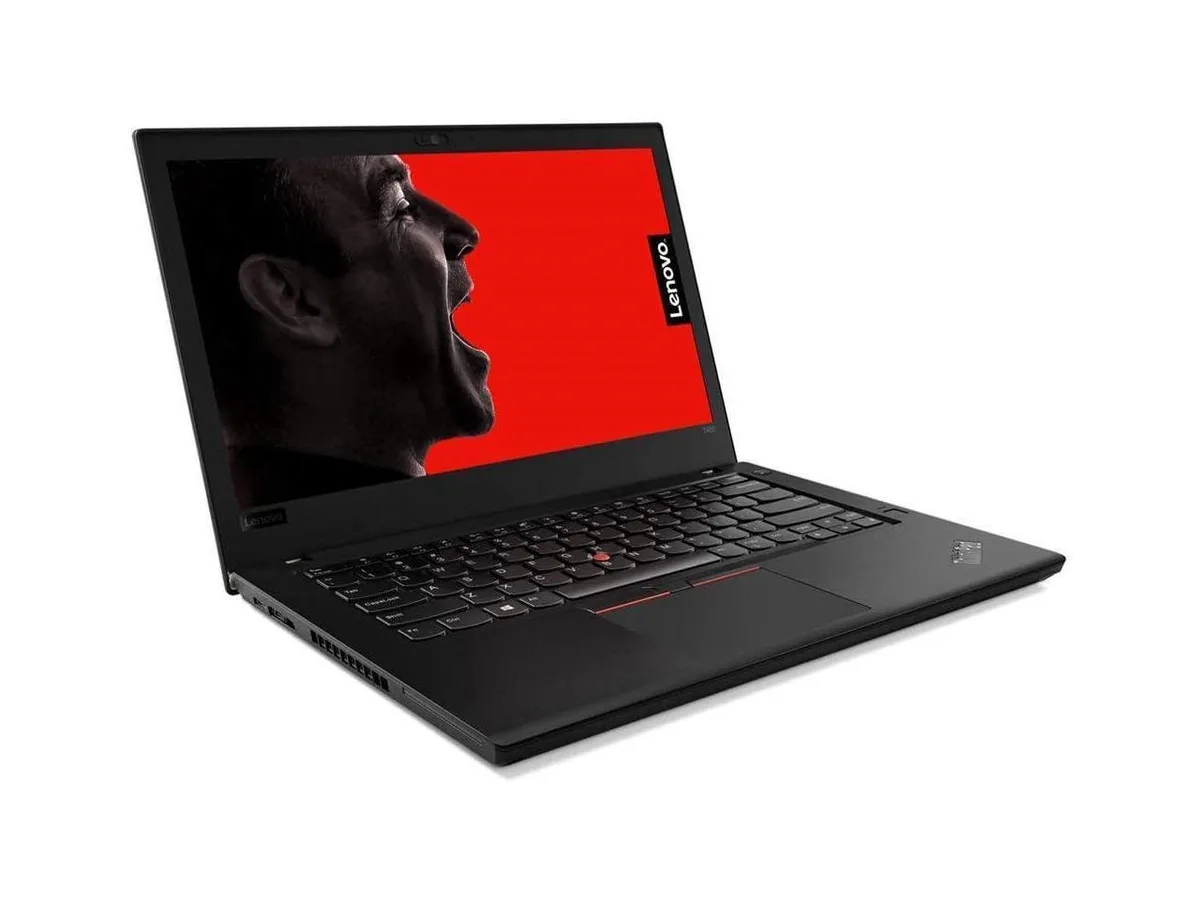
Lenovo ThinkPad T14 Gen 2 i5-1135G7 8GB 256GB 14.0" FHD laptop
- 8GB
- DDR4
$849.99
0.01099855BTC
In stockWe take cryptocurrency — so the coins you hold can buy real hardware.Pay in crypto, spend it on real hardware. Free insured shipping worldwide over $399. Plain, unbranded boxes, sent from Germany.Free insured shipping over $399. Your rate is locked for 30 minutes once checkout opens.Rate locked 30 minutes. Every item sealed, serial-checked and covered by a 24-month warranty.Sealed, 24-month warranty.


Lenovo
Business laptop with 11th Gen Intel Core i5-1135G7, 48GB DDR4, 1TB PCIe SSD, 14.0" FHD IPS display, Wi-Fi 6, Bluetooth 5.2, Thunderbolt, Ethernet, HDMI and dual-boot Windows 11 Pro with Linux Mint
Options 48GB/1TB
The Lenovo Thinkpad T14 Gen 2 is a new 14.0 inch business laptop built around an 11th Gen Intel Core i5-1135G7 processor with four cores and a 4.2 GHz maximum turbo frequency. It ships with 48GB of DDR4 memory and a 1TB PCIe SSD, providing ample capacity for multitasking and local data storage. The dual-boot configuration loads either Windows 11 Pro or Linux Mint at startup, requiring a reboot to switch between operating systems.
A 1920 x 1080 Full HD IPS panel delivers a 16:9 aspect ratio without touch input, while a 720p webcam handles video calls. Two USB-C Thunderbolt 4 ports, two USB-A 3.2 Gen1 ports, one HDMI output, a microSD reader and a Gigabit Ethernet jack cover docking, display and wired network needs. The chassis measures 12.9 by 8.9 by .70 inches and weighs 3.23lb, with a black finish suited to professional environments.
Intel Iris Xe integrated graphics drive the internal screen and external displays through the available video outputs. Wireless connectivity relies on Wi-Fi 6 and Bluetooth 5.2 for modern peripheral and network support. A 65W power supply charges the integrated 50WHr lithium-polymer battery, which powers the system during typical office workloads away from a wall outlet.
| Memory | 48GB |
|---|---|
| Memory Speed | DDR4 |
| Type | Work / Business |
| Resolution | 1920 x 1080 |
| Screen Size | 14.0" |
| Display Type | Full HD |
| Touchscreen | No |
| SSD | 1 TB |
| HDD | No |
| Storage Spec | 1TB PCIe SSD |
| Brand | Lenovo |
| Series | Thinkpad T14 Gen 2 |
| Part Number | T14 |
| Model | Thinkpad |
| Color | Black |
| GPU/VPU | Intel Iris Xe Graphics |
| Operating System | Linux |
| WiFi Generation | Wi-Fi 6 |
| LAN | 10/100/1000Mbps |
| WLAN | Wi-Fi 6 |
| Bluetooth | Bluetooth 5.2 |
| CPU Type | Intel Core i5 11th Gen |
| Optical Drive Type | No |
| Webcam | Yes |
| Touchpad | ThinkPad UltraNav |
| Keyboard | Standard |
| Card Reader | Micro SD |
| Battery | Lithium Polymer |
| USB | 2 x USB 3.2 Gen 1 |
| Thunderbolt | 2 x Thunderbolt 4 |
| Video Port | 1 x HDMI |
| Ethernet | 1 x RJ-45 |
| Audio Ports | 1 x Headphone/Microphone Combo Jack |
| Audio | Integrated Sound card |
| Speaker | Integrated Stereo Speakers |
Other versions of this model
Same family, different memory, cooler or clock — compare before you commit.
The two USB‑C ports are Thunderbolt 4 and run at up to 40 Gb/s, which also sets the ceiling for any dock or external GPU you attach.
The laptop measures 12.9 in wide, 8.9 in deep and 0.70 in thick, weighing 3.23 lb.
Press F12 repeatedly after power‑on; the one‑time boot menu appears and lets you pick Windows 10 Pro or Linux Mint 20.
Also in this aisle
Same shelf, same checkout — eight coins and a 30-minute rate lock.
What you pay in, and what you read prices in.
Sent from your wallet at checkout
Display only — the catalogue is priced in USD
No currency matches that.
Pick the language the site speaks to you in.
New here?
Already have one?
There is no automatic reset: this shop sends no mail, so there is no one-time link to ask for. Leave the address on the account and it gets picked up by hand.
Request noted
Nothing is on its way to your inbox — this shop sends no mail at all. Someone picks these up by hand.
Remembered it?