
DELL
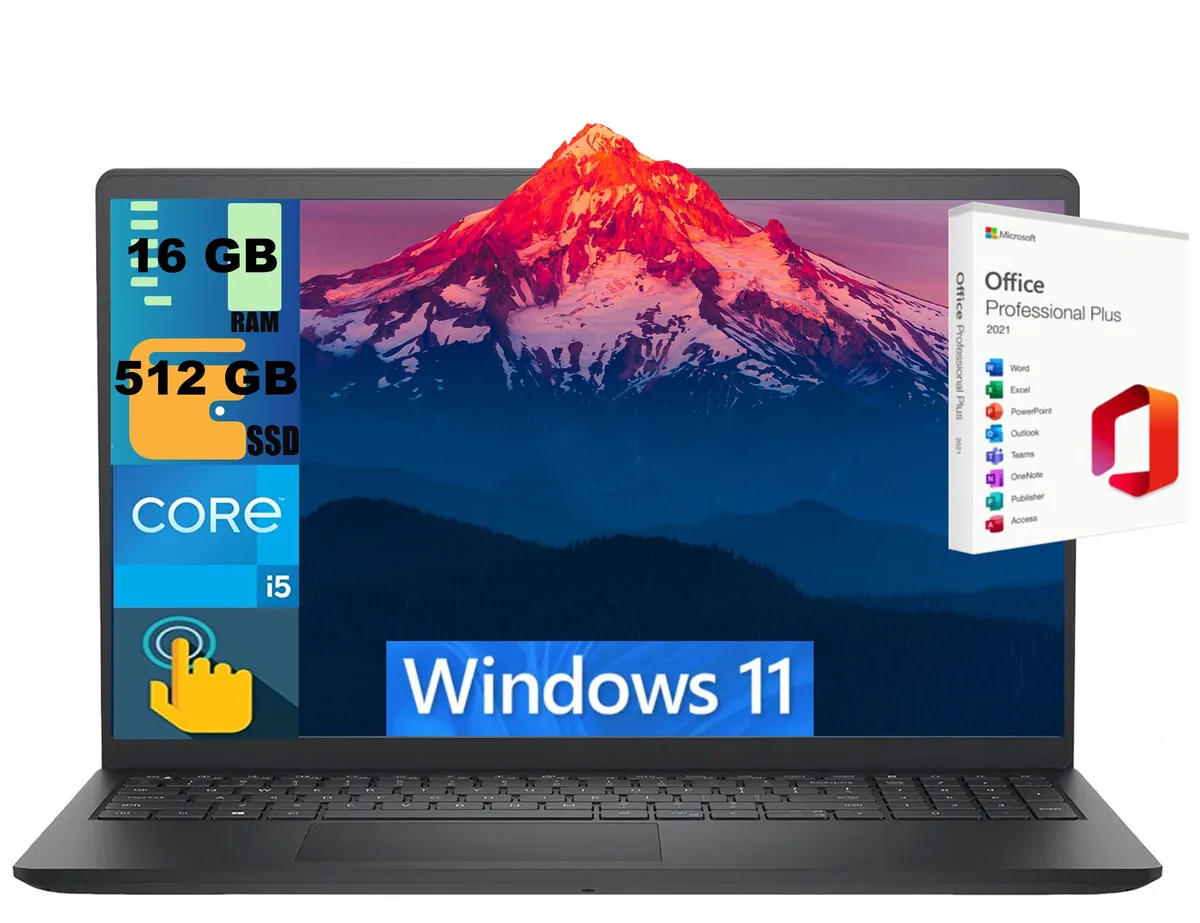
DELL Inspiron 15 laptop i5-1334U 16GB 512GB 15.6" Touch
- Black
- Windows 11 Home
$724
0.0093557BTC
In stockWe take cryptocurrency — so the coins you hold can buy real hardware.Pay in crypto, spend it on real hardware. Free insured shipping worldwide over $399. Plain, unbranded boxes, sent from Germany.Free insured shipping over $399. Your rate is locked for 30 minutes once checkout opens.Rate locked 30 minutes. Every item sealed, serial-checked and covered by a 24-month warranty.Sealed, 24-month warranty.


Lenovo
14-inch Copilot+ PC laptop with Intel Core Ultra 5 226V, 16 GB DDR5 memory, 256 GB SSD, WUXGA IPS display and Wi-Fi 7
The Lenovo ThinkPad T14 Gen 6 21QG004XUS is a 14.0-inch business laptop built around the Intel Core Ultra 5 226V processor with a 4.50 GHz turbo frequency. It ships with Windows 11 Pro, 16 GB of DDR5 8533 memory and a 256 GB SSD. The WUXGA IPS panel delivers 1920 x 1200 resolution at 60 Hz and includes a 5-megapixel webcam. Connectivity covers Wi-Fi 7, Gigabit Ethernet, two USB 3.2 Gen 1 Type-A ports and HDMI.
The integrated NPU with AI Boost and Intel Arc graphics handle local Copilot+ tasks and everyday productivity without a discrete GPU. The non-touch matte display keeps reflections low for long document sessions. Buyers who need discrete graphics performance for rendering or gaming, or who require a larger storage pool out of the box, should look at other configurations.
The soldered 16 GB DDR5 8533 kit covers typical multitasking and AI workloads with no upgrade path. The 256 GB drive holds the OS, core apps and active project files; larger media libraries or virtual machines will require external or cloud storage. The 3.04 lb chassis measures 12.4 x 8.8 x 0.86 inches for daily carry.
| Brand | Lenovo |
|---|---|
| Series | ThinkPad |
| Model | ThinkPad T14 Gen 6 |
| Part Number | 21QG004XUS |
| Color | Black |
| AI Features | Copilot+ PC |
| Operating System | Windows 11 Pro |
| CPU Type | Intel Core Ultra 5 (Series 2) |
| Processor Name | Intel Core Ultra 5 226V |
| Turbo Frequency | 4.50 GHz |
| Neural Processing Unit (NPU) | AI Boost |
| Screen Size | 14.0" |
| Touchscreen | Non-Touch Screen |
| Display Type | WUXGA |
| Resolution | 1920 x 1200 |
| Panel | IPS |
| Refresh Rate | 60 Hz |
| GPU/VPU | Intel Arc Graphics |
| Graphic Type | Integrated Card |
| SSD | 256GB |
| Memory | 16GB |
| Memory Speed | DDR5 8533 |
| LAN | Gigabit Ethernet |
| WLAN | 802.11be Wireless LAN |
| WiFi Generation | Wi-Fi 7 |
| Bluetooth | Yes |
| USB | Number of USB 3.2 Gen 1 Type-A Ports: 2 |
| HDMI | 1 x HDMI |
| Ethernet | 1 x RJ-45 |
| Webcam | 5 Megapixel |
| Type | Home / Personal |
| Dimensions (W x D x H) | Height: 0.86" Width: 12.4" Depth: 8.8" |
| Weight | 3.04 lb |
| Package Content | ThinkPad T14 Gen 6 21QG004XUS Notebook Standard Battery AC Adapter |
| Shipping weight | 2.27 kg |
| Package size | 457 × 305 × 71 mm |
One HDMI port is available, supporting external displays up to the panel's 1920 x 1200 resolution at 60 Hz.
Yes, two USB 3.2 Gen 1 Type-A ports are built in for mice, keyboards or storage you already own.
Open Device Manager, expand Display adapters and confirm Intel Arc Graphics appears without a warning icon.
Also in this aisle
Same shelf, same checkout — eight coins and a 30-minute rate lock.
What you pay in, and what you read prices in.
Sent from your wallet at checkout
Display only — the catalogue is priced in USD
No currency matches that.
Pick the language the site speaks to you in.
New here?
Already have one?
There is no automatic reset: this shop sends no mail, so there is no one-time link to ask for. Leave the address on the account and it gets picked up by hand.
Request noted
Nothing is on its way to your inbox — this shop sends no mail at all. Someone picks these up by hand.
Remembered it?


