HP
HP ProBook 630 G8 13.2" FHD Touchscreen i5-1145G7 16GB 512GB
- Black
- AI Ready
$369
0.00477472BTC
In stockWe take cryptocurrency — so the coins you hold can buy real hardware.Pay in crypto, spend it on real hardware. Free insured shipping worldwide over $399. Plain, unbranded boxes, sent from Germany.Free insured shipping over $399. Your rate is locked for 30 minutes once checkout opens.Rate locked 30 minutes. Every item sealed, serial-checked and covered by a 24-month warranty.Sealed, 24-month warranty.


Lenovo
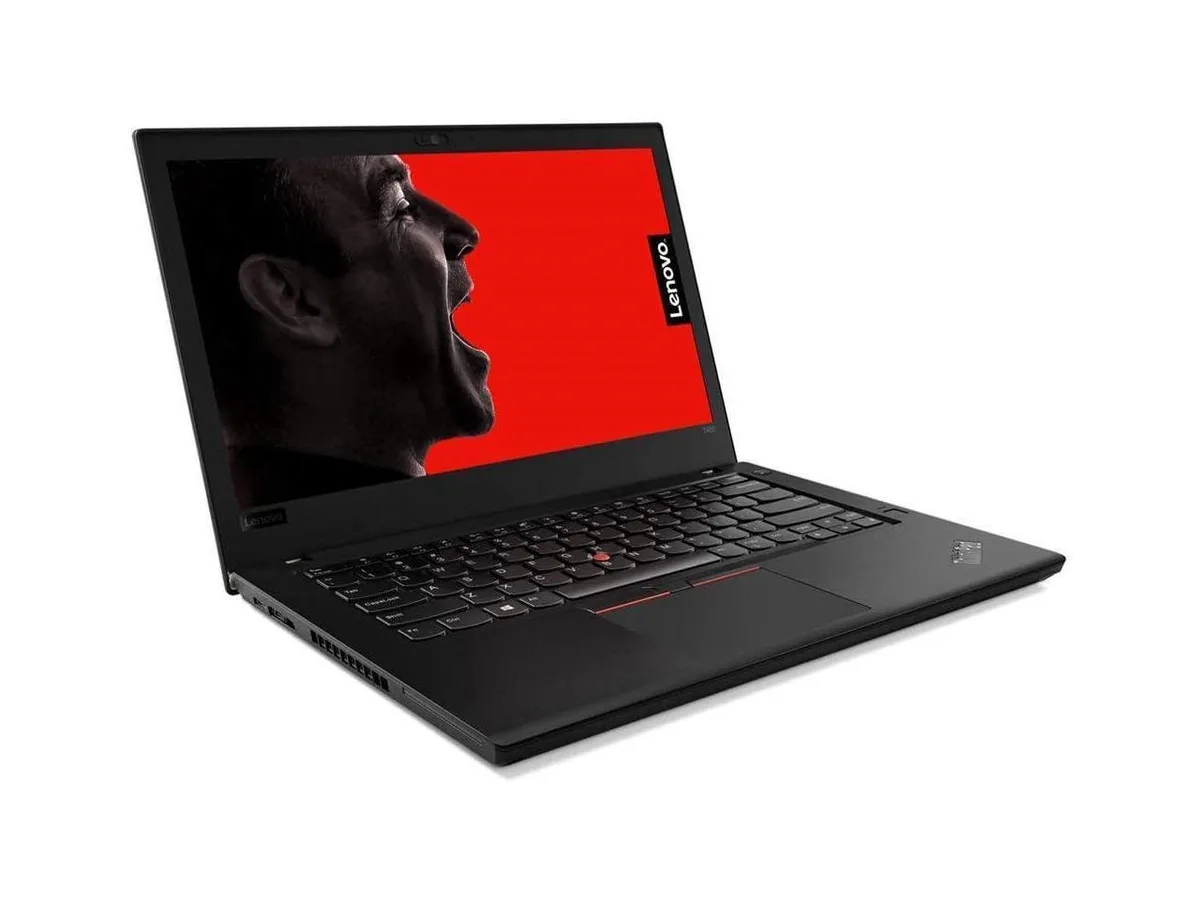
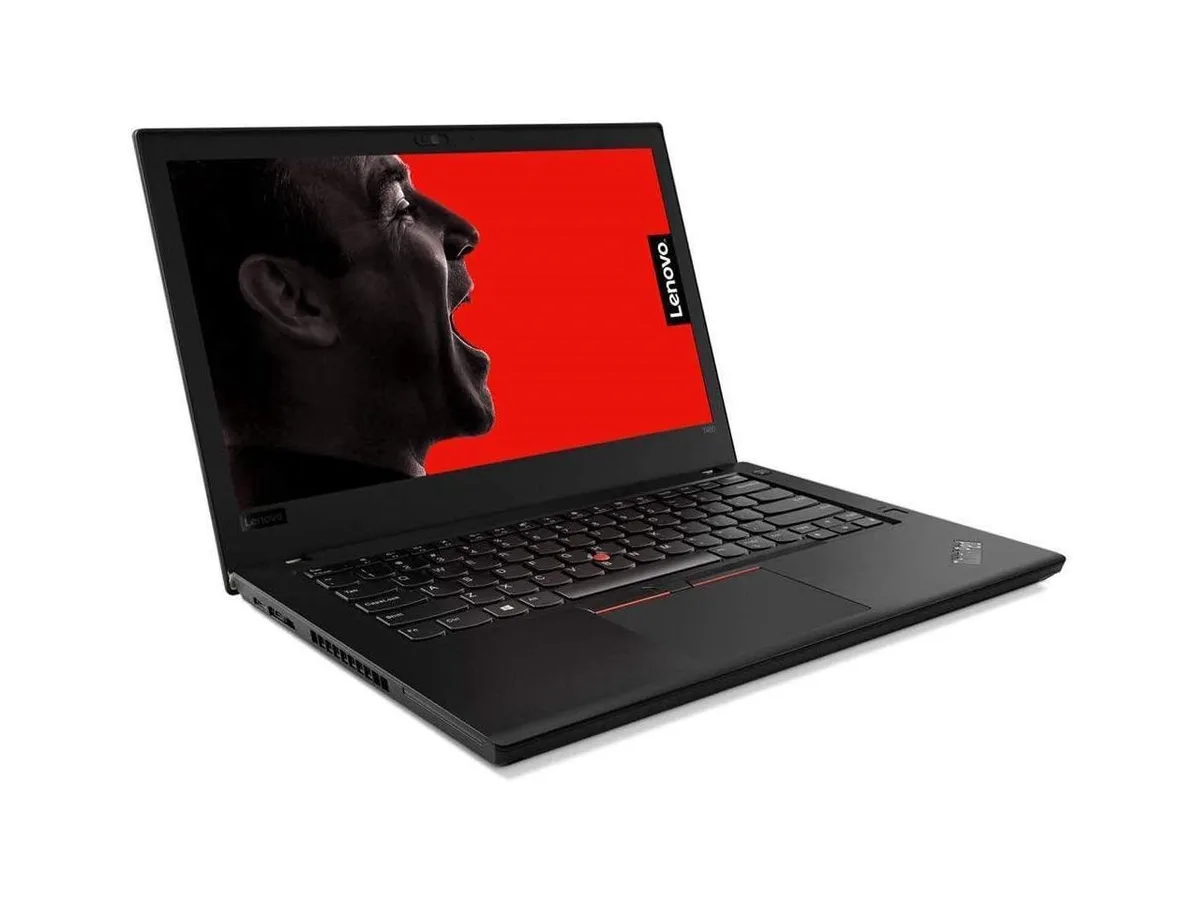
14-inch WUXGA business laptop with 12-core Intel Core Ultra 7 155U, 32GB DDR5, 512GB SSD, fingerprint reader and Thunderbolt 4 ports
The Lenovo ThinkPad T14 is a 14-inch business laptop built around an Intel Core Ultra 7 155U processor with 12 cores and 14 threads. It ships with 32 GB of DDR5 4800 memory and a 512 GB PCIe SSD. Windows 11 Home comes pre-installed. The matte IPS panel runs at 1920 x 1200 resolution and 60 Hz refresh rate.
Intel Graphics handles everyday productivity, video playback and light creative tasks without a discrete GPU. The 12-core processor can reach 4.8 GHz with Turbo Boost, but the thin 0.7-inch chassis limits how long peak frequencies hold under continuous multi-threaded load. Expect stable performance for office suites and web workloads rather than extended rendering or compute sessions.
Two Thunderbolt 4 ports provide 40 Gbps signalling for docks, external storage or displays, while a single HDMI output drives one external monitor. Wi-Fi 6E adds access to the 6 GHz band where spectrum permits, but real-world throughput depends on router compatibility and local interference. The RJ-45 jack tops out at 1 Gbps wired speeds.
| Brand | Lenovo |
|---|---|
| Series | ThinkPad T14 |
| Model | Lenovo 14 |
| Color | Gray |
| Operating System | Windows 11 Home |
| CPU Type | Intel Core Ultra 7 (Series 1) |
| Processor Name | 1.5 GHz |
| Number of Cores | 12-core Processor |
| Screen Size | 14.0" |
| Touchscreen | Non-Touch Screen |
| Display Type | WUXGA |
| Resolution | 1920 x 1200 |
| GPU/VPU | Intel Graphics |
| Graphic Type | Integrated Card |
| SSD | 512 GB |
| Memory | 32GB |
| Memory Speed | DDR5 4800 |
| Optical Drive Type | No |
| WLAN | 802.11ac Wireless LAN |
| WiFi Generation | Wi-Fi 6E |
| Bluetooth | Yes |
| USB | 1 |
| HDMI | 1 x HDMI |
| Ethernet | 1 x RJ-45 (100Mbps) |
| Audio | Integrated Sound card |
| Speaker | Internal Speakers |
| Backlit Keyboard | Backlit |
| Style | Standard |
| Type | Home / Personal |
| Battery Life | Up to 7 Hours |
The 12-core processor reaches 4.8 GHz boost clocks within a 0.7-inch thin chassis weighing 2.96 lbs; thermal output and acoustic levels will vary with workload intensity and ambient temperature.
Thunderbolt 4 cables or docks for high-speed data and video, an HDMI cable for external displays, and an Ethernet cable for wired networking are required; the laptop itself supplies the ports.
Yes, the two USB Type-A ports provide direct compatibility with legacy USB-A devices such as mice, keyboards and flash drives; no adapters are needed.
Also in this aisle
Same shelf, same checkout — eight coins and a 30-minute rate lock.
What you pay in, and what you read prices in.
Sent from your wallet at checkout
Display only — the catalogue is priced in USD
No currency matches that.
Pick the language the site speaks to you in.
New here?
Already have one?
There is no automatic reset: this shop sends no mail, so there is no one-time link to ask for. Leave the address on the account and it gets picked up by hand.
Request noted
Nothing is on its way to your inbox — this shop sends no mail at all. Someone picks these up by hand.
Remembered it?