Lenovo
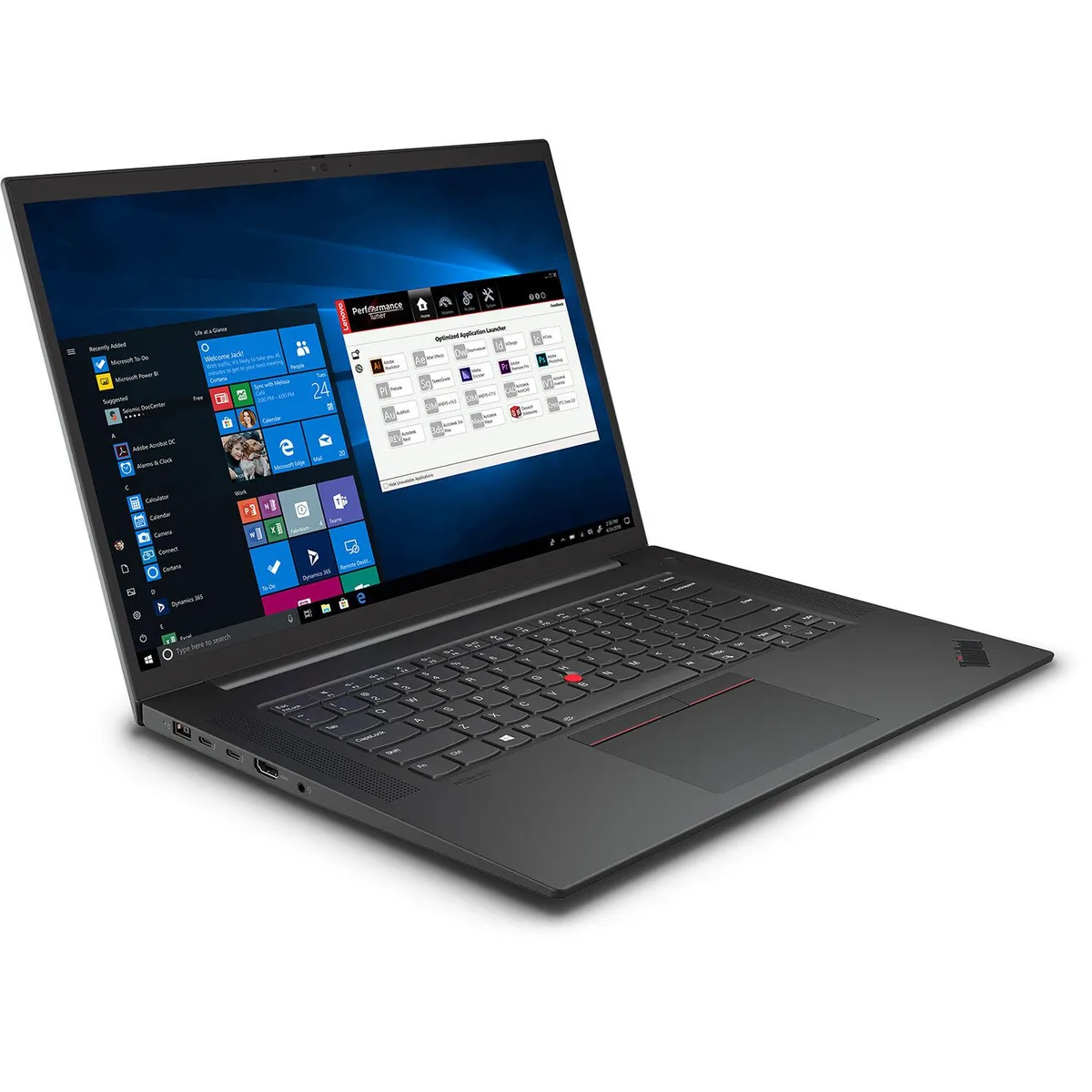
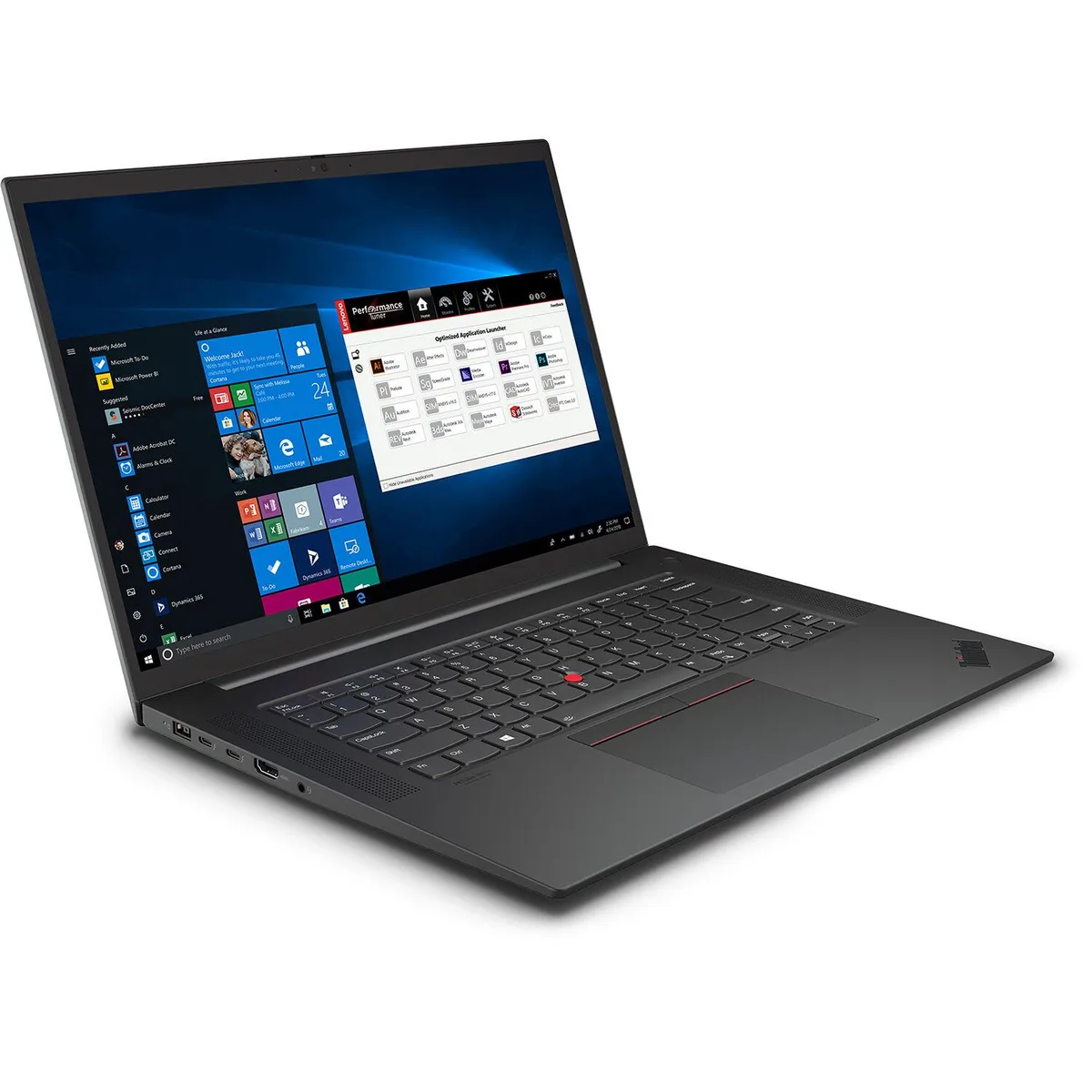
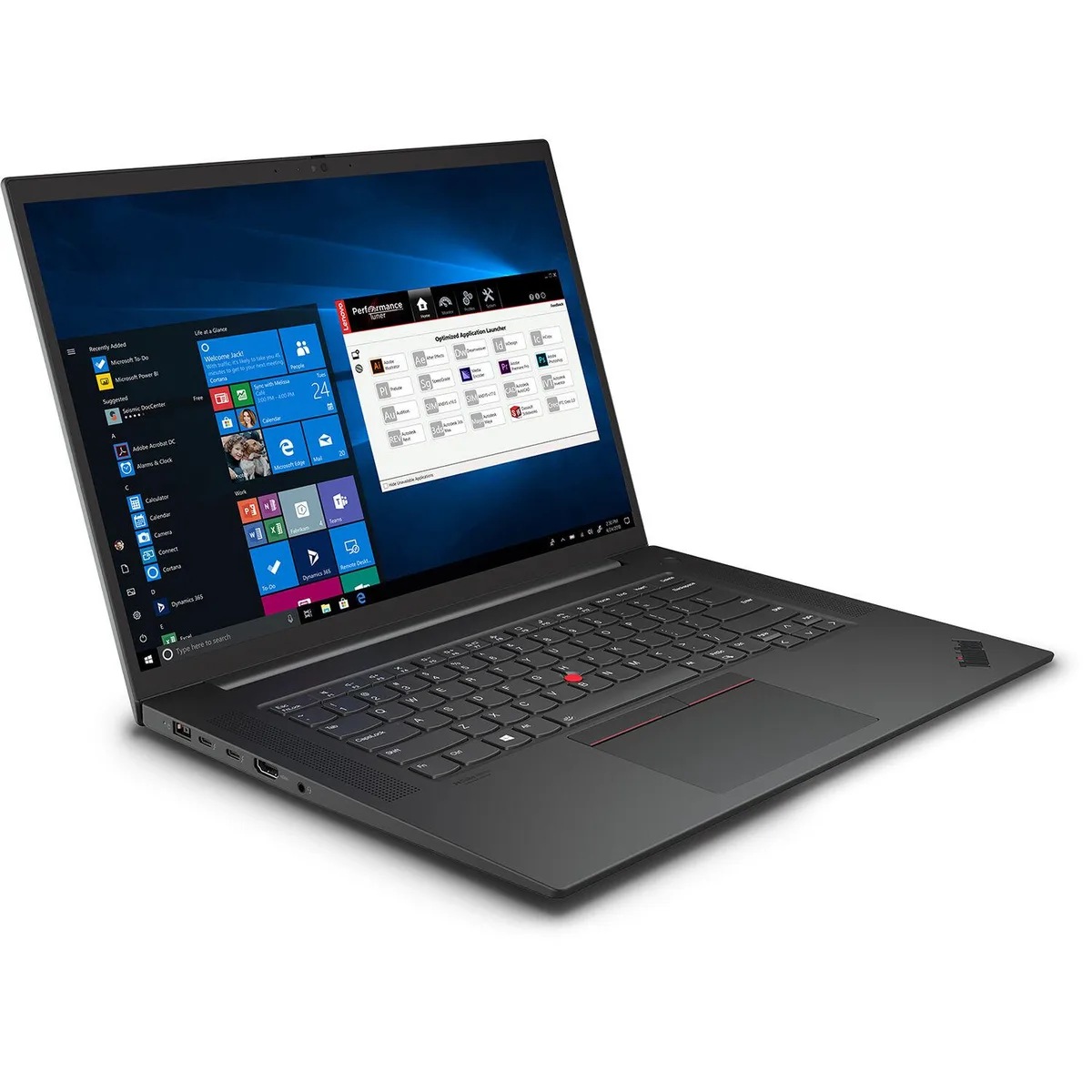
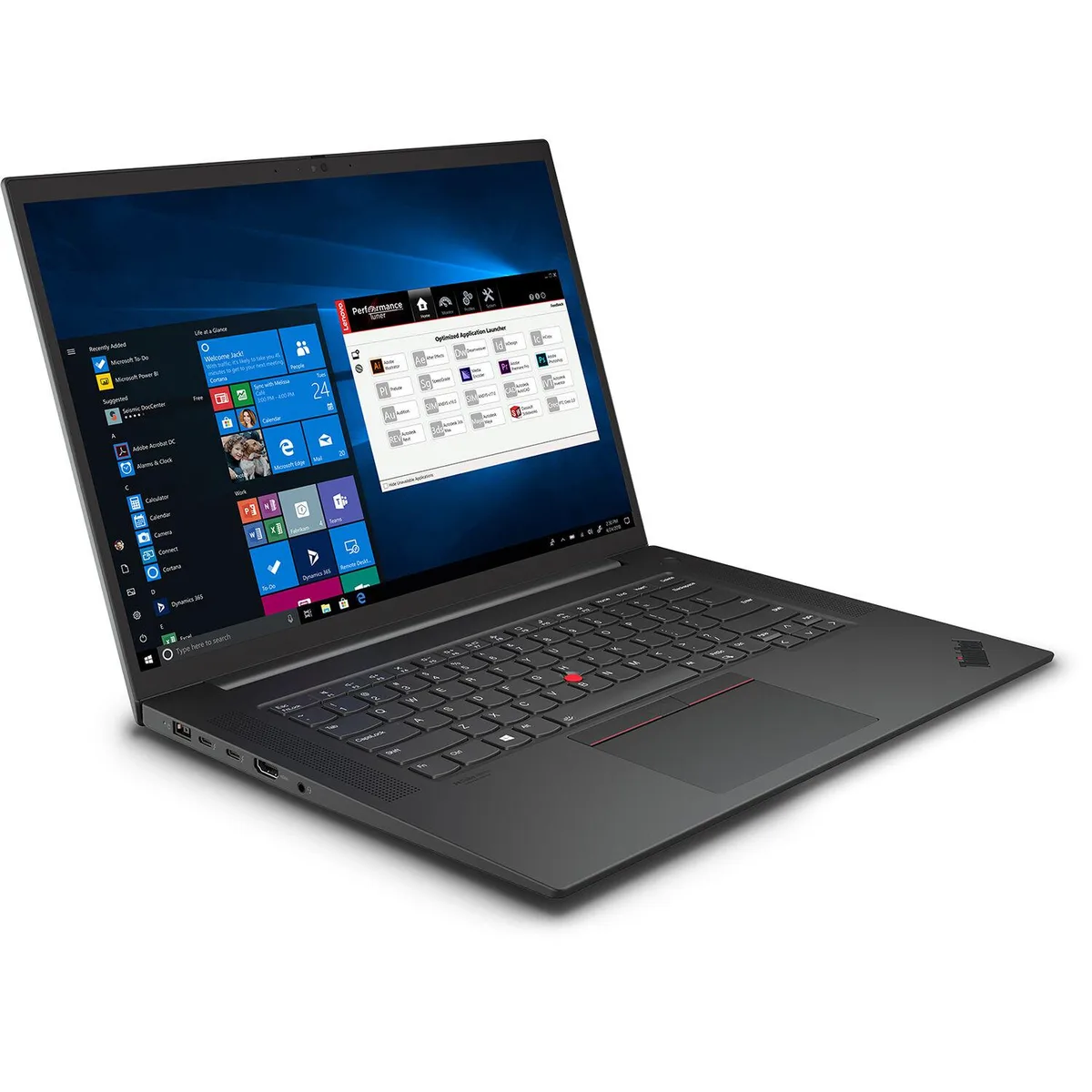
Lenovo ThinkPad P1 Gen 4 business laptop i7-11850H 32GB 1TB RTX 3070 16" WQUXGA IPS
- Black Textured
- Security Chip: Disc…
$2,061.99
0.02619298BTC
In stockWe take cryptocurrency — so the coins you hold can buy real hardware.Pay in crypto, spend it on real hardware. Free insured shipping worldwide over $399. Plain, unbranded boxes, sent from Germany.Free insured shipping over $399. Your rate is locked for 30 minutes once checkout opens.Rate locked 30 minutes. Every item sealed, serial-checked and covered by a 24-month warranty.Sealed, 24-month warranty.


Lenovo
A 14 inch FHD anti-glare laptop with a quad-core i5-8365U, 8GB DDR4 and a 128GB NVMe SSD running Windows 11 Pro
This 14-inch laptop ships with Windows 11 Pro and an Intel Core i5-8365U processor. It includes 8 GB of DDR4-2400 memory and a 128 GB PCIe NVMe SSD. The anti-glare IPS panel delivers a 1920 x 1080 resolution at 300 nits brightness. Integrated Intel UHD Graphics 620 handles visual output using shared system memory.
The quad-core CPU and 8 GB of RAM handle everyday productivity, web browsing and video calls. Wireless-AC 9560 with Bluetooth 5.1 provides modern wireless connectivity. Buyers who need more than 128 GB of local storage should consider a different configuration. The integrated graphics are not intended for demanding 3D applications or gaming.
The single 128 GB PCIe NVMe drive determines whether this unit meets your capacity requirements. No mechanical hard drive is present and no additional storage is included. Verify that this space is sufficient for your operating system, applications and active files before purchase. Memory is fixed at 8 GB DDR4-2400 with no upgrade path mentioned.
| Brand | Lenovo |
|---|---|
| Model | ThinkPad T490 |
| Part Number | 20N3S5GM00-I010-RB |
| Color | Black |
| Operating System | Windows 11 Pro |
| CPU Type | Intel Core i5 8th Gen |
| Core Name | Intel Core i5-8365U |
| Number of Cores | Quad-core Processor |
| Screen Size | 14.0" |
| Touchscreen | No |
| Resolution | 1920 x 1080 |
| GPU/VPU | Intel UHD Graphics 620 |
| Video Memory | Shared system memory |
| Graphic Type | Integrated Graphics |
| SSD | 128 GB |
| HDD | No |
| Memory | 8GB |
| Memory Speed | DDR4 2400 |
| Memory Spec | 8 |
| Optical Drive Type | No |
| LAN | No |
| WLAN | 802.11ac Wireless LAN |
| Bluetooth | Bluetooth 5.1 |
| USB | 1 x USB 3.1 Gen 1 1 x USB 3.1 Gen 1 (Always On) 1 x USB-C 3.1 Gen 2 / Thunderbolt 3 (support data transfer, Power Delivery and DisplayPort 1.2) 1 x USB-C 3.1 Gen 1 (support data transfer, Power Delivery and DisplayPort 1.2) |
| Video Port | 1 x HDMI 1.4b |
| Ethernet | No |
| Audio Ports | 1 x Headphone / microphone combo jack (3.5mm) |
| Speaker | Stereo speakers, 2W x2, Dolby Audio Premium |
| Touchpad | Multi Touch |
| Keyboard | Spill-resistant keyboard |
| Webcam | HD 720p |
| Type | Mainstream |
| Battery | Integrated Li-Polymer 50Wh battery |
| Weight | 3.41 |
The laptop uses DDR4-2400 SO-DIMM modules. Match this speed and form factor when adding or replacing the 8 GB of installed memory.
The 128 GB PCIe NVMe SSD occupies one M.2 slot. A second M.2 drive can be added only if the chassis provides an additional M.2 slot.
Open Device Manager, expand Display adapters, and verify Intel UHD Graphics 620 is listed without error icons.
Also in this aisle
Same shelf, same checkout — eight coins and a 30-minute rate lock.
What you pay in, and what you read prices in.
Sent from your wallet at checkout
Display only — the catalogue is priced in USD
No currency matches that.
Pick the language the site speaks to you in.
New here?
Already have one?
There is no automatic reset: this shop sends no mail, so there is no one-time link to ask for. Leave the address on the account and it gets picked up by hand.
Request noted
Nothing is on its way to your inbox — this shop sends no mail at all. Someone picks these up by hand.
Remembered it?