LG Electronics
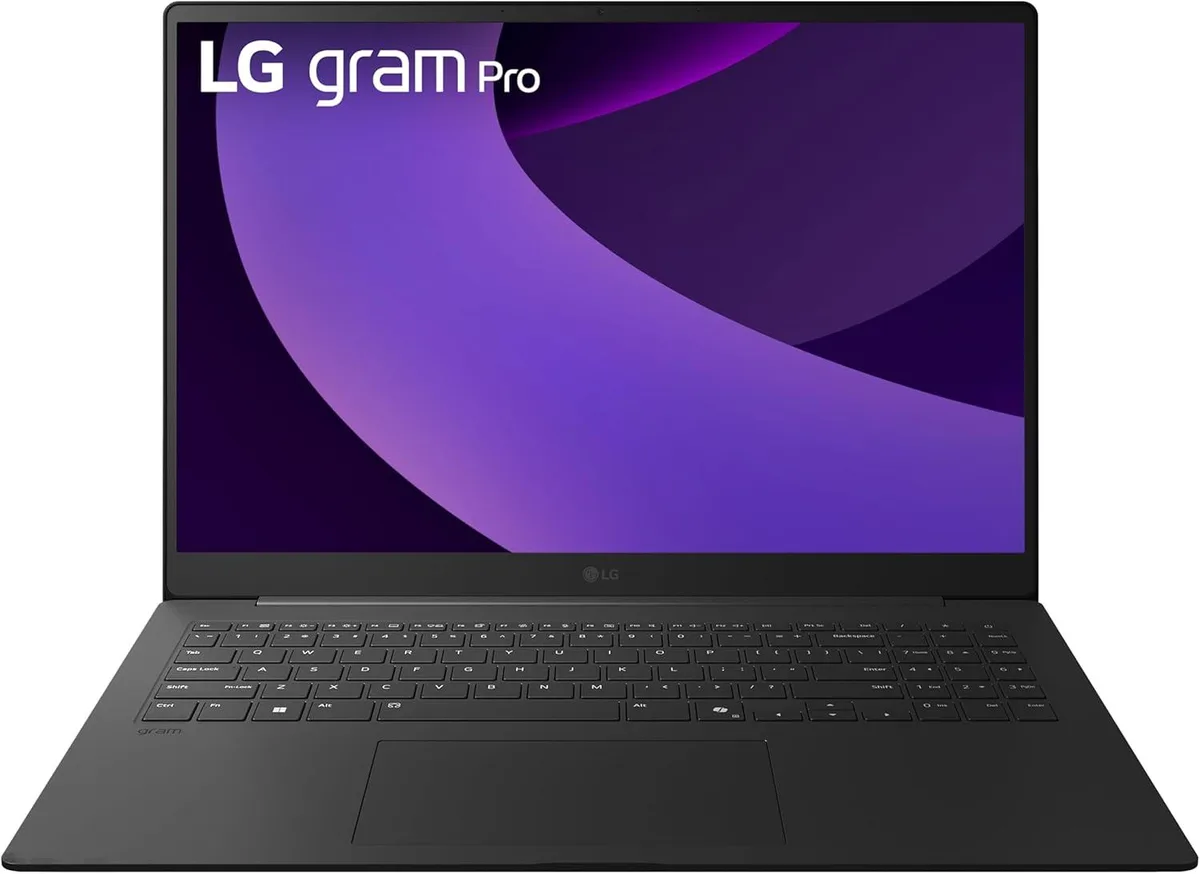
LG gram Pro 17-inch Laptop Intel Core Ultra 9 285H RTX 5050 32GB 2TB Black
- Black
- Windows 11 Home
$2,489.99
0.03135652BTC
In stockWe take cryptocurrency — so the coins you hold can buy real hardware.Pay in crypto, spend it on real hardware. Free insured shipping worldwide over $399. Plain, unbranded boxes, sent from Germany.Free insured shipping over $399. Your rate is locked for 30 minutes once checkout opens.Rate locked 30 minutes. Every item sealed, serial-checked and covered by a 24-month warranty.Sealed, 24-month warranty.


Lenovo
A 12.5-inch touchscreen business laptop with a Core i7-2640M processor, 16GB DDR3 memory and a 500GB solid-state drive
The Lenovo ThinkPad X220 is a 12.5 inch portable computer with a multi-touch HD display running at 1366x768 resolution. It ships with Windows 8.1 Professional 64-bit and an Intel Core i7-2640M processor that reaches 3.5 GHz turbo frequency. The system includes 16GB of DDR3 memory and a 500GB solid state drive. It is built for professionals who need pen input and a durable chassis in a compact form factor.
The laptop provides three USB ports, a VGA output, a DisplayPort connection and a gigabit LAN jack for wired networking. Wireless connectivity uses 802.11b/g/n and a dedicated docking connector supports shared work areas with other compatible ThinkPad units. Shared system memory handles graphics duties, freeing expansion slots for storage or other upgrades. The integrated keyboard and Active Protection System are designed for mobile reliability without external peripherals.
This unit replaces older non-touch business notebooks that lack solid state storage and multi-touch capability. The jump is worthwhile for users who need pen-enabled workflows, faster boot times from the 500GB SSD and 16GB of memory for heavier multitasking. Buyers who require a higher resolution panel, discrete graphics or newer wireless standards should consider other models. The 12.5 inch footprint also limits screen real estate compared to larger ultraportables.
| Brand | Lenovo |
|---|---|
| Series | X220 |
| Color | Black |
| Operating System | Windows 8.1 Pro |
| CPU Type | Intel Core i3 2nd Gen |
| Processor Name | Intel Core i7-2640M |
| Turbo Frequency | 3.50 GHz |
| Screen Size | 12.5" |
| Touchscreen | Touch Screen |
| Display Type | HD |
| Resolution | 1366x768 |
| Video Memory | Shared system memory |
| SSD | 500GB |
| HDD | No |
| Memory | 16GB |
| LAN | 10/100/1000Mbps |
| WLAN | 802.11b/g/n Wireless LAN |
| USB | 3 |
| Video Port | 1 x VGA, 1 x DisplayPort |
| Docking Connector | 1 |
| Audio Ports | 1 x Headphone/Microphone Combo Jack |
| Audio | Integrated Sound card |
| Speaker | Internal Speakers |
| Touchpad | ThinkPad UltraNav |
| Backlit Keyboard | No |
| Other Input Devices | Yes |
| Webcam | No |
| Dimensions (W x D x H) | 12" x 8.2" x 0.5" |
| Weight | 5 - 5.9 lbs. |
The dual-core i7-2640M is rated for 3.50 GHz Turbo; sustained loads will push the cooling system to its thermal ceiling, so expect frequency to step down once the chassis saturates with heat.
The compact 12.5" chassis uses a single fan; under continuous load the fan spins up audibly and the keyboard deck grows warm, typical for this ultraportable form factor.
The rectangular docking connector on the bottom mates with Lenovo ThinkPad Series 3 docks used across T, L and W series of the same era.
Also in this aisle
Same shelf, same checkout — eight coins and a 30-minute rate lock.
What you pay in, and what you read prices in.
Sent from your wallet at checkout
Display only — the catalogue is priced in USD
No currency matches that.
Pick the language the site speaks to you in.
New here?
Already have one?
There is no automatic reset: this shop sends no mail, so there is no one-time link to ask for. Leave the address on the account and it gets picked up by hand.
Request noted
Nothing is on its way to your inbox — this shop sends no mail at all. Someone picks these up by hand.
Remembered it?