


LG Electronics
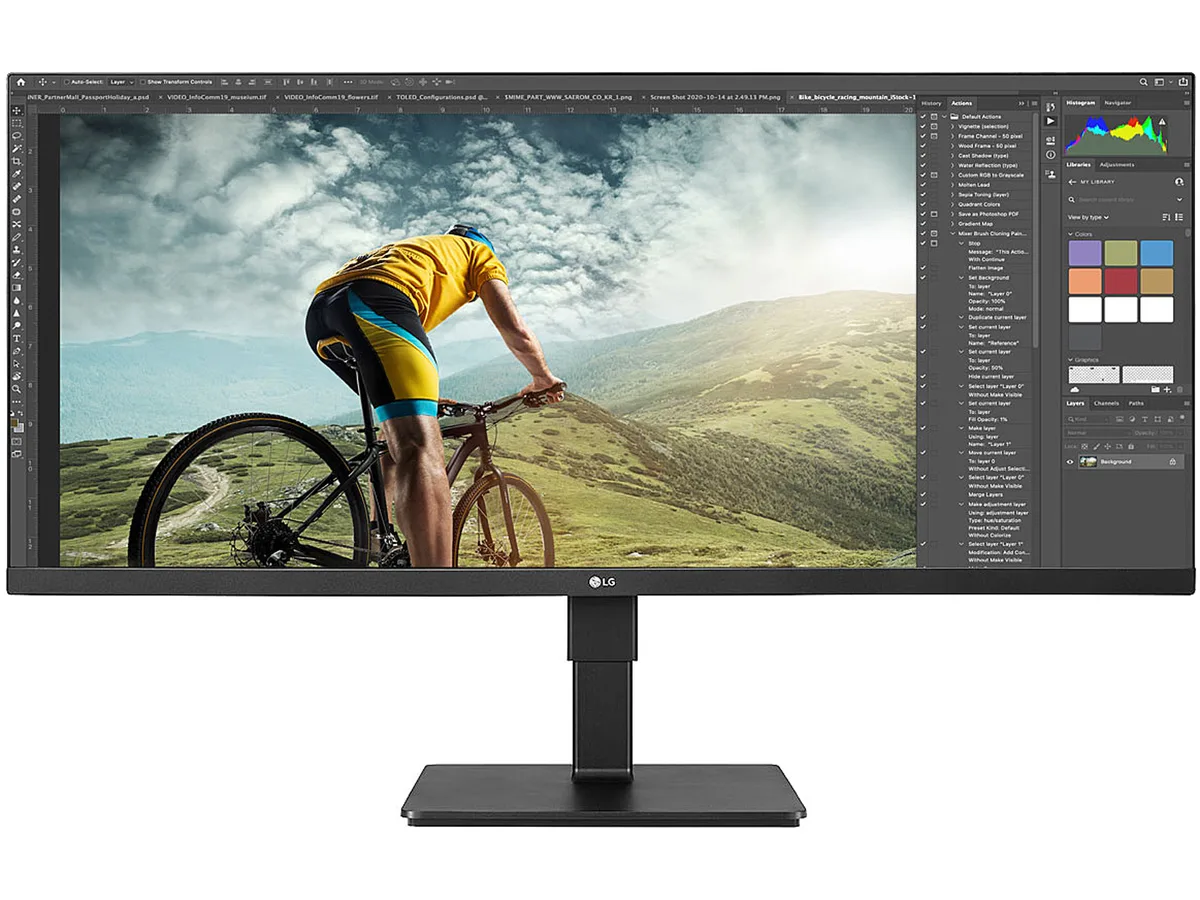
LG Electronics 34BN670-B 34" UltraWide monitor
A 34-inch UltraWide IPS display delivers 2560 x 1080 resolution with 21:9 aspect ratio, VESA DisplayHDR 400, AMD FreeSync, built-in speakers, and a stand offering tilt, swivel.
- Cabinet ColorBlack
- Screen Size34"
- WidescreenYes
- Resolution2560 x 1080
- Viewing Angle178° (H) / 178° (V)
- Monitor Pixel Density0.312mm x 0.310mm
- 34-inch UltraWide IPS panel gives extra horizontal workspace
- VESA DisplayHDR 400 with 400 nits typical brightness and 500 nits peak
- sRGB 99 percent typical coverage for accurate colour work
- AMD FreeSync adaptive sync reduces tearing during gaming
- Height-adjustable stand with tilt, swivel and 150 mm range
34-inch UltraWide IPS monitor
The LG 34BN670-B is a 34-inch UltraWide IPS monitor with a 21:9 aspect ratio and 2560 x 1080 resolution. It targets office workers and multitaskers who want extra horizontal space for side-by-side windows. The panel covers 99% sRGB and delivers 400 nits typical brightness with VESA DisplayHDR 400 support. A tilt, swivel and 150 mm height-adjustable stand lets users set a comfortable viewing position.
Suits single-screen workflows.
This monitor suits professionals who prefer one wide display over dual monitors for spreadsheets, timelines or coding. AMD FreeSync and 5 ms response time also make it viable for casual gaming. Buyers who need sharper text for detailed design work or want more vertical resolution should look at higher-density panels. The 16.7 million colour depth and 1,000:1 contrast ratio meet general productivity demands but fall short of reference-grade colour workflows.
2560 x 1080 resolution across 34 inches
The 2560 x 1080 pixel grid spreads across the 34-inch diagonal, giving a 0.312 mm x 0.310 mm pixel pitch that handles standard office scaling comfortably. Typical power draw is 33 W, rising to 42 W maximum, with sleep below 0.5 W. Two HDMI ports and one DisplayPort connect multiple sources, while built-in speakers with MaxxAudio cover basic audio. HDR content peaks at 500 nits, though the 1,000:1 contrast ratio limits highlight depth in dark scenes.
Highlights
- 34-inch UltraWide IPS panel gives extra horizontal workspace
- VESA DisplayHDR 400 with 400 nits typical brightness and 500 nits peak
- sRGB 99 percent typical coverage for accurate colour work
- AMD FreeSync adaptive sync reduces tearing during gaming
- Height-adjustable stand with tilt, swivel and 150 mm range
Specifications
| Brand | LG |
|---|---|
| Model | 34BN670-B |
| Cabinet Color | Black |
| Screen Size | 34" |
| Widescreen | Yes |
| Resolution | 2560 x 1080 |
| Viewing Angle | 178° (H) / 178° (V) |
| Monitor Pixel Density | 0.312mm x 0.310mm |
| Display Colors | 16.7 Million |
| Brightness | 400nits Brightness (Typ.) / 500nits Peak Brightness (Typ.) |
| Contrast Ratio | 1,000:1 |
| Aspect Ratio | 21:9 |
| Response Time | 5 ms |
| Panel | IPS |
| Adaptive Sync Technology | FreeSync (AMD Adaptive Sync) |
| HDMI | 2 |
| DisplayPort | 1 |
| Power Supply | 100 - 240 VAC, 50/60Hz |
| Power Consumption | Typical Power Consumption: 33W Max Power Consumption: 42W Sleep Mode Power Consumption: Less than 0.5W DC Off Power Consumption: Less than 0.3W |
| Stand Adjustments | Tilt: -5° to 35° Swivel: +/-45° Height Range: 0 to 150 mm |
| Built-in Speakers | 7W |
| HDCP Support | Yes |
| VESA Compatibility - Mountable | 100 x 100mm |
| Dimensions | 18.40"-24.30" x 32.10" x 10.00" with Stand 14.40" x 32.10" x 1.80" without Stand |
| Weight | 20.70 lbs. with Stand 13.20 lbs. without Stand |
| Shipping weight | 13.61 kg |
| Package size | 933 × 502 × 218 mm |
Questions about this item
What video outputs must my graphics card provide to use the 34BN670-B at its native 2560x1080 resolution?
The monitor accepts two HDMI inputs and one DisplayPort input; connect either type from your GPU to reach the full 2560 x 1080 resolution.
Will the monitor's AMD FreeSync adaptive sync work with my existing NVIDIA graphics card?
FreeSync on this display is compatible with supported NVIDIA GeForce cards when connected via DisplayPort and enabled in the NVIDIA control panel.
How can I confirm the panel is delivering the advertised VESA DisplayHDR 400 performance after setup?
Play HDR test content — the screen should reach a typical 400 nits brightness and show the HDR badge in the on-screen display information menu.
Also in this aisle
People compared these
Same shelf, same checkout — eight coins and a 30-minute rate lock.


Acer America
Acer America UM.HX1AA.103 Nitro XF273 X1 27" 1920x1080 200Hz monitor
- Black
- 27"
$199.99
0.00258432BTC
In stock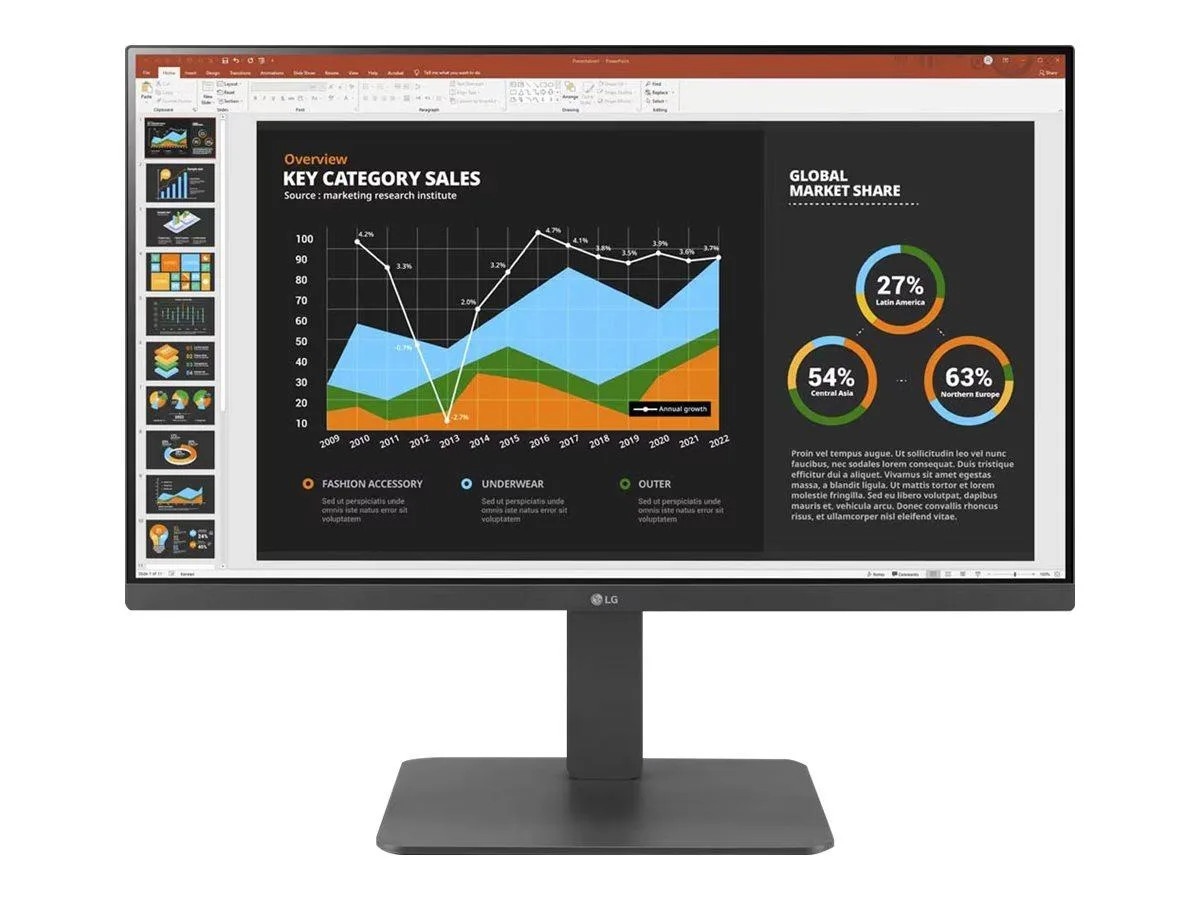
LG Electronics
LG Electronics 24BR650B-C 23.8" 1920x1080 IPS monitor
- Black
- 23.8" (Viewable)
$279.99
0.0036181BTC
In stock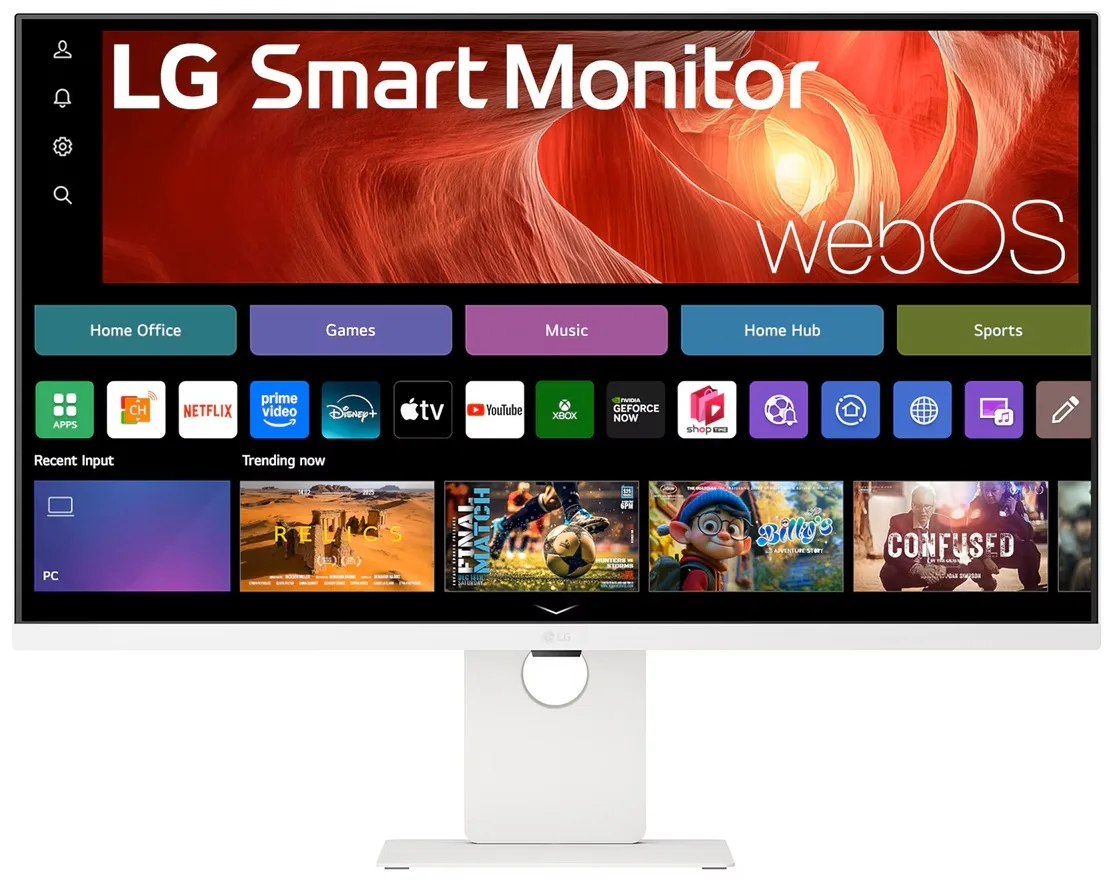
LG Electronics
LG Electronics 37U730SA-W 37" 4K UHD IPS Smart Monitor webOS White
- White
- webOS
$584.99
0.00755938BTC
In stock