


MSI
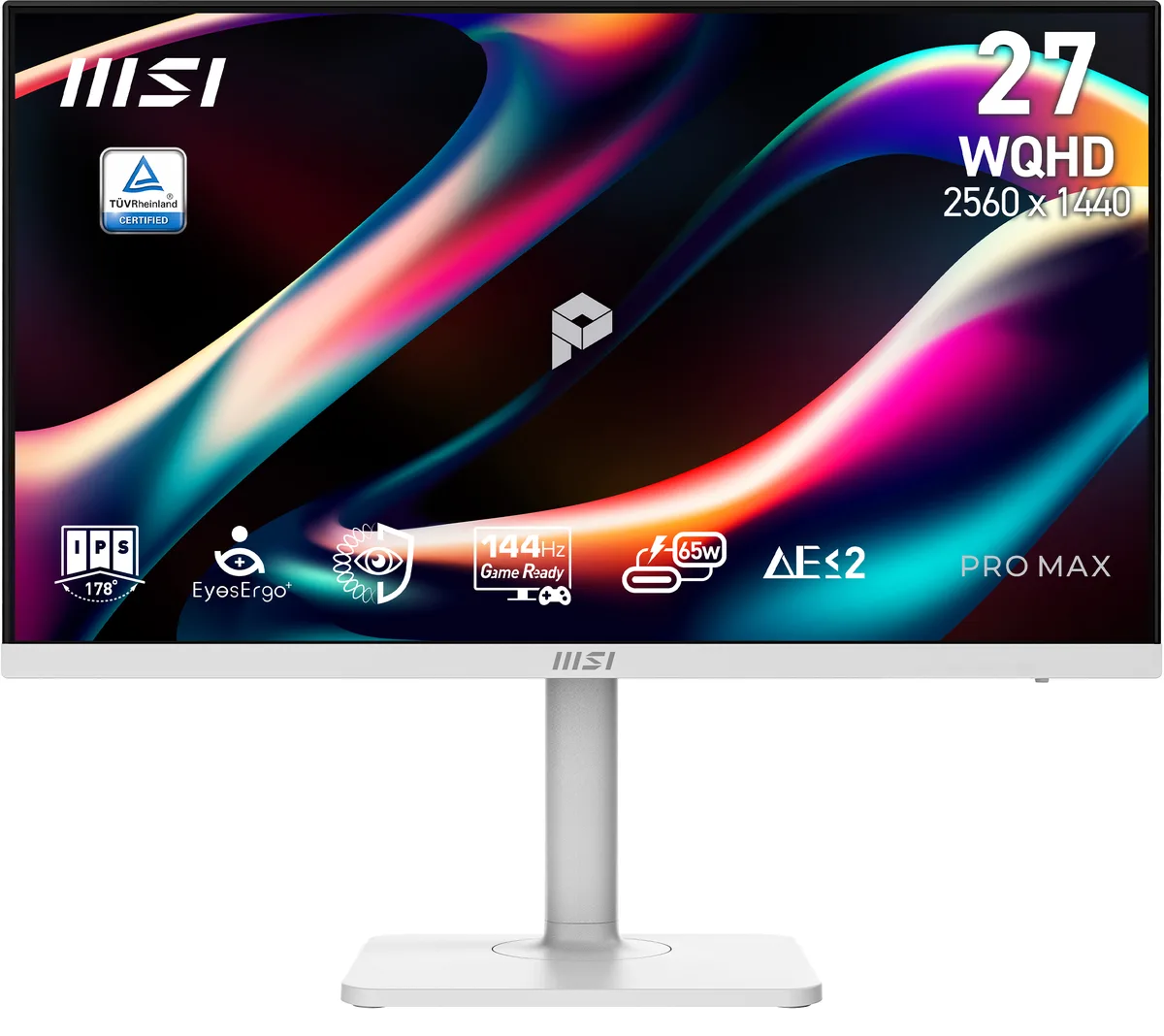
MSI PRO MAX 271QPHW E14 27" 1440p 144Hz IPS monitor
A 27" 1440p 144Hz IPS monitor with 300 cd/m² brightness, 1500:1 contrast, 1ms response, 178° viewing angles, USB-C 65W charging, and a height-adjustable white stand
- Cabinet ColorMatte White
- Screen Size27"
- Glare ScreenNon-glare
- WidescreenYes
- Resolution2560 x 1440 (2K)
- Refresh Rate144Hz
- Sharp 27" 2560 x 1440 IPS panel delivers crisp detail for coding and design
- 144 Hz refresh rate with 1 ms response time keeps motion smooth and flicker-free
- 178° wide viewing angles maintain consistent colour and contrast from any position
- USB-C with 65 W power delivery carries video, data and charging in one cable
- TÜV-certified low-blue-light hardware and MSI Eye-Q Check reduce eye strain during long sessions
27-inch WQHD monitor for coding workspaces
The MSI PRO MAX 271QPHW E14 is a 27-inch WQHD display built for programming, coding and website design. Its IPS panel delivers 16.7 million colours at 2560 x 1440 resolution with a 144 Hz refresh rate. The non-glare matte white cabinet reduces reflections during long sessions.
Installation and common issues
The monitor uses a height-adjustable stand with pivot, swivel and tilt movement. A single USB-C cable carries video, data and 65 W charging through DisplayPort Alt Mode. Ensure the host device supports USB-C video and power delivery, otherwise the one-cable feature will not function.
Pre-purchase checks
Verify that your laptop or desktop provides USB-C DisplayPort Alt Mode and at least 65 W power output for charging. Confirm the graphics output can drive 2560 x 1440 at 144 Hz over the available port. The stand requires desk space for its full range of ergonomic adjustments.
Highlights
- Sharp 27" 2560 x 1440 IPS panel delivers crisp detail for coding and design
- 144 Hz refresh rate with 1 ms response time keeps motion smooth and flicker-free
- 178° wide viewing angles maintain consistent colour and contrast from any position
- USB-C with 65 W power delivery carries video, data and charging in one cable
- TÜV-certified low-blue-light hardware and MSI Eye-Q Check reduce eye strain during long sessions
Specifications
| Brand | MSI |
|---|---|
| Series | PRO MAX |
| Model | PRO MAX 271QPHW E14 |
| Part Number | PRO MAX 271QPHW E14 |
| Cabinet Color | Matte White |
| Screen Size | 27" |
| Glare Screen | Non-glare |
| Widescreen | Yes |
| Resolution | 2560 x 1440 (2K) |
| Refresh Rate | 144Hz |
| Viewing Angle | 178° (H) / 178° (V) |
| Monitor Pixel Density | 0.2331mm |
| Display Colors | 16.7 Million |
| Brightness | 300 cd/m2 |
| Contrast Ratio | 1,500:1 |
| Aspect Ratio | 16:9 |
| Response Time | 1 ms |
| Panel | IPS |
| Display Type | WQHD |
| HDR Standard | HDR Ready |
| Adaptive Sync Technology | FreeSync (AMD Adaptive Sync) |
| Curved Surface Screen | Flat Panel |
| Video Ports | 1 x DisplayPort / 2 x HDMI 2.0b |
| USB Ports | 1 x USB 3.2 Gen 1 Type-B / 2 x USB 3.2 Gen 1 Type-A |
| HDMI | 2 x HDMI 2.0 |
| DisplayPort | 1 |
| Headphone | yes |
| Power Supply | 100 - 240 VAC, 50/60Hz |
| Power Consumption | Power On: 17W Power Saving/Off: <0.5W |
| Stand Adjustments | Height, Pivot, Swivel, Tilt |
| Built-in Speakers | 2 x 3W |
| Built-in Webcam | No |
| VESA Compatibility - Mountable | 100 x 100mm |
| Dimensions | 16.17" x 24.15" x 7.91" with stand 14.27" x 24.15" x 2.51" without stand |
| Weight | 14.11 lbs. |
| Package Contents | Power Cord, HDMI Cable, USB Type A to Type B Cable, USB Type C to Type C Cable |
| Shipping weight | 10.30 kg |
| Package size | 886 × 457 × 146 mm |
Questions about this item
Does the USB-C port supply enough power to charge a typical laptop while driving the display?
The port delivers up to 65W of power alongside DisplayPort Alt Mode video, which covers many ultrabooks and thin-and-light notebooks.
Will the stand let me use the screen in portrait orientation for coding or long documents?
The stand supports pivot, so the panel can be rotated for a vertical layout.
Is the panel certified for reduced blue-light emission without shifting colours to yellow?
TÜV-certified Low Blue Light PRO shifts the spectrum at hardware level, cutting harmful blue light while keeping colour accuracy intact.
Also in this aisle
People compared these
Same shelf, same checkout — eight coins and a 30-minute rate lock.


Acer America
Acer America UM.HX1AA.103 Nitro XF273 X1 27" 1920x1080 200Hz monitor
- Black
- 27"
$199.99
0.00257673BTC
In stock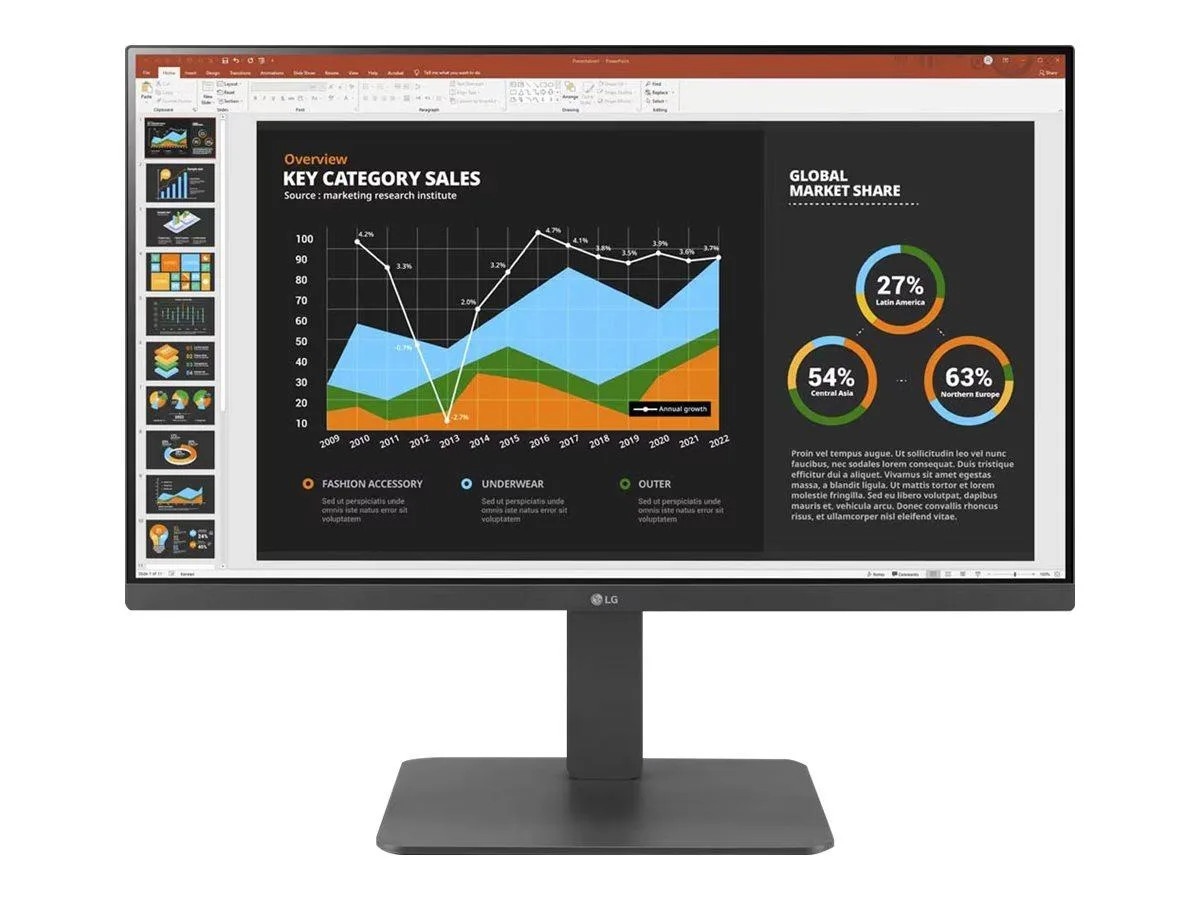
LG Electronics
LG Electronics 24BR650B-C 23.8" 1920x1080 IPS monitor
- Black
- 23.8" (Viewable)
$279.99
0.00360747BTC
In stock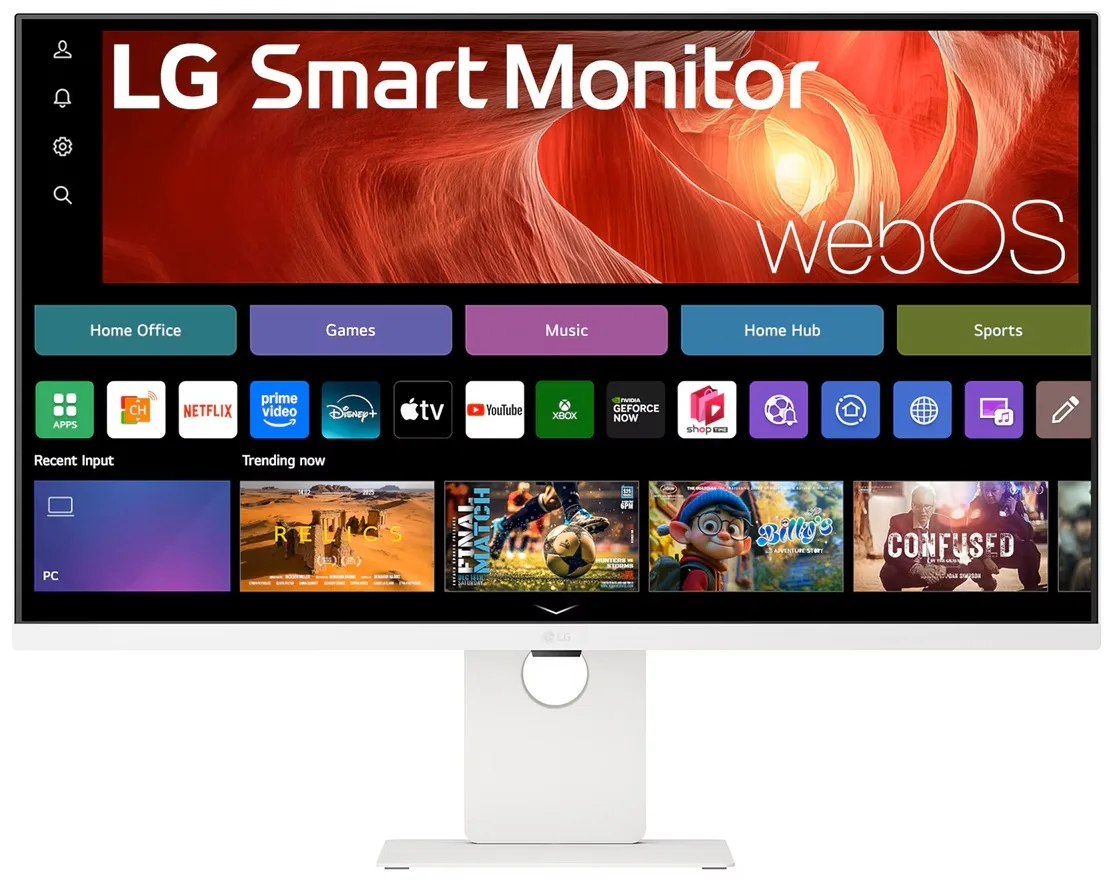
LG Electronics
LG Electronics 37U730SA-W 37" 4K UHD IPS Smart Monitor webOS White
- White
- webOS
$584.99
0.00753717BTC
In stock