LG Electronics
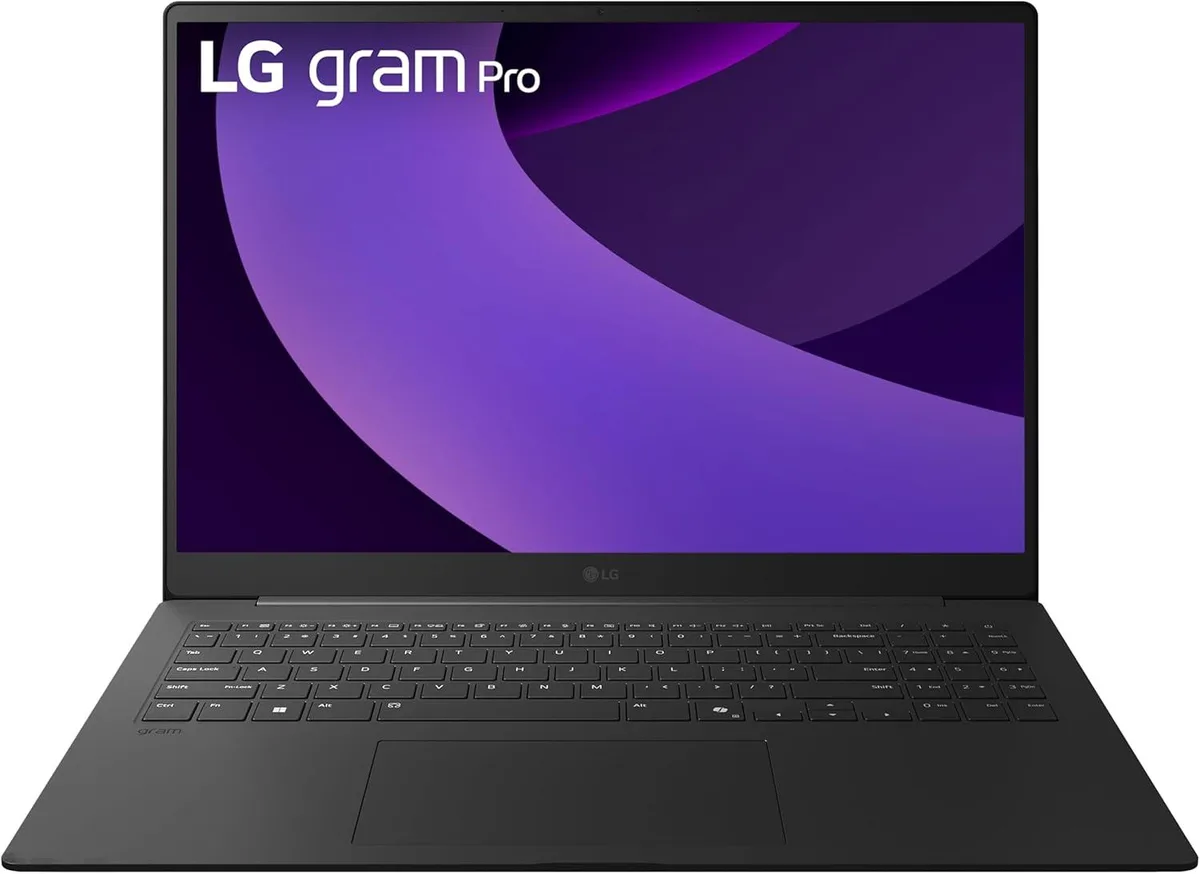
LG gram Pro 17-inch Laptop Intel Core Ultra 9 285H RTX 5050 32GB 2TB Black
- Black
- Windows 11 Home
$2,489.99
0.03135652BTC
In stockWe take cryptocurrency — so the coins you hold can buy real hardware.Pay in crypto, spend it on real hardware. Free insured shipping worldwide over $399. Plain, unbranded boxes, sent from Germany.Free insured shipping over $399. Your rate is locked for 30 minutes once checkout opens.Rate locked 30 minutes. Every item sealed, serial-checked and covered by a 24-month warranty.Sealed, 24-month warranty.


MSI
16-inch QHD+ 240Hz laptop with Intel Ultra 7 255HX 20-core CPU, RTX 5070 Ti 12GB graphics, 32GB DDR5 and 2TB PCIe SSD
The MSI Vector 16 HX AI laptop is a 16.0-inch Windows 11 Home system built around an Intel Core Ultra 7 255HX 20-core processor that reaches 5.2 GHz. It pairs 32GB of DDR5 memory with a 2TB PCIe SSD and an NVIDIA GeForce RTX 5070 Ti GPU carrying 12GB of GDDR7 video memory. The 240Hz QHD+ IPS panel shows 2560 x 1600 resolution for fluid motion in games and creative work. Connectivity includes two Thunderbolt 5 ports, two USB-A 3.2 ports, HDMI 2.1, RJ45 Ethernet, an SD Express card reader and Wi-Fi 6E.
Buyers who want a 240Hz QHD+ display, 20-core CPU performance and RTX 5070 Ti graphics in a 16-inch chassis will find the specifications aligned with that workload. The configuration is not for users who need a touchscreen, a fingerprint reader or a larger screen than 16 inches. It also does not suit workflows that require more than 32GB of system memory or more than 2TB of internal storage without external drives.
The graphics card provides 12GB of GDDR7 memory and the RTX 5070 Ti architecture, which determines whether the laptop can handle the target resolution and frame rates in modern titles or GPU-accelerated applications. If the workload demands more video memory or a higher GPU tier, this model will not meet that requirement. The 240Hz panel and 20-core CPU complement the GPU but the graphics subsystem remains the primary filter for purchase suitability.
| Series | Raider |
|---|---|
| Model | Vector 16 |
| Color | Gray |
| Operating System | Windows 11 Home |
| CPU Type | Intel Core Ultra 7 (Series 1) |
| Processor Name | 2.00GHz |
| Turbo Frequency | 5.2 GHz |
| Number of Cores | 20-core (8P+12E) Processor |
| Screen Size | 16.0" |
| Touchscreen | Non-Touch Screen |
| Display Type | QHD+ |
| Resolution | 2560 x 1600 |
| GPU/VPU | GeForce RTX 5070 Ti Laptop GPU |
| Video Memory | 12GB |
| Graphic Type | Integrated Card |
| SSD | 2TB PCIe |
| HDD | No |
| Memory | 32GB |
| Optical Drive Type | No |
| WLAN | Yes |
| Bluetooth | Yes |
| USB | 2 |
| HDMI | 1 x HDMI |
| Audio Ports | 1 x Headphone/Microphone Combo Jack |
| Audio | Integrated Sound card |
| Speaker | Internal Speakers |
| Touchpad | Yes |
| Keyboard | Yes |
| Backlit Keyboard | Backlit |
| Webcam | Yes |
| Style | Standard |
| Type | Home / Personal |
| Usage | Consumer |
| Weight | 5 - 5.9 lbs. |
| Package Content | Laptop, Charger |
The chassis measures 14.05 x 11.1 x 1.12 inches and weighs 5.95 pounds, so it fits most 16-inch sleeves but check the sleeve's internal depth before buying.
The original seal is opened by engineers for upgrades; install the PCIe SSD in the spare M.2 slot, then reseal — the upgrade carries its own 1-year warranty alongside the factory cover.
The RGB LEDs are rated for tens of thousands of hours; typical use means you will not need a keyboard replacement during the laptop's service life.
Also in this aisle
Same shelf, same checkout — eight coins and a 30-minute rate lock.
What you pay in, and what you read prices in.
Sent from your wallet at checkout
Display only — the catalogue is priced in USD
No currency matches that.
Pick the language the site speaks to you in.
New here?
Already have one?
There is no automatic reset: this shop sends no mail, so there is no one-time link to ask for. Leave the address on the account and it gets picked up by hand.
Request noted
Nothing is on its way to your inbox — this shop sends no mail at all. Someone picks these up by hand.
Remembered it?