


MSI
MSI Vector 16 HX AI laptop, Ultra 7 255HX, RTX 5070 Ti, 64GB, 4TB
A 16-inch QHD+ 240Hz gaming laptop with an Intel Ultra 7 255HX 20-core processor, RTX 5070 Ti 12GB graphics, 64GB DDR5 memory and a 4TB PCIe SSD
- ColorGray
- Operating SystemWindows 11 Home
- CPU TypeIntel Core Ultra 7 (Series 1)
- Processor Name2.00GHz
- Turbo Frequency5.2 GHz
- Number of Cores20-core (8P+12E) Processor
- 20-core Ultra 7 255HX reaches 5.2 GHz for instant responsiveness
- 16-inch QHD+ IPS 240 Hz display delivers crystal-clear visuals
- RTX 5070 Ti with 12 GB GDDR7 powers crisp, stunning graphics
- 64 GB DDR5 plus 4 TB PCIe SSD handles massive workloads
- Two Thunderbolt 5 ports plus HDMI 2.1 enable versatile connectivity
Vector 16 HX AI laptop for creators and engineers
The MSI Vector 16 HX AI laptop combines a 20-core Intel Ultra 7 255HX processor with an NVIDIA GeForce RTX 5070 Ti 12GB GPU. It ships with 64GB of DDR5 memory and a 4TB PCIe SSD. The 16-inch QHD+ IPS panel runs at 240Hz for fluid motion. Windows 11 Home is pre-installed in a gray chassis.
Thermals noise and power under load
The 20-core CPU reaches 5.2GHz turbo while the RTX 5070 Ti drives the 240Hz display. Thunderbolt 5 ports and Wi-Fi 6E add sustained throughput during long sessions. The 1.12-inch profile houses cooling for this component density. Fan behaviour scales with combined CPU and GPU demand.
12GB GDDR7 VRAM decides fit for 3D pipelines
The GeForce RTX 5070 Ti provides 12GB of GDDR7 video memory. That capacity sets the ceiling for texture-heavy scenes, large CAD assemblies and high-resolution GPU compute. Buyers who need more VRAM for offline rendering or multi-GPU scaling must look elsewhere.
Highlights
- 20-core Ultra 7 255HX reaches 5.2 GHz for instant responsiveness
- 16-inch QHD+ IPS 240 Hz display delivers crystal-clear visuals
- RTX 5070 Ti with 12 GB GDDR7 powers crisp, stunning graphics
- 64 GB DDR5 plus 4 TB PCIe SSD handles massive workloads
- Two Thunderbolt 5 ports plus HDMI 2.1 enable versatile connectivity
Specifications
| Series | Raider |
|---|---|
| Model | Vector 16 |
| Color | Gray |
| Operating System | Windows 11 Home |
| CPU Type | Intel Core Ultra 7 (Series 1) |
| Processor Name | 2.00GHz |
| Turbo Frequency | 5.2 GHz |
| Number of Cores | 20-core (8P+12E) Processor |
| Screen Size | 16.0" |
| Touchscreen | Non-Touch Screen |
| Display Type | QHD+ |
| Resolution | 2560 x 1600 |
| GPU/VPU | GeForce RTX 5070 Ti Laptop GPU |
| Video Memory | 12GB |
| Graphic Type | Integrated Card |
| SSD | 4TB PCIe |
| HDD | No |
| Memory | 64GB |
| Optical Drive Type | No |
| WLAN | Yes |
| Bluetooth | Yes |
| USB | 2 |
| HDMI | 1 x HDMI |
| Audio Ports | 1 x Headphone/Microphone Combo Jack |
| Audio | Integrated Sound card |
| Speaker | Internal Speakers |
| Touchpad | Yes |
| Keyboard | Yes |
| Backlit Keyboard | Backlit |
| Webcam | Yes |
| Style | Standard |
| Type | Home / Personal |
| Usage | Consumer |
| Weight | 5 - 5.9 lbs. |
| Package Content | Laptop, Charger |
Questions about this item
How do I install extra storage and which step do people skip?
The 4TB PCIe SSD is already installed; if you add a second drive later, the step most people miss is removing the bottom screws in the correct order before lifting the panel.
What maintenance or replacement will the 64GB DDR5 memory need later?
The 64GB DDR5 is soldered and not user-replaceable, so no routine memory maintenance is required.
Which limit appears first on the RTX 5070 Ti 12GB during sustained loads?
The GPU power ceiling is reached before the 240Hz IPS panel can become a bottleneck.
Also in this aisle
People compared these
Same shelf, same checkout — eight coins and a 30-minute rate lock.


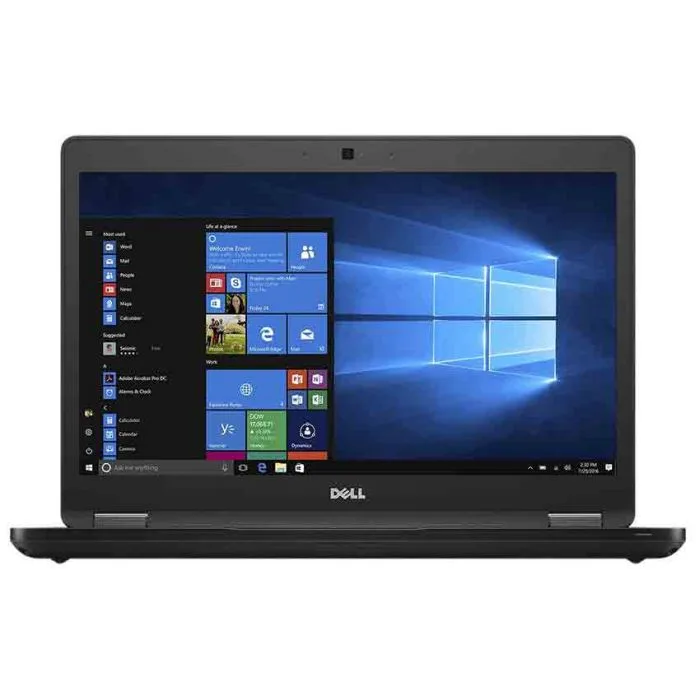
DELL
Dell Latitude 5480 Core i5-6300U 2.40 GHz 8.0 GB 128 GB laptop
- Black
- Windows 10 Pro
$201.99
0.00254367BTC
In stock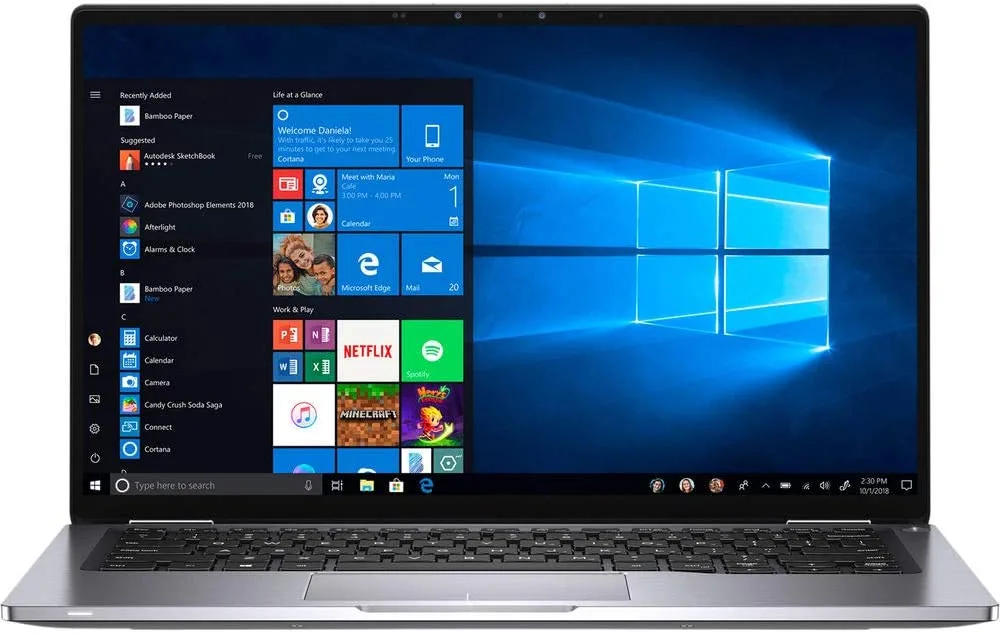
DELL
DELL Latitude 7400 14" 1920x1080 i5-8365U 16GB 256GB Win10 Pro
- Black / Silver
- Windows 10 Pro
$393.99
0.00496153BTC
In stock
DELL
Dell Latitude E7470 laptop i7 2.60GHz 8GB 256GB Windows 10 Pro 14.0
- Windows 10 Pro
- Intel Core i7
$191.99
0.00241774BTC
In stock