


Mushkin Enhanced
Mushkin Enhanced 997038 16GB (2x8GB) DDR3L 1600 laptop RAM
A 16 GB dual-channel DDR3L 1600 kit with two 8 GB 204-pin SO-DIMMs running at 1.35 V and CL11 11-11-11-28 timings
- 16 GB dual-channel kit expands multitasking headroom
- DDR3L 1600 speed keeps data moving smoothly
- Low 1.35 V voltage reduces power draw
- CL11 11-11-11-28 timings deliver responsive latency
16 GB Dual-Channel DDR3L Kit
The Mushkin Enhanced Essentials 997038 kit supplies 16 GB of DDR3L memory in two 8 GB SO-DIMM modules. Each module runs at 1600 MHz with PC3L-12800 bandwidth and uses the standard 204-pin layout. CAS latency is set to 11 with timings of 11-11-11-28 at 1.35 V.
Suitable for DDR3L laptop upgrades
This kit fits laptops that accept 204-pin DDR3L SO-DIMMs operating at 1.35 V and 1600 MHz. Systems limited to 1.5 V DDR3, single-channel configurations, or capacities beyond 16 GB per slot will need different memory.
Highlights
- 16 GB dual-channel kit expands multitasking headroom
- DDR3L 1600 speed keeps data moving smoothly
- Low 1.35 V voltage reduces power draw
- CL11 11-11-11-28 timings deliver responsive latency
Specifications
No published specifications for this item yet.
Questions about this item
Will this 204-pin DDR3L kit run at 1600 MHz alongside an older module I keep in the second slot?
The kit is rated for 1600 MHz at 1.35 V. If the older module is also DDR3L, the system will run both at the speed and voltage supported by the slower stick.
How can I confirm the 11-11-11-28 timings are active after installing the 997038 kit?
Open the BIOS or a tool such as CPU-Z and check the memory tab; it should show 1600 MHz, 1.35 V and the 11-11-11-28 timing row for the installed modules.
Also in this aisle
People compared these
Same shelf, same checkout — eight coins and a 30-minute rate lock.


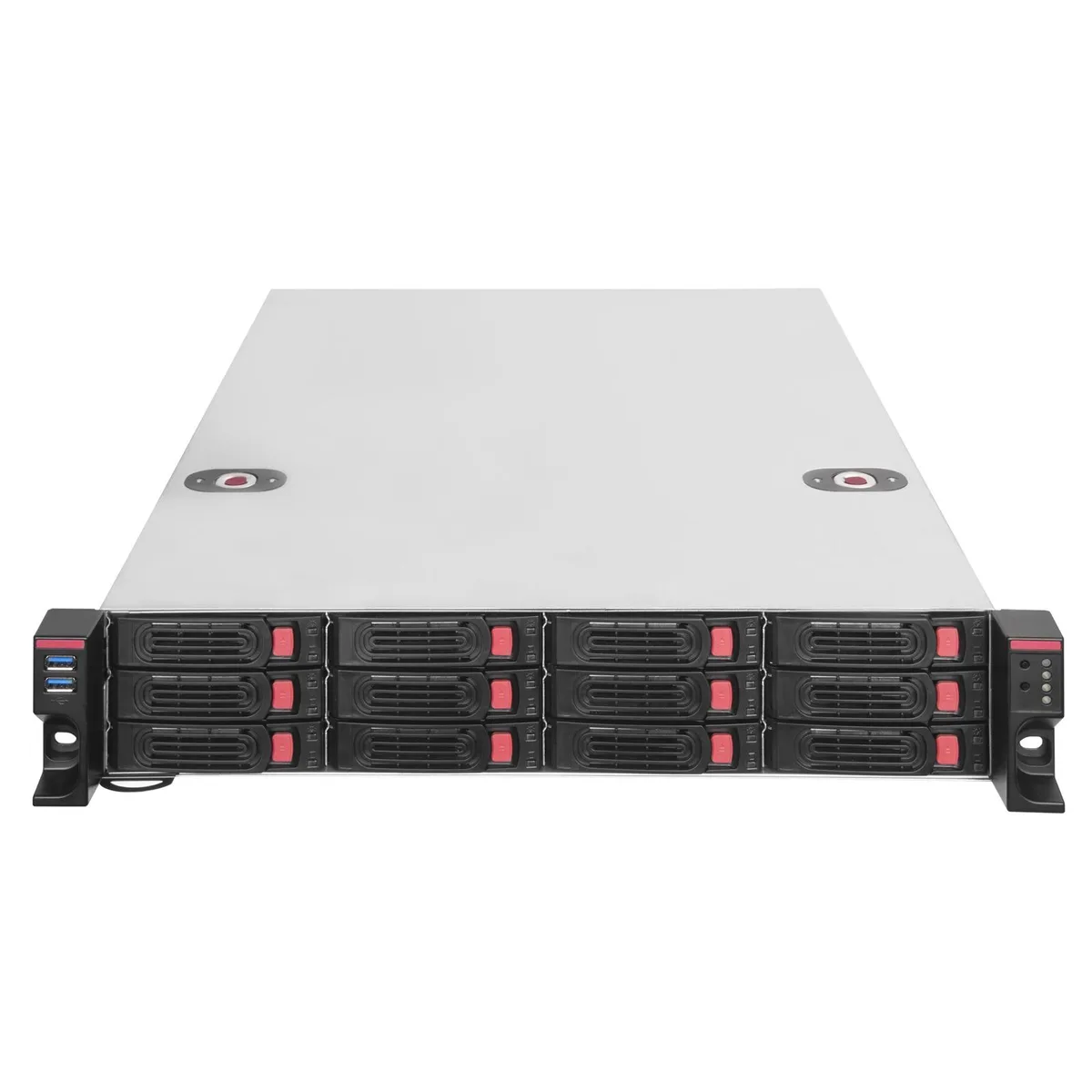
Silverstone
Silverstone RM22-312 2U 12-bay 2.5" / 3.5" server chassis
- Rackmount
$444.99
0.0057121BTC
In stock
iStarUSA Inc.
iStarUSA Inc. D400-6SE-B6SA-SL 4U Rackmount Server Chassis 6 Hot-Swap Bays
- Rackmount
- 4U
$459.99
0.00590465BTC
In stock